Built-in skill
Agent Admin
ProductivityCreate focused agents for recurring jobs, then choose each one's role, knowledge, model, and access.
- Android — supported
- iPhone — supported
- Mac — supported
Inside the real app
Explore the screens in a demonstration workspace.
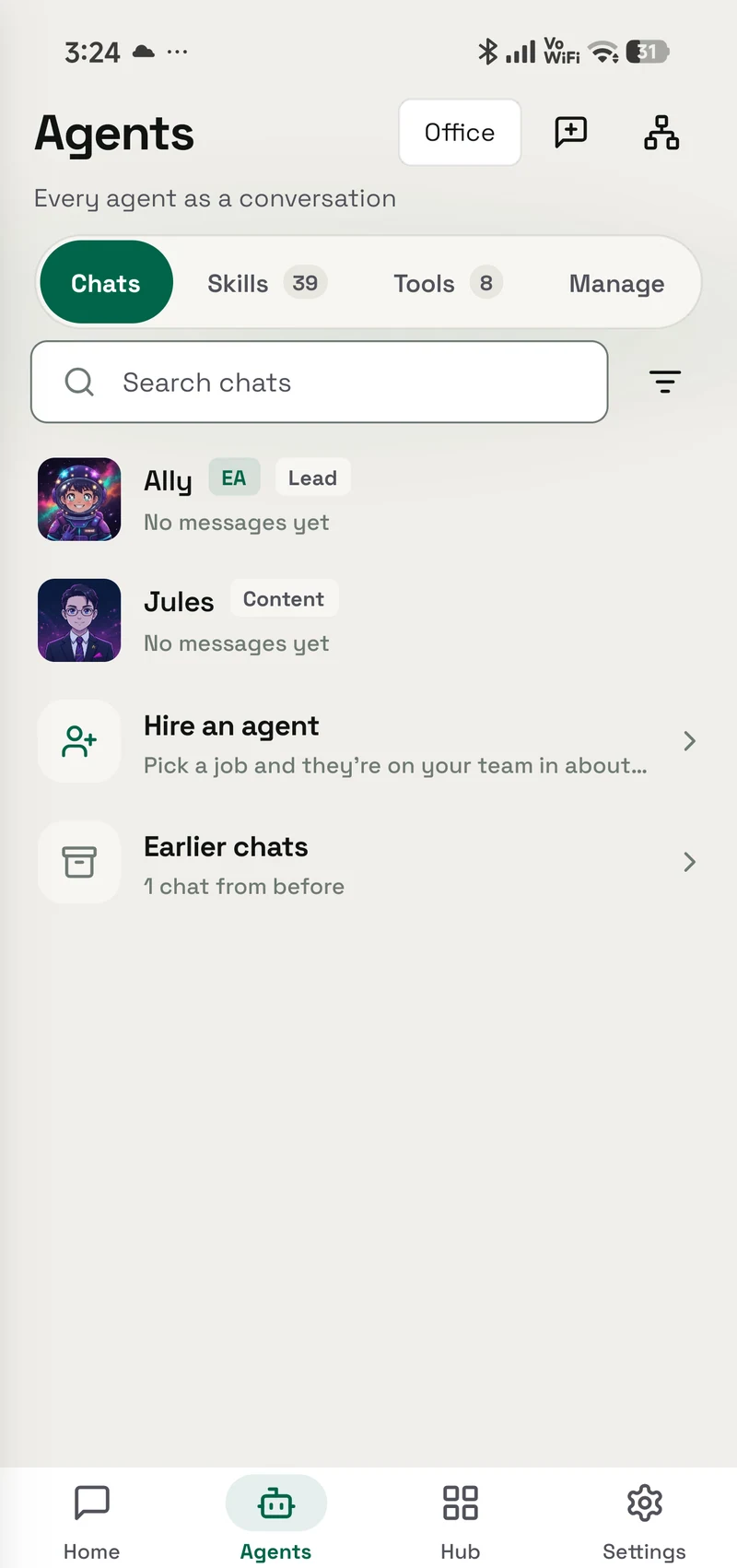
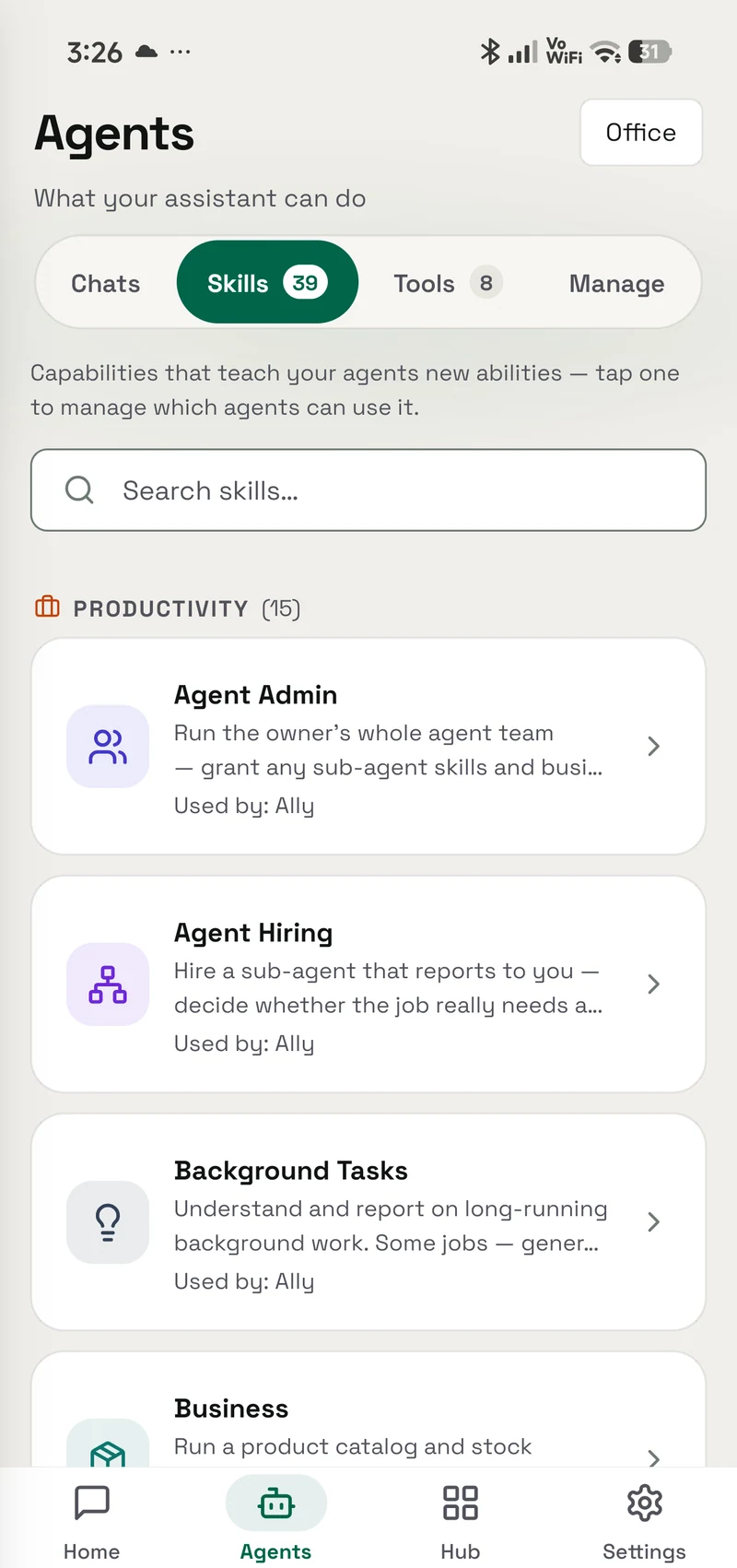
Create focused helpers for research, support, sales, or any repeatable job, then choose each helper's role, knowledge, and access.
Grant model
How granting works
A skill is a permission you hand to an agent, not a silent preload.
- Find it in Skills Agent Admin is built in, so there is nothing separate to install.
- Choose who can use it Give the skill only to the agents that need this job, and change that choice whenever you want.
- Review its access This skill does not ask for additional access.
Prompts
Try it with
The quick actions this skill puts in front of you in the app.
- Grant a skill Let one of my agents use
- Review access Show me what each of my agents is allowed to do.
Access summary
What it may use
Each helper gets only the access you choose for it, and you can change or remove that access later.
- Network
- No network access
- Files
- No file access
- Memory
- No saved-memory access
- Credentials
- No connected-account access
- Media
- No media access
- Browser
- No browser access
Related
Works with
The apps, skills and tools Agent Admin sits next to.
Skill Creator
Teach OpenAlly a new skill by describing the job, the guidance it should follow, and the access it may use.
- Android — supported
- iPhone — not available
- Mac — not available
App Guide
Get plain-language help running your business in OpenAlly: the website, stock, orders, invoices and your team.
- Android — supported
- iPhone — supported
- Mac — not available
More Productivity
Agent Hiring
Add an agent that reports to one of your own — after checking whether an existing agent already covers the job — then write its role, teach it, and test it before anything depends on it.
- Android — supported
- iPhone — supported
- Mac — supported
Background Tasks
Keep long jobs moving after a chat reply and see progress, results, or cancellation from one place.
- Android — supported
- iPhone — supported
- Mac — supported
Beam
Share files over your own Wi-Fi with any device that has a browser. It works both ways, needs no internet, and you choose which agents may start a share.
- Android — supported
- iPhone — supported
- Mac — supported
Business
Manage products, stock, prices, taxes, and inventory from a screen or by asking your agent.
- Android — supported
- iPhone — supported
- Mac — supported
Get Agent Admin
It is built into OpenAlly on the clients shown above, no separate skill download.