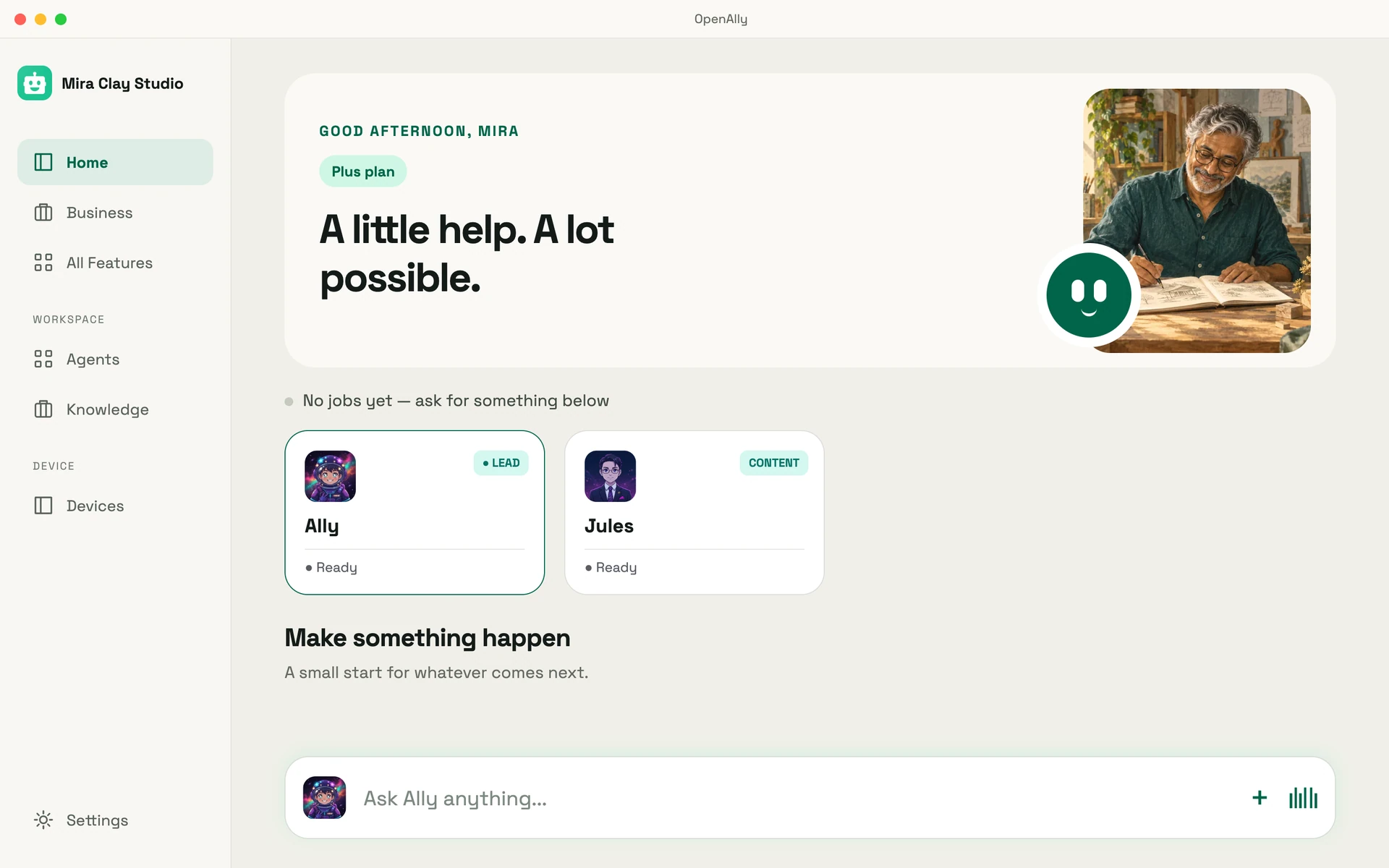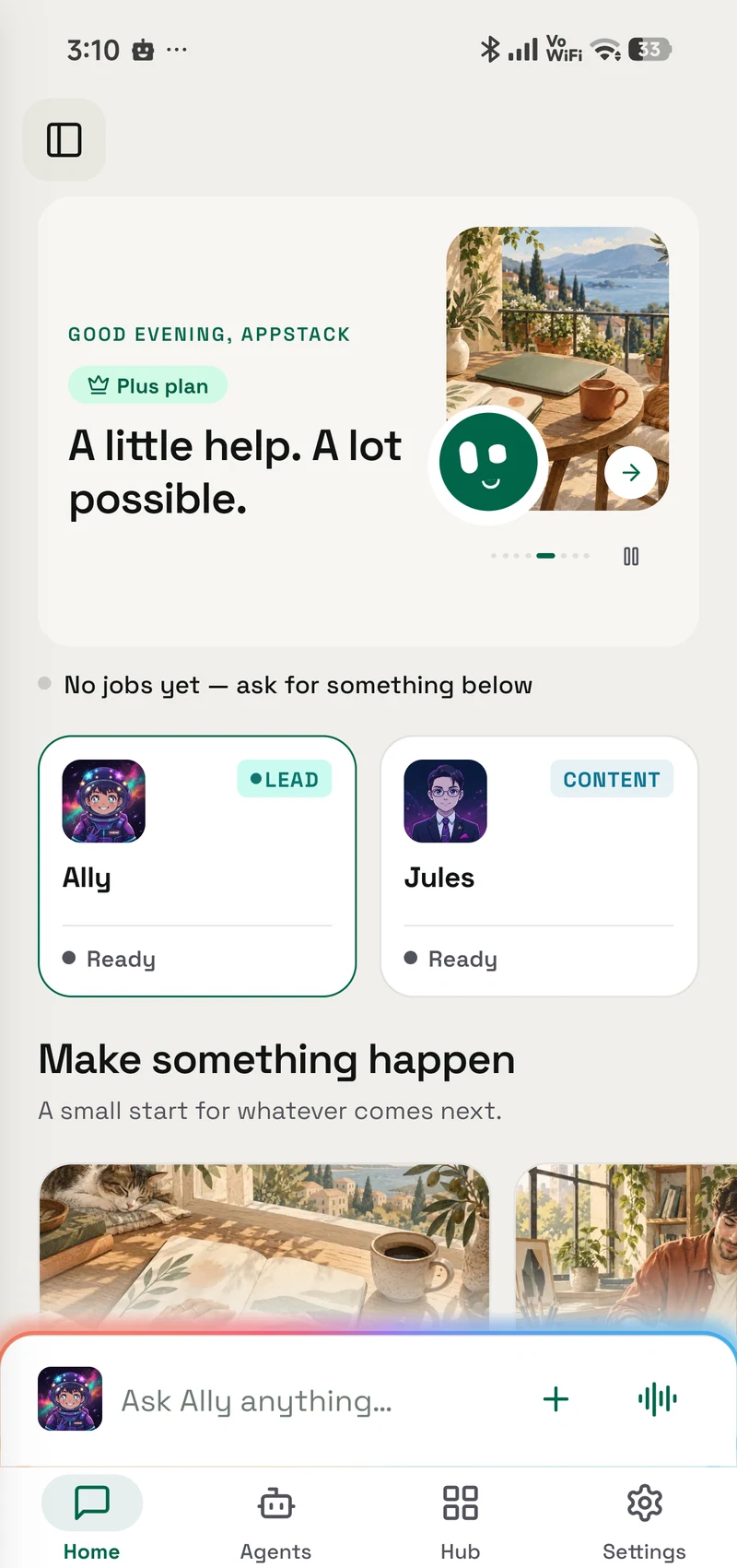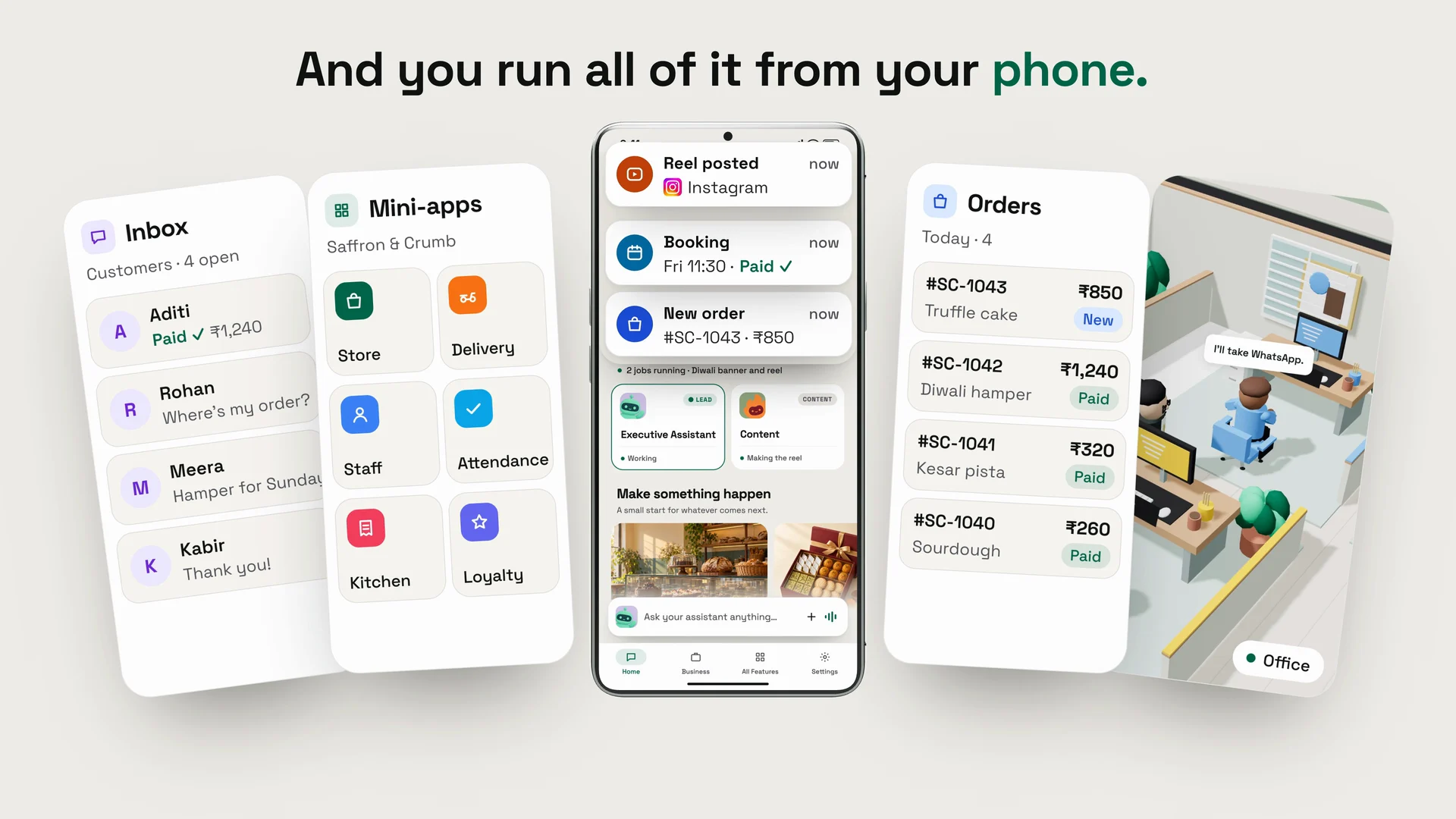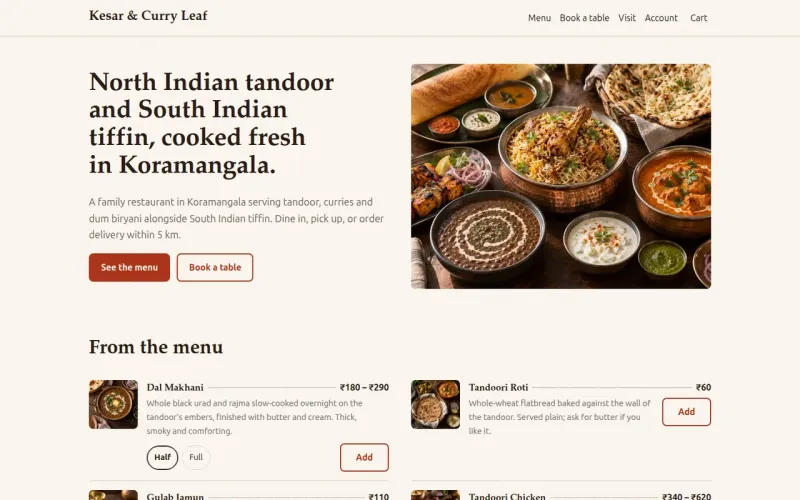
OpenAlly — the platform for your own AI.
Your AI.Your App.Your Privacy.
AI for the rest of us — not another chatbot you have to babysit.
Ask it to reply to a customer on WhatsApp, track your spending, or run a chore across your apps — and it actually does it. Bring any AI model (or run your own), and keep every byte on your phone.
- Your AI — any model — or your own
- Your App — in the chats you already use
- Your Privacy — it all stays on your phone
24 built-in skills17 chat channels15 apps in one placeOn-device by default
Nova
Online
Reply to Priya on WhatsApp — pull the Q3 numbers from my docs.
Done. Told Priya revenue was ₹4.2 Cr (+18%) and attached the one-pager. Want me to book the follow-up call?
Watch it actually do things.
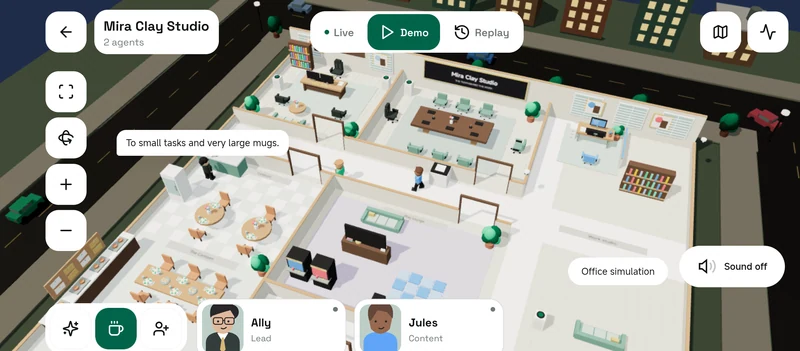
Eighty-four seconds of the real product — models, agents, a storefront, your Mac, and one very expressive face.
Bring your own brain.
OpenAlly ships no model of its own — which is the point. Point it at a big name on your API key, a subscription you're already paying for, or a box under your desk. Change your mind on the next message.
Already paying for ChatGPT, Gemini, Copilot or Antigravity? Sign in and reuse it. No second subscription, no second bill.
30 providers, one picker
Your own API key
18 optionsPaste a key from a provider you already trust. It's stored on your phone and your device talks to them directly — there is no OpenAlly server in the middle to route it through.
- Anthropic — API key
- OpenAI — API key
- Google AI — API key
- Azure OpenAI — API key
- Vertex AI — API key
- Amazon Bedrock — API key
- Vertex AI (Gemini) — API key
- Vertex AI (Claude) — API key
- Groq — API key
- Cerebras — API key
- Mistral — API key
- xAI — Key or sign-in
- OpenRouter — Key or sign-in
- NVIDIA — API key
- Vercel AI — API key
- MiniMax — API key
- Kimi — API key
- Moonshot AI — API key
A plan you already pay for
11 optionsSign in and reuse the subscription that's already on your card. It's OAuth, not an API key — so there's no second bill and nothing to copy-paste.
Sign in with ChatGPT
Sign in
GitHub Copilot
Sign in
Gemini CLI
Sign in
Antigravity
Sign in
Z.AI GLM Coding Plan
API key
Kimi For Coding
API key
MiniMax Token Plan
API key
Synthetic
API key
OpenCode Go
API key
Xiaomi MiMo Token Plan
API key
Alibaba Token Plan
API key
A server you run
1 optionOne entry, because one is enough: any OpenAI-compatible server on your network. Your hardware, your model, and nothing leaves the room.
Self-hosted server
Your endpoint
On your network
No cloud? No problem.
That single self-hosted entry is deliberately broad. If it speaks the OpenAI format, OpenAlly can talk to it — which in practice means most of what you'd run yourself.
Ollama
Point OpenAlly at Ollama running on your laptop or home server. Your model, your hardware.
Any OpenAI-compatible server
LM Studio, vLLM, llama.cpp, LocalAI — if it speaks the OpenAI format, OpenAlly can talk to it. It even auto-detects the setup.
Switch between machines
Got a box at home and one at the office? Register both and pick which one answers, per chat.
No server either? Or run the model itself on the phone — LiteRT loads Gemma E2B or E4B on demand, and nothing leaves the device at all.
30 providers built in — and every reply logs its model, its tokens and its estimated cost on your phone, so you always know which brain is spending what. Switching is a tap; nothing you've set up moves with it.
One assistant. A whole bench behind it.
Every device gets one Executive Assistant. It holds the full grant, keeps its own knowledge base, and it is the only thing you actually talk to. When a job is narrow enough to deserve a specialist, it hands off to a sub-agent you built — its own name, model, persona and grant — and hands you back one answer.
Delegation goes exactly one level. The orchestrator hands out work; nothing it hands work to can hand it out again.
One EA, then sub-agents. No tree.
Triage
Support
Research
Sales
Ops
These five are ours, to show the shape. You build your own — as many as you want, each granted a slice of the 24 built-in skills and nothing outside it.
Each agent, its own brain
Pick a fast, cheap model for everyday chat and a flagship for the hard jobs — a different model per agent, your call.
An agent for each channel
Give WhatsApp its own agent and Telegram another. Send your best customers to a specialist, everyone else to the default.
Everyone stays in their lane
Each agent only sees the contacts, tools, and knowledge you hand it. No surprises.
See what each one costs
A per-request ledger tracks the tokens, model, and estimated cost behind every reply — kept on your phone, so there are no billing surprises.
Under every agent
It actually does the work
It reads, decides, picks the right tool, and follows through — it doesn't just chat about it.
Works with any model
Swap the brain whenever you want. Your agents, tools, and setup keep working.
Answers as it thinks
Replies stream in live, word by word — no staring at a spinner.
Only the powers you give it
capability-gated · signed skillsEvery agent is boxed in to exactly what you allow — nothing more.
Follow one request all the way through
Who decides to delegate, what a sub-agent is allowed to touch once it does, and why assigning a contact an agent is the whole access model rather than a setting.
Skills are how your AI gets things done
Chatting is the easy part. A skill is the doing — a capability you grant to an agent, shipped with the instructions for using it properly.
Sort through your texts, handle your notifications, drive an app on your phone, build a small web app, sell over WhatsApp, check the weather. Grant one to an agent and it knows that job; withhold it and the agent simply doesn't have it.
Every skill declares what it may touch — network, files, memory, credentials — before it is allowed to run. 23 of the 24 ask for no network access at all. The one that does (GitHub) names the single host it may reach.
24 skills, built in
Aster
Your AI's phone superpowers via the Aster companion — search contacts, find and remove duplicates, search your SMS, find spam, see which apps hold which permissions and how much space they use, and — when you allow it — drive your screen to complete multi-step tasks for you, all on-device with your confirmation.
- Android — supported
- iPhone — not available
- Mac — not available
App Builder
Build, edit, and run on-device React web apps & websites — scaffold a project, edit its source with read-before-write safety, compile it with esbuild, and style it from 14 curated design presets with preloaded fonts.
- Android — supported
- iPhone — supported
- Mac — supported
Sales
Sell over chat: quote a cart from your catalog, take an order, send a payment link + QR (or take cash on delivery), issue a numbered invoice, and reconcile when the money lands. Works over WhatsApp and Telegram. Owner sets which shop and which channel.
- Android — supported
- iPhone — supported
- Mac — supported
Web Search
Let an agent search the web and read pages with the native web_search / web_fetch tools. Multiple engines sit behind one surface — DuckDuckGo (basic, no key) plus Brave, Google CSE, SerpAPI, Exa, Tavily, Parallel, and a self-hosted SearXNG when configured. The owner selects ONE active engine (DuckDuckGo by default) in AI Search Tools. Web search is a per-agent skill: assign it to the agents that should have it (the Executive Assistant always does).
- Android — supported
- iPhone — supported
- Mac — supported
Weather
Current conditions + a multi-day forecast for any place or your current location, shown as a shareable weather card. Multiple providers sit behind one surface — free Open-Meteo (no key) by default, or your own OpenWeather key when connected in Weather Providers — auto-picked by whichever key is set. Weather is a per-agent skill: assign it to the agents that should have it (the Executive Assistant always does).
- Android — supported
- iPhone — supported
- Mac — supported
Summarise
Summarise or pull the key points out of a web page, article, or local file.
- Android — supported
- iPhone — supported
- Mac — not available
Text to Speech
Speak text aloud on the device, or save it to an audio file, using on-device text-to-speech.
- Android — supported
- iPhone — supported
- Mac — not available
Skill Creator
Design, structure, and package a new OpenAlly skill (skill.toml + SKILL.md).
- Android — supported
- iPhone — not available
- Mac — not available
Or write your own — Skill Creator packages one as a skill.toml plus a SKILL.md.
Some skills are full little apps
Switch one on and you don't get a chat reply — you get a working screen that does the boring part for you. 5 are live today.
App Automations
LiveVideoShow it a flow once — book a ride, post an update, fill a form — and it learns the steps. Replay it hands-free afterwards; it self-heals when a screen shifts, and hands the phone back to you at logins and payments.
What it's allowed to touchSMS Analyser
LiveLet your phone do the reading. It tracks your spending, surfaces your bills, and flags the scam texts before you fall for one. Thousands of messages become a single clear picture, and none of it leaves the device.
What it's allowed to touchSMS Analyser
Spent this month
1 scam flagged this week
Fake “KYC” link from +91 98••• 4421
312 messages read · nothing left your phone
Flare
LiveVideoRules for your notifications. Pick an app, then have your AI auto-reply, clear, forward, or summarise — with cooldowns so it never goes overboard. Every action is logged, so you always know what it did and why.
What it's allowed to touchVoice Notes
LiveHit record and talk. It transcribes on-device, pulls out the action items, and writes a clean summary — then turns the memo into a card you can share in a tap. Your rambling becomes tidy notes.
What it's allowed to touchVoice Notes
Walk-home memo · just now
Summary
- Pick up dry cleaning
- Email Sam the deck
- Book the dentist Thu
Transcribed & summarised on your phone
Companion Face
LiveVideoNot just a face — an ambient OS in your notch (and by the phone camera). Powers for focus, wellness, now-playing, and system pulse; sensors from volume to lid lift; Claude Code, Codex, and webhook hooks; speech via on-device TTS or ElevenLabs with real lip-sync. Your agents drive it too.
What it's allowed to touchApp Builder goes further still: scaffold a React web app on your phone, edit its source, compile it with esbuild, and style it from fourteen curated presets — all on-device, no build server anywhere.
Your AI, everywhere you already talk
No new app to convince your friends to install. Your agents show up in the chats you're already in — and carry the same memory across all of them.
Your messages go straight from your phone to the chat service — there's no OpenAlly server sitting in the middle. Three of the bridges (Signal, Mattermost, Nextcloud Talk) run on infrastructure you own outright, and 2 of the live channels are end-to-end encrypted before OpenAlly ever sees them.
iMessage works through a BlueBubbles server on your Mac. On mobile, it sits this one out.
12 channels, one AI
Connected today
12 liveEach one connects the way that channel actually works — a QR scan, a bot token, a server URL. No middleman account, no OpenAlly login in between.
WhatsApp
Scan QR Code
Telegram
Add Bot Token
Discord
Add Bot Token
Google Chat
Add Service Account
iMessage
Connect BlueBubbles Server
LINE
Add Channel Token
Mattermost
Add Server URL & Token
Nextcloud Talk
Add Server & App Password
Signal
Add Server URL & Number
Slack
Add Bot & App Tokens
Twitch
Sign in with Twitch
Zalo
Add Bot Token
You decide who gets in
Being everywhere doesn't mean talking to everyone. You vet new contacts, set how much each person is trusted, and keep group chats calm — your AI only ever does what you've allowed, per person. You can even give each channel its own agent, so WhatsApp and Telegram answer in different voices.
Approve strangers first
A new contact can't reach your AI until you wave them through — vet them, assign the right agent, and set the welcome message they get.
Trust tiers per person
From Owner to Trusted to Customer to Blocked — each tier caps what your AI will do and what it'll share with that person.
@mention-only in groups
Add it to a group chat and it stays quiet until someone @mentions it — no jumping into every thread.
Connections that self-heal
If a channel drops, it quietly reconnects and picks up where it left off — so it's there when you need it.
Voice notes, transcribed on your phone
Someone sends a voice note? It's transcribed right on your device — never shipped off to a transcription service.
Set the welcome strangers get
Write your own Pending, Approved, and Welcome messages — with your AI's name dropped in — so first contact sounds like you.
Wired up, not shipped
5 soonThese are in the app's channel list with the setup flow still dark — so you can see them coming, and you can tell they aren't here yet.
- Feishu
- Matrix
- MS Teams
- Nostr
- Tlon
Matrix is the one closest to landing. After that? Wherever you end up talking next — we'll likely be there too.
Your phone, on autopilot
Most assistants can only talk about doing things. Yours sends the text, places the call, taps through the app, and runs the chore you'd rather never do again — on your device, and only when you ask.
Mid-run, with a live STOP
It can actually use your phone
Not a list of things it wishes it could do. These are real powers, and they only switch on once you hand them over — one at a time, on your device, never routed through a server of ours.
- Phone CallsPlace and answer calls, via the Aster companion.
- Text MessagesSend and read texts, via the Aster companion.
- CameraTake photos and video.
- MicrophoneListen and speak back.
- NotificationsRead your alerts.
- LocationKnow where you are.
- FilesReach your storage.
- SpeakerPlay audio out loud.
Available on Android, for you alone, and only after you switch on the OpenAlly accessibility service. Calls and texts run through the paired Aster companion app — so the powers are real, and they stay in your hands.
It uses your apps — and the web — like you do
Plenty of apps have no shortcut and no API, so OpenAlly stops waiting for one. It reads what's on the screen and taps, types and scrolls its way through — even in an app it has never seen. When an update moves a button, it finds the new one and remembers where it went.
Start from a ready-made flow
- Post to LinkedIn
- Search & play on YouTube
- Post to X
- Summarize your Instagram activity
- Book an Uber — up to payment
Recorded once, replayed on schedule
Operate any app for you
Even apps that were never built to be automated. It taps the buttons, fills the fields, and flips the switches for you — across any app, not just OpenAlly.
Read what's on screen
It reads the screen as a list of buttons and fields, so it acts on the right thing instead of guessing — and it works even with a small model running on your phone.
Finish multi-step chores
Give one instruction and it runs the whole flow — open the app, find the chat, type the message, send — waiting for each screen to settle before the next step.
Hands-free, eyes-free
Perfect when your hands are full or your eyes are elsewhere. Just ask out loud, and your phone does the tapping.
It can browse the web for you too
Beyond your apps, OpenAlly can drive a headless browser — open pages, fill forms, and walk multi-step flows to pull together what you need.
You sign in. It never sees your password.
At a web login, CAPTCHA, or 2FA, it hands you a real browser window — you sign in, the session flows back, and it carries on. Your password never touches the AI.
Powerful — but always on a leash
You hold the reins the whole way. It can't go rogue, and a message from someone else can't take the wheel.
- Asks before anything riskyPaying, sending, deleting or changing a setting always pauses for your tap — it hasn't done it until you say yes.
- Banking & payments are off-limitsThose apps are blocked by default. You decide, app by app, what it's ever allowed to touch.
- A STOP that's always thereHalt it mid-task with one tap — and a message from someone else can never make it drive your screen.
- It never sees your passwordAt any login, CAPTCHA, or 2FA, it hands the screen back to you, waits while you sign in, then quietly carries on.
The boring, repeated stuff? Gone.
Point your agents at the chores you do over and over. Put any flow on a schedule, tweak it later from WhatsApp, and watch it run stage by stage — with a STOP that's always there.
Inbox & notification triage
It reads the flood, answers the routine, clears the junk, and surfaces only what actually needs you.
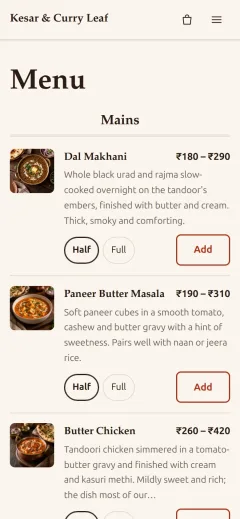
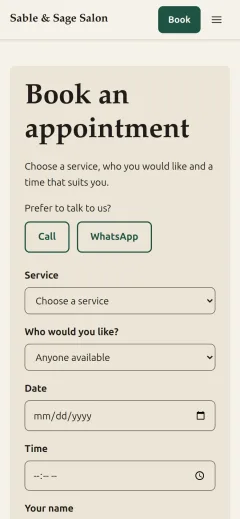
Taking orders on WhatsApp
Customers message, your agent takes the order, confirms the details, and logs it — while you keep working.
Tracking bills & spending
It reads your bank texts and keeps the running total, so you never reconcile a statement by hand again.
Daily catch-up summaries
Wake up to a one-paragraph digest of every chat and notification that happened overnight.
Time saved is a rough, illustrative range — your mileage depends on how much you hand over.
Two doors from here
One shows you every last thing it can do. The other shows you how it manages to. Neither of them is a pricing table.
Stop renting someone else's AI
You're tired of assistants that forget your context, ship your data off to who-knows-where, and lock you into one model with one bill. So own the stack instead. Your model, your agents, your data, your phone — OpenAlly is just the platform that makes them work as one.
Get OpenAlly on Android
One install, the whole catalogue — 15 apps, 24 skills and 6 native tools, running on whichever model you point it at.
On Android today — more platforms on the way.
Free, no ads — just anonymous crash reports, never your conversations.
Bring your own model. Keep your own data. Cancel the trust issues.