Everything OpenAlly does
The whole surface, in one place.
15 apps, 24 built-in skills and 6 native tools — the same catalogue the app ships, generated from the app’s own manifests so it can’t drift.
A tool is not a skill
A skill is a lesson: it ships written instructions your agent has to read before it can act. A tool ships none — it is a native capability the kernel already has, so granting one adds nothing for the model to read first. Skills teach; tools just work.
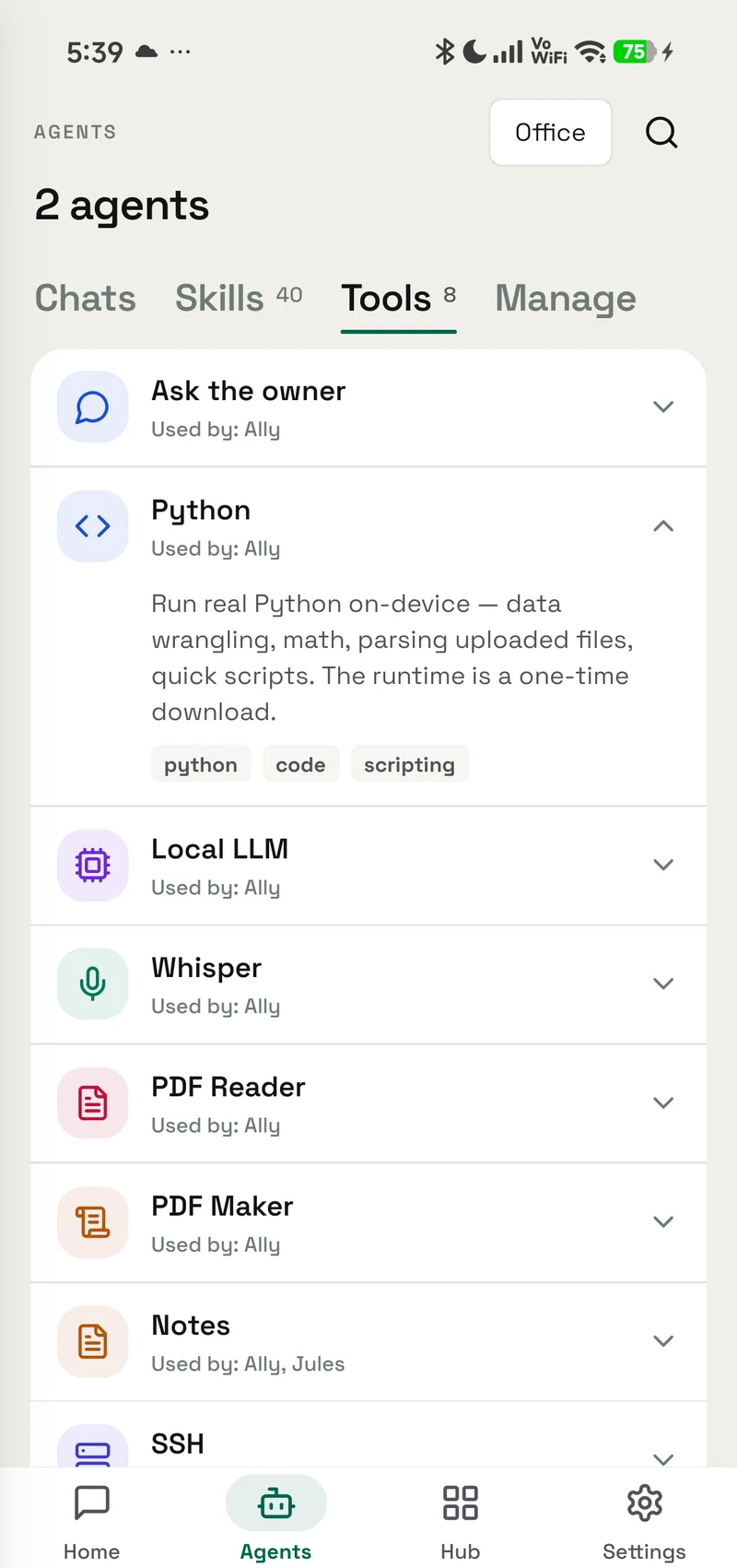
6 tools, 11 callable functions between them.
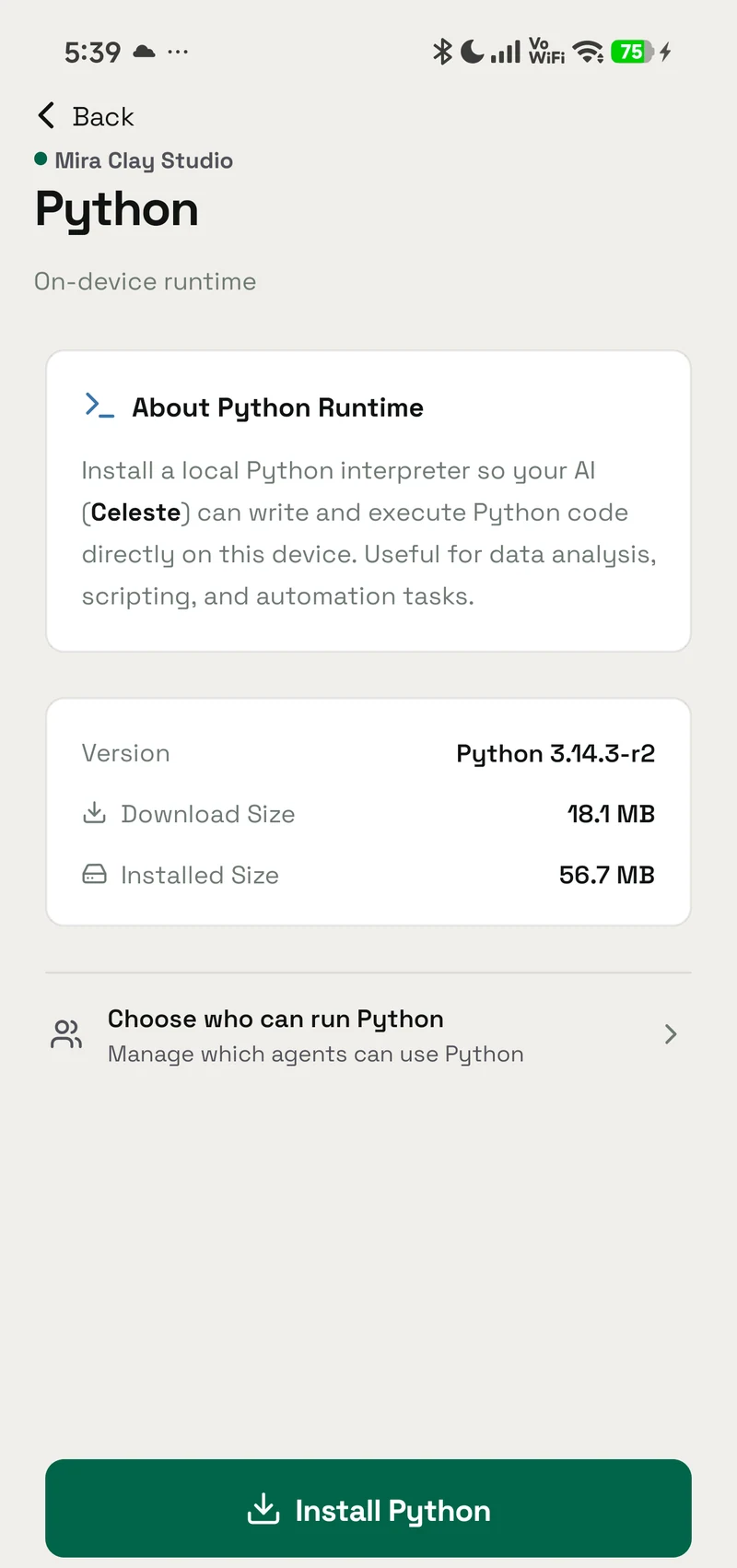
Python
Run real Python on-device — data wrangling, math, parsing uploaded files, quick scripts. The interpreter is an on-demand download (Android only).
- Android — supported
- iPhone — not available
- Mac — not available
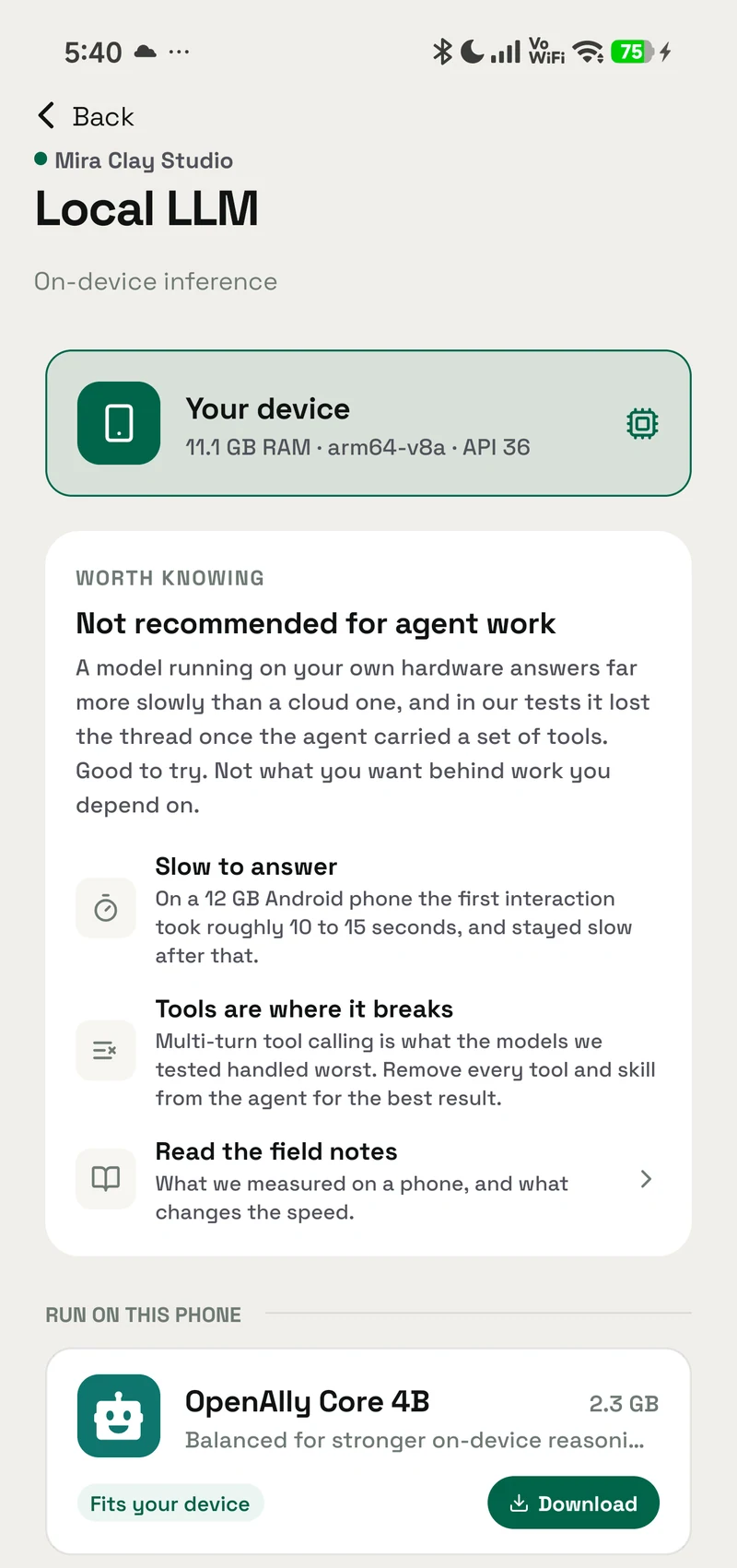
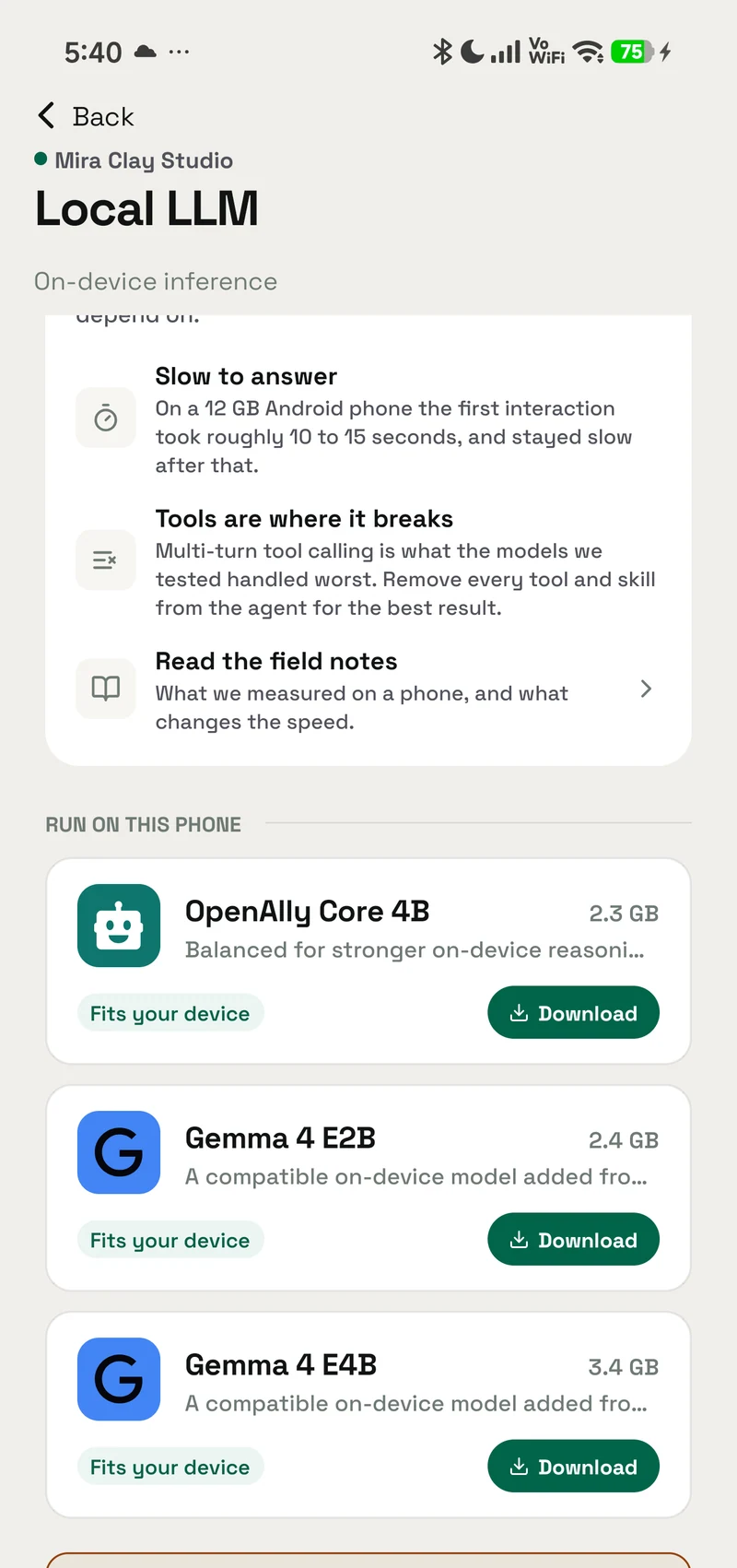
Local LLM
Run a small language model fully on-device via LiteRT-LM (Gemma 4) — private, offline, zero-cost completions (summaries, classification, drafting). Models are .litertlm files downloaded on-device.
- Android — supported
- iPhone — supported
- Mac — not available
Whisper
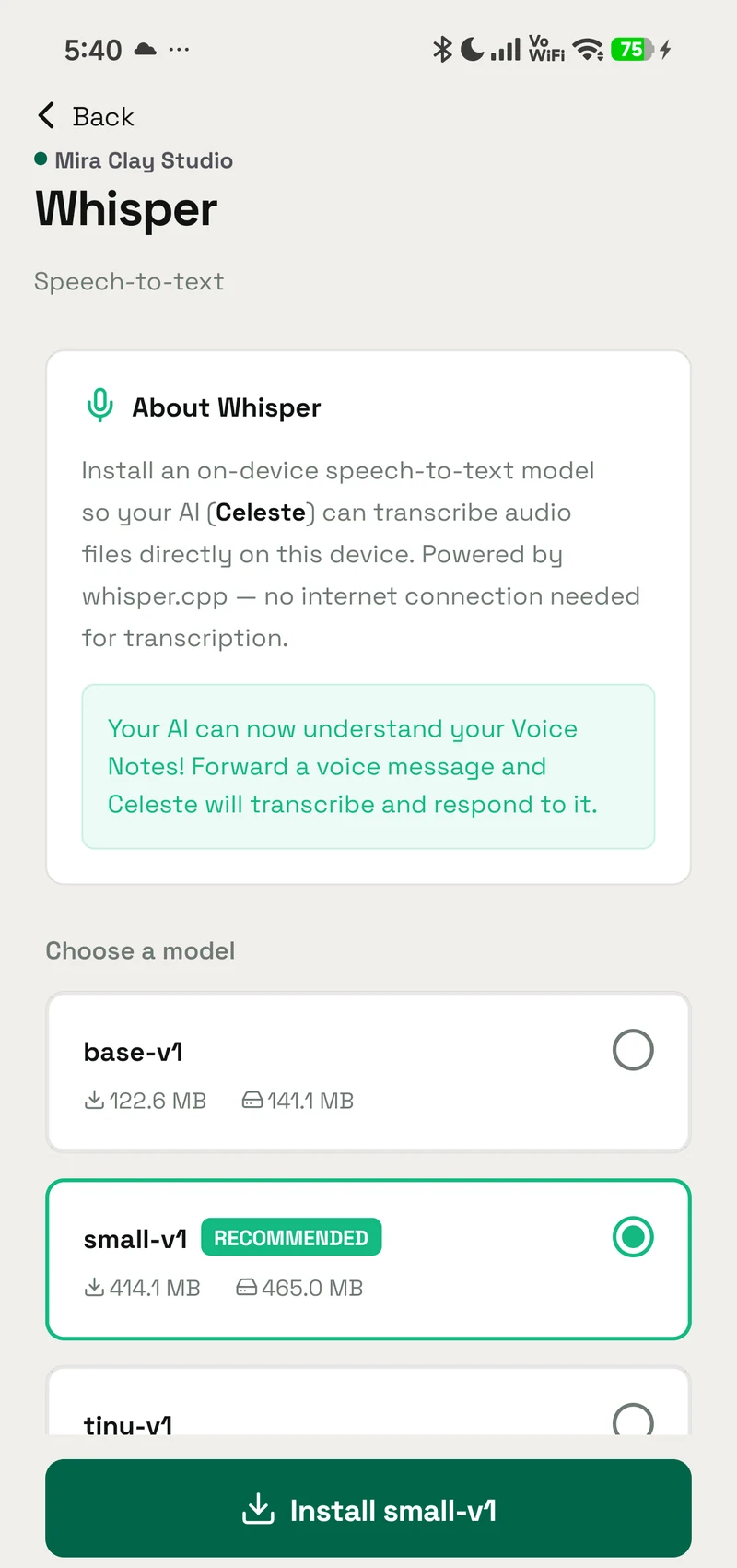
Transcribe audio to text on-device with whisper.cpp — no audio leaves the phone. The model is an on-demand download (Android only).
- Android — supported
- iPhone — not available
- Mac — not available
PDF Reader
Read PDF documents and answer questions about them — contracts, reports, statements, forms. Extracts the text on-device and works with every model (no special PDF support needed). Handles multiple PDFs, page ranges, and encrypted files.
- Android — supported
- iPhone — supported
- Mac — not available
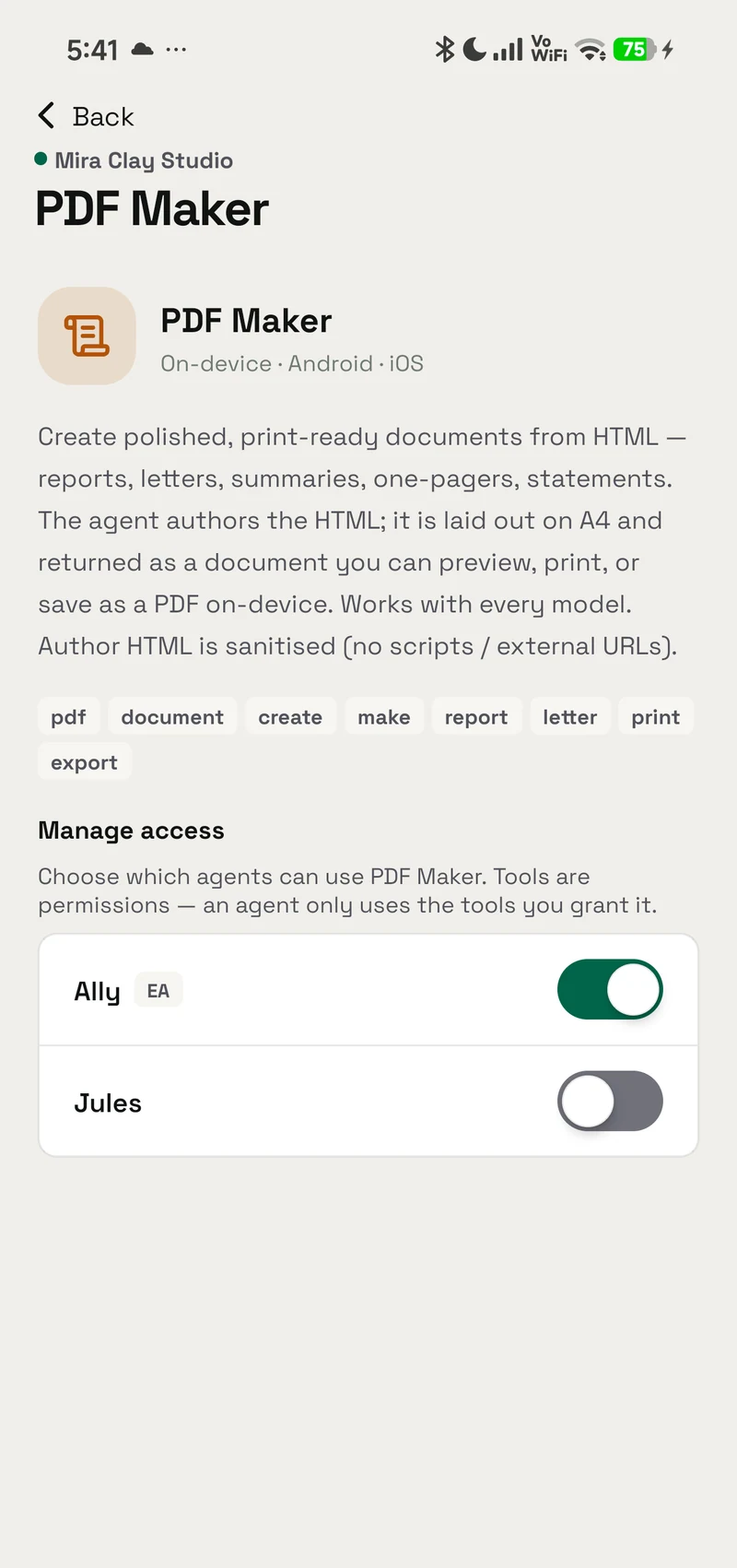
PDF Maker
Create polished, print-ready documents from HTML — reports, letters, summaries, one-pagers, statements. The agent authors the HTML; it is laid out on A4 and returned as a document you can preview, print, or save as a PDF on-device. Works with every model. Author HTML is sanitised (no scripts / external URLs).
- Android — supported
- iPhone — supported
- Mac — not available
Context Retrieve
Let the agent pull back the full original of anything that was compressed earlier in the chat to save context — when a tool result shows a `<<ccr:KEY N>>` marker, the agent fetches the dropped rows back by key. Pure local lookup — works with every model, no setup.
- Android — supported
- iPhone — supported
- Mac — not available