Explore OpenAlly
Your work. Your kind of team.
Start with one assistant, then give recurring jobs to specialists. You choose their models, knowledge, and access.
Android, iPhone, and Mac. Support shown on every entry.Start with one.
Build your kind of team.
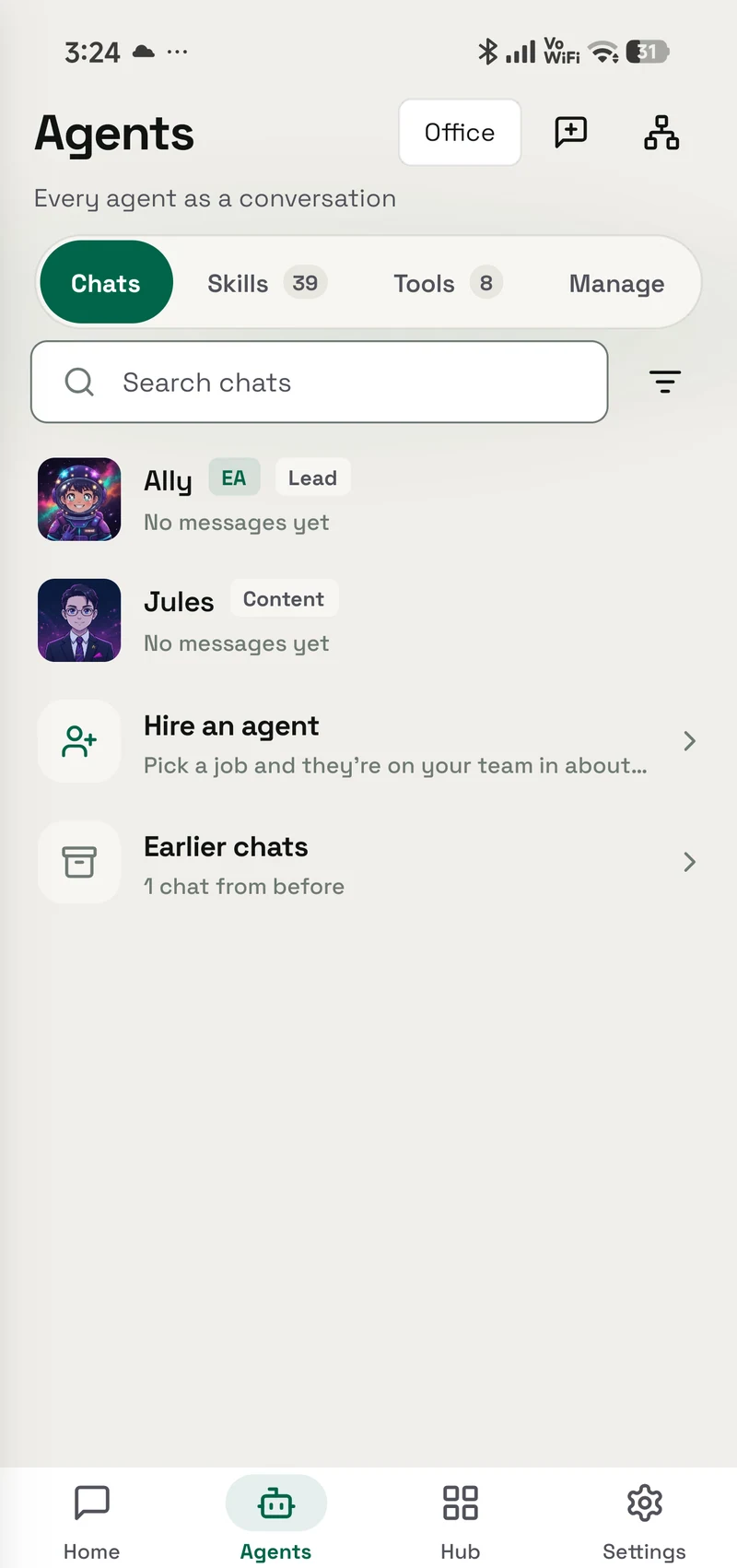
Give your Executive Assistant a task. Add specialists for the work you do often, and choose each agent’s model, knowledge and access.
An example team
Who reports to whom
A shop might run a team like this one. Your Executive Assistant keeps the work together; specialists handle support, research, sales and operations. You choose each agent’s role, model, knowledge and access.





- Executive AssistantHeadHeads the team and hands work down the chart.
- TriageReads what came in and decides what is worth your attention.
- SupportAnswers from a knowledge base it can read and never write.
- ReturnsTakes the refund and exchange questions Support hands down.
- ResearchGranted the tools that read. None of the ones that write.
- SalesIts own persona, its own model, its own narrow grant.
- OpsRuns the recurring jobs, and nothing outside its lane.
- BookkeepingKeeps the books for Ops.
- InvoicesDrafts invoices from confirmed orders.
- RemindersLevel 4Drafts payment reminders for unpaid invoices.
- No fifth level
Set each agent’s manager in Reports to, up to four levels deep. OpenAlly prevents loops and keeps your Executive Assistant at the top.
How work moves
- 1Ask once. Ask your Executive Assistant in OpenAlly or a connected chat.
- 2Handed down. It hands the work down to the agent that owns it. A manager reaches its own reports, and your Executive Assistant reaches anyone.
- 3Escalated up. An agent that gets stuck escalates to its manager, never sideways or past it.
- 4Brought in by name. Type @ and another agent’s name in your chat, and the agent you are talking to consults it for that request, wherever it sits on the chart.
- 5Left in the agent inbox. An agent can leave a message for its manager or a report to pick up later. The reply lands in your chat, with a notification if you are elsewhere.
- 6One answer. The work comes back as one answer for you to review.
What you can see and set
Clear ownership
Every job has a named agent and a manager above it, so you always know who handled it and who it answers to.
Access follows the role
Choose which agent a person can reach and what that agent may use. A support contact can meet a support specialist without gaining access to the rest of your work.
Two checks before action
A job runs only when the person-to-agent relationship and that agent’s approved access both allow it. If either says no, OpenAlly stops there.
Usage per agent
Tokens, runs and estimated cost for each agent over the last thirty days. When a provider reports no price, it says “Cost not known” rather than guessing zero.
Activity log
Each agent’s recent runs, hand-offs between agents and channel activity, in one list.
Skills & Tools Access
One grid of agents against skills and tools. Your Executive Assistant starts with everything; turn any cell off, or open a row to turn off a single action.
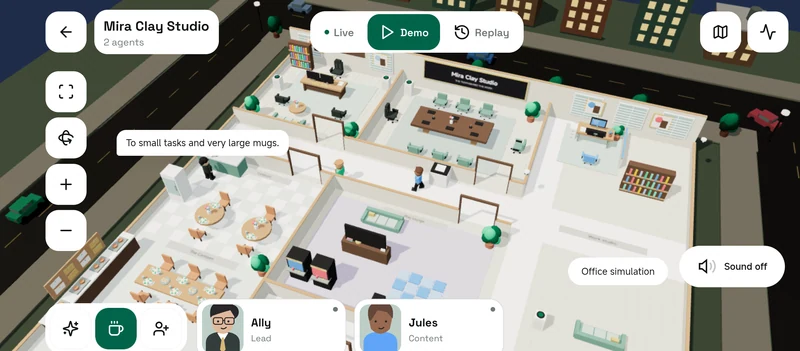
See your team in the Office.
A real recording of the Office’s built-in simulation mode. Follow the activity, then open your own agents to review their work.
Build your own team
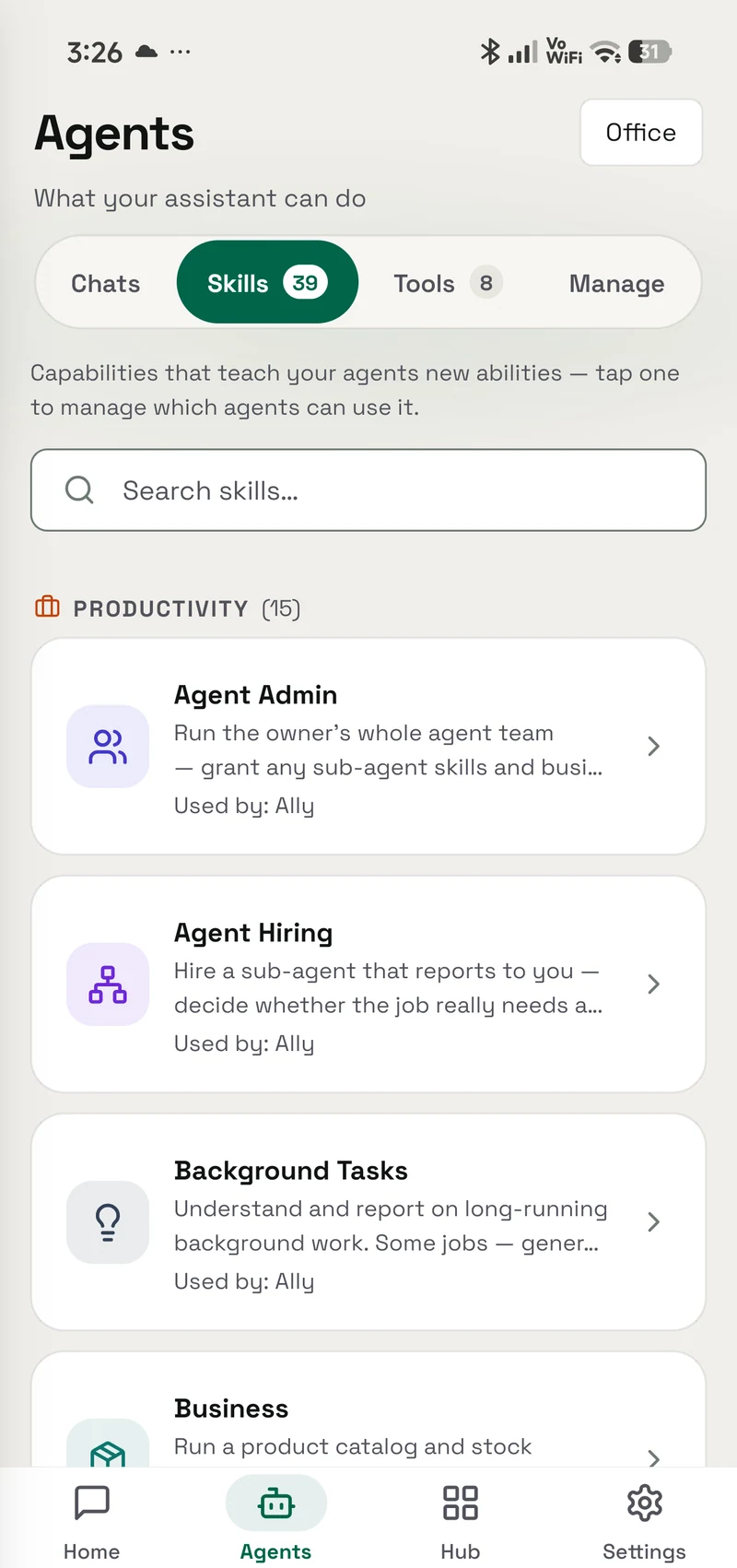
The Agent Admin skill guides you through creating a specialist: describe the job, then choose its model, knowledge, and access.
The Agent Hiring skill first checks whether an agent you already have covers the job, then adds one that reports to the agent doing the hiring, with starter knowledge, and tests it before anything depends on it. You can move it under another manager in its Reports to setting. Its guardrails for topics, tone and when to escalate to you stay yours to set.