 OpenAlly
Guide
From one sentence to an Android app, built on a phone
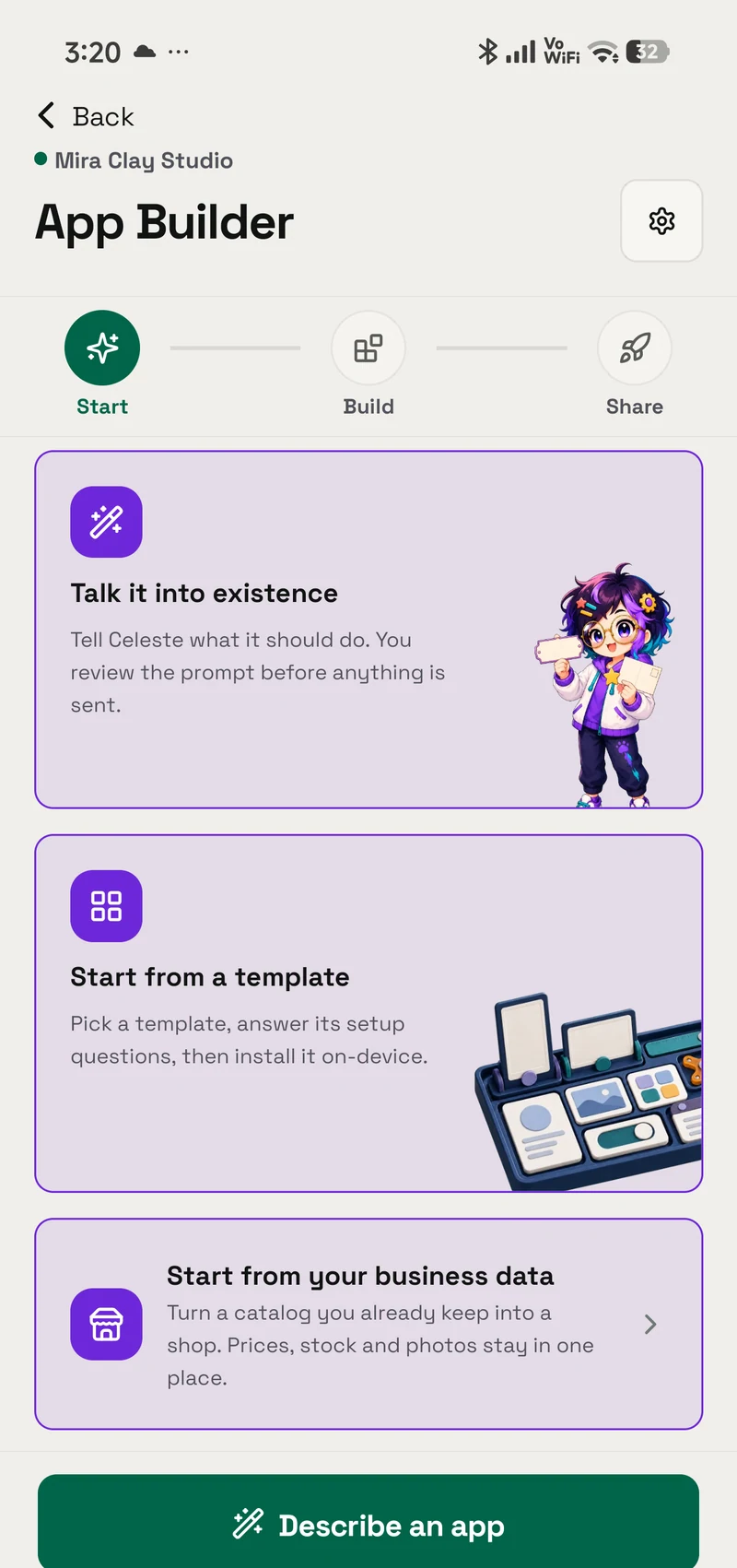
A home baker describes her shop to OpenAlly, publishes it at an address that stays up, then builds and signs its Android app on her phone.
15 articles
Practical guides and evidence-led comparisons for running a business with AI, and for the rest of your day.
Guide
A home baker describes her shop to OpenAlly, publishes it at an address that stays up, then builds and signs its Android app on her phone.
Feature
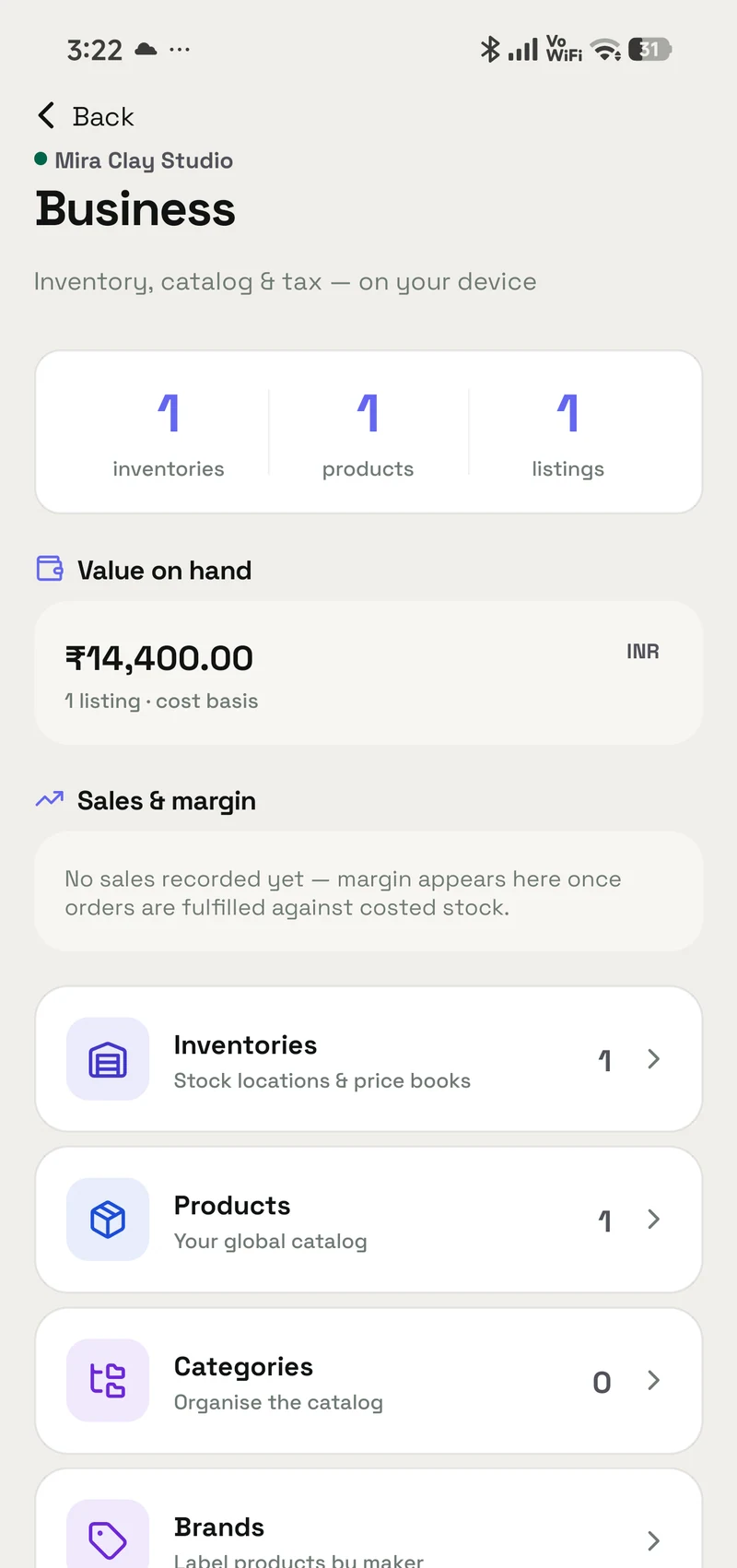
OpenAlly Business keeps a product catalogue, stock levels and GST in one record in your account. An agent can restock it; inventory deletes stay owner-only.
Feature
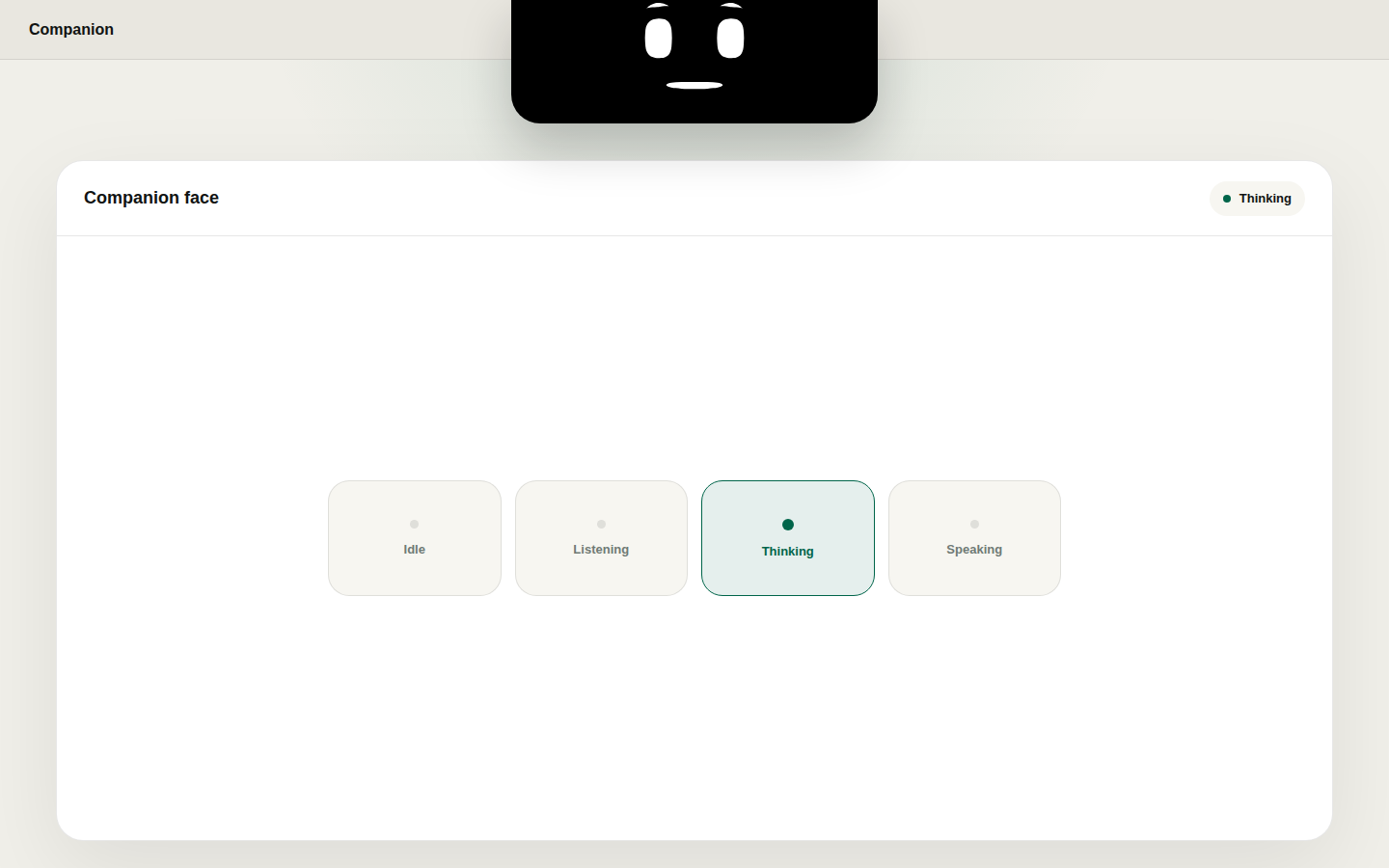
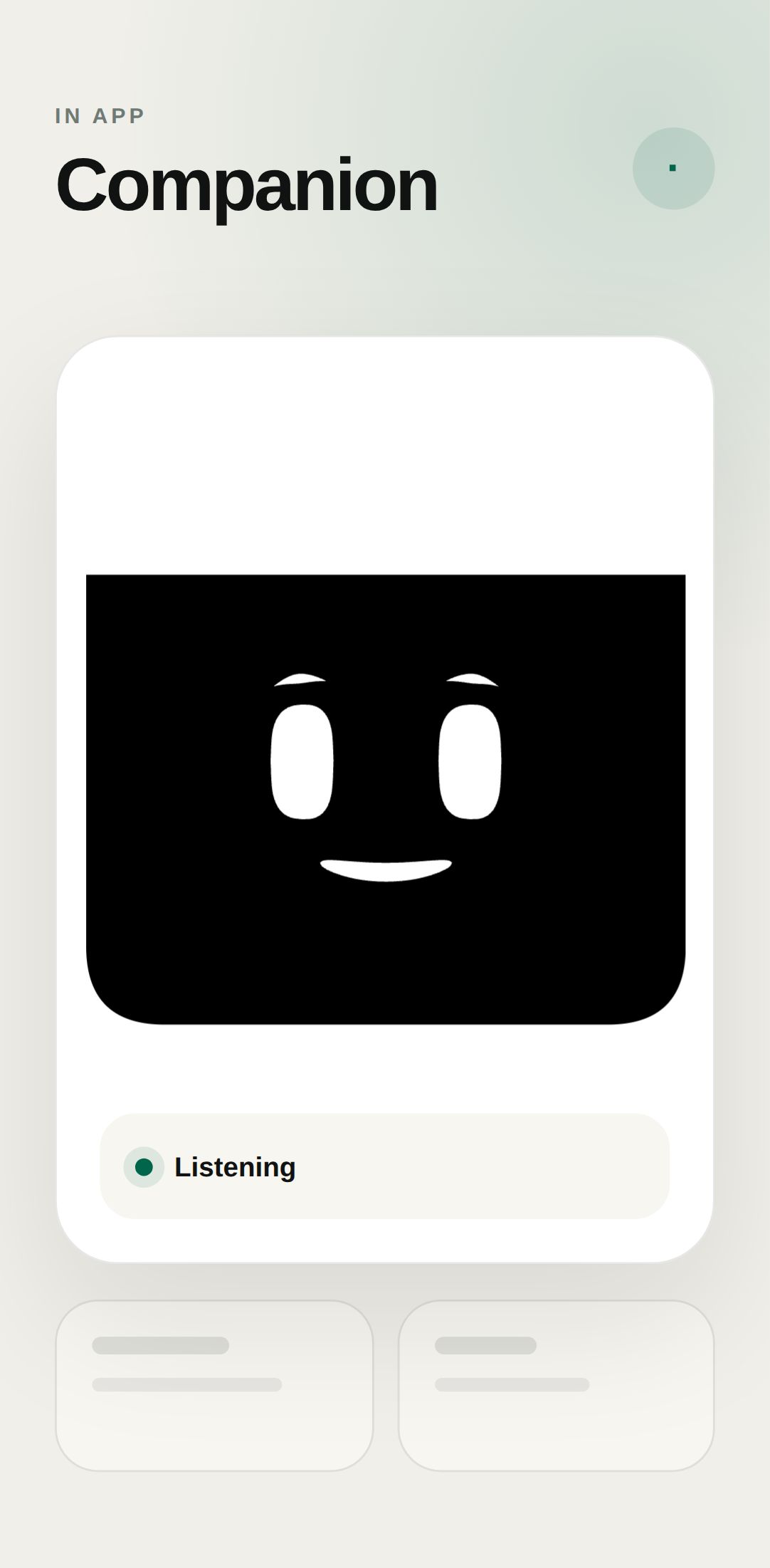
Companion Face is an optional OpenAlly face for gestures, moods and lip-sync on Android and Mac, with focus, wellness, now playing and system moments.
Feature
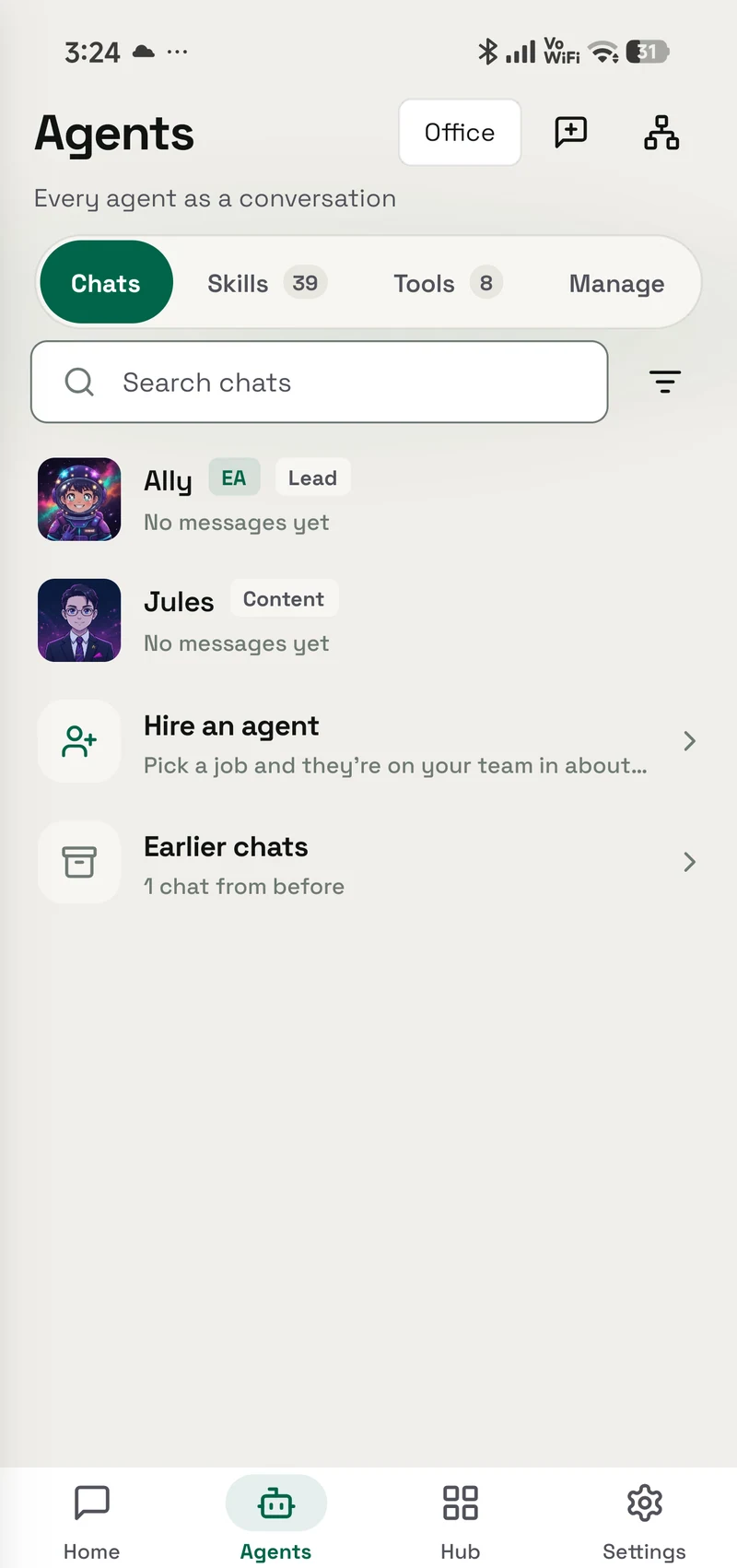
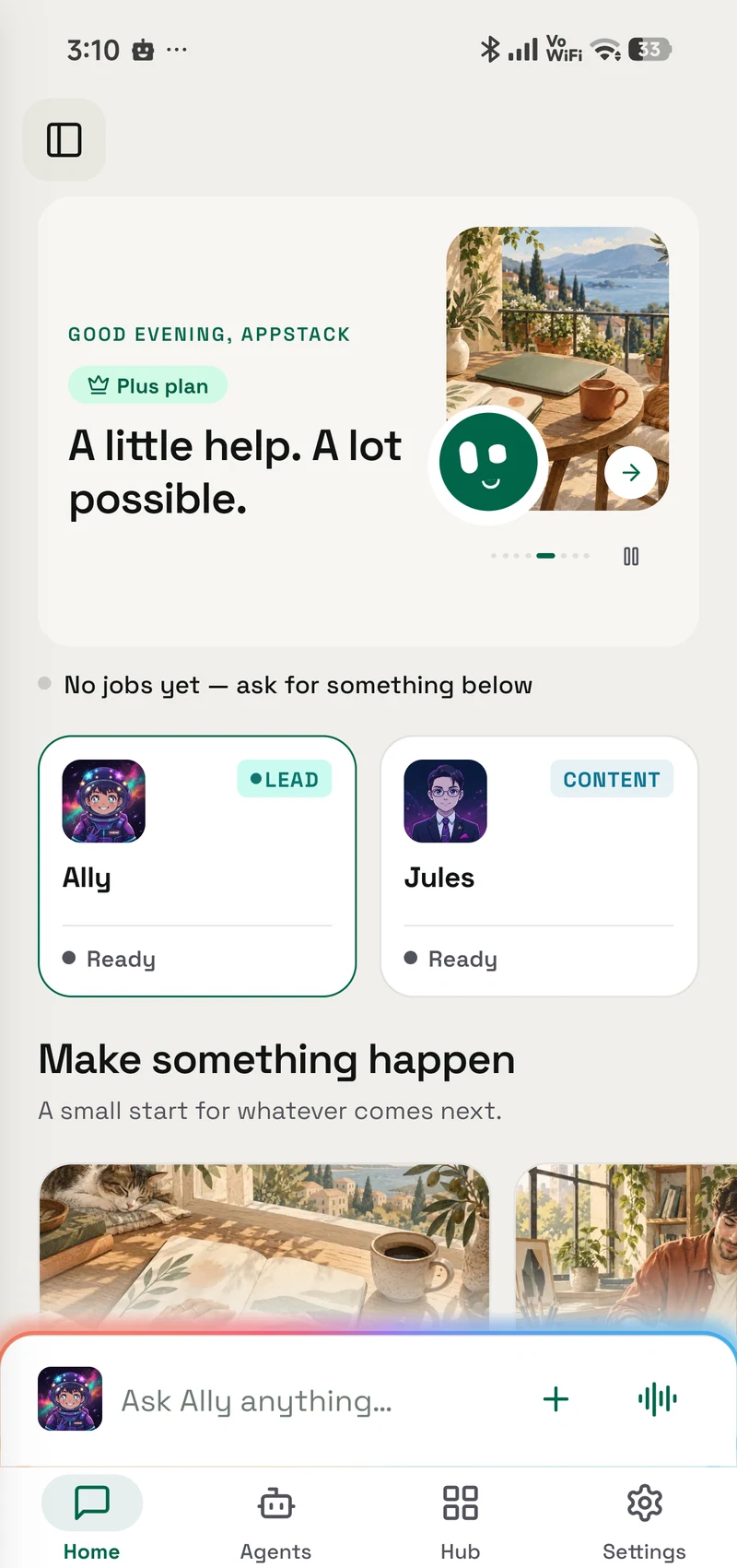
OpenAlly installs on your phone and your Mac, does the work you granted it, and thinks with a model you already pay for.
Feature
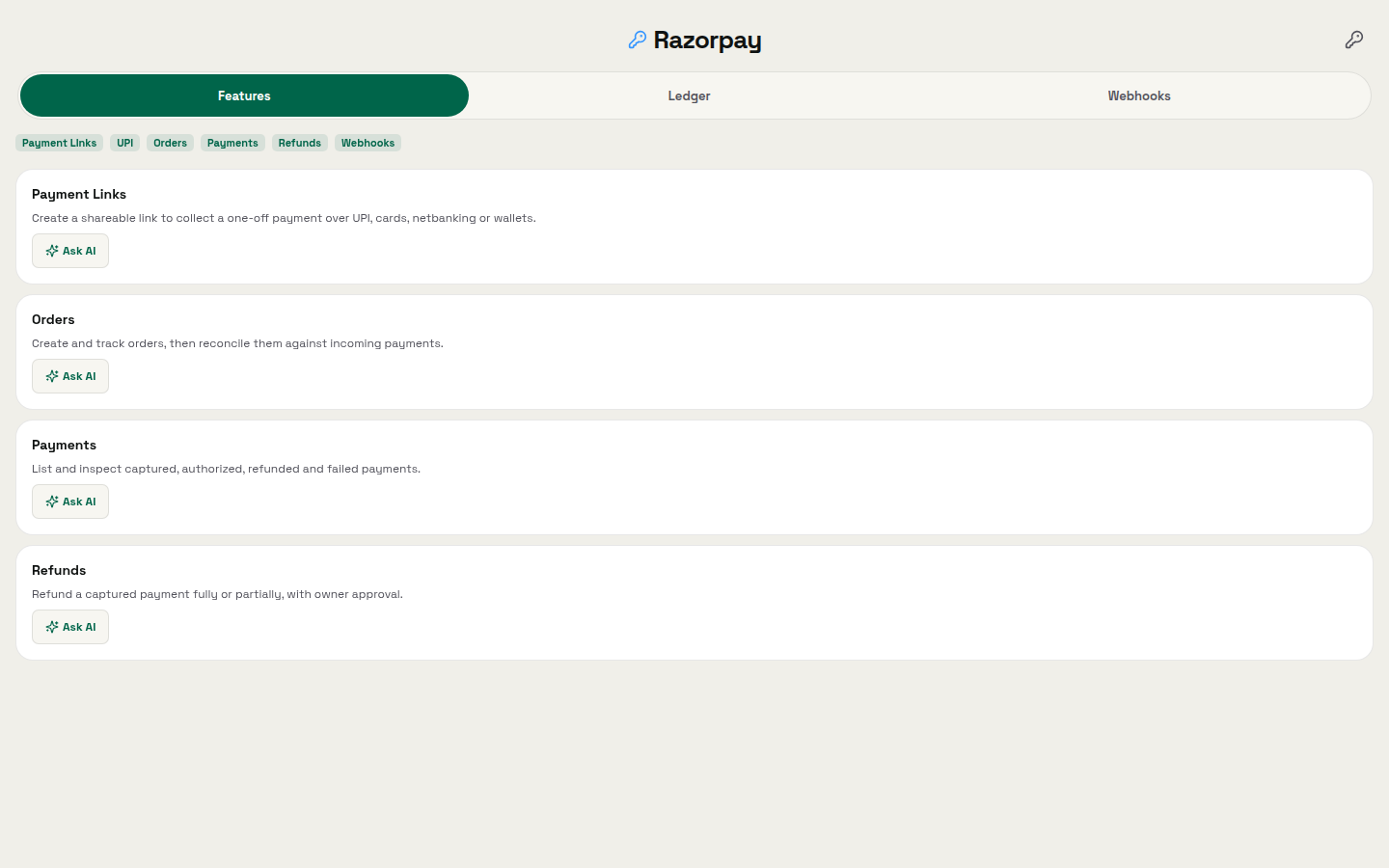
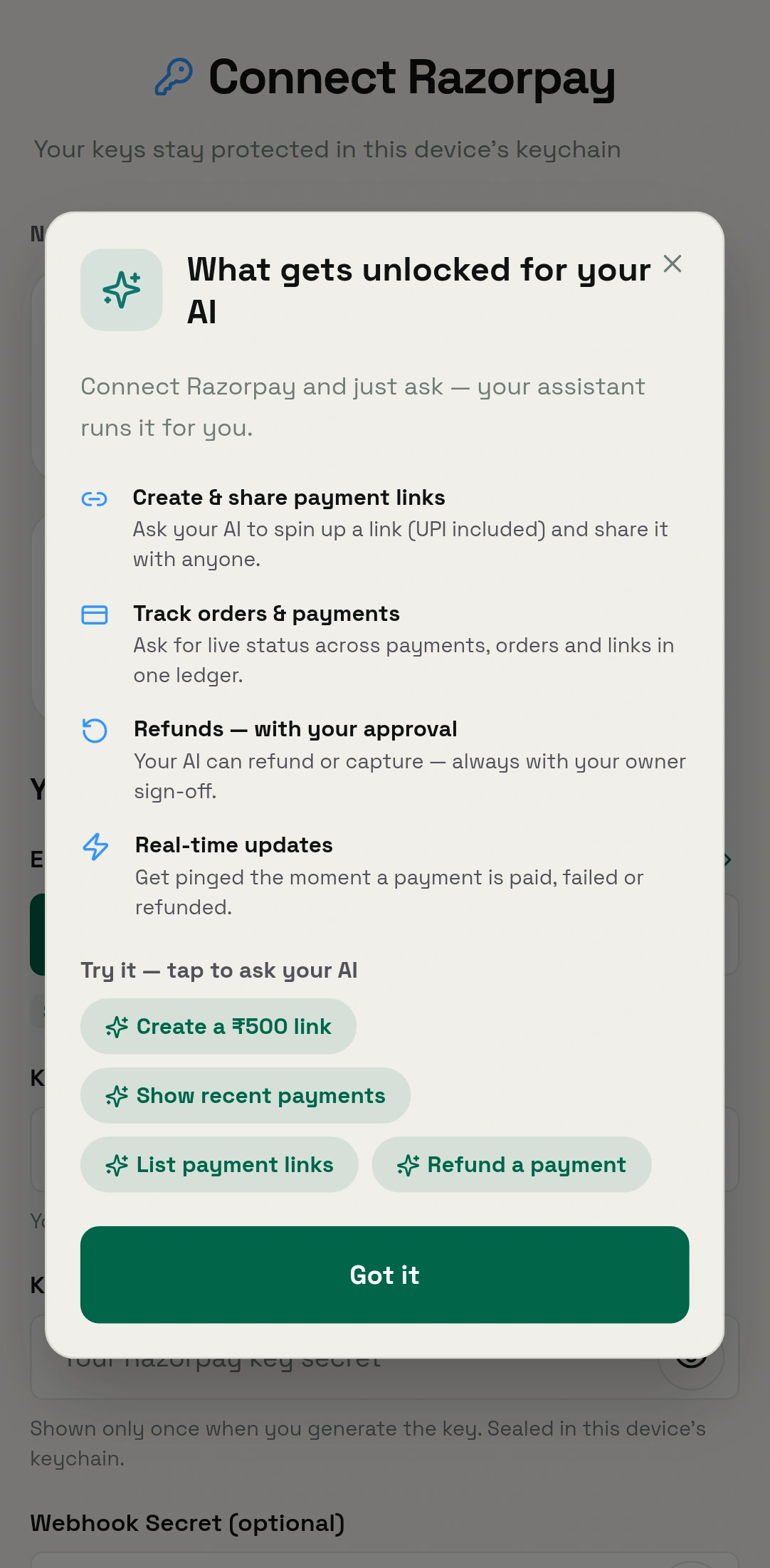
OpenAlly Payments creates shareable payment links and orders, lists and reconciles incoming money, and keeps capture and refunds under owner control.
Feature
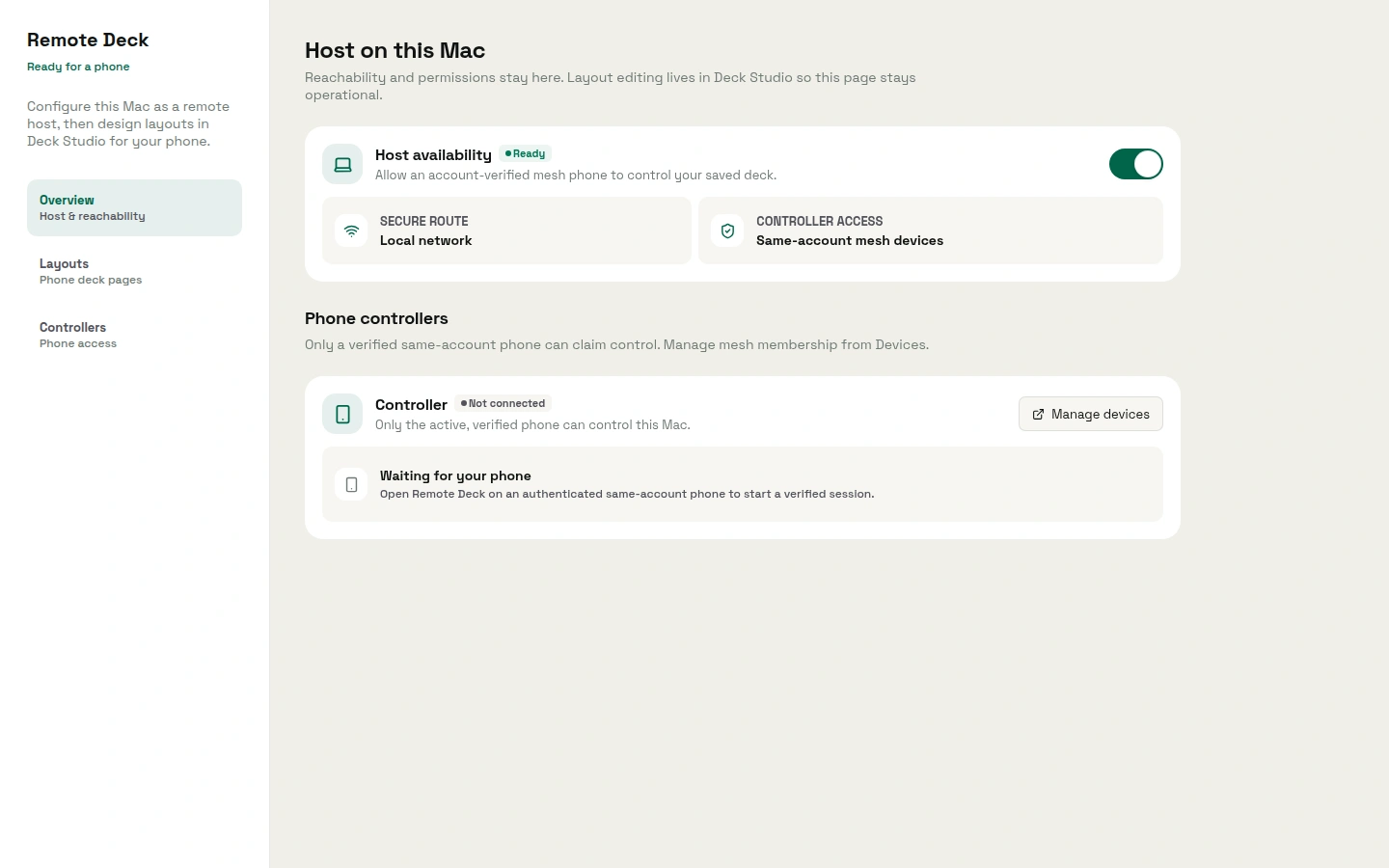
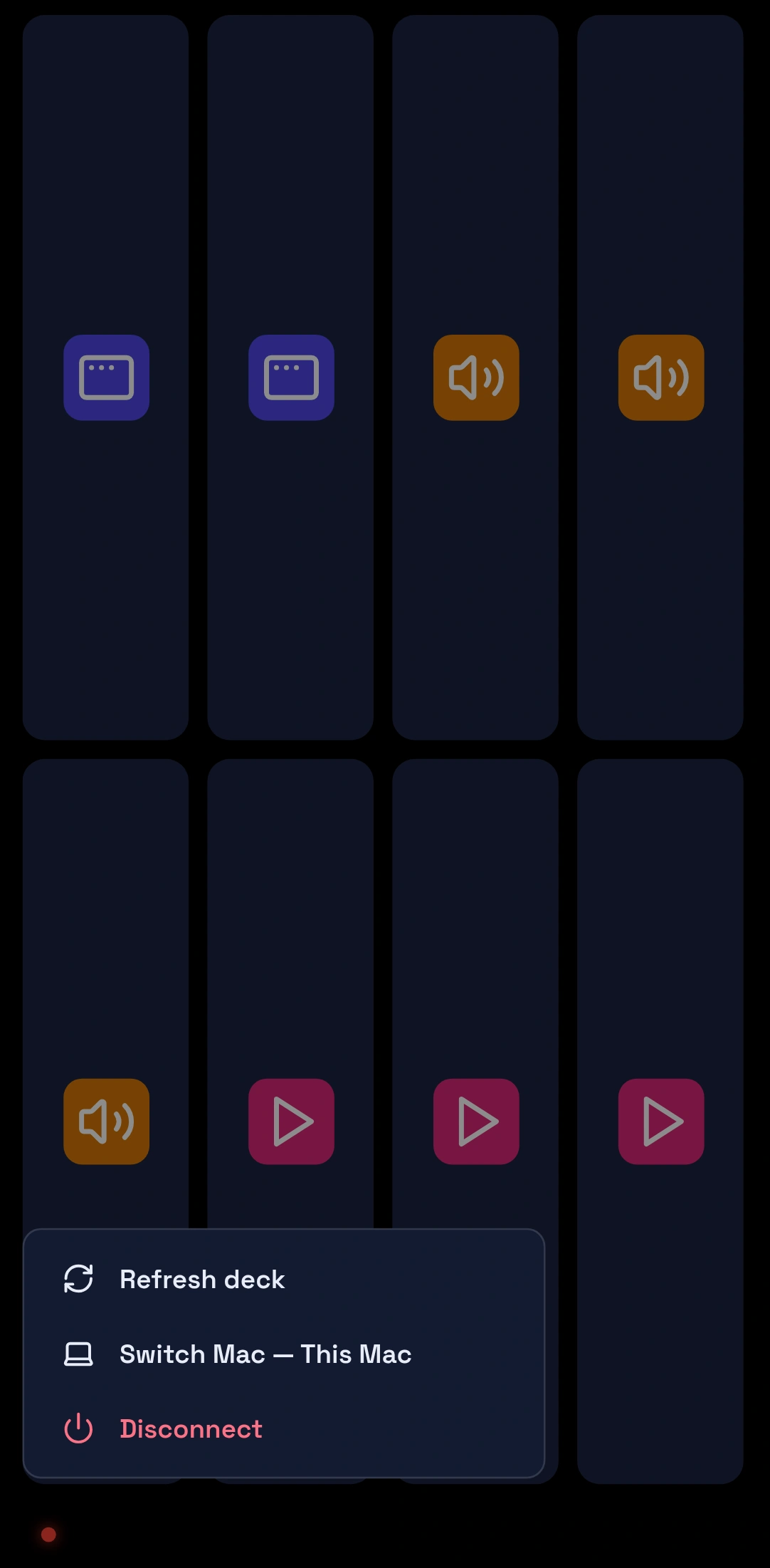
Remote Deck turns your phone into a foreground controller for the Mac actions you approved, reached over a private, verified link.
Guide
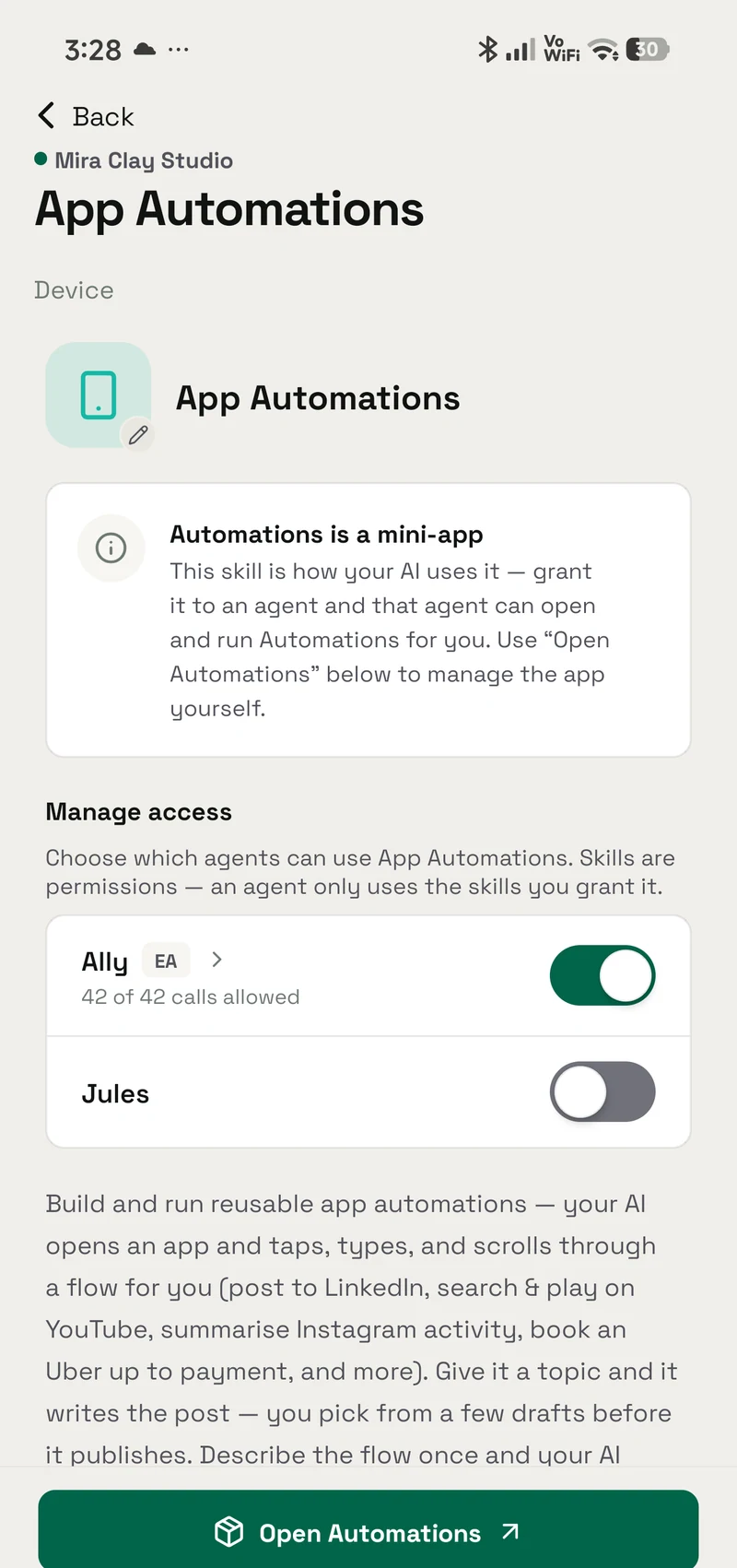
What lets an AI agent tap, type and scroll inside your other apps, what Google Play permits, and where OpenAlly hands control back to you.
Guide
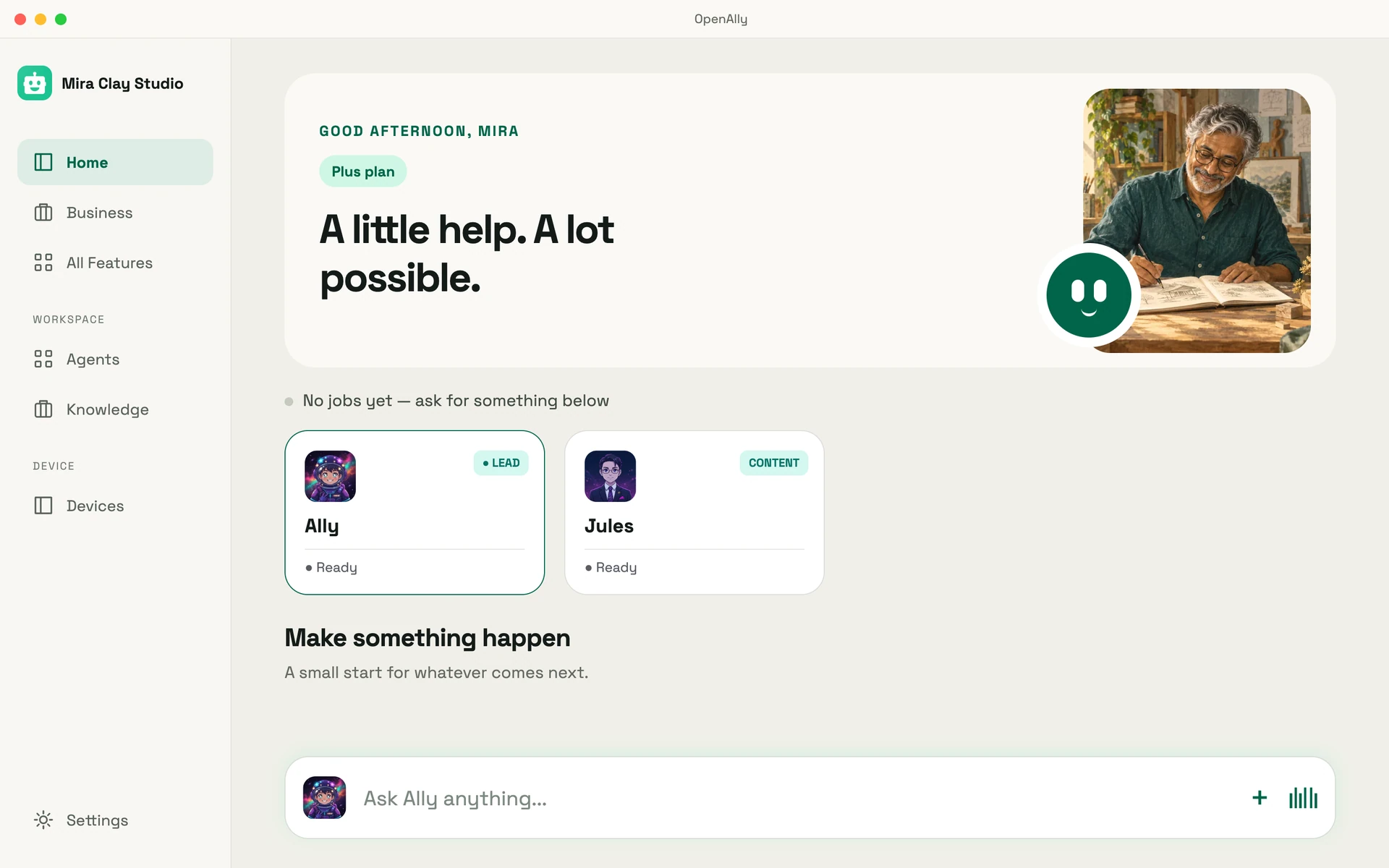
One OpenAlly workspace where your AI runs a shop's stock, GST, payments and invoices beside a household's everyday admin, on your phone and on a Mac.
Feature
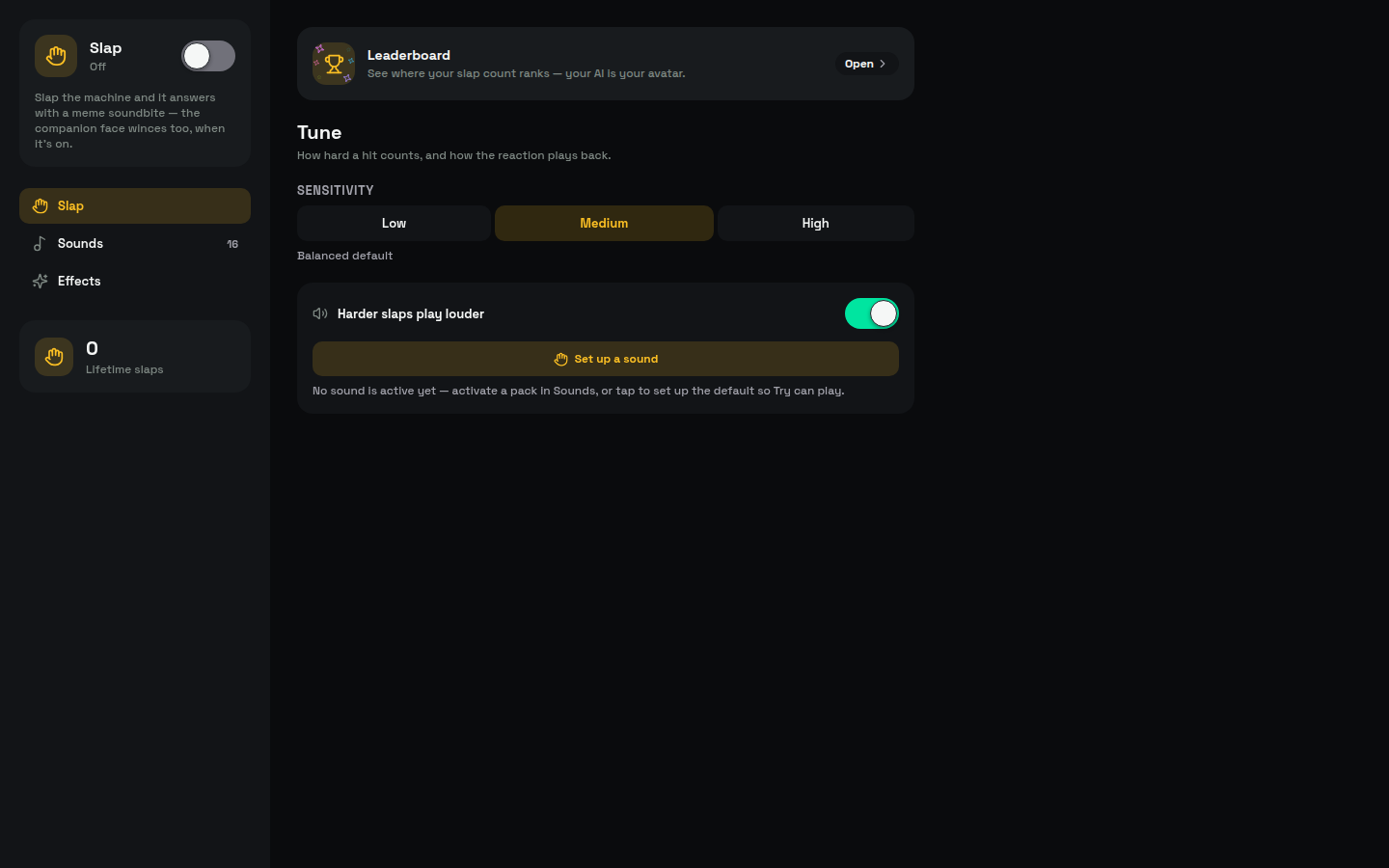
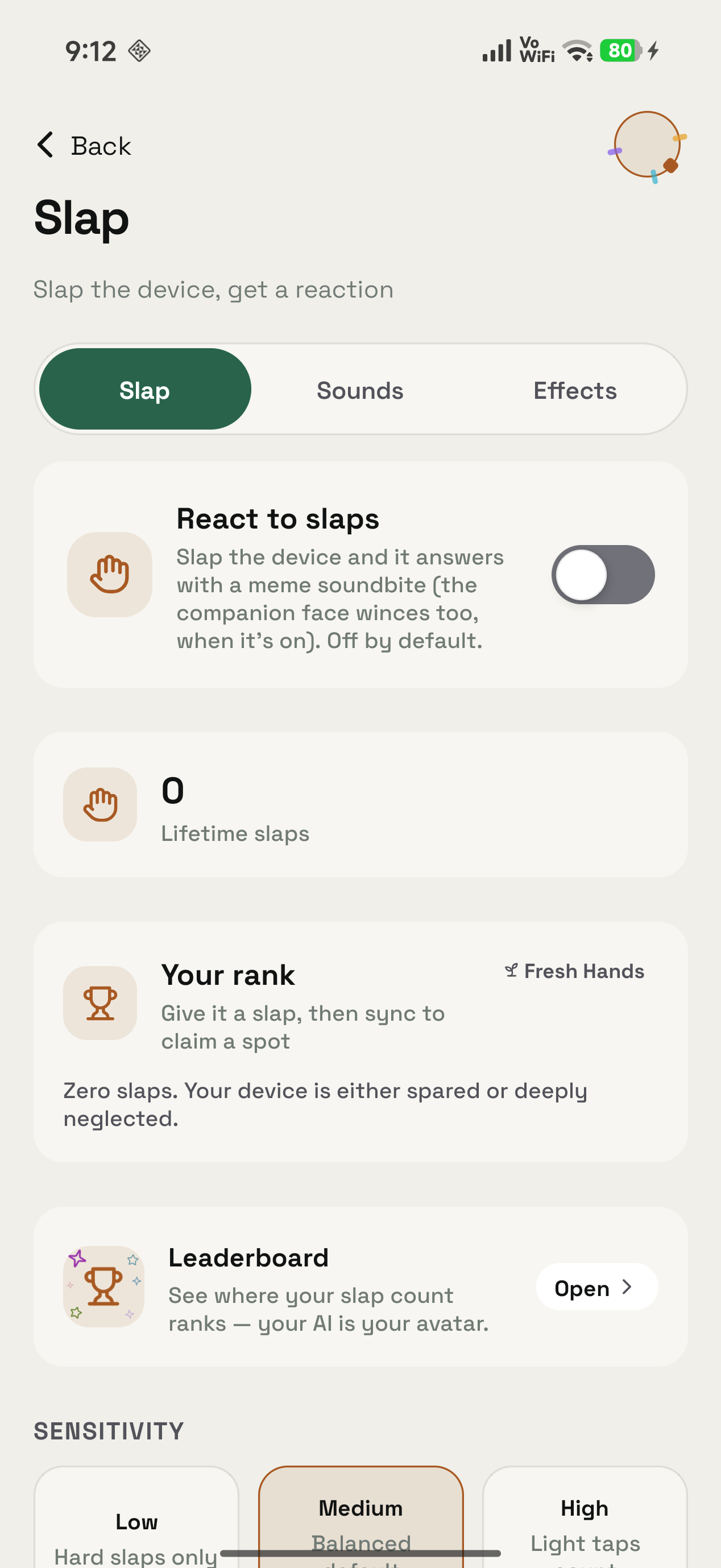
What OpenAlly Slap does: a desk tap, a device shake or the charger going in plays a meme soundbite, with sound packs, plug sounds and a leaderboard.
Guide
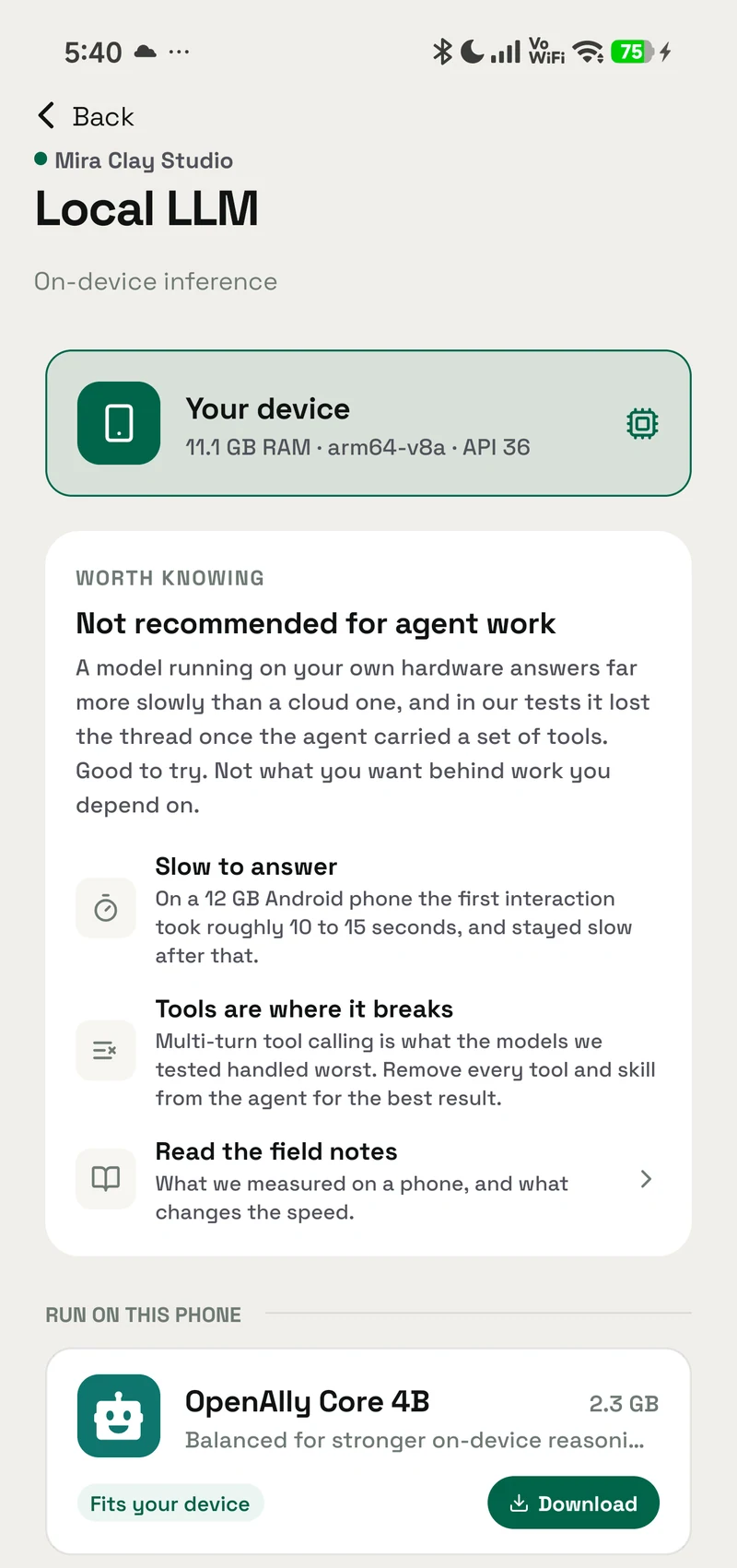
What offline AI on a phone can and cannot do in 2026, what small local models are good at, and why acting on your accounts is the much harder half.
Guide
OpenClaw's Android app connects to another host that runs the agent. Here is what phone AI agents need, and how OpenAlly keeps the agent on the phone.
Comparison
Compare OpenAlly and CellClaw across Android control, privacy, AI models, business workflows and platforms, and see why OpenAlly is the stronger choice.
Guide
See how an AI agent connects WhatsApp Business, bookings, customer records, inventory, payments, invoices, reviews, and weekly insights for a small business.
Engineering
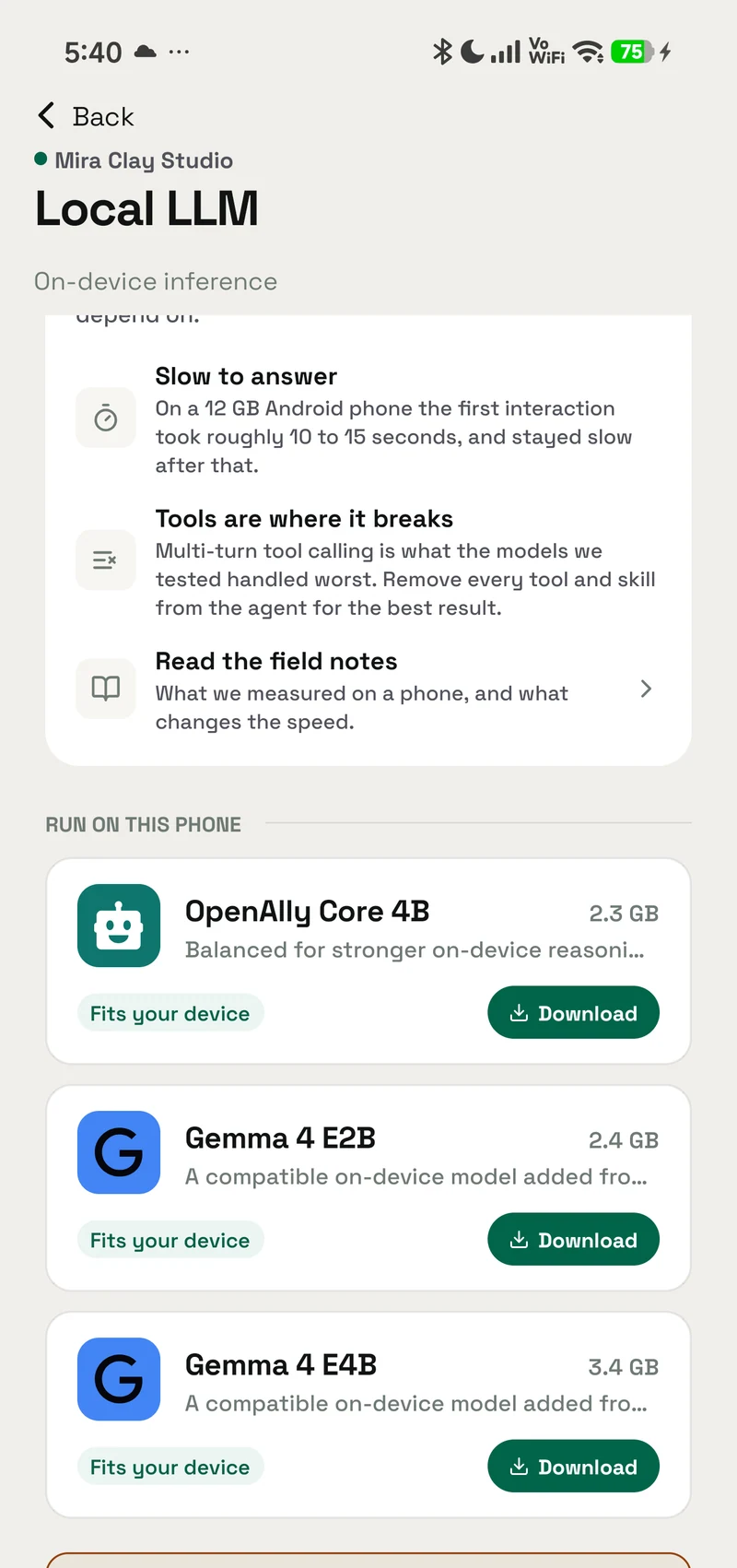
OpenAlly field notes on Gemma 4 for Android with LiteRT-LM: exact pins, S26 Ultra GPU results, 10–15s first response, token limits, and poor tool calling.
Comparison
Compare OpenAlly and FoneClaw across platforms, Android screen control, business records, model choice, privacy, and their documented editions.
Google lets you name the sites you want to hear from. Add OpenAlly and these articles surface more often in your own Search results — your preference, revocable from the same screen, and it changes nothing for anyone else.