
 OpenAlly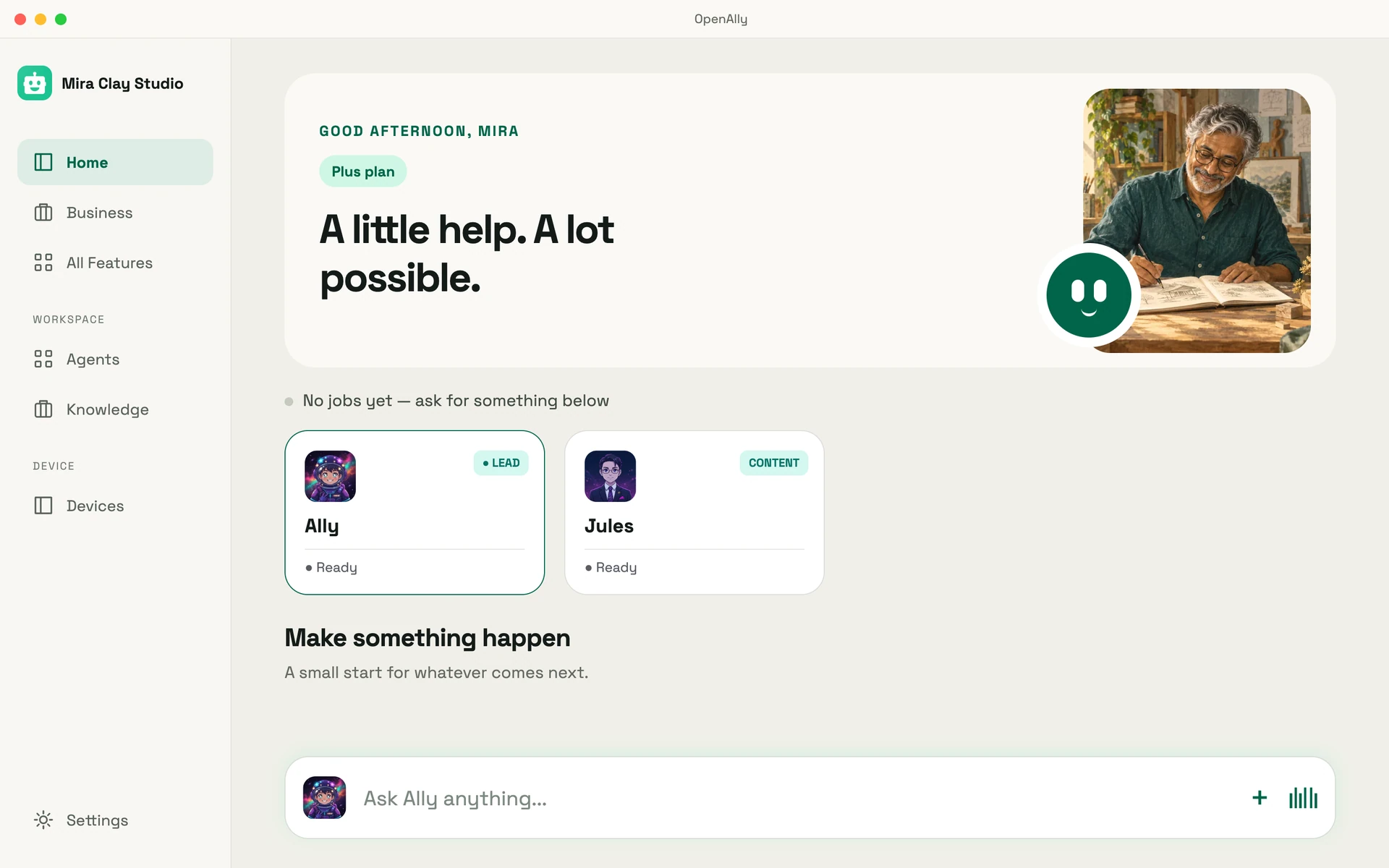
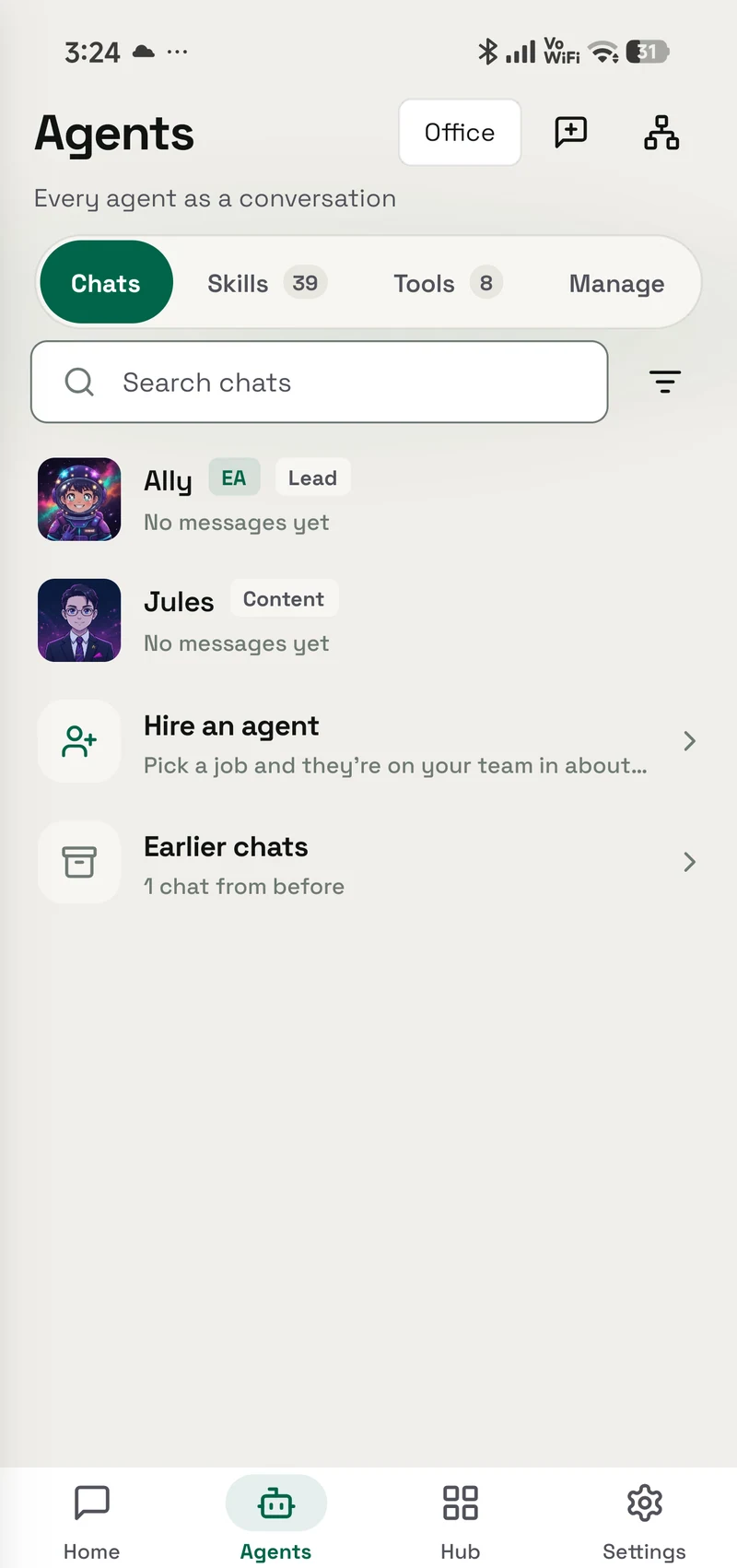
OpenAlly is software you install on a phone and on a Mac. It does the work you granted it, thinking with the model you chose. Talking to it is the least interesting thing it does.
A chat app clocks off the moment the answer lands on screen. The restock is still unordered. The payment link is still unsent. The customer on WhatsApp is still waiting, and the Mac on the far side of the room is still asleep. Tuesday does not grade prose.
The category has a name and a literature behind it. MIT Sloan's explainer on agentic AI separates "the now familiar chatbots that field questions and solve problems" from software that "integrates with other software systems to complete tasks independently or with minimal human supervision".
Matterward Labs builds OpenAlly around the second half of that sentence. Two boxes of stock to reorder. A link to send while the buyer is still standing at the counter. An order to log. A file to open on a machine nobody wants to walk over to.
01 / Chapter
Installed, not visited
In brief: OpenAlly is an assistant you install rather than a site you visit, and you hand it work a skill at a time. Android comes from Google Play. See the Mac download page for the current Mac release. Your chats and agents are written into a database file on the device in your hand, and your products, orders and invoices are kept in your OpenAlly account. Capturing or refunding a payment stays with you, an email reply waits as a draft until you press send, and on an Android screen driven through the optional Aster companion, a send, a payment or a delete waits for your tap.


02 / Chapter
Your device is the computer
Open the app and the work sits where you are standing. Chats and agents go into a database file on the phone or on the Mac. Products, orders, bookings and invoices are kept in your OpenAlly account, so the phone, the Mac and anyone you invite work from the same records.
Writing in IEEE Spectrum, engineer Dwith Chenna defines edge AI as "deploying AI algorithms directly on devices at the edge of the network, rather than relying on centralized cloud data centers". That is where OpenAlly keeps your chats and agents by default.
Where the thinking happens is a separate decision, and it stays yours. A provider you already pay for. A key you paste. A small model on the handset itself.
Paste a provider key and the device talks to that provider directly. Nothing of ours sits in the middle to fall over or to read what you sent. Your account and Premium do live in the cloud, and only if you use them. So does the delivery service behind WhatsApp Business: it keeps a business's Meta authorisation encrypted, and holds each message, encrypted, until the business's phone or Mac collects it. Whichever model you pick still reads what you send it, wherever that model happens to run. That is a narrower promise than nothing ever leaving the phone, and it is the true one.
An agent is an assistant you set up for a particular kind of work. The one that talks to buyers is separate from the one that files notes, and separate again from the one that watches the calendar. Each gets its own leave to act. None of them inherits another's access.
Keeping a single everyday assistant is perfectly reasonable, and most people start there. Specialists earn their keep later, when support, research, sales and operations begin needing different reach. At that point the separation stops being tidiness and becomes the whole safety story. Work you hand to a specialist comes back into the conversation you were already having, so delegating does not mean chasing an answer across three screens.
03 / Chapter
Nothing to rent, nothing to keep awake
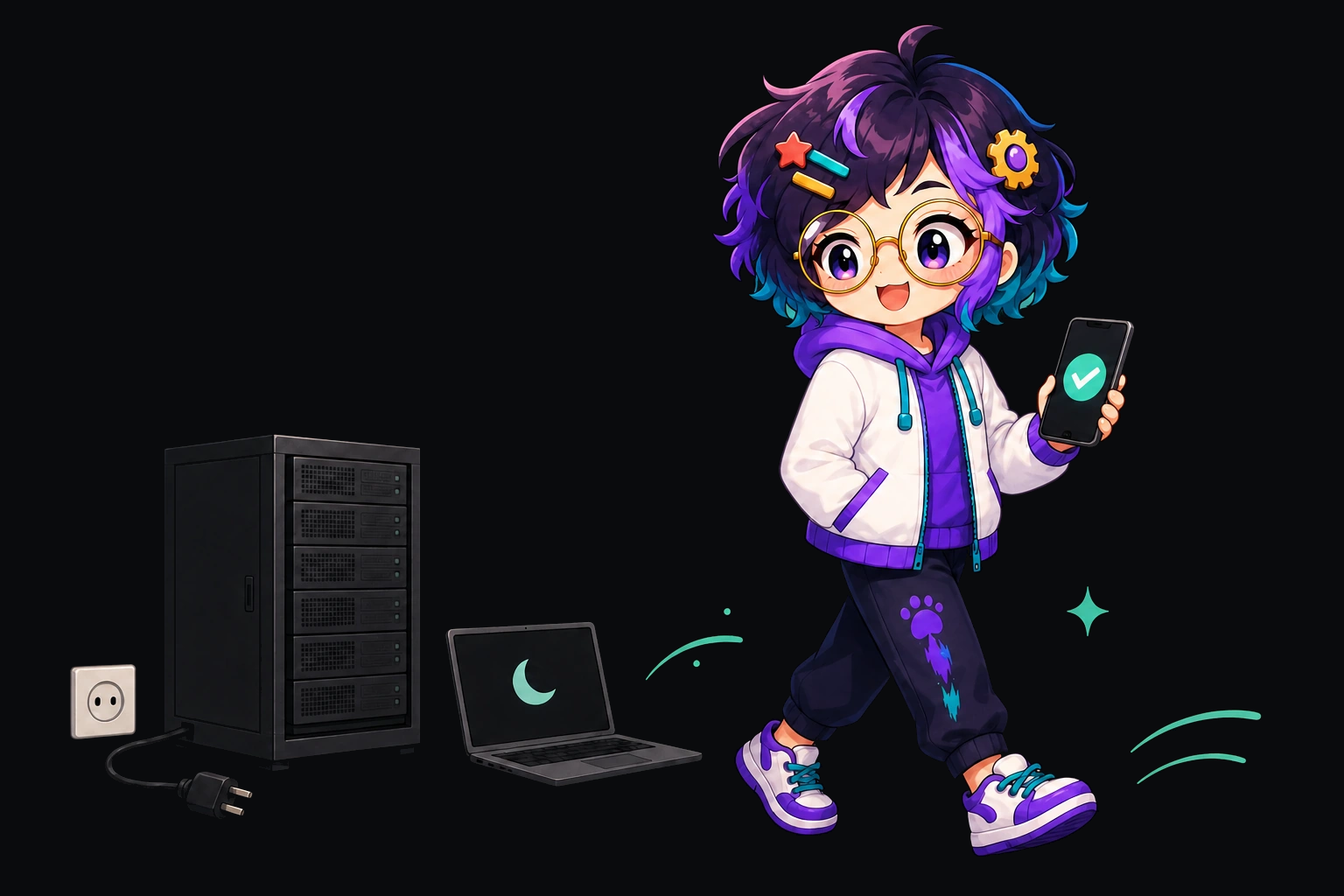
Setup instructions for phone assistants tend to end with a second machine. Rent a small server. Leave a box humming in a cupboard at home. Keep a laptop awake so the handset has something to phone. OpenClaw's official Android app, for one, requires another computer running macOS, Linux or Windows, as our OpenClaw on Android notes set out from its documentation. OpenAlly's setup ends with the phone.
There is no OpenAlly server for you to host, no container to babysit and no home lab to build first. The app is the whole installation.
A laptop is welcome if you want one in the picture. Point the app at an OpenAI-compatible server on your own machine. That is how a local runner such as Ollama joins the story. The Local LLM tool runs a small model fully on the device, offline, on Android, iPhone and Mac. Both are switches you may flip. Neither is a condition you have to satisfy before the app earns its space.
Setup pages for phone assistants keep asking for a spare box, and community projects exist to squeeze that box onto the handset itself. OpenAlly is built around that complaint.

04 / Chapter
The model is a setting


The brain is yours to choose and yours to change. There are three ways in.
Sign in with a subscription you already pay for, and pay nothing further for it: ChatGPT, GitHub Copilot, Antigravity. Beside them sit plan rows that take a plan key instead of a sign-in. Those include the Z.AI GLM Coding Plan, Kimi For Coding, the MiniMax Token Plan, Synthetic and OpenCode Go. Moonshot AI, the Xiaomi MiMo Token Plan and the Alibaba Token Plan sit on that same shelf. OpenAlly's own route is there too, and it is the one route that runs through us, if you pick it.
Paste a raw API key and go straight to the provider instead. Anthropic, OpenAI and Google AI are the front three. Azure OpenAI, Vertex AI and Amazon Bedrock cover a work account. Groq, Cerebras, Mistral and xAI cover speed or price. OpenRouter, NVIDIA and Vercel AI cover shopping through a single bill. Treat that as a sample rather than an inventory. The live list, with the platforms each entry supports, sits in the catalogue.
Or run the thing yourself. An OpenAI-compatible server on your own hardware is a first-class option, and so is a small model on the handset.
Switch next month because something cheaper or sharper appeared, and your agents, your granted skills and your records stay exactly where they were. The model is the part that moves.
ChatGPT, Claude, Gemini and Copilot are brains, and mostly they are brains you visit: a tab, a window, a place you go to think out loud. Grok and Perplexity are a different shape again, and good ones. You go, you ask, you read. OpenAlly sits on the other side of that trade. It is the surface on your own device that goes and does, and it is glad to borrow whichever brain you rate this quarter.
05 / Chapter
Skills are the leave you grant
A skill is the leave you give one agent to use a particular tool, written in ordinary language rather than as a screen full of switches. The agent that handles buyers gets Sales and Payments. The one that only files notes gets neither, and cannot be talked into either halfway through a conversation.
Every grant is separate. One agent's access tells you nothing about the next agent's, which is dull to explain and restful to live with.
That split is what lets one account hold a shop and a household without mixing their reach. The specialist that raises a payment link never inherits the Health skill. The everyday assistant that files a shopping list never inherits refunds.
Consequences stop the machine. On an Android screen driven through Aster, paying, sending, deleting and changing a setting all wait for a tap. Email works the same way everywhere: the agent reads the conversation, drafts the reply in your voice, tidies it, and puts it in front of you. You press send.
| What you ask for | Who finishes it |
|---|---|
| A reply to a customer email | The agent drafts it, you press send |
| A payment link and the order behind it | The agent, as soon as you ask |
| Capturing or refunding a payment | Owner only: your AI, with your sign-off |
| Deleting an inventory, a product or a tax | The agent, only on the owner's own request |
| A send, payment or delete on an Android screen | Nobody, until you tap |
A reply to a customer email
- Who finishes it
- The agent drafts it, you press send
A payment link and the order behind it
- Who finishes it
- The agent, as soon as you ask
Capturing or refunding a payment
- Who finishes it
- Owner only: your AI, with your sign-off
Deleting an inventory, a product or a tax
- Who finishes it
- The agent, only on the owner's own request
A send, payment or delete on an Android screen
- Who finishes it
- Nobody, until you tap
If none of the built-in skills fits the way you work, Skill Creator lets you teach the app a new one.
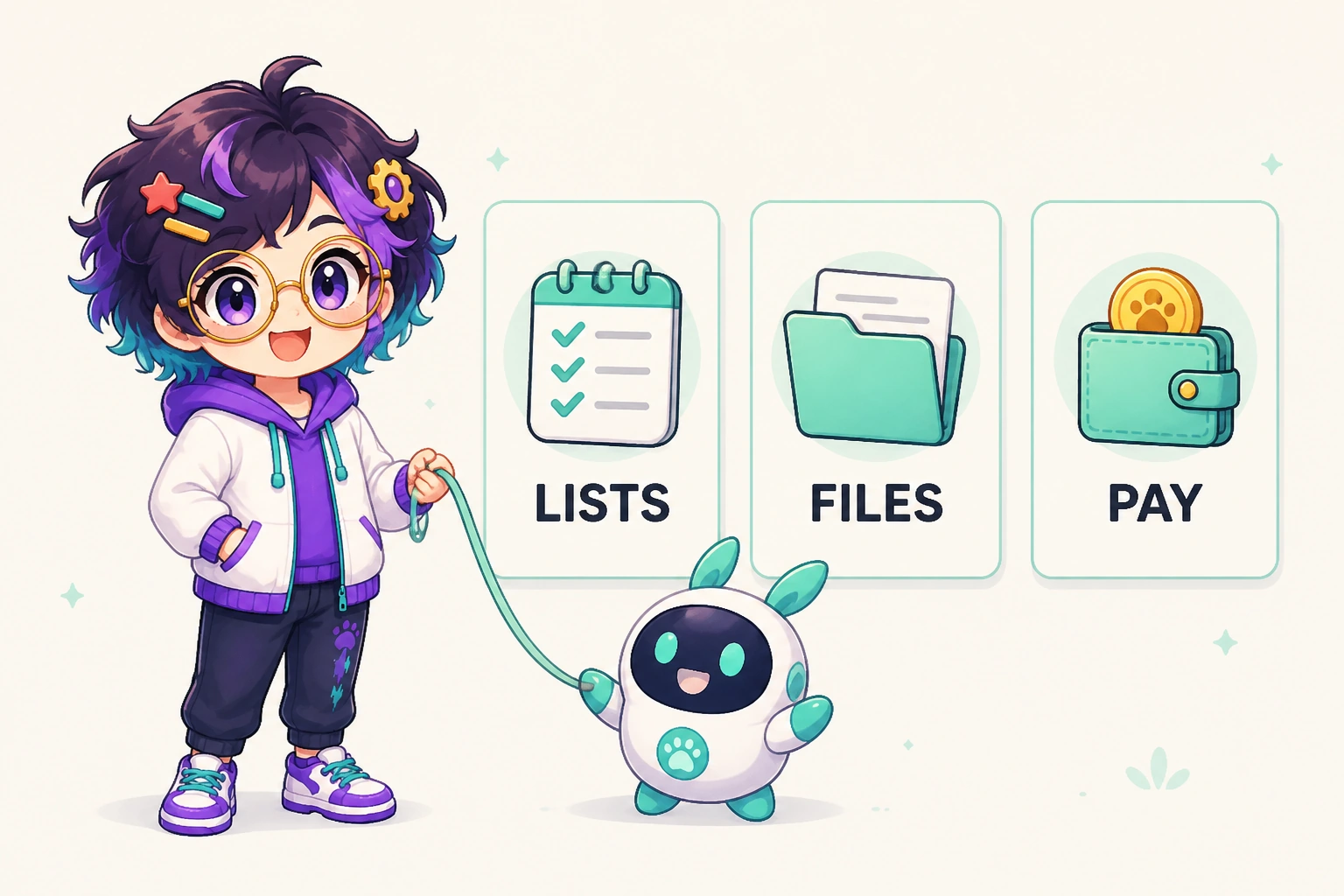
The rest of the grant list is work, not a brochure. Web Search, Weather and Summarise cover the everyday lookup. Invoicing sits next to Payments when the customer needs a document, not only a link. Image Generation and Video Generation run once you have actually granted them. GitHub is there if you ship code. Agent Admin, Skill Creator and Session History live in the app for people who want to inspect or extend the setup. They are not why you install it.
The OpenAlly apps an agent can drive
The apps are the other half of the arrangement. Each opens as its own screen, the way any app on your phone does, and each can also be driven by an agent you granted the matching skill. That duality is the trick, and it is why a phone full of OpenAlly apps does not turn into a phone full of chores.
Payments connects a payment provider, raises links and orders, and reconciles the money when it lands. Business holds the catalogue, the stock levels and the tax. Email labels, drafts and replies in your voice. Remote Deck turns the phone into a controller for a Mac you approved. OpenLink does something similar for a desktop coding session over your own private link. Image Providers connects an image model, so an agent can actually produce the picture, on your plan or your key.
Not all of it is commerce, and it would be a duller product if it were. App Builder walks you from a description to a real app you can preview and publish, in a guided flow on the device. Web to App turns a site you run into a signed Android app, built on your Android phone or Mac, which you install, share or upload to Google Play yourself. A home baker's day with both runs from a sentence typed between batches to an app on her regulars' phones. Vibe Pages turns a mood into a shareable page with its own background, fonts and playlist. Companion Face gives the assistant a face beside your camera, on Android and on Mac. Slap exists so you can slap your machine and have it bark a meme soundbite back at you.
Health keeps records and medicines on the device. You can ask what is due tonight, or look up a measurement from the spring. It organises facts and stops there. It is not a tracker and it is not a medical device. It does not diagnose or treat. Anything clinical belongs with a clinician.
Four of them ask for a part of Android that other platforms do not hand out, so App Automations, the SMS Analyser, Flare and Voice Notes are Android-only. The full catalogue lists every app, skill and tool with the platforms each one supports.
06 / Chapter
What OpenAlly will tap, and what it refuses to
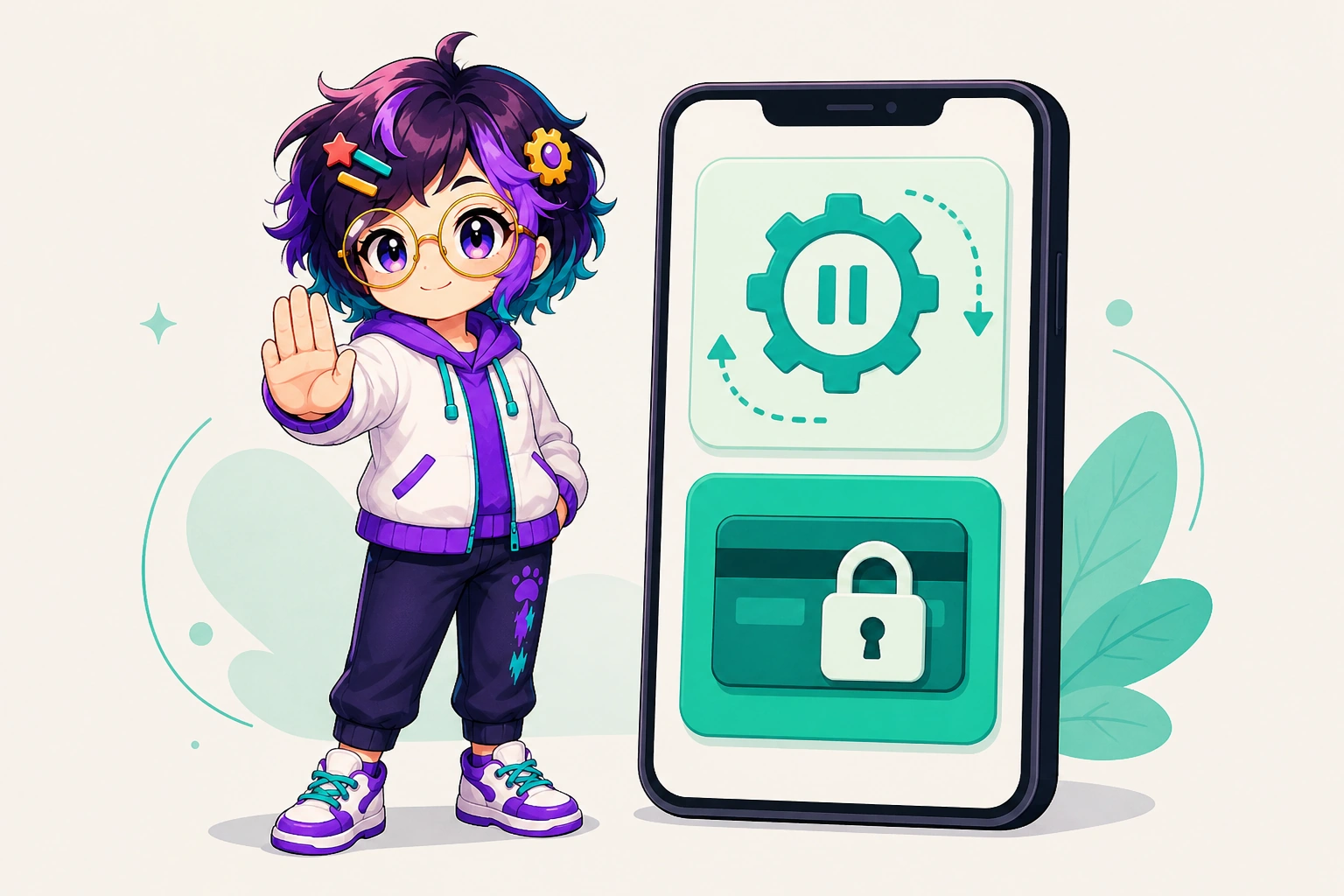
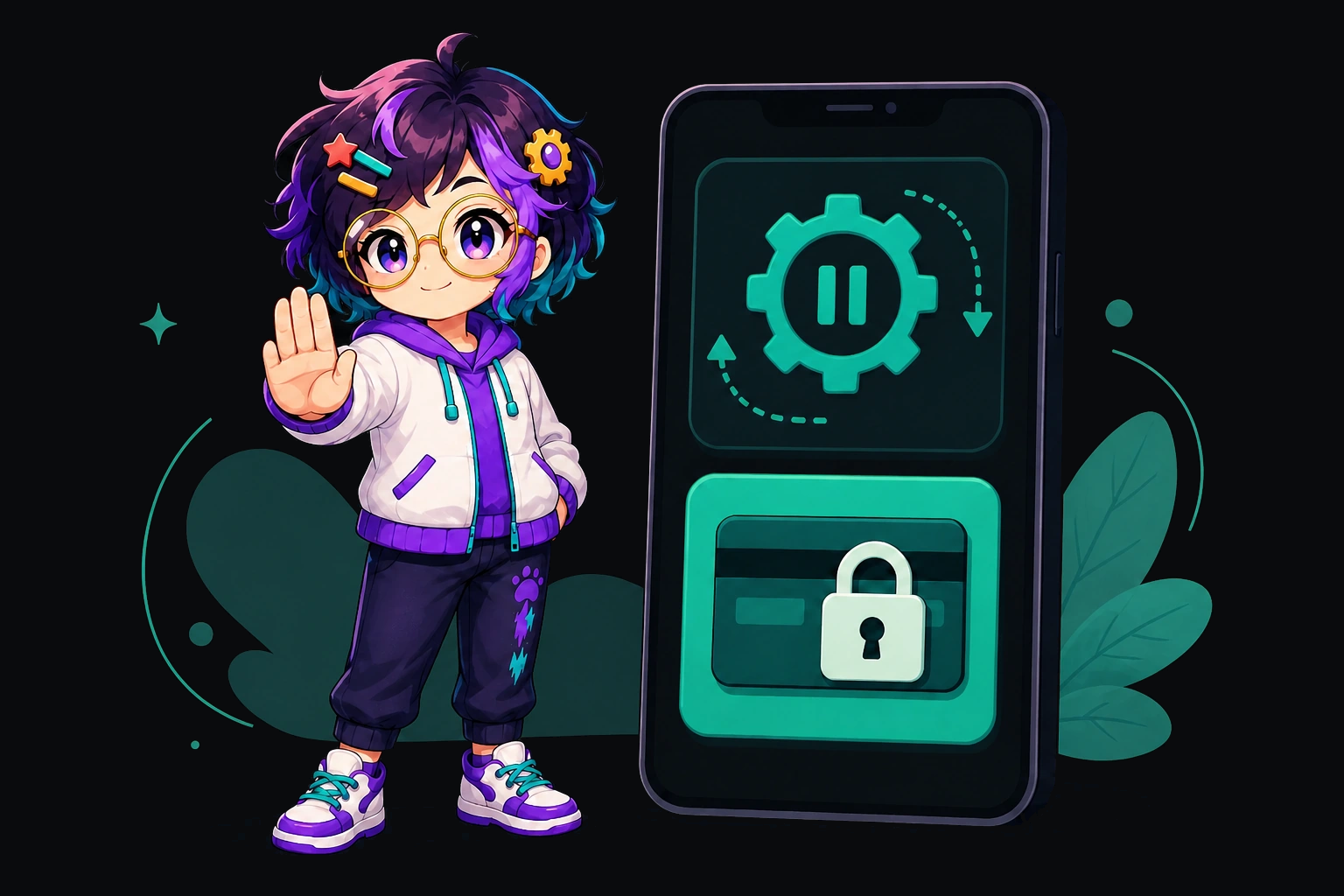
Aster is an optional Android companion you install yourself, from the project's GitHub Releases page. It sits outside the Play listing, and OpenAlly works perfectly well without it. With it, the App Automations skill lets an agent drive the apps already on the handset: open the delivery app, fill the form, walk to the last screen, and stand aside.
The interesting part is where it stops. You can halt a run in the middle of a step. Logins and payments hand straight back to you, and so do CAPTCHAs and two-factor prompts when an agent is working in a web page, because software that guesses at those is software you should uninstall. A send, a purchase, a delete or a settings change on screen waits for your approval in the app. Banking and payment apps are blocked from screen automation unless you go in and say otherwise.
07 / Chapter
The shop and the household share one workspace
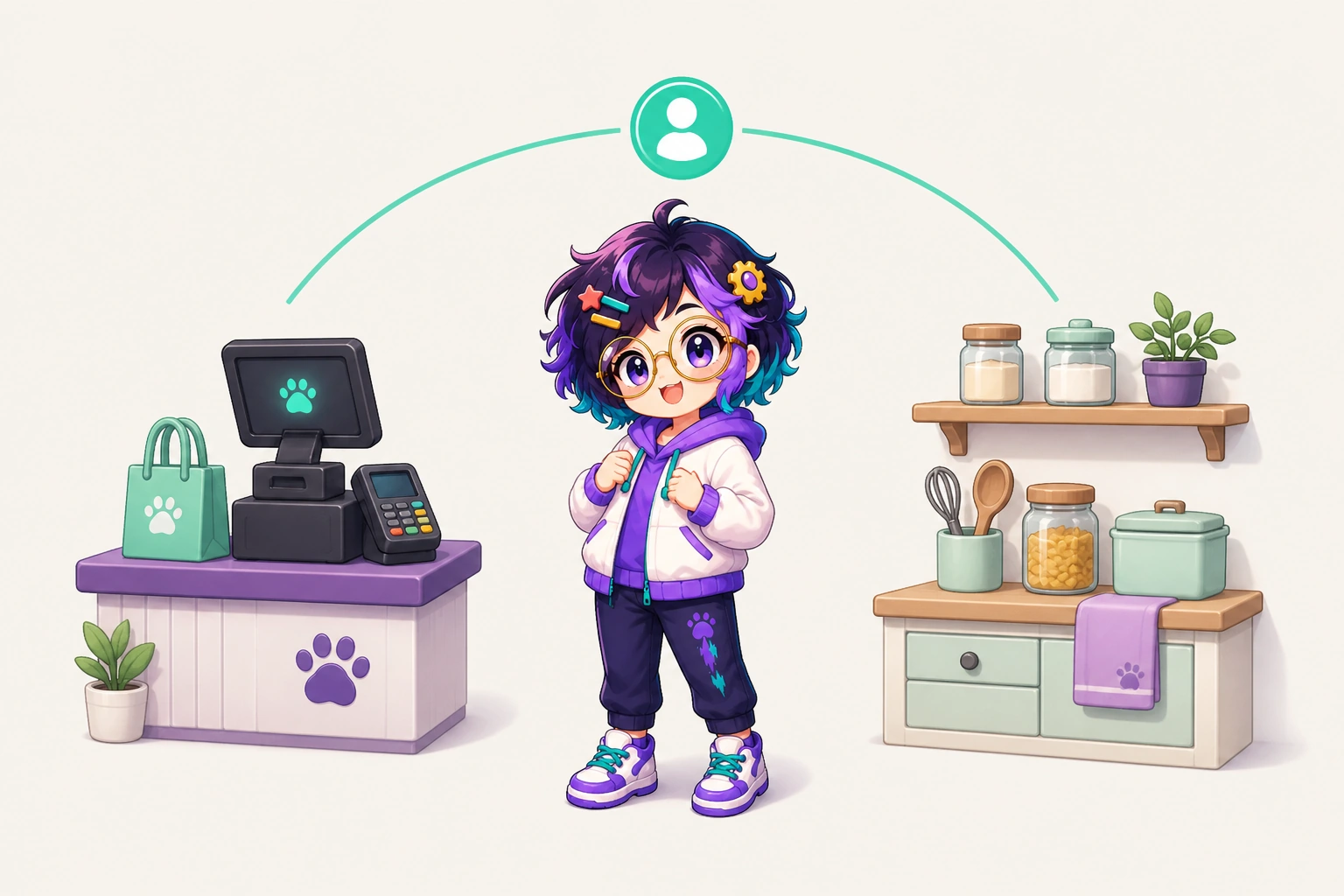
One account carries the till and the kitchen. The assistant that works out which order never paid can sort the shopping list afterwards, and neither errand needs a separate subscription or a second app to live in. For a household that is convenience. For a shop run out of a phone, it is the difference between an assistant and one more app to check.
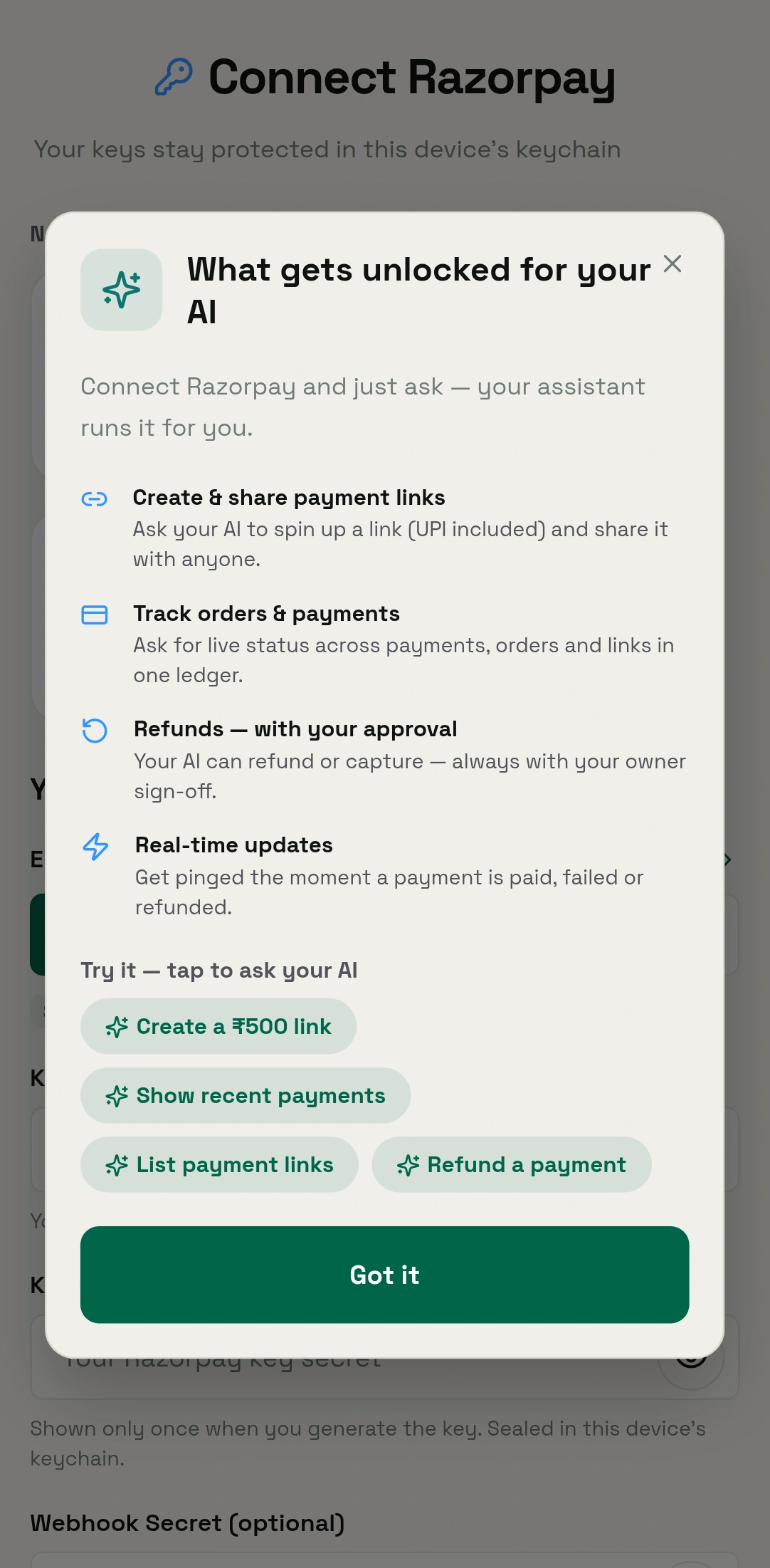
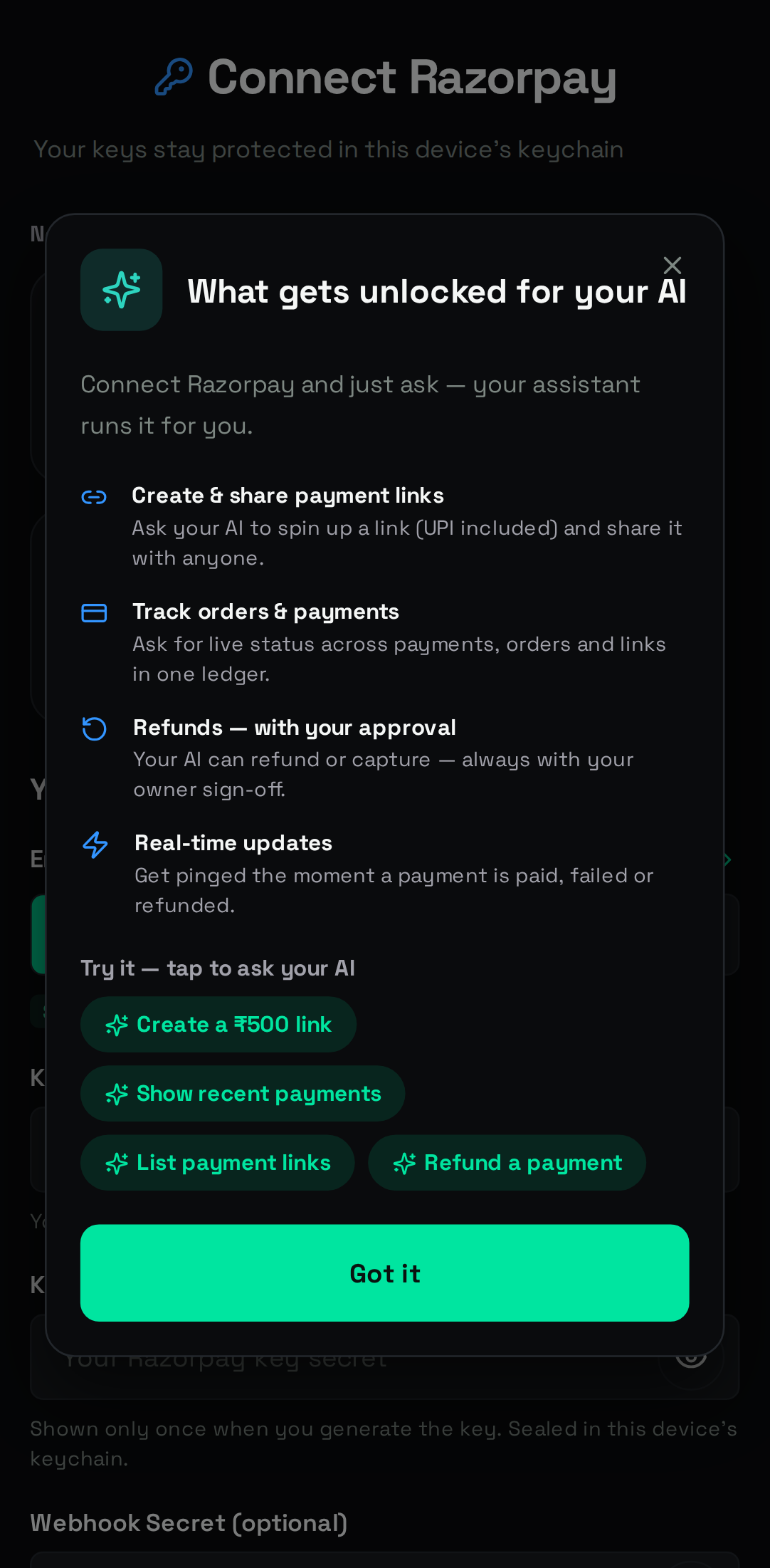
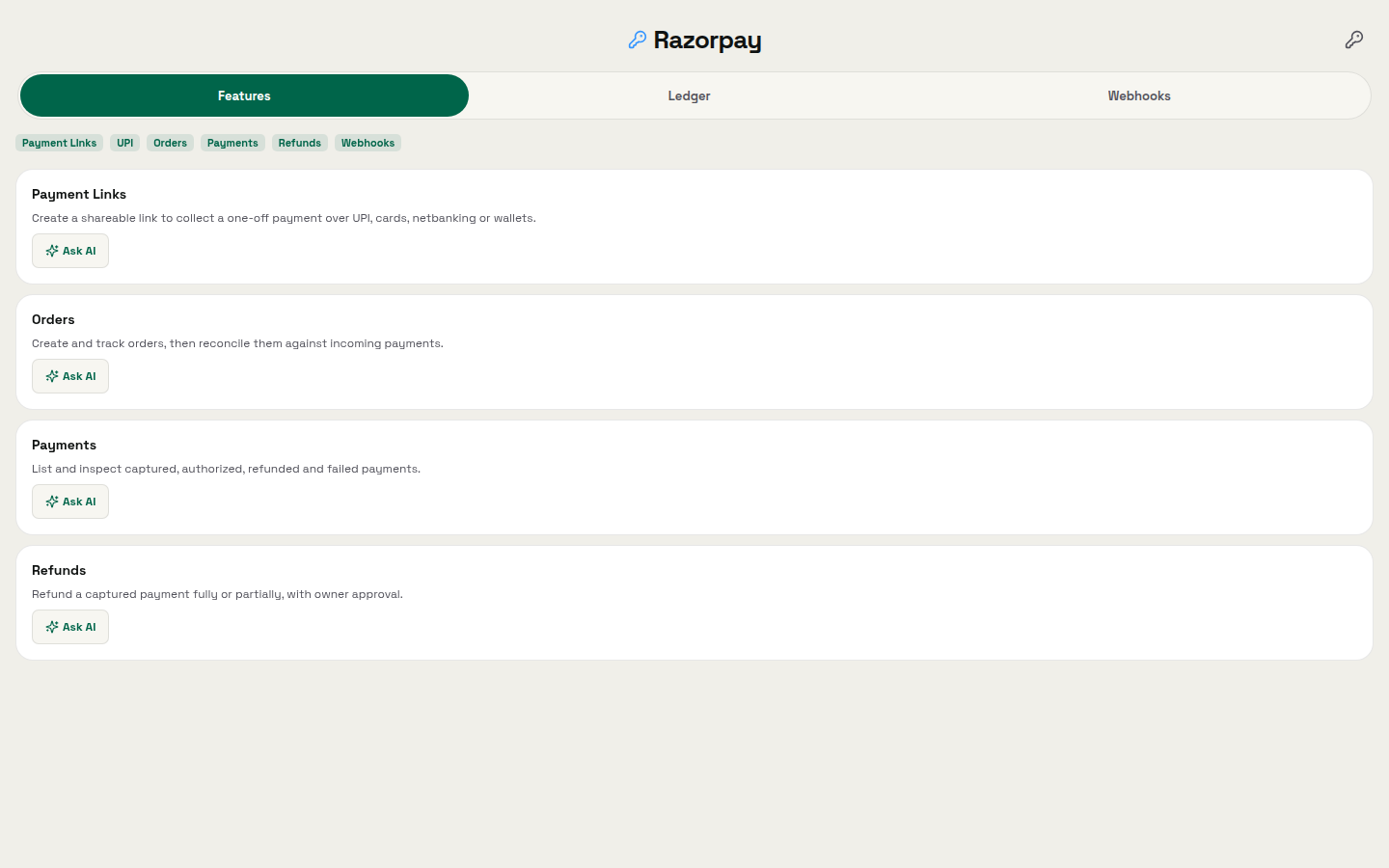
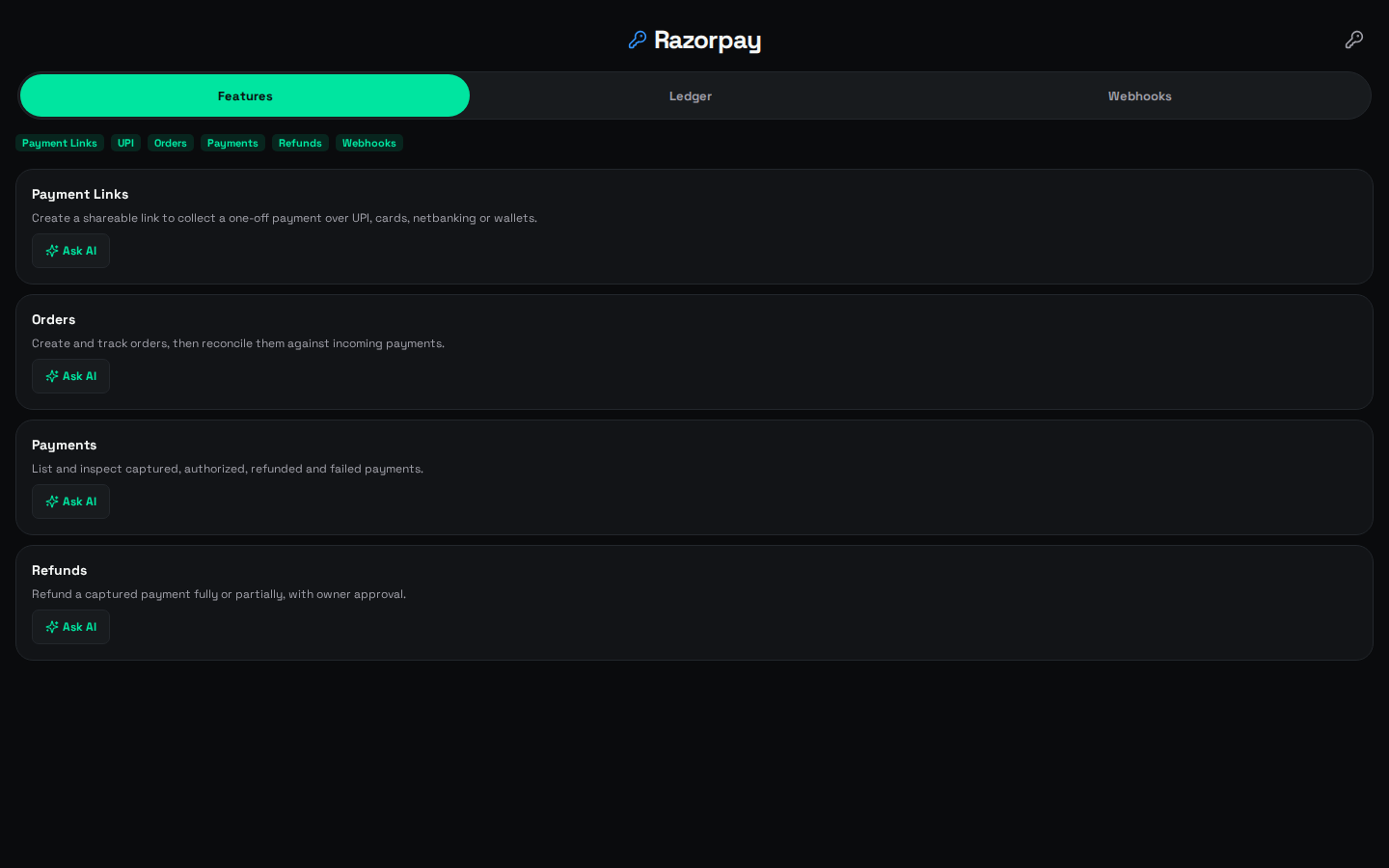
Payments is where a payment provider gets connected. Razorpay is the first one wired in, rather than the only one there will ever be. Razorpay's own documentation describes payment links as a way to accept payments without a website or app. That is the situation when the sale happened inside a chat. An agent can raise the link and the order behind it. It can list what has arrived as structured data you can read against your own orders. Capture and refund stay owner-only, in the app, in your hands. The Payments walkthrough sets out the full division of labour.
WhatsApp is a door into that workspace rather than the product behind it. Contacts sit in tiers, so the assistant knows who it is talking to: Owner, Trusted, Member, Customer, Blocked. Group chats stay quiet until somebody says the assistant's name out loud. For example, a supplier chat can run for a week without the assistant saying a word, then answer the moment you call it in. A business that wants its own number answered uses WhatsApp Business instead: it connects through Meta, is free to connect with AI replies on Premium, and holds each billable AI message for the owner's approval unless it fits a budget the owner set. Telegram, Slack, Discord, Signal, Google Chat and iMessage are doors along the same corridor. They are useful when the work already lives there, and beside the point when it does not. LINE, Mattermost, Nextcloud Talk, Twitch and Zalo sit in that same public set. None of them is the product. The shop and home guide tells the longer version of this story.
08 / Chapter
Across the room, on the Mac
The Mac is continuity rather than a second product. Same account, same agents, same records, more screen. A conversation you started on the bus is open on the desk when you sit down, with the order it created still attached.
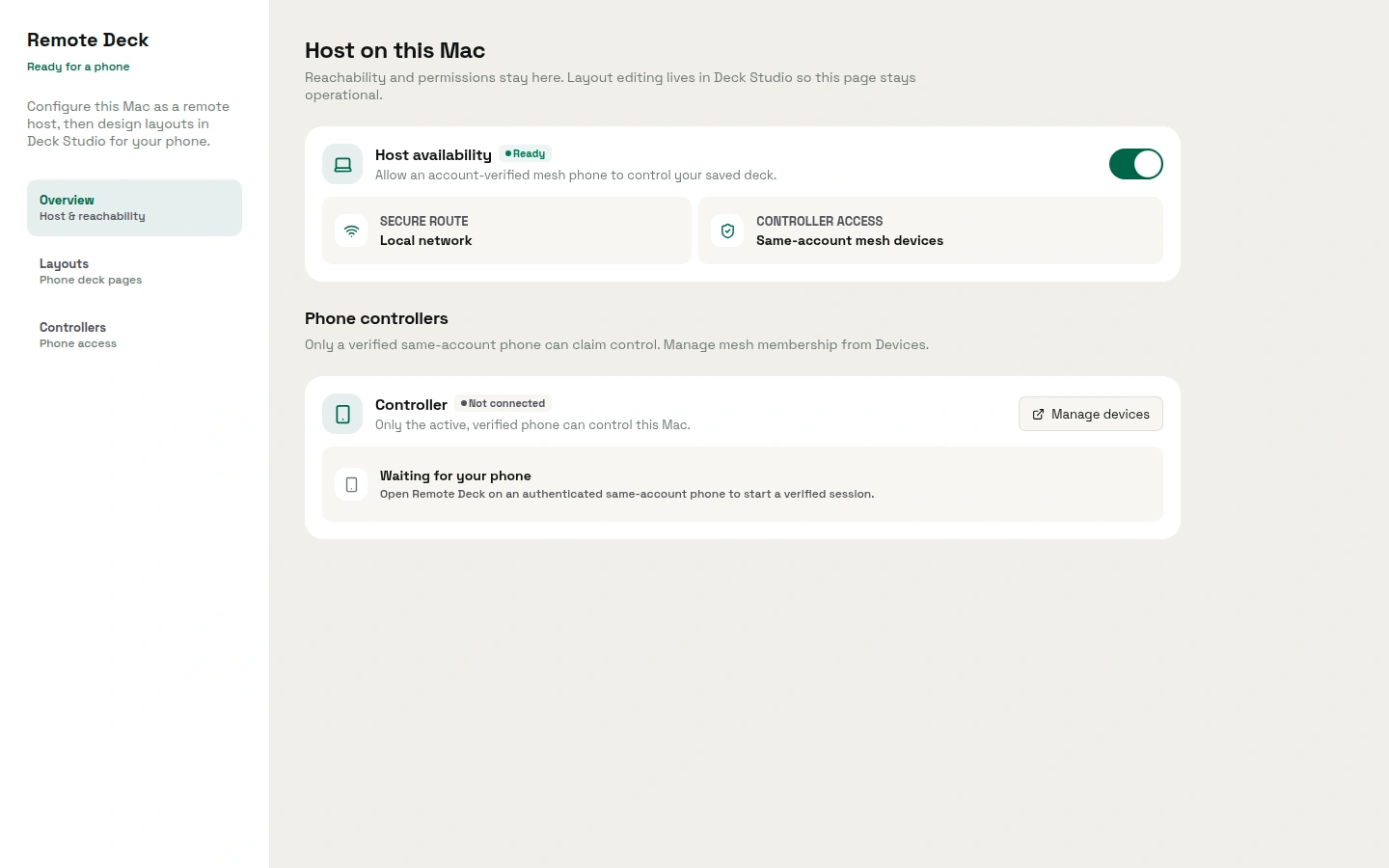
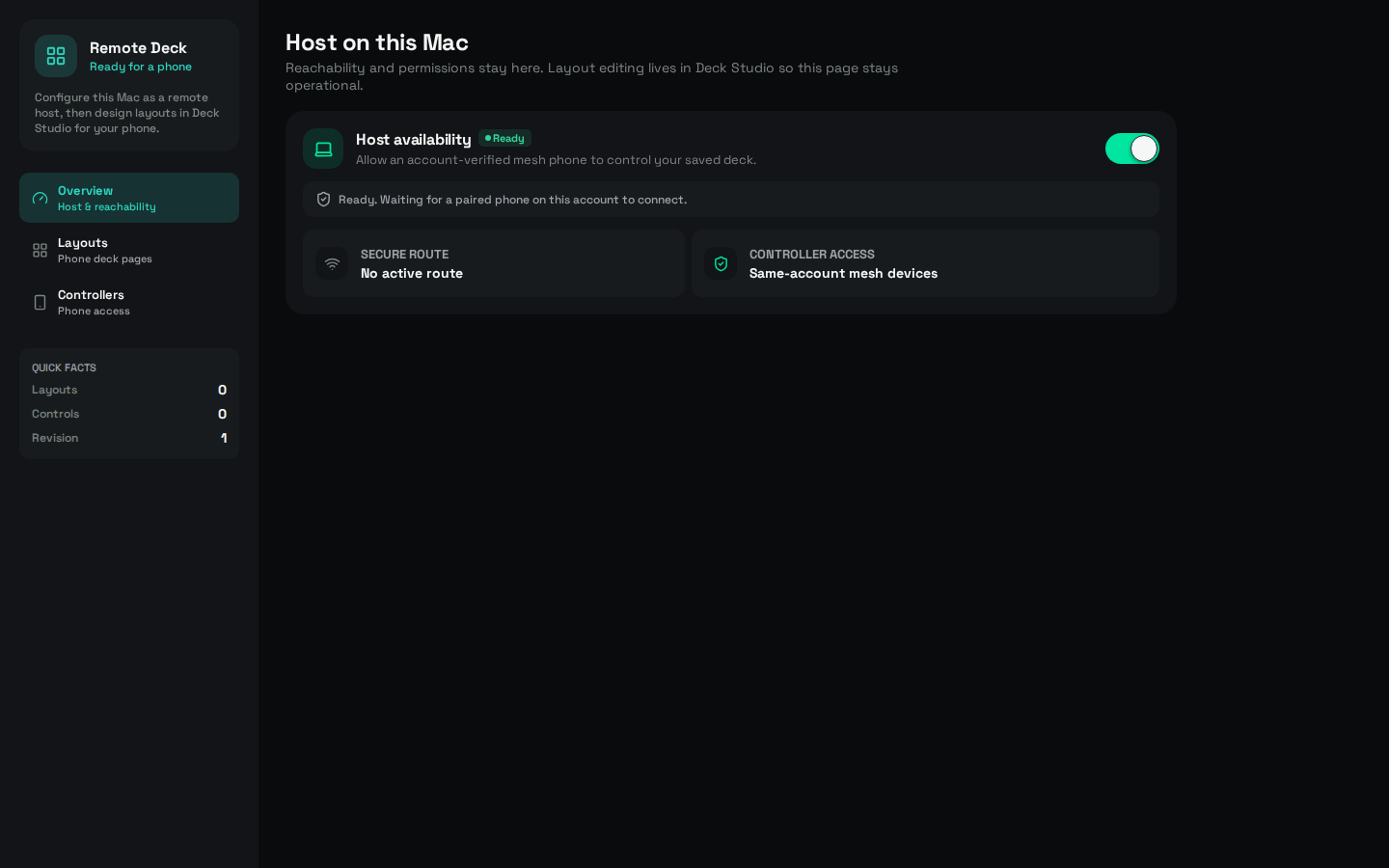
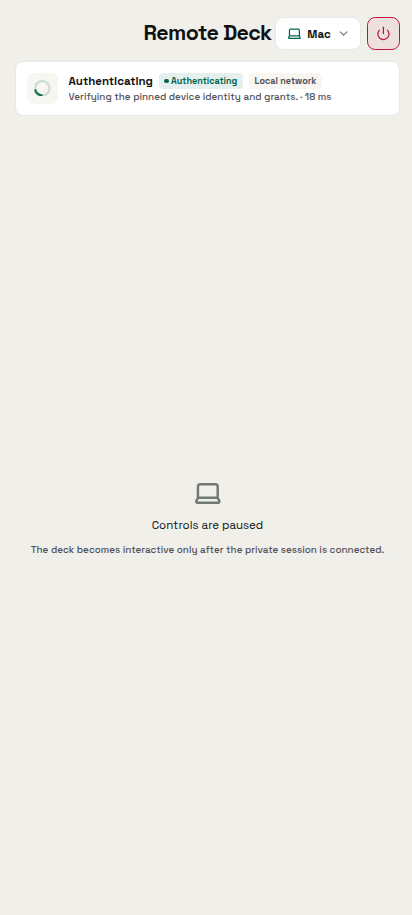
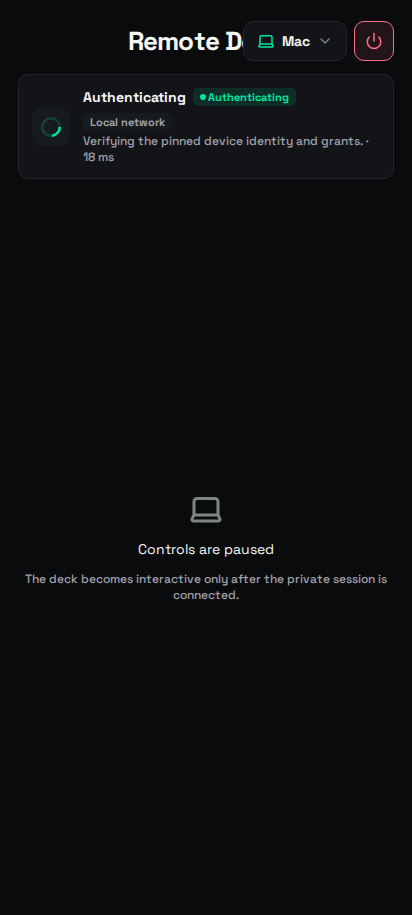
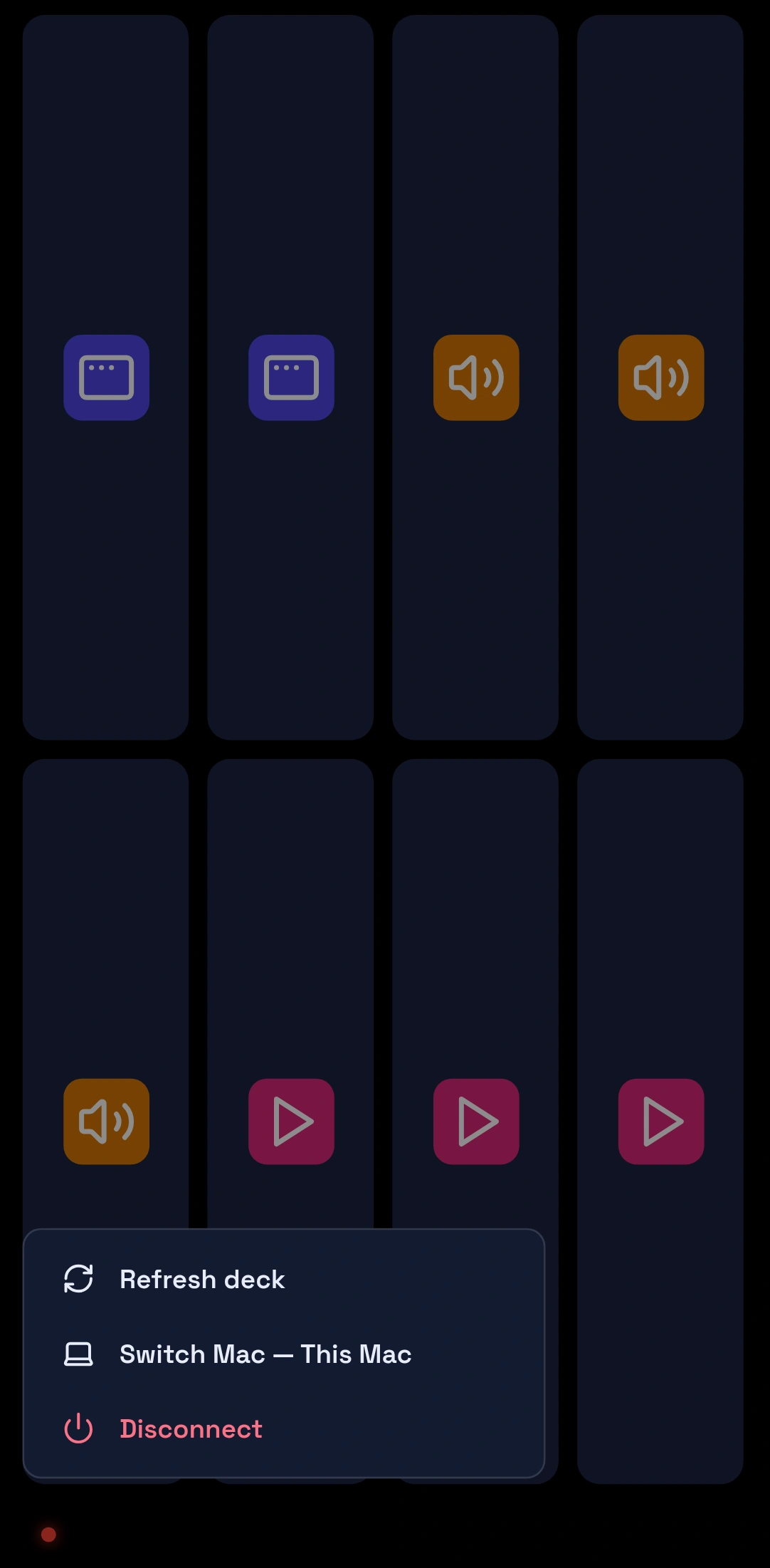
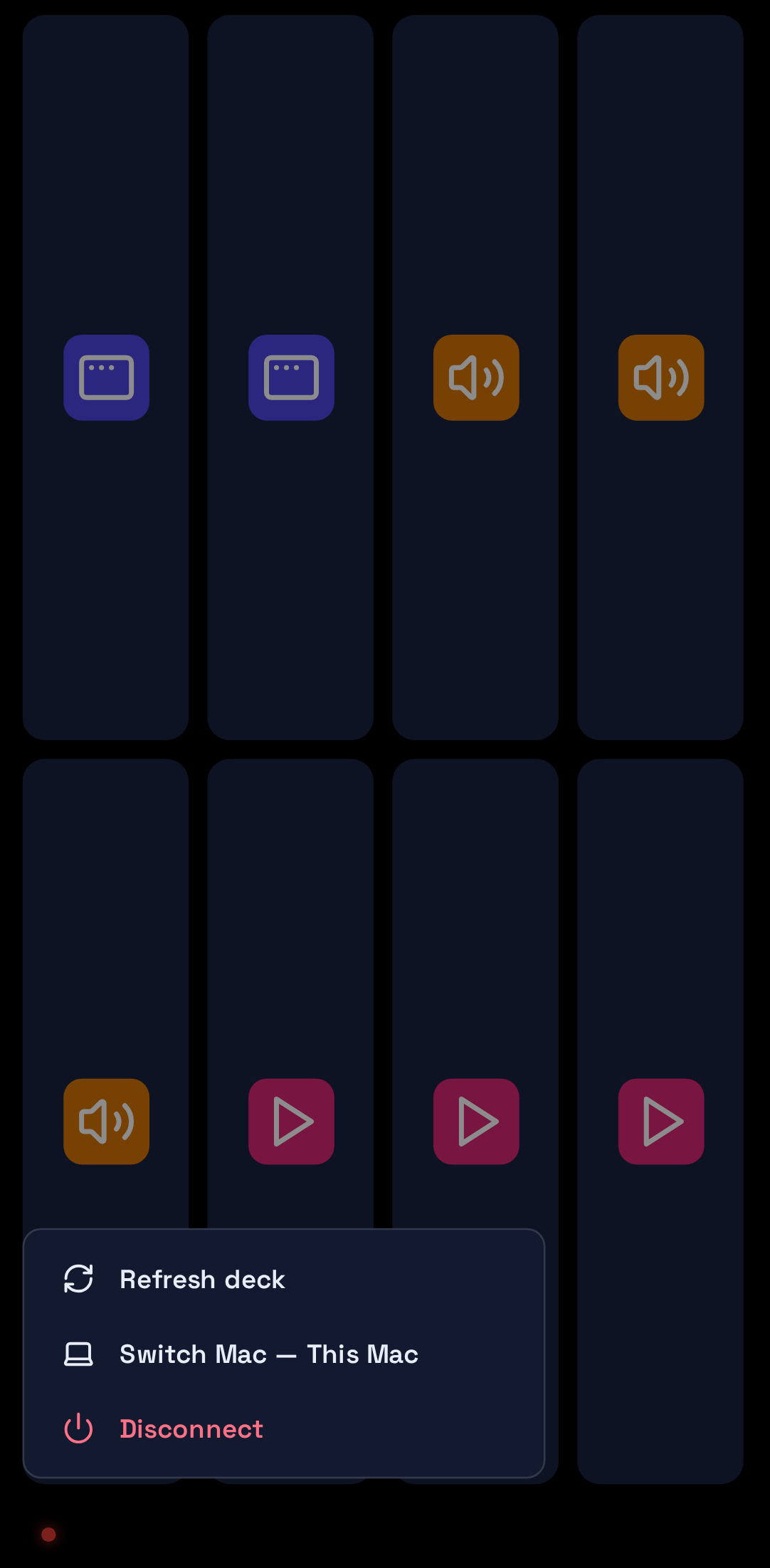
Remote Deck is the app that turns the phone into a control deck for a Mac you have approved, reached over a private, verified link. Approve the machine once through your own account, and the phone runs the launchers and controls you set up on it: the next slide, the volume, the app you want in front. The Remote Deck explainer covers what the link does and does not reach.
Mobile-first is the honest description of the whole product. Most of a working day happens between customers, on a handset, with one thumb. The Mac is where you sit down afterwards and read a month of orders instead of a single line.


09 / Chapter
A better Tuesday
An assistant belongs on the hardware you already carry, because that is where the work turns up. The brain behind it swaps out, because the good one changes every few months and nobody should have to move house each time. The shop and the household run in one workspace. Banking and payment apps stay out of the automation's reach.
That is a worse elevator pitch than "ChatGPT for India". It is a better Tuesday.
Search will keep trying to turn OpenAlly into other products, so a few corrections in advance. A bundle identifier turning up somewhere is not an iPhone launch. Time-saved figures on this site are worked arithmetic from a stated workload rather than customer results.
Install it on Android from Google Play, take the Mac build from the Mac download page, or start at the download page and pick your platform. Then grant it exactly one errand. The restock, probably.
10 / Method
How this was checked
The methodology is a catalogue read. Every product line above comes from the OpenAlly catalogue and its public product pages, read on 2 September 2026. Where this page and the catalogue disagree, trust the catalogue. Razorpay wording was checked the same day against its payment links documentation. The MIT Sloan and IEEE Spectrum pages were opened and quoted directly.
- Every external quotation above was opened and checked against the live page on 2 September 2026, and each of those pages is linked at the point where it is quoted.
- On 8 October 2026 the generated public catalogue listed 29 apps, 44 skills, 8 tools, 12 channels and 46 model-provider rows. Those counts are a snapshot of that file, not a market survey.
- Reading a skill as leave granted per agent, rather than as a feature on a list, is an editorial framing of the per-agent grant and the owner-only money rules. No catalogue card says it that way.
About the author: Matterward Labs makes OpenAlly. It builds AI software, the apps around it, and the systems that run them. This article was reviewed by Matterward Labs on 2 September 2026, and corrections go to the contact page.
Sources and references
These public pages support the product facts, technical specifications, background, and reference measurements in this article. Details were checked on the review date shown above.
Read us on your terms
Google lets you name the sites you want to hear from. Add OpenAlly and these articles surface more often in your own Search results — your preference, revocable from the same screen, and it changes nothing for anyone else.