 OpenAlly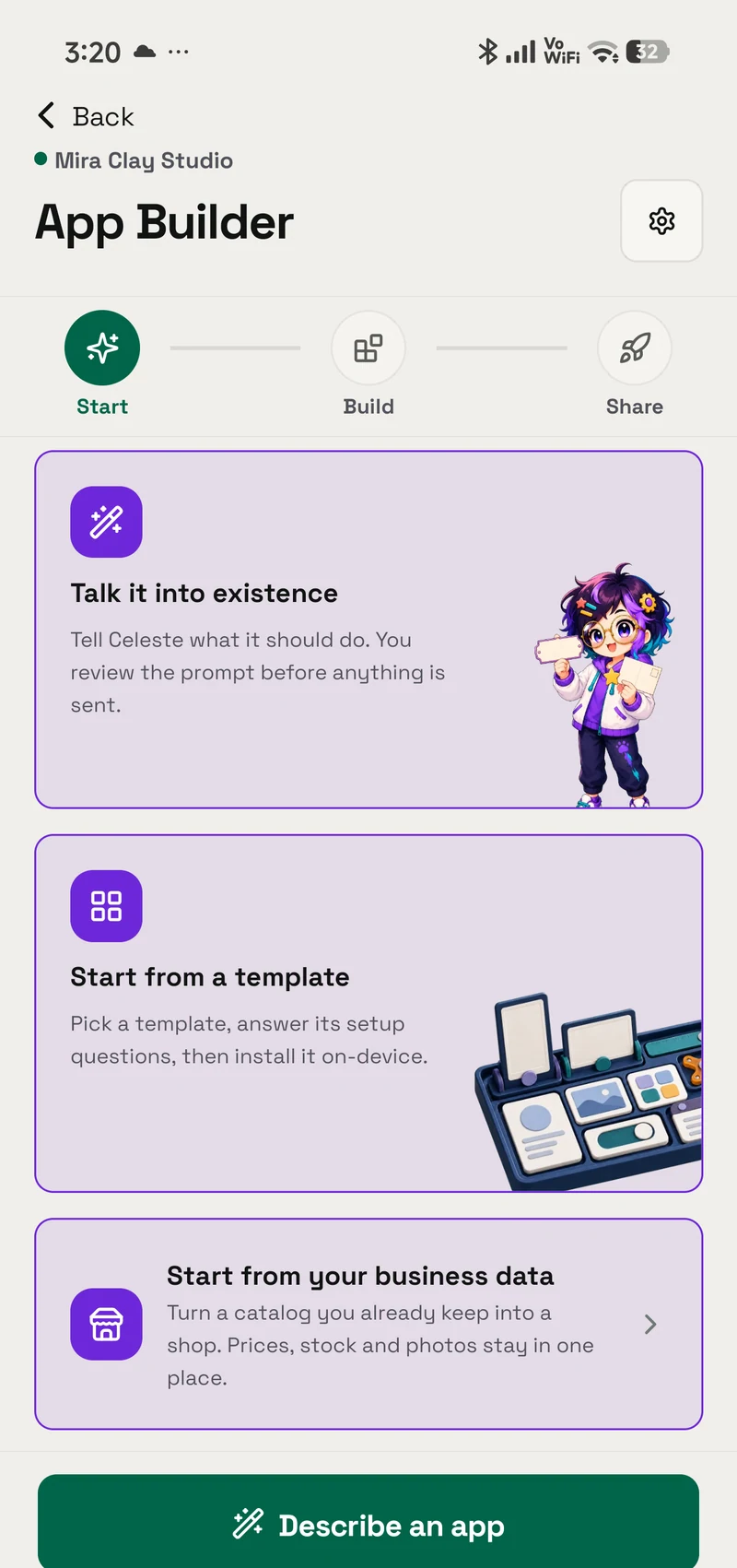
Meera sells sourdough on weekdays and celebration cakes to order from her home kitchen. Her order book is a notebook with flour on the cover.
On one ordinary baking day she gets a website and then her own Android app, both made on her phone between trays. App Builder makes the site and Web to App packages it. Her Premium plan keeps the site online while the phone sleeps, and the Mac only comes out in the evening, for the Google Play paperwork.
01 / Decision
Short answer
In brief: Describe your shop to OpenAlly's App Builder, shape the draft with guided edits and preview it on your phone. Once you approve, it goes online at an address that stays put: published free from your phone, or hosted in the cloud with a Premium plan so it stays up while your phone is off. Web to App then turns the site into a signed Android app on the same phone. A real build takes as little as 10 seconds, usually under a minute; the first build also creates your signing key.
You install or share the APK yourself, choose which phone features the app may use, and after one key backup get an AAB for your own Google Play upload. Every app shows a small Made with OpenAlly line on its welcome screen and runs on Android 7.0 and newer; iPhone customers use the website. App Builder and Web to App are OpenAlly apps, both free on every plan, and Web to App builds on an Android phone or a Mac.
Meera's day, phone first and Mac last
Phone and Mac, one dayPhone Builds and signs
Mac Keeps the key backup and opens Play Console
Step 1 of 8 · Phone · morning
Describe and preview
Between batches, Meera describes the shop in one message. App Builder drafts a simple site, already styled, and she shapes it with guided edits and a live preview on her phone.
02 / Morning
Describing the shop between two batches
With the first loaves in the oven, Meera opens OpenAlly on her Android phone and finishes App Builder's own starter sentence: "Create a simple website for Meera's Bakes: sourdough on weekdays, celebration cakes to order, collection on Saturdays."


That gets her a first draft, not a finished shop: App Builder makes a plain starter site with a weekly menu, a gallery of celebration cakes, prices and the Saturday collection details, already styled in her default look. A preview card in the chat updates as she asks for changes, and the rest of the morning is guided edits between trays, ending with her own photos of the loaves in the gallery.
There is no checkout and no live stock list behind it. Meera takes orders the way she always has, by message: a customer picks a loaf or a cake size, and the page puts together an order summary to send her or keep for collection.
03 / Lunchtime
An address that stays up
Her AI asks before anything goes public. At lunchtime Meera publishes to the cloud with her Premium plan, at a name she chooses on openally.shop or mywebonline.store, and approves the exact version that goes live. It stays online while her phone is off, which gives Web to App the lasting address it needs.
Published free from her phone instead, the site would work too, but the installed app would show its Retry screen whenever that phone was off or offline.
Premium hosting serves static sites, and hers is one: pages, prices and photos, with nothing that has to answer from her phone.
Two ways to publish, one Web to App build
Two ways to publishAddresses an installed app cannot rely on
- Temporary tunnel links that change every time they restart
- Addresses on your local network
- Links that carry an access token
Temporary tunnel links, local-network addresses and links carrying an access token never qualify, because the app keeps opening the address it was built with for as long as it is installed. Whatever you build, give it an address you keep.


04 / Afternoon
Her name, colours and icon
After lunch she opens the site's Android task, "Build an Android app", which leads to "Your app studio". It starts from the shop's own name, colours and icon, and the name under the icon can run to 30 characters, the length Google Play accepts.
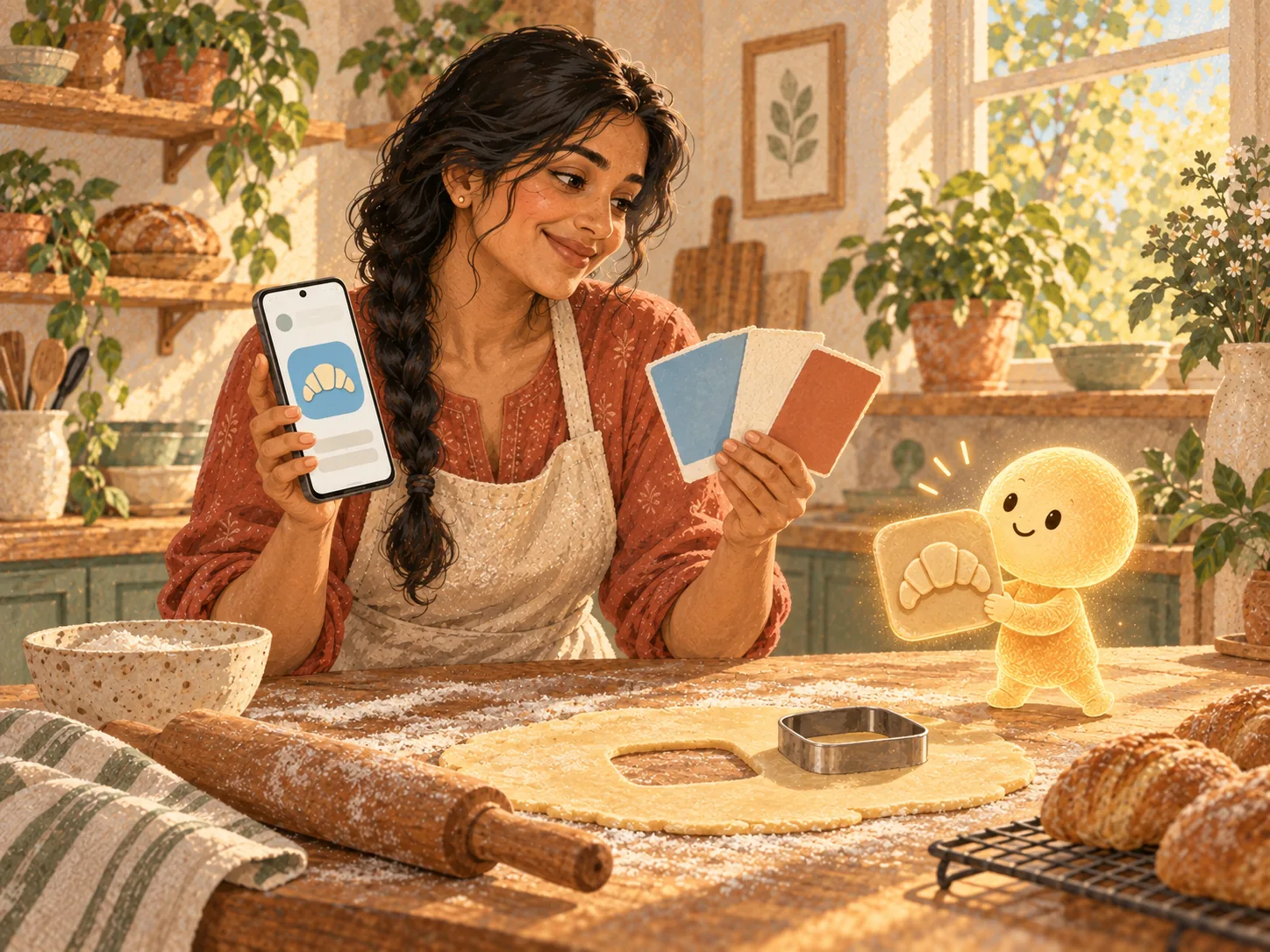

For the icon she can keep the site's, upload one or choose Create my icon with AI, using her connected image provider or her Premium plan. She asks for a croissant on soft sky blue, then writes the welcome line customers see while the site opens: "Sourdough on weekdays, cakes to order."
A "Before you build" check then confirms the web address, the launcher icon and the signing key. Her hosted address passes because it is fixed.
05 / Phone powers
The phone powers she switched on
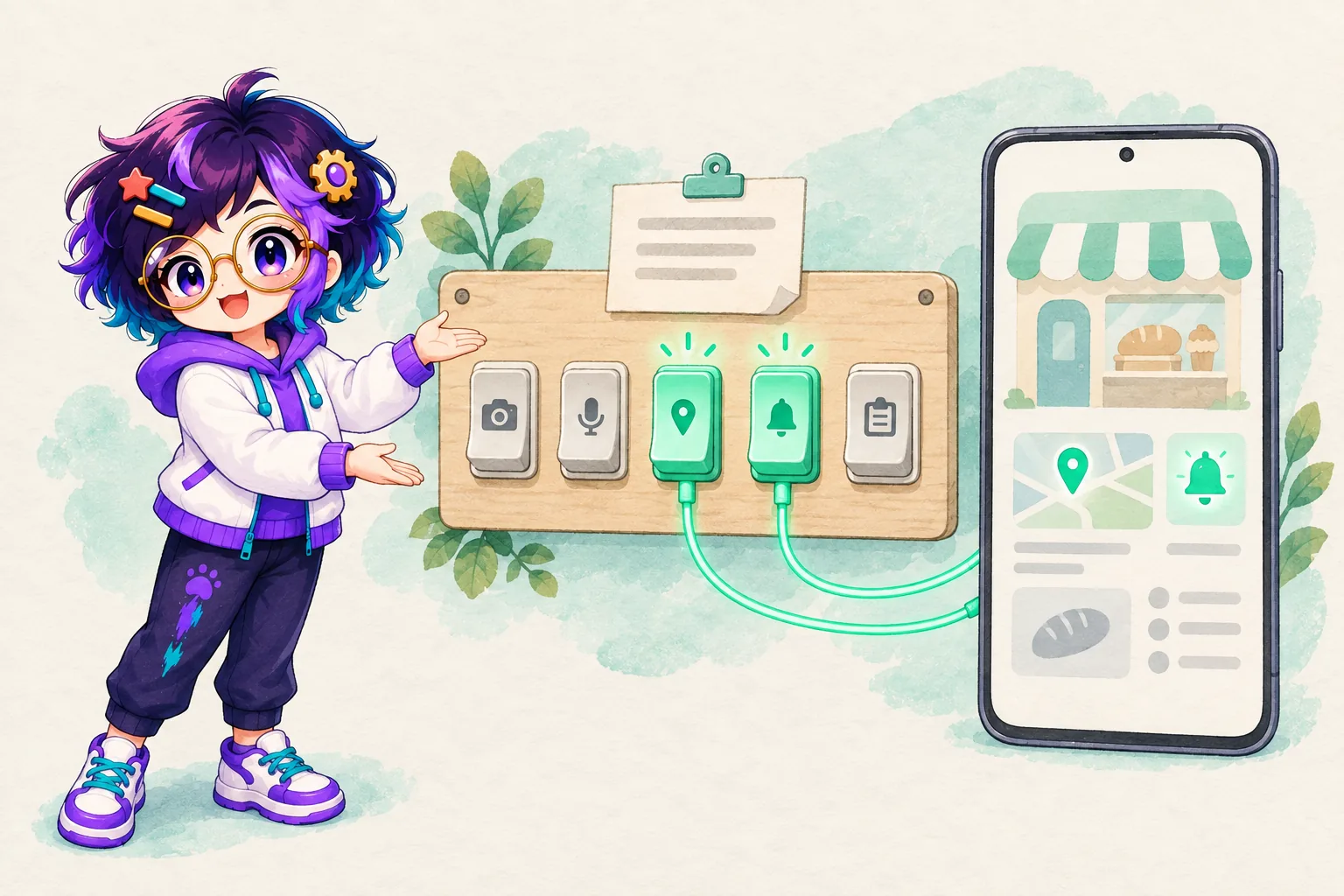
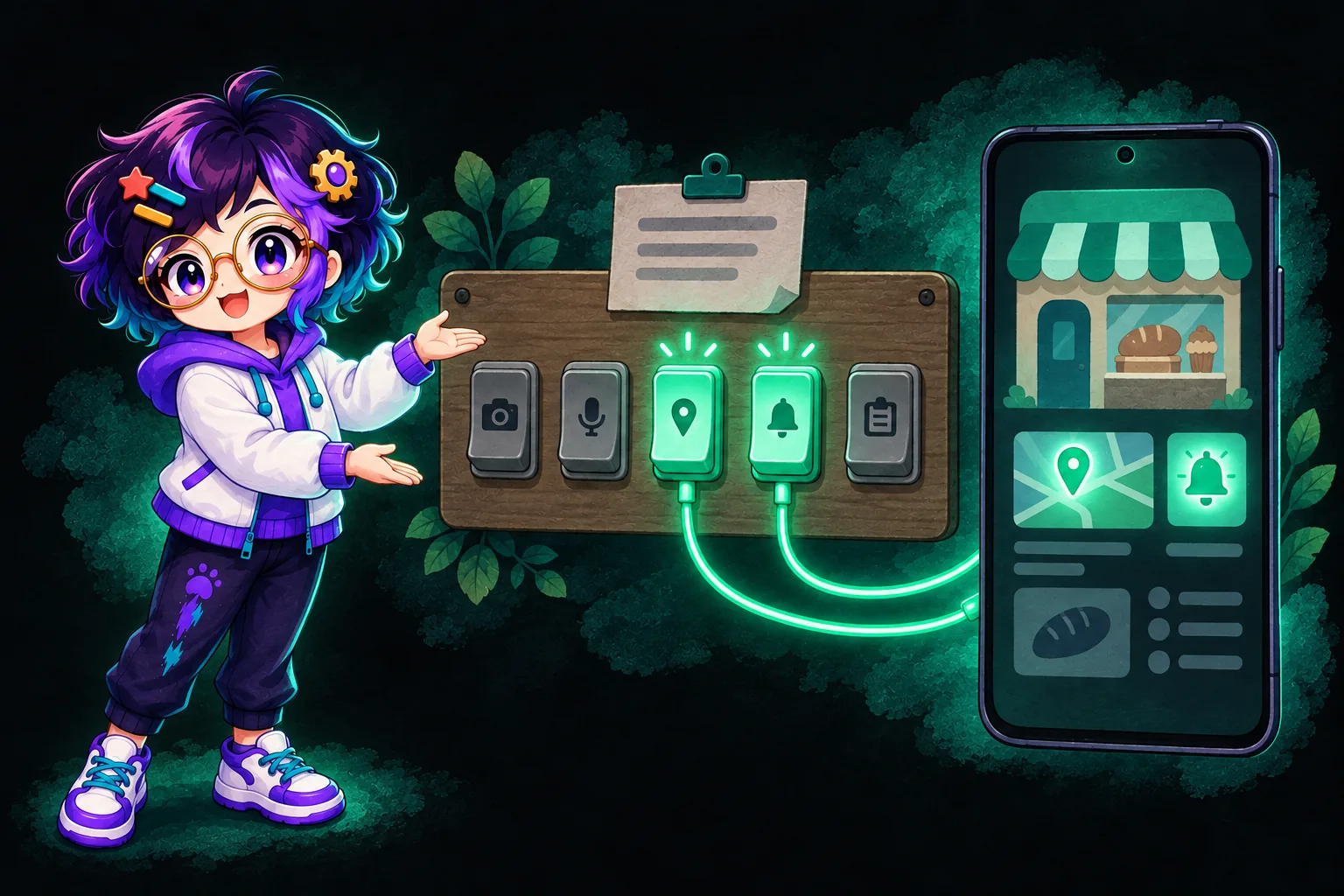
Her app opens her live site, and a few switches let the page reach parts of the phone too. Each switch lets the page use that part of the phone and decides whether the built app asks for the matching permission at all.
Meera's switches, and what her customers get
Phone feature switchesMeera's switches
App and device
See what each one gives her customers, and flip the switches it has.
What her customers get
With Classic and new, her page can tell a patchy or metered connection and load lighter cake photos.
Meera's switches
Screen and navigation
See what each one gives her customers, and flip the switches it has.
Screen control works with the newer page features, which only you can choose.
What her customers get
Screen control on: Back closes the cake-size sheet first, and the order summary stays on screen while a customer shows it at collection.
Meera's switches
Location and permissions
See what each one gives her customers, and flip the switches it has.
What her customers get
Location on, and the customer allowed it: the page shows the nearest collection point.
Meera's switches
Files, photos and sharing
See what each one gives her customers, and flip the switches it has.
What her customers get
Downloads on: the order summary saves to the phone's Downloads.
The share sheet sends the order summary to Meera.
Copying off: the coupon code is shown to type in.
Meera's switches
Notifications and haptics
See what each one gives her customers, and flip the switches it has.
What her customers get
Notifications on: while the app is open, her page can post Order summary saved on the phone.
Vibration on: tapping Save order summary gives a short buzz.
Who can switch it on Only you can switch this on You or your AI can switch this
Anything left off is stripped out, so the install screen and the Play listing show only what you turned on.
| Family | What Meera's customers get | Who switches it on |
|---|---|---|
| App and device | The order page spots a patchy or metered connection and loads lighter cake photos | Meera: it comes with Classic and new, which only she can choose |
| Screen and navigation | Back closes the cake-size sheet, and the order summary stays on screen at collection | Screen control: her AI, once Classic and new is on |
| Location and permissions | Nearest collection point, or a postcode box for a customer who says no | Location: only Meera. The microphone stays off |
| Files, photos and sharing | The order summary saves to Downloads or goes to Meera through the share sheet; copying stays off, so the coupon code is shown to type in | Downloads and copying: her AI. Camera and clipboard reading: only Meera, both off |
| Notifications and haptics | While the app is open, the page can post "Order summary saved" if the customer allows it, with a short buzz | Notifications: only Meera. Vibration: her AI |
App and device
- What Meera's customers get
- The order page spots a patchy or metered connection and loads lighter cake photos
- Who switches it on
- Meera: it comes with Classic and new, which only she can choose
Screen and navigation
- What Meera's customers get
- Back closes the cake-size sheet, and the order summary stays on screen at collection
- Who switches it on
- Screen control: her AI, once Classic and new is on
Location and permissions
- What Meera's customers get
- Nearest collection point, or a postcode box for a customer who says no
- Who switches it on
- Location: only Meera. The microphone stays off
Files, photos and sharing
- What Meera's customers get
- The order summary saves to Downloads or goes to Meera through the share sheet; copying stays off, so the coupon code is shown to type in
- Who switches it on
- Downloads and copying: her AI. Camera and clipboard reading: only Meera, both off
Notifications and haptics
- What Meera's customers get
- While the app is open, the page can post "Order summary saved" if the customer allows it, with a short buzz
- Who switches it on
- Notifications: only Meera. Vibration: her AI
Your AI writes it, you switch it on
App Builder is taught to write pages that check a feature is on before using it, and to fall back when it is not: without location, Meera's page asks for a postcode. When a feature is missing, her AI names the switch that turns it on.
The rule is set out on the Web to App page: "Only you can switch on camera, microphone, location, notifications and clipboard reading, or choose Classic and new for the newer page features. Your AI can switch any of them off, never on."
New apps start on Classic only, the small set every app has had, such as the share sheet and opening links. Classic and new "adds file pickers, location, the clipboard and screen control", in the app's words. Anything left off is stripped out, so the install screen and the Play listing show only what she turned on. The preview inside OpenAlly leaves out location, the camera and screen control, so she tries those on the installed app.
What stays out of her app
- Web push and background work: nothing arrives while the app is closed.
- Contacts, SMS, calendar, Bluetooth, NFC, biometrics and device identifiers.
- A checkout. Customers send the order summary, and Meera can reply with a payment link, as the Payments walkthrough describes.
- An offline copy.
Web developers can find every feature by its exact name in the developer section of the Web to App page.
06 / The build
Building and signing on her phone
Mid-afternoon she taps Build APK. Her app's signing key is created on the phone with this first build and lives there and nowhere else, and this first build also downloads a small one-time app component.
She can close the Building your app sheet while the build carries on; the APK appears under Generated files with Save, Share and Open. There is no Install button: she saves it, taps it in Downloads to install it, and shares it with her regulars, which is the one step of the day her phone leaves to her. OpenAlly never installs the app or uploads it to Google Play.
| File | What it is for | When Meera gets it |
|---|---|---|
| APK | Installing on a phone or sharing with anyone. It runs on Android 7.0 and newer | From her first build |
| AAB | Her own Google Play upload. OpenAlly never uploads it | After one key backup, from Build APK and AAB |
APK
- What it is for
- Installing on a phone or sharing with anyone. It runs on Android 7.0 and newer
- When Meera gets it
- From her first build
AAB
- What it is for
- Her own Google Play upload. OpenAlly never uploads it
- When Meera gets it
- After one key backup, from Build APK and AAB
07 / Evening
One key backup, then the AAB
The next card is Back up your signing key. The key exists only on her phone, so losing the phone without a backup would mean the APK she shared could never be updated.
In the evening she taps Back up key, sets a passphrase of at least eight characters and saves the file; Check backup confirms it restores the key. File and passphrase go somewhere that survives losing the phone, because "neither one is any use without the other". Both go to her Mac.
The app gives the reason too: "Every Android app is signed, and the signature is what lets a phone accept a new version as an update to the one it already has." With the backup made, Build APK and AAB unlocks, and she gets an AAB, the format Google Play requires for new apps.
08 / At the Mac
Play paperwork at the Mac
Once the kitchen is clean she sits down at her Mac, where the key backup and the AAB now live. Her site's own words, the menu, the prices and the collection line, are what the listing is written from; the app, its conversation and its key stay with the phone that built them.


The app's guide, "Your path to Google Play", sets out four steps: "Start with your developer account", "Give your app a storefront", a testing step for the release she uploads, and "Bring your app to people". The upload is hers to make.
Google charges a US$25 one-time registration fee, and a personal account created after 13 November 2023 must first run a closed test with at least 12 testers opted in continuously for at least 14 days. Fourteen days is longer than even her slowest sourdough takes to prove.
Her Data safety answers must cover what her site collects and every phone feature she switched on. Google Play's policy on apps with limited functionality does not allow "apps that only have limited functionality and content", so an app that only opens a website is judged on what that website does for the person using it.
09 / Customers
What her customers get
Her regulars get an app that opens her live site, so this week's bakes and prices show next time they open it. Without a connection it shows an offline screen with a Retry button and reloads by itself when the signal returns. Because her site is hosted, whether Meera's phone is on never comes into it.
The welcome screen shows her croissant, her greeting and a small Made with OpenAlly line; her name, colours and icon are everywhere else. The app runs on Android 7.0 and newer, and iPhone customers use the same site in their browser, where OpenAlly itself runs on both. An order still ends in a conversation, with the summary on screen at Saturday collection.
10 / Questions
Frequently asked questions
Do I need a website before I start?
No. App Builder can make one from a description. If you already run a site at a fixed https address, Web to App can package that instead, reading the name, colours and icon the site publishes as suggestions you can change, and never the content of its pages.
Can I do the whole thing from a chat?
Most of it. In a conversation, App Builder makes and previews the site, asking before it publishes, and the Web to App skill creates the app, starts a build and hands you the APK on a card with Save, Share and Open. The owner-only switches and the key backup live on the app's own setup screen, so the AAB waits for that backup.
What happens when my phone is off?
It depends where the site lives. Published free from your phone, the site runs from that phone, so the installed app shows its Retry screen until the phone is back on and online. A static site hosted with Premium, like Meera's, stays up while your phone is off.
Do customers need a new version when I change prices or photos?
No. The app opens your live site, so new prices and photos show the next time a customer opens it. A new name, icon, switch or address needs a new build, and installed copies keep the address they were built with. The package id is OpenAlly's to assign, it never changes, and the same key signs every build, so each new version installs as an update.
How soon can customers find the app on Google Play?
After you upload the AAB to your own Play Console listing and Google's review passes; OpenAlly never uploads it. A personal developer account created after 13 November 2023 first needs a closed test with at least 12 testers opted in continuously for at least 14 days. Until then, share the APK, which installs on Android 7.0 and newer.
11 / Method
How this was checked
Every step, screen label and limit in Meera's day comes from the OpenAlly app's own setup screens and its Web to App and Premium pages, read on 11 September 2026; where they disagree with this article, trust the pages. Google's rules come from the help pages linked where they appear, opened the same day.
- Meera is a worked example; no customer's app or figures appear.
- The build time is OpenAlly's stated range, not a stopwatch reading.
- Her switch set is one sensible set for a home bakery.
12 / Next
What to read next
Try a sample build on the Web to App page, see what App Builder can make, or get OpenAlly for your phone. The rest of a small shop's day, from the first enquiry to the invoice, is in how an AI agent runs a small business.
About the author: Matterward Labs makes OpenAlly. It builds AI software, the apps around it and the systems that run them. Corrections go to the contact page.
Sources and references
These public pages support the product facts, technical specifications, background, and reference measurements in this article. Details were checked on the review date shown above.
Read us on your terms
Google lets you name the sites you want to hear from. Add OpenAlly and these articles surface more often in your own Search results — your preference, revocable from the same screen, and it changes nothing for anyone else.