
 OpenAlly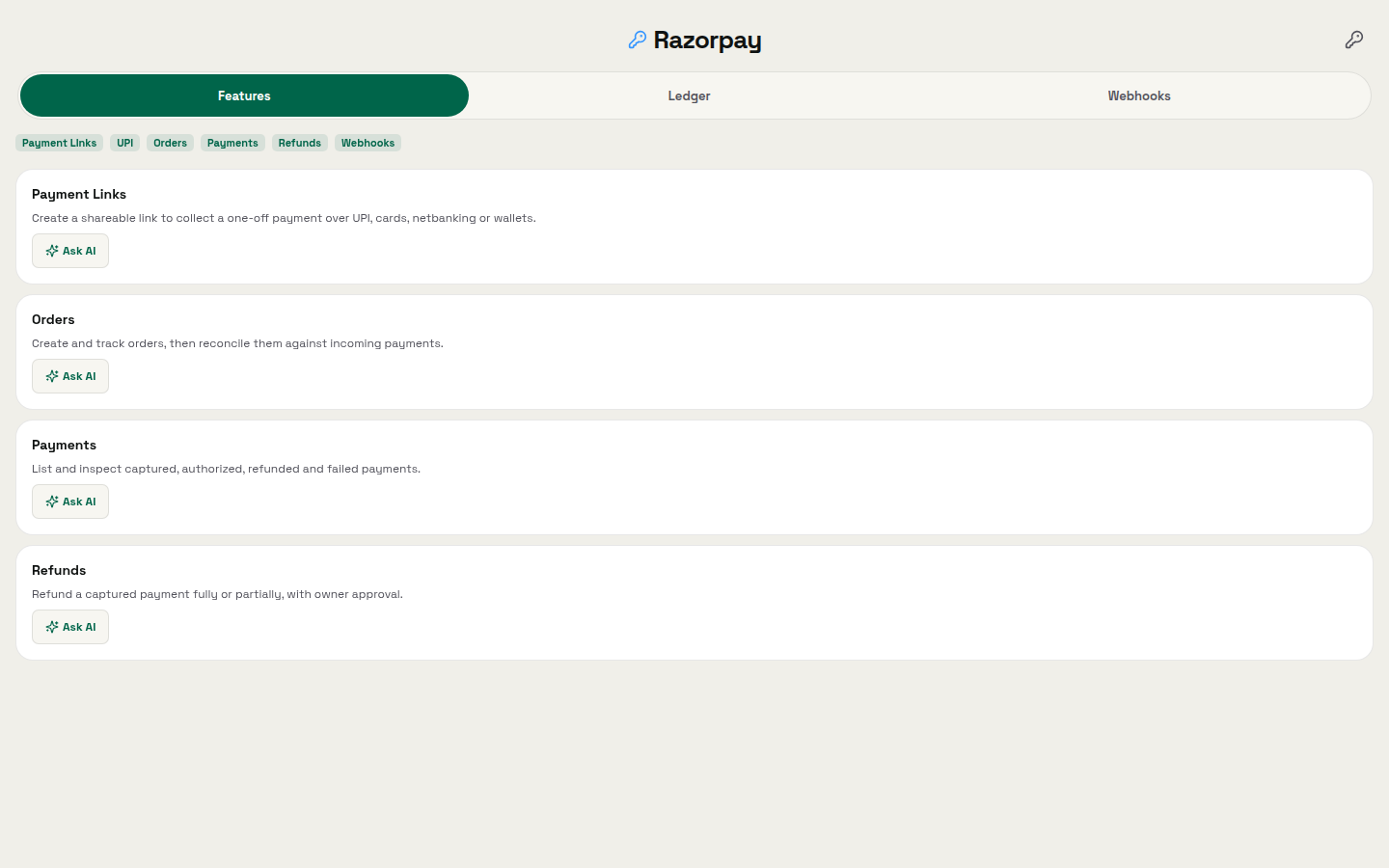
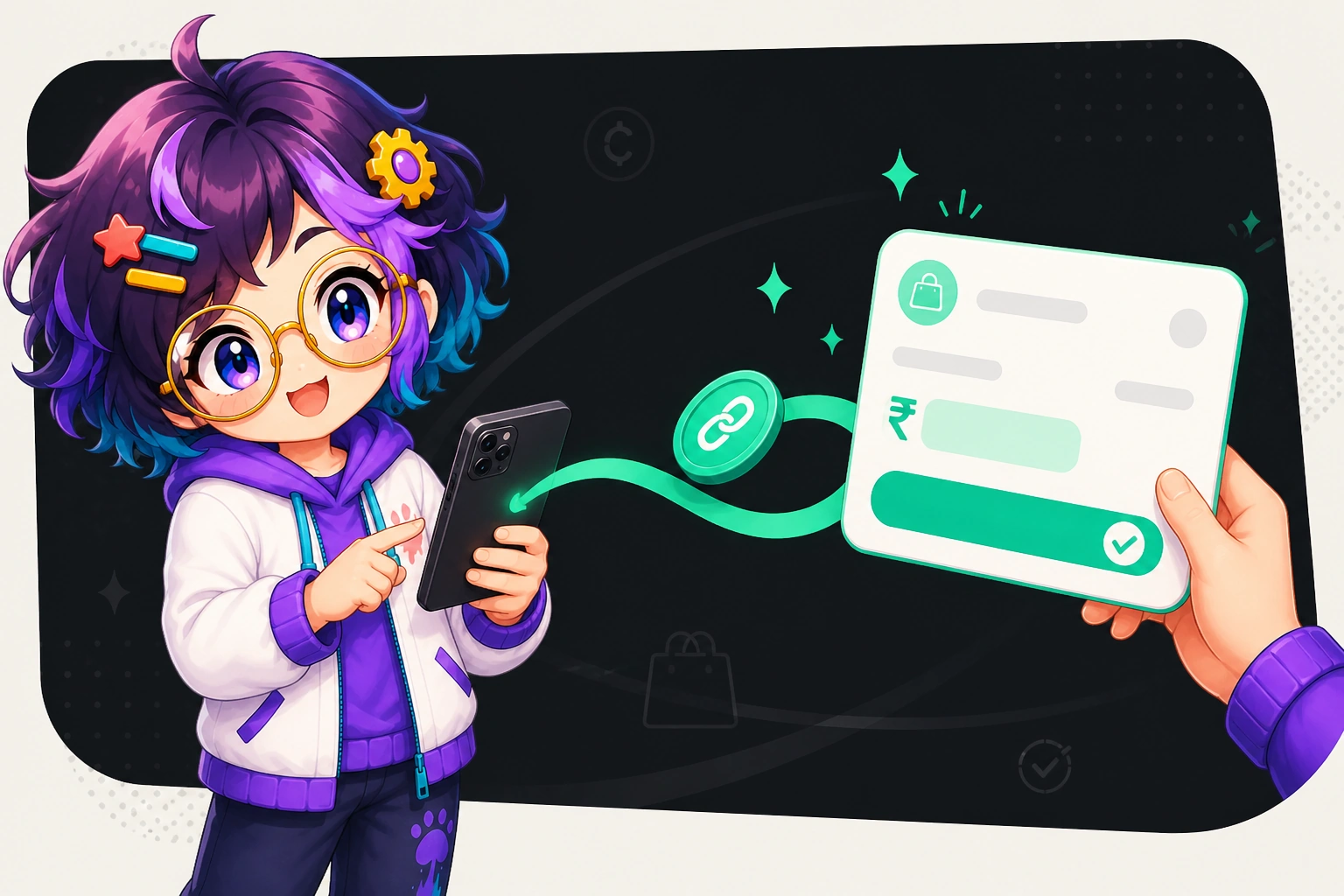
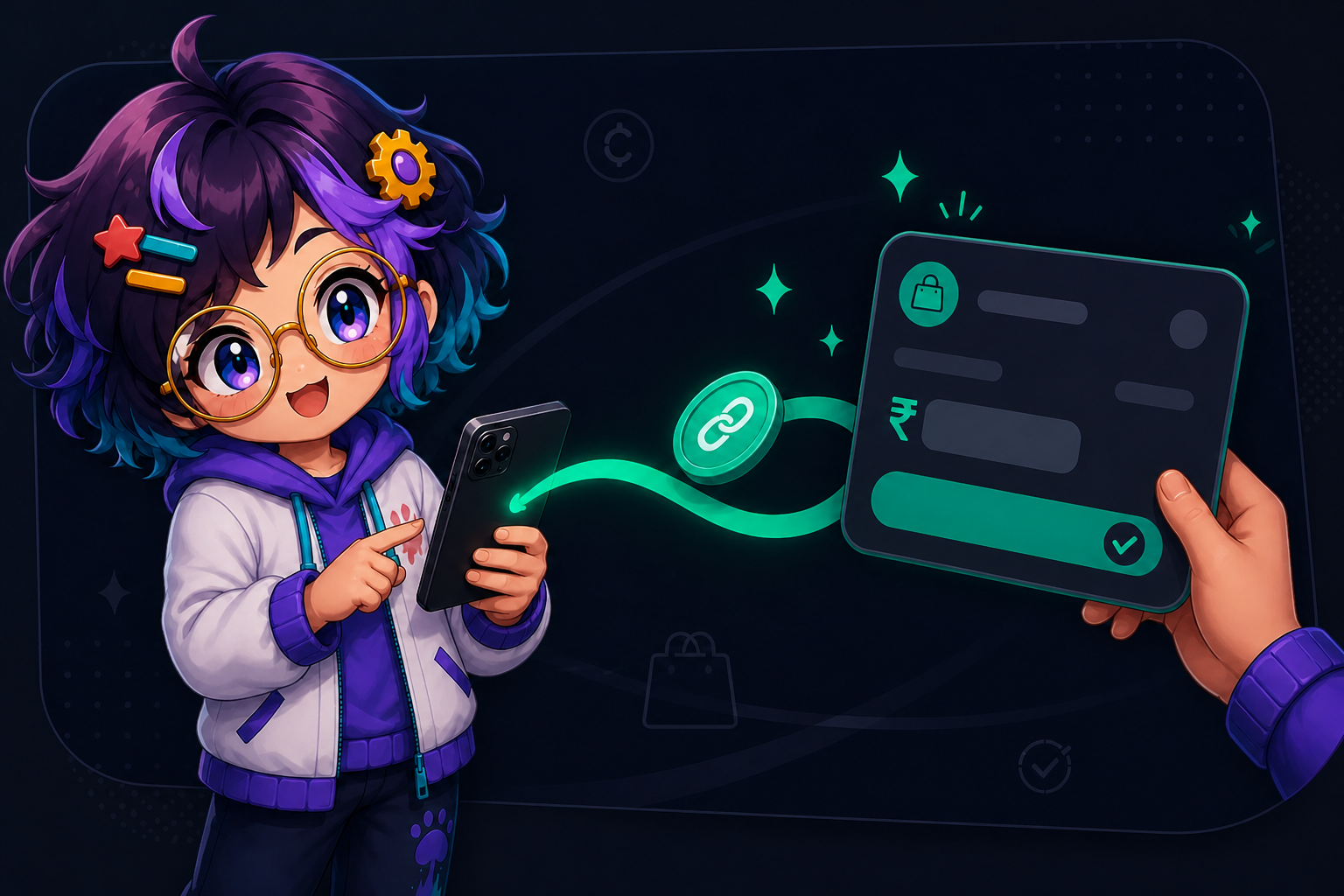
When a customer says yes in a chat, you still need a way to get paid, a durable record of the order, and a way to match the money when it lands.
OpenAlly Payments covers that administrative stretch. An assistant can generate shareable links, raise orders, and reconcile arrivals. Capture and refund remain with you.
01 / Decision
Short answer
In brief: Payments is an OpenAlly app and a matching skill. The app holds the provider keys. The skill is the leave you give one agent to use that app. Together they generate shareable payment links and orders, track incoming payments, and leave capture and refunds under exclusive owner control. Razorpay is the first provider, not the only one there will be. The Android app is on Google Play. The catalogue lists the Payments skill for Android, iPhone and Mac.


02 / App and skill
The Payments app and the Payments skill
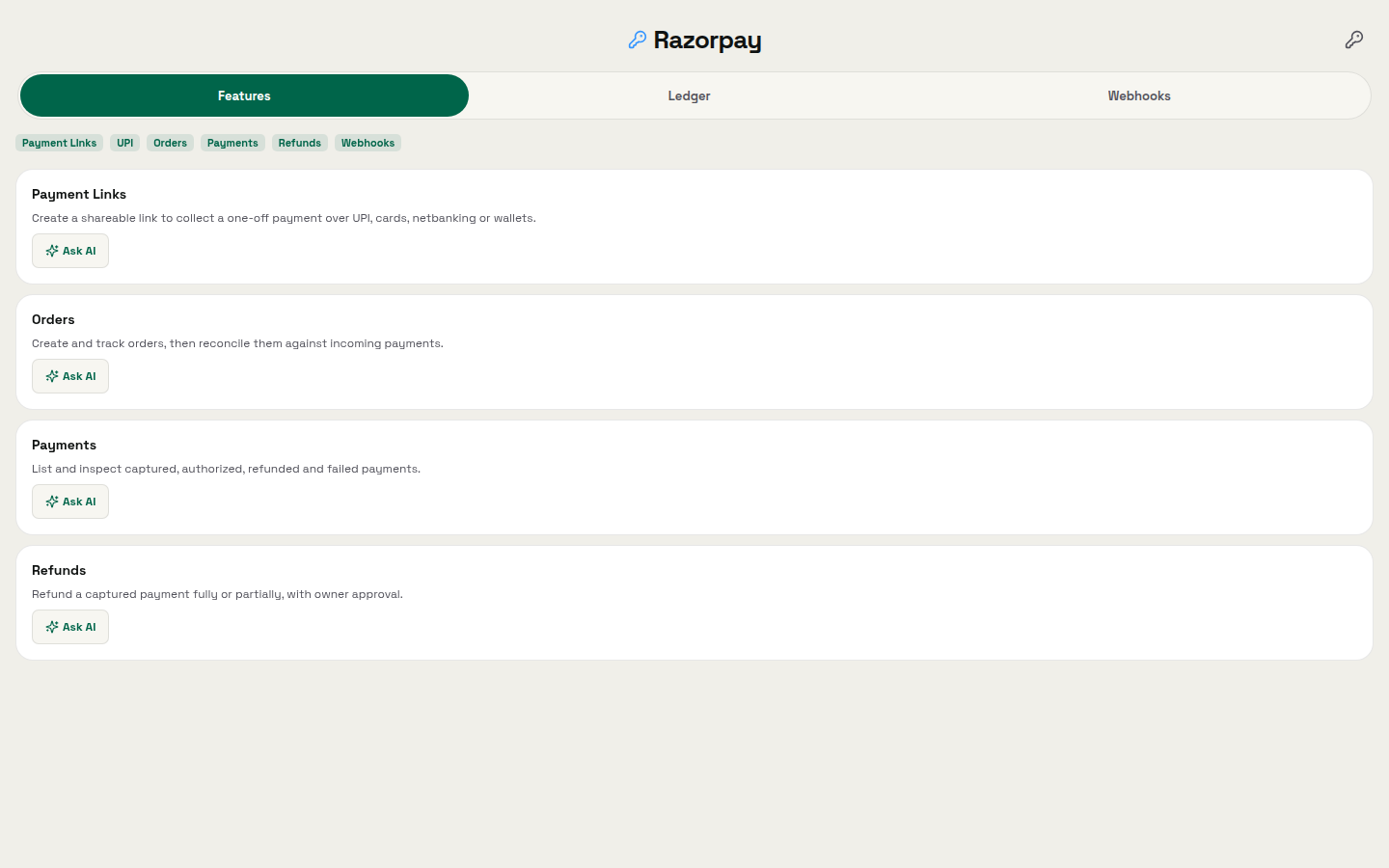
Payments is the OpenAlly app that connects a payment provider. The public tagline is: create payment links, track orders, and reconcile incoming money.
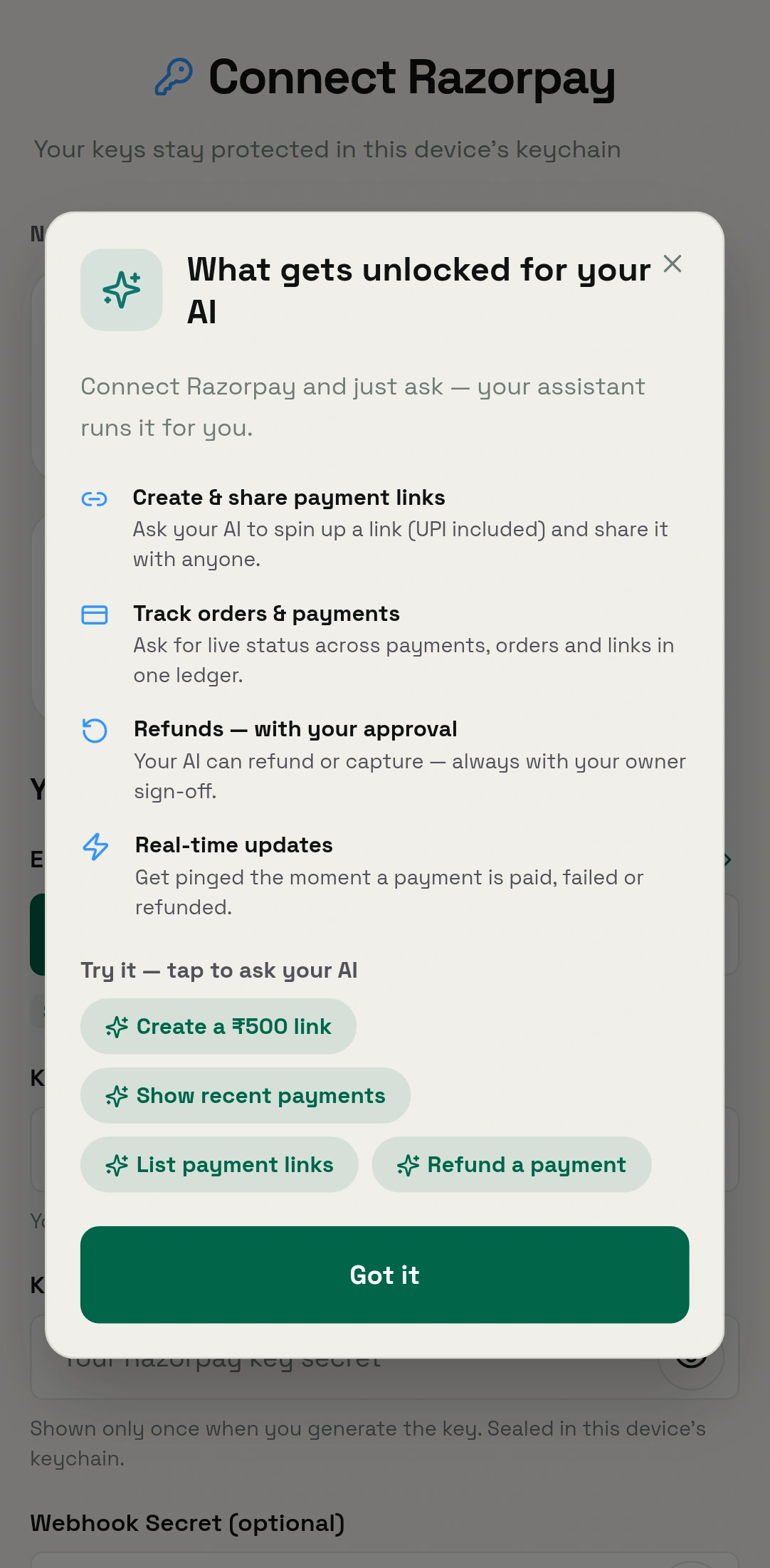
The Payments skill is the leave you give one agent. Its public line is: create payment links and orders, track incoming payments, and keep capture or refunds under owner control.
An agent is an assistant you set up for a job. Provider configuration lives in the Payments app. You do not type keys at an agent during a conversation. Give the skill to the agent that talks to buyers. Keep it off the agent that only files notes.


03 / Payment links
Send a shareable payment link
A payment link is a web address you send so someone can pay you. You do not have to build a checkout page. Razorpay says payment links "let you accept payments without a website or app". The same page says you "Generate a unique link from your Dashboard or via APIs and share it with customers via email, SMS, or social media".
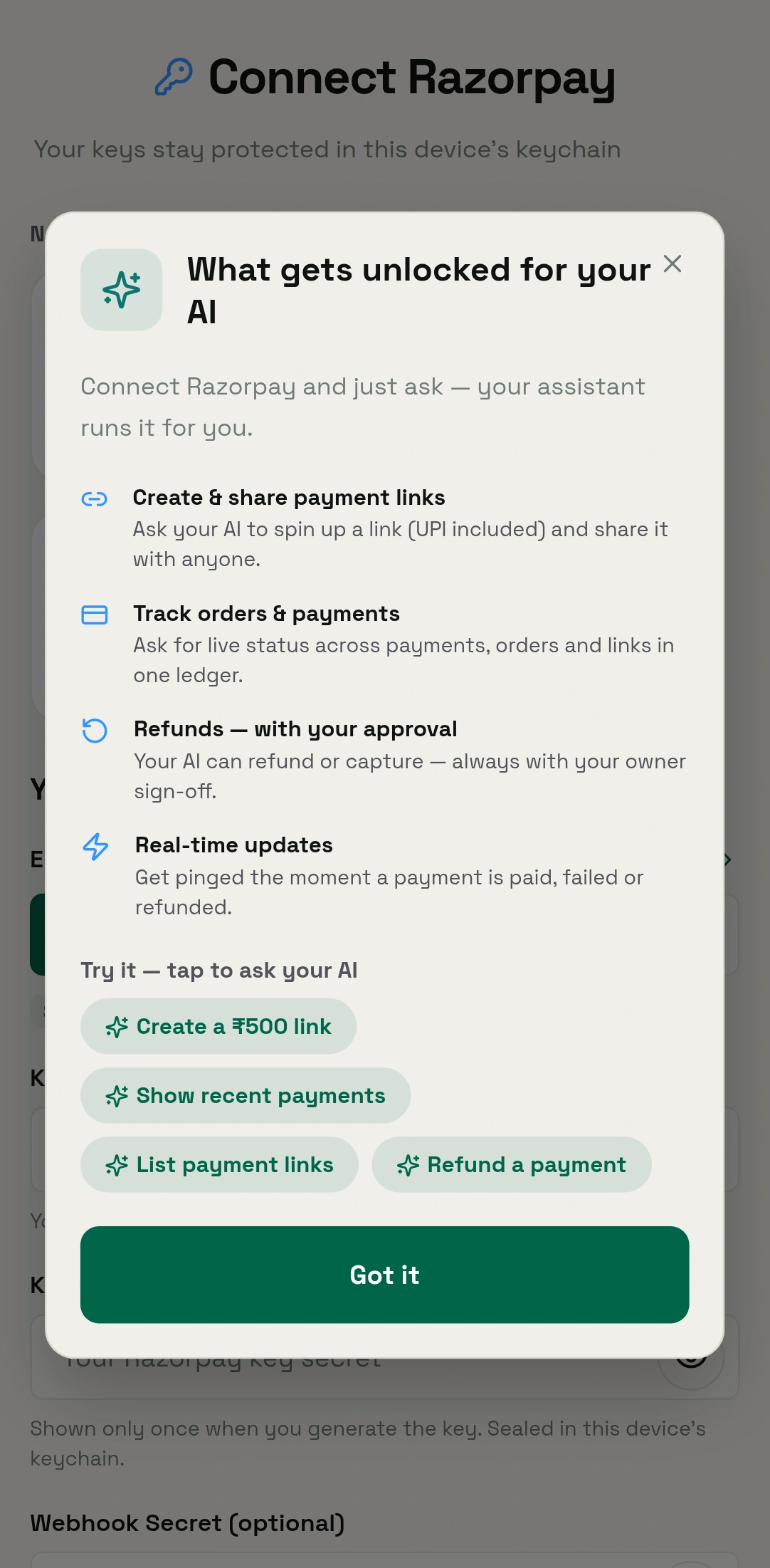
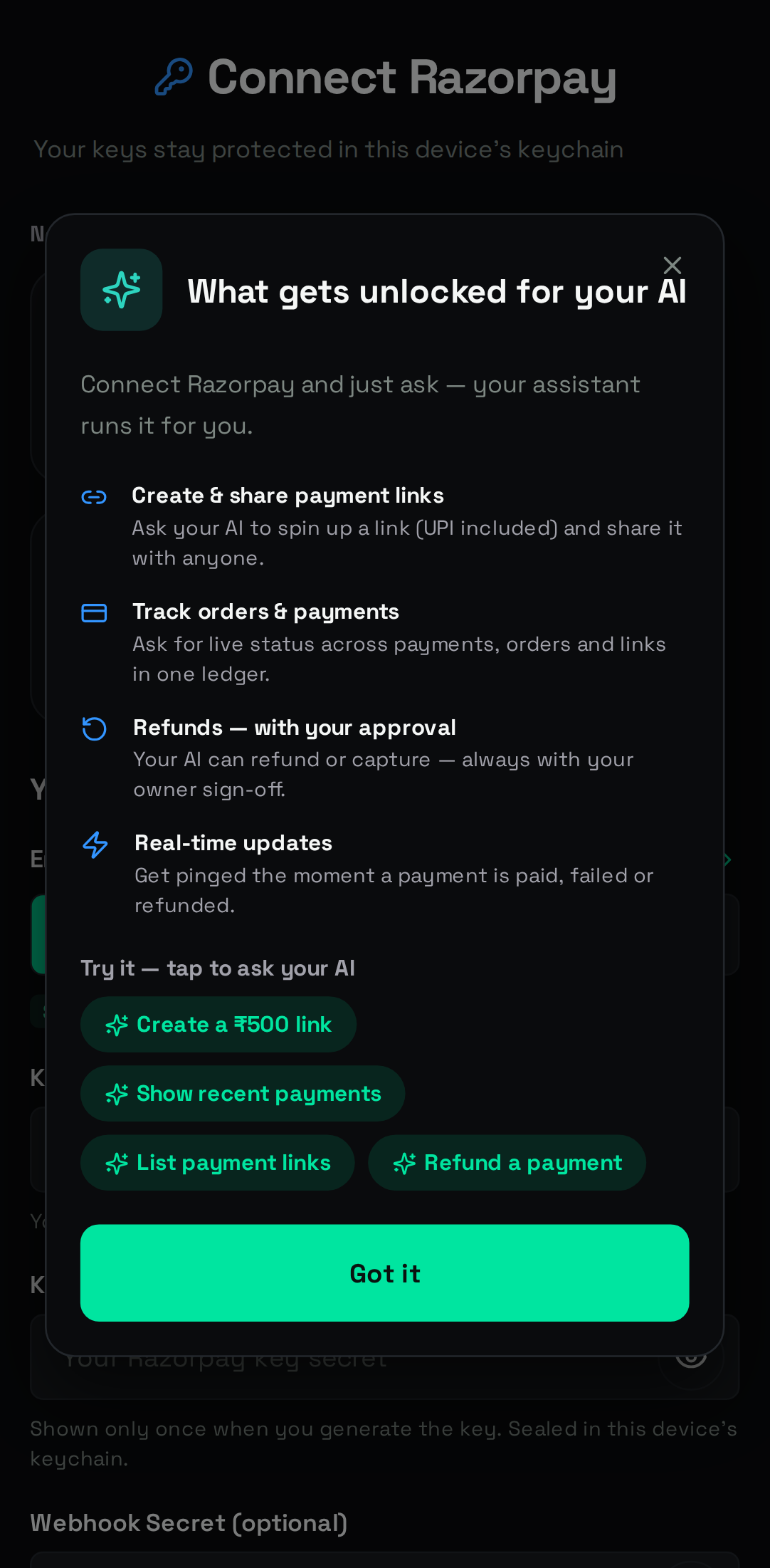
In OpenAlly you ask in plain words after the keys are in the app. For example, a repair shop can finish a visit in chat, ask for a link, and send it while the buyer is still there. Catalogue starters include "Create a ₹500 payment link for" and "List my recent payment links".
04 / Reconciling
List orders and reconcile incoming money
An order is the record of what they bought and what they owed, next to the link that should collect it.
Reconcile means match money that arrived with the orders you expected. Your assistant can list recent payments and links as structured data (amount, status, order), then tell you which orders are still open. The Payments skill's catalogue entry puts it as "list and reconcile payments", and one of its starters is "Show my last 10 payments."
For example, a stall can take orders all weekend. On Monday you ask for the last 10 payments and see which order never paid.
05 / Owner control
Capture and refund stay with the owner
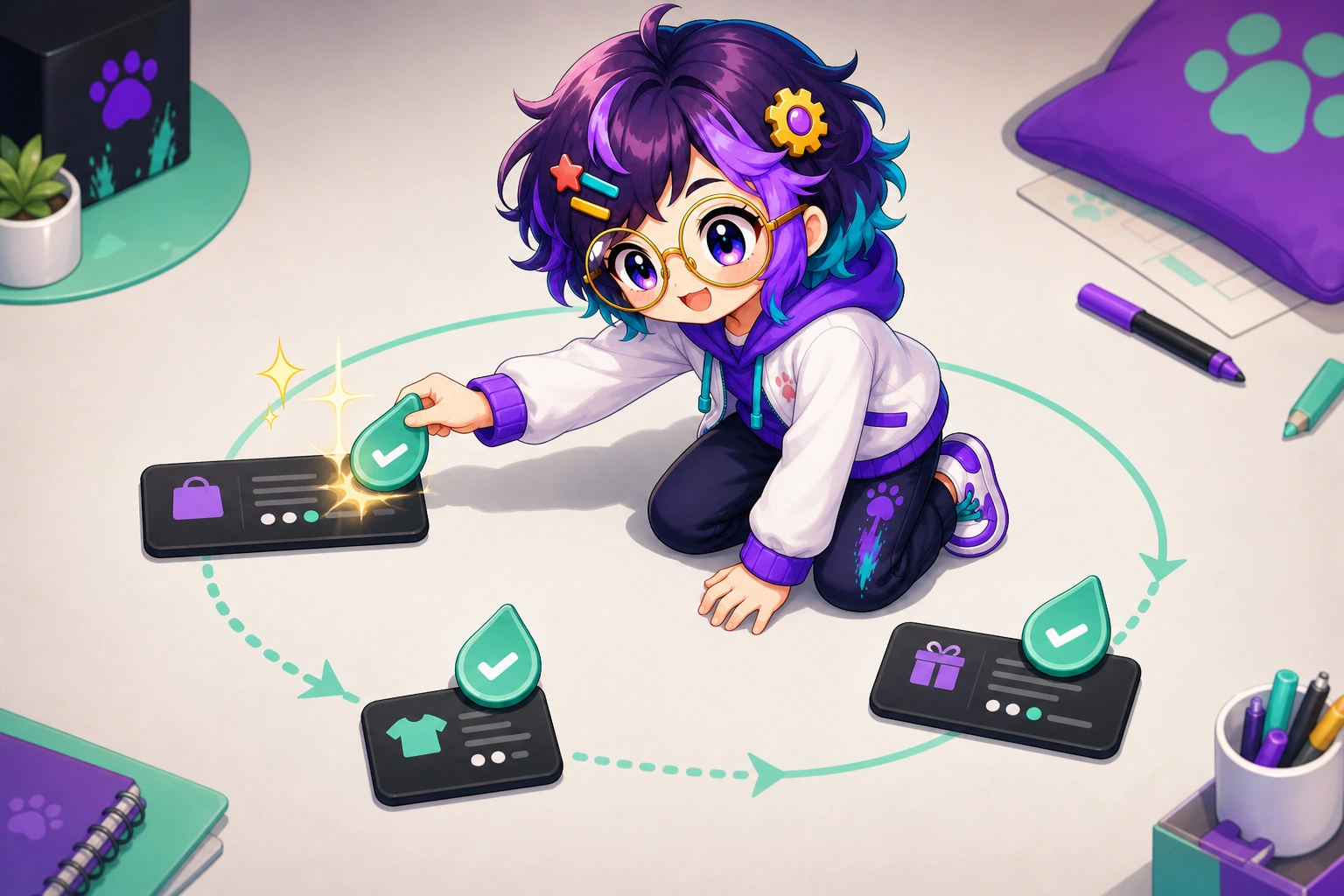
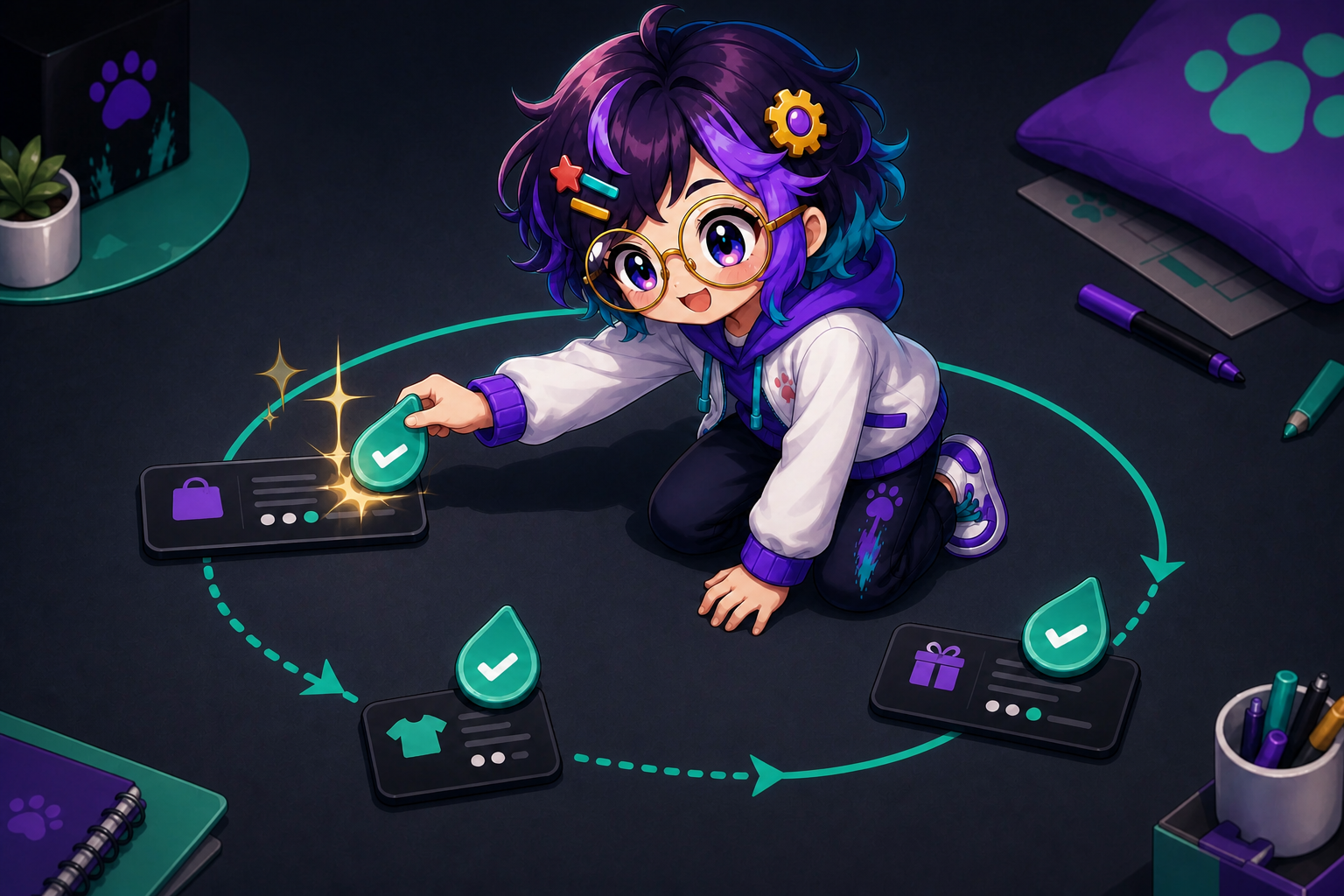
Capture takes the money. Refund sends it back. OpenAlly treats both as owner-only. Making a link, making an order, listing, and matching are normal work for an agent.
| Action | What it does | Who does it |
|---|---|---|
| Create a payment link | Makes a shareable link the buyer pays on | Your agent, when you ask |
| Create an order | Records what the payment is for | Your agent, when you ask |
| List payments and links | Shows recent payments and links | Your agent, when you ask |
| Reconcile against orders | Matches money to the orders you expected | Your agent, when you ask |
| Capture a payment | Moves money in | Owner only: your AI, with your sign-off |
| Refund a payment | Sends money back | Owner only: your AI, with your sign-off |
Create a payment link
- What it does
- Makes a shareable link the buyer pays on
- Who does it
- Your agent, when you ask
Create an order
- What it does
- Records what the payment is for
- Who does it
- Your agent, when you ask
List payments and links
- What it does
- Shows recent payments and links
- Who does it
- Your agent, when you ask
Reconcile against orders
- What it does
- Matches money to the orders you expected
- Who does it
- Your agent, when you ask
Capture a payment
- What it does
- Moves money in
- Who does it
- Owner only: your AI, with your sign-off
Refund a payment
- What it does
- Sends money back
- Who does it
- Owner only: your AI, with your sign-off


06 / Workspace
Shop till and household, same workspace
Payments sits on the shop side of one OpenAlly workspace. Home tools can live in the same account. The workspace guide tells that wider story. Here the point is smaller. You configure the payment provider once inside Payments. Only agents granted the Payments skill can afterwards reach that merchant connection. The Payments skill page shows the access it asks for before you grant it.


07 / Platforms
Android first, Mac for the long list
Most payment links originate on a telephone, inside the conversation that requested one. Get Android from Google Play. Use the Mac page for the Mac app, and the download page for the rest. The catalogue lists iPhone beside Android and Mac; that listing is not an App Store launch announcement.
A larger Mac screen helps when you compare a month of orders against a month of payments, which is awkward to do in one hand.


08 / Owner control
What the owner still does
- Put provider keys in the Payments app.
- Choose which agents get the Payments skill.
- Sign off a capture.
- Sign off a refund.
- Talk to the provider if their side fails.
09 / Method
How this was checked
The methodology is a catalogue read. Product lines above come from the OpenAlly catalogue for the Payments app and skill, read on 2 September 2026. If this page and the catalogue disagree, trust the catalogue. Razorpay wording was checked on the same day against its Payment Links docs.
- The table was built for this page by lining up Payments with Sales and Invoicing. No one catalogue card shows that grid.
- Treating money in and money out as separate leaves is a reading of the owner-only line, not a quote.
10 / Next
What to read next
See the Payments app and the Payments skill. For the longer sale, Sales quotes a cart, takes an order, sends a payment option, issues an invoice, and reconciles when money lands.
About the author: Matterward Labs makes OpenAlly. It builds AI software, apps, and the systems that run them. This article was reviewed by Matterward Labs on 2 September 2026. For press, a bug, or other contact, use the inbox on that site.
Sources and references
These public pages support the product facts, technical specifications, background, and reference measurements in this article. Details were checked on the review date shown above.
Read us on your terms
Google lets you name the sites you want to hear from. Add OpenAlly and these articles surface more often in your own Search results — your preference, revocable from the same screen, and it changes nothing for anyone else.