
 OpenAlly
Four notes disagree about the same shop. The pad by the till has yesterday's count. A phone note holds the two prices you changed on Saturday. A spreadsheet on a laptop still carries last quarter's tax rates, and the shelf has the only answer anyone trusts.
OpenAlly Business is the record those four notes keep failing to be. Products, stock levels, prices and tax sit in it together, in your OpenAlly account on every device you sign in on, and your AI can work them without you opening the app.
01 / Decision
Short answer
In brief: Business is an OpenAlly app with a matching skill. The app holds the catalogue, the stock levels and the tax setup. The skill is the leave you give one agent to drive that app. Inventories are single-currency. Products live in one shared pool and get listed per inventory with cost, MRP, sale price and stock. Tax is modelled as GST with parallel CGST and SGST components, inclusive or exclusive, and quoted on any amount you name. An agent can restock an item. Removing a whole inventory stays with you. Android comes from Google Play, and the catalogue lists Business for Android, iPhone and Mac.


02 / Chapter
The Business app and the Business skill
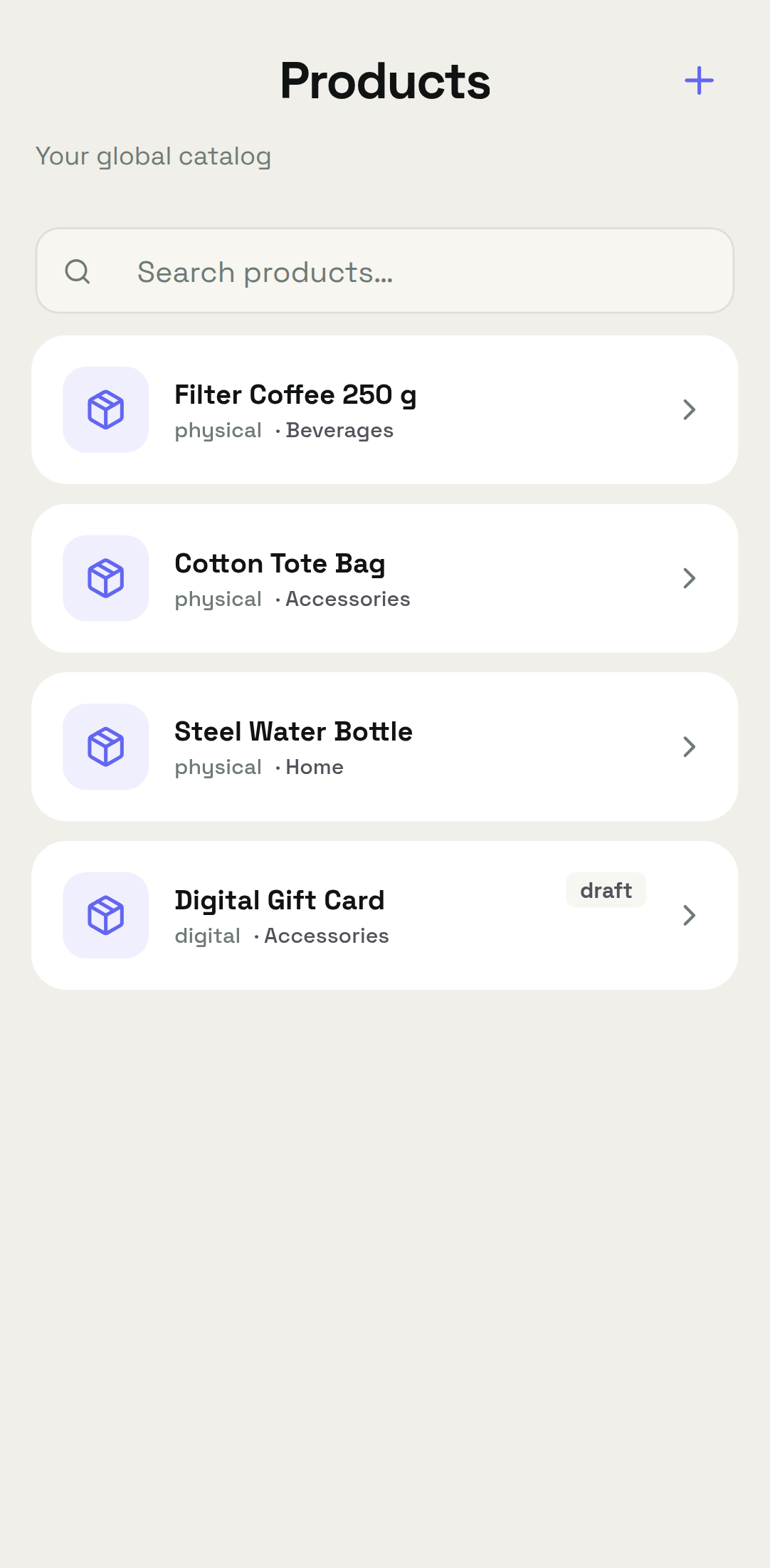
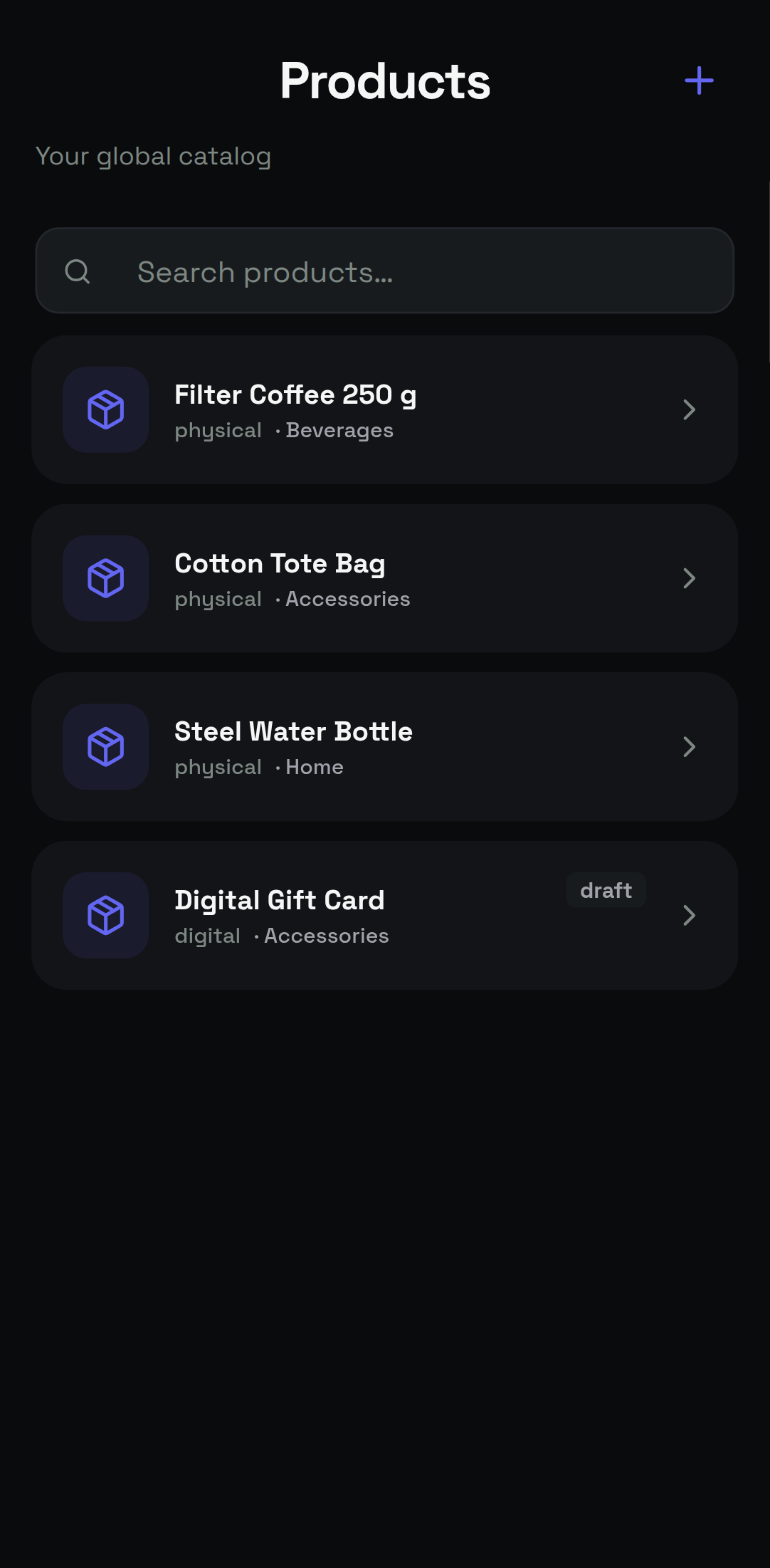
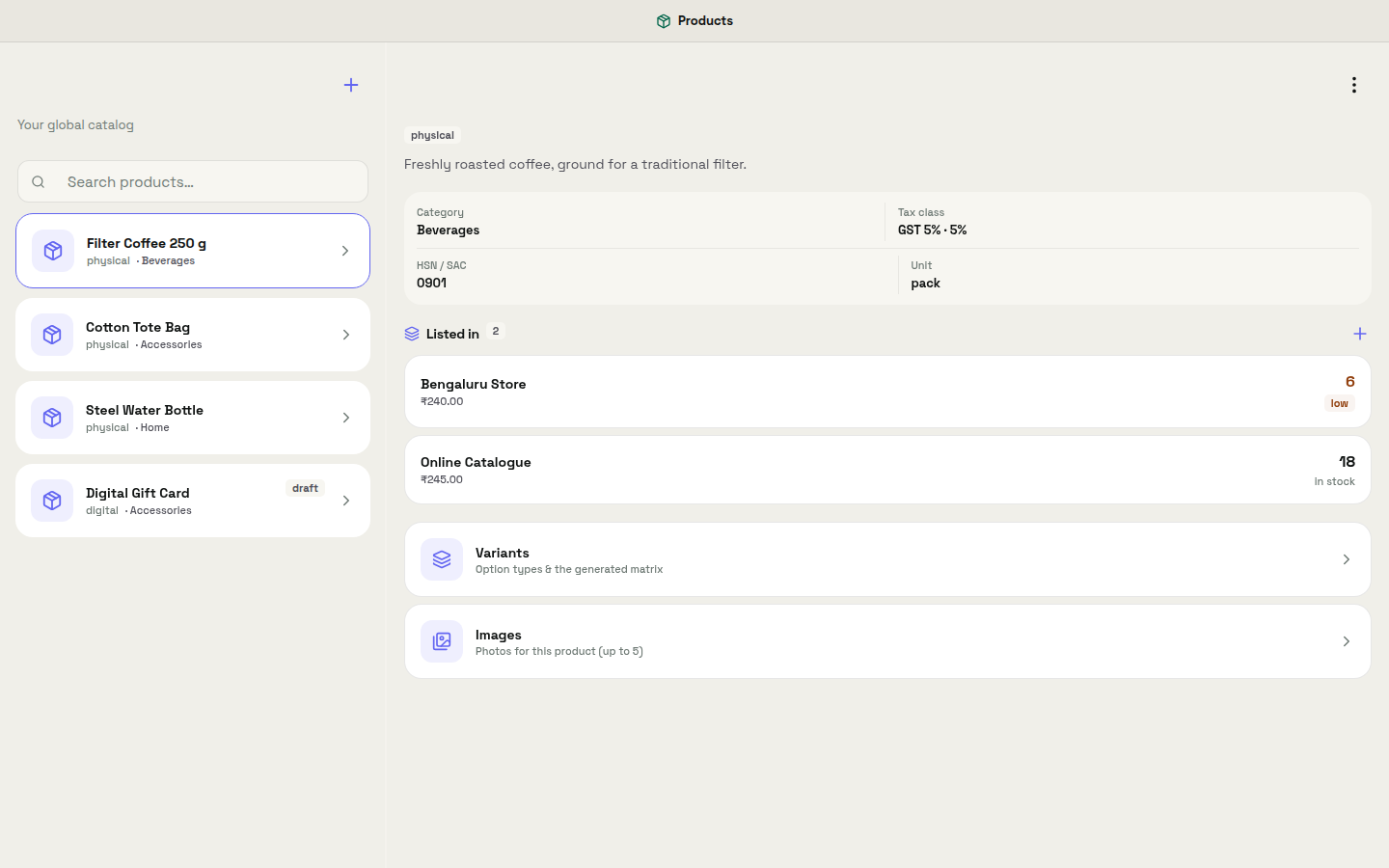
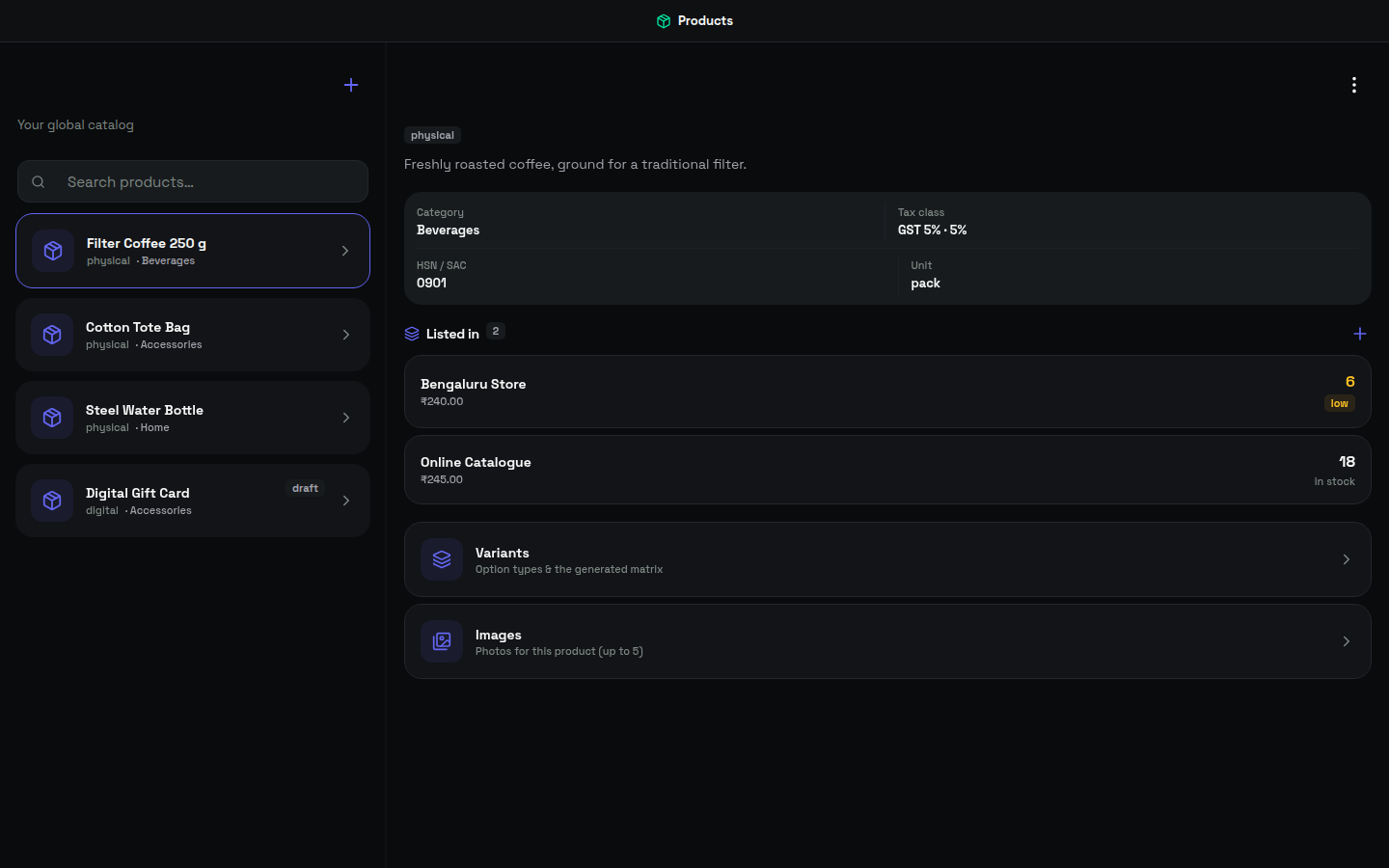
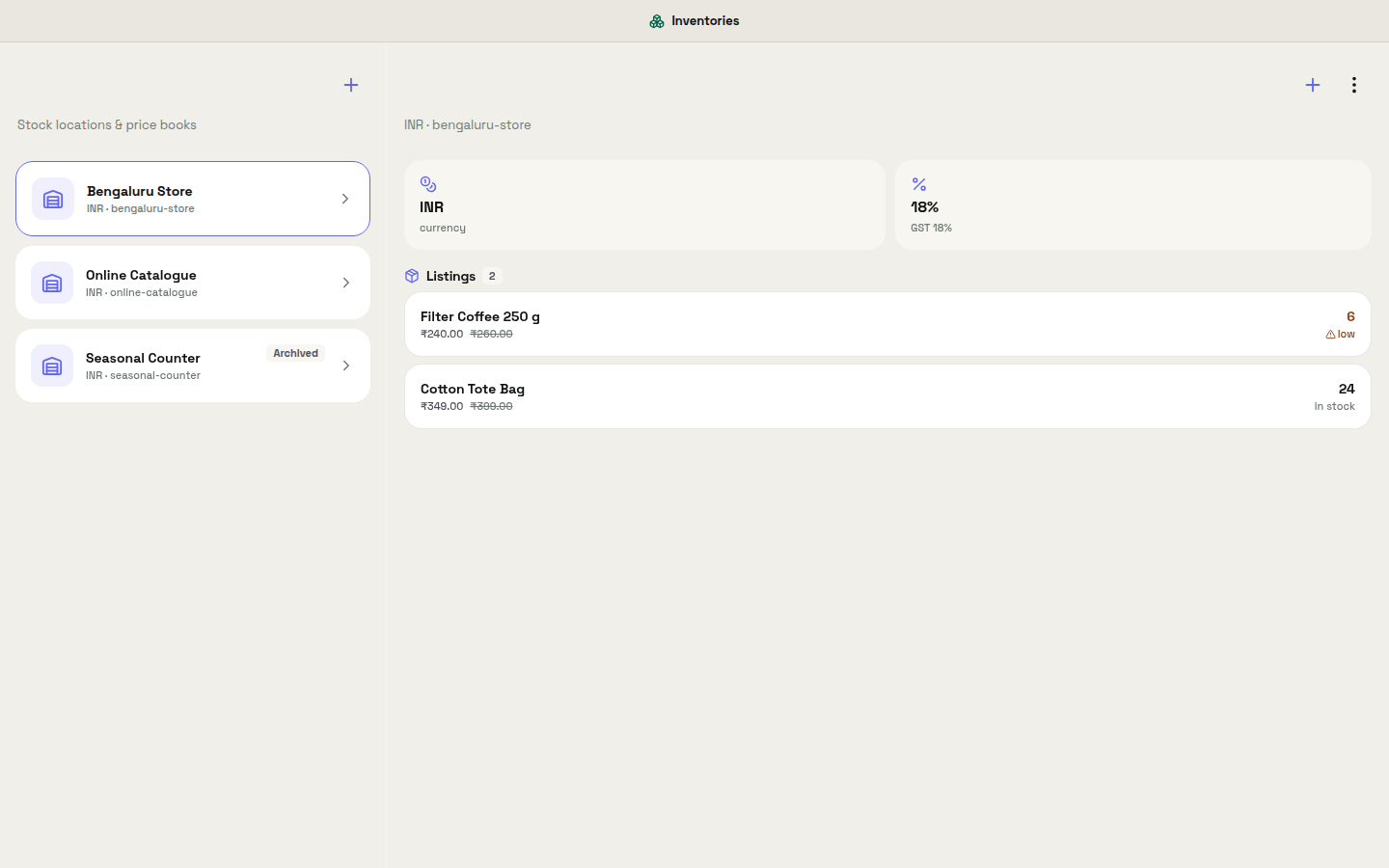
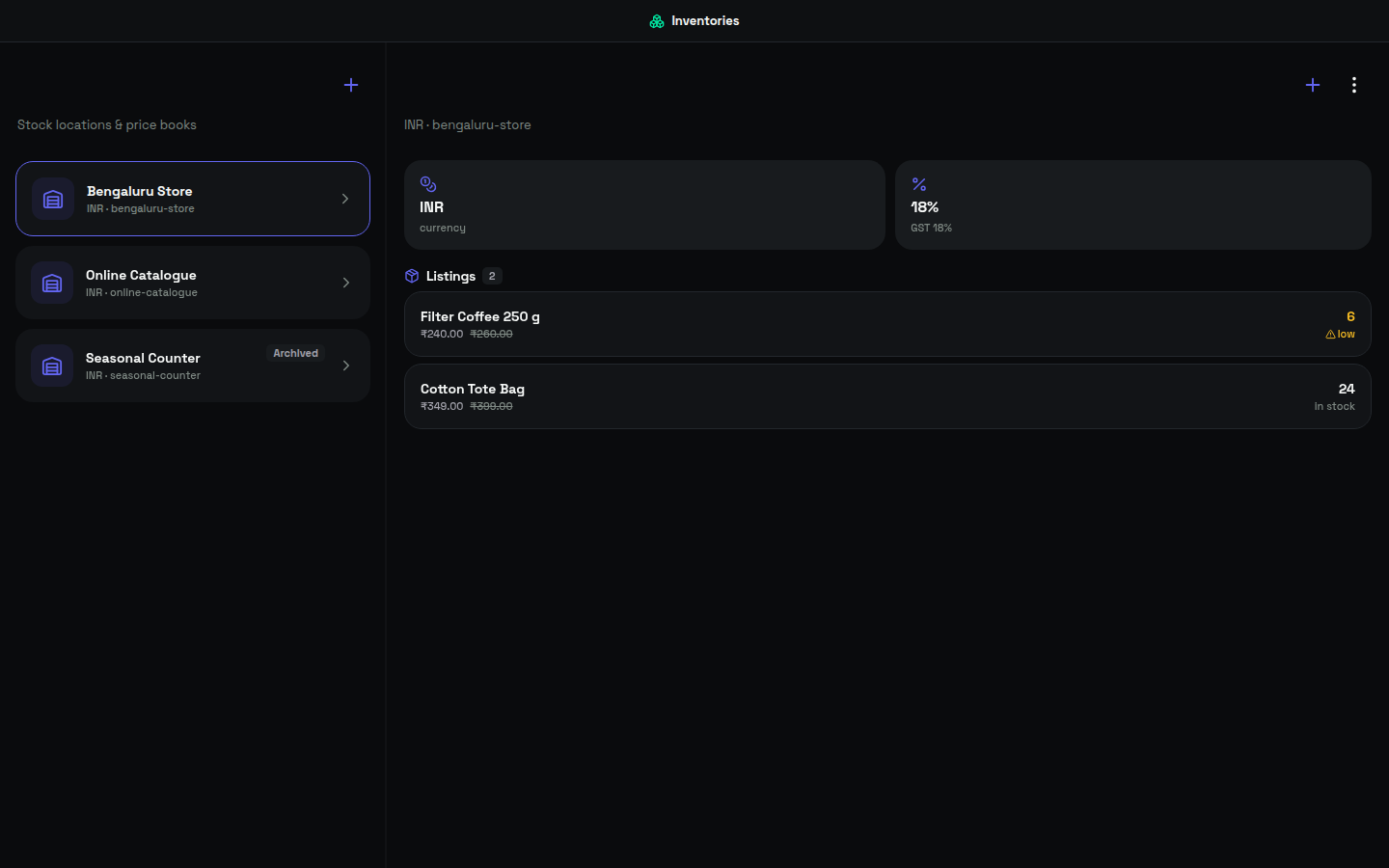
Business is the OpenAlly app for what you sell. Its catalogue line is one sentence: manage inventory, products, prices, and taxes for your business. The app page breaks that into four parts. Inventory carries stock levels with low-stock flags, and the counts stay honest. Catalog and prices let you edit items and prices yourself, or tell the AI what to change. Tax summaries are the numbers you file, ready when you are. The fourth is the one owners feel: "Raise everything in Winter by 5%" is a sentence, not an afternoon (Business app page, read 4 September 2026).
A skill is the leave you give one agent to use a particular tool. The Business skill describes its own reach in plain words. It runs a product catalog and stock: create inventories, add products to a shared pool, list them per inventory, organise with categories, set up taxes, and quote tax on any amount. Hand it to the agent that runs the shop. Keep it off the one that only books appointments.
The skill is catalogued for Android, iPhone and Mac, and it is managed by the Business app. That pairing matters when you set an agent up. You configure the catalogue once in the app, and only agents holding the skill can reach it afterwards.


03 / Chapter
One product pool, one currency per inventory
An inventory is a container for what you hold in one place, and each runs on a single currency. Products live one level up, in a pool shared across every inventory you keep. You list a product into an inventory with its own cost, MRP, sale price and stock. MRP is the maximum retail price printed on the pack.
That split earns its keep quickly. For example, a boutique with a shop and a weekend stall keeps one pool of products and two inventories over it. The same jar of pickle is one product, listed twice, at two sale prices, with two stock counts. Categories keep the listing readable once it runs past a screen.
Editing the product changes the thing itself. Editing a listing changes what one inventory charges and holds. Owners who have merged two spreadsheets by hand will recognise which of those edits used to be painful.




04 / Chapter
GST, inclusive or exclusive
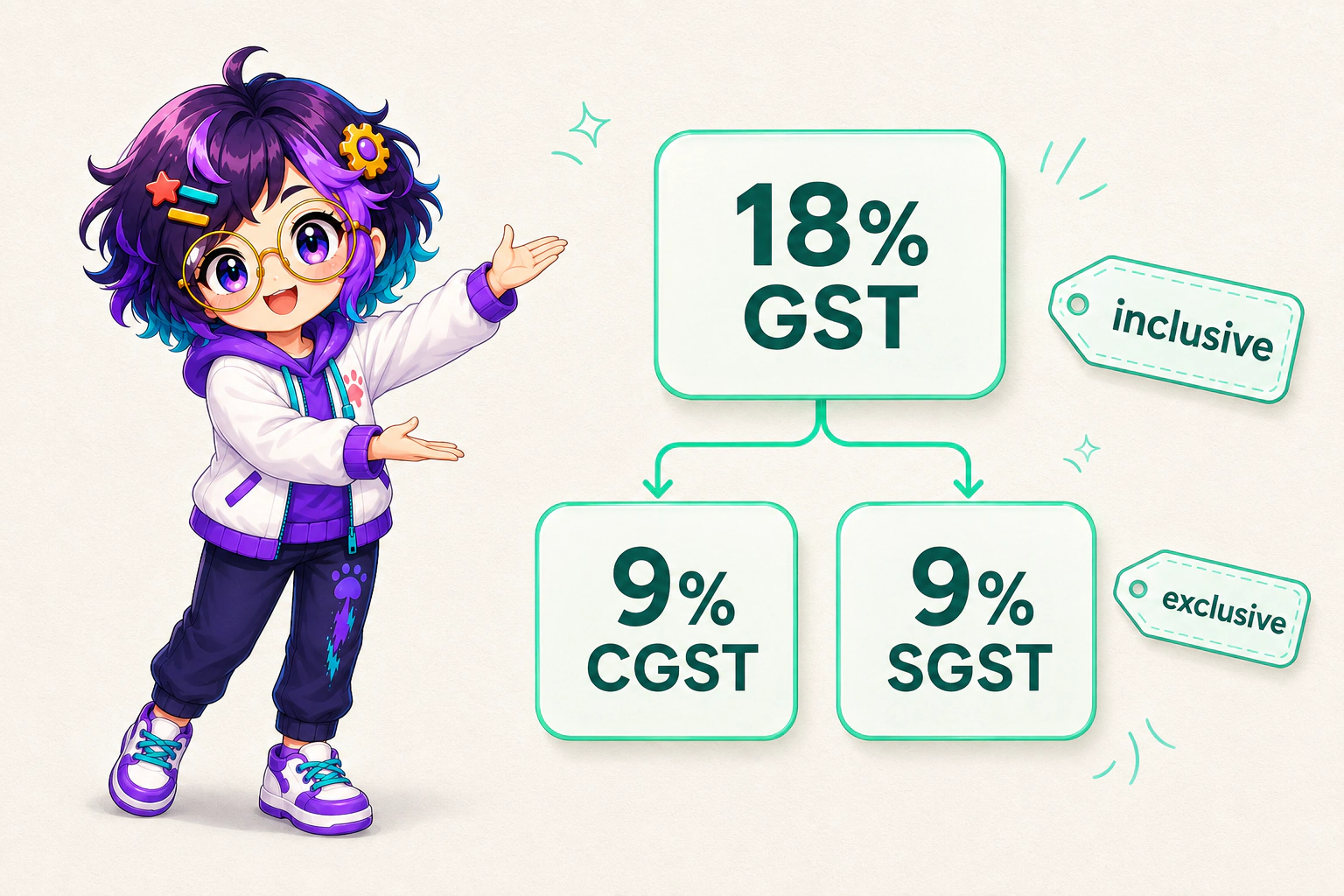
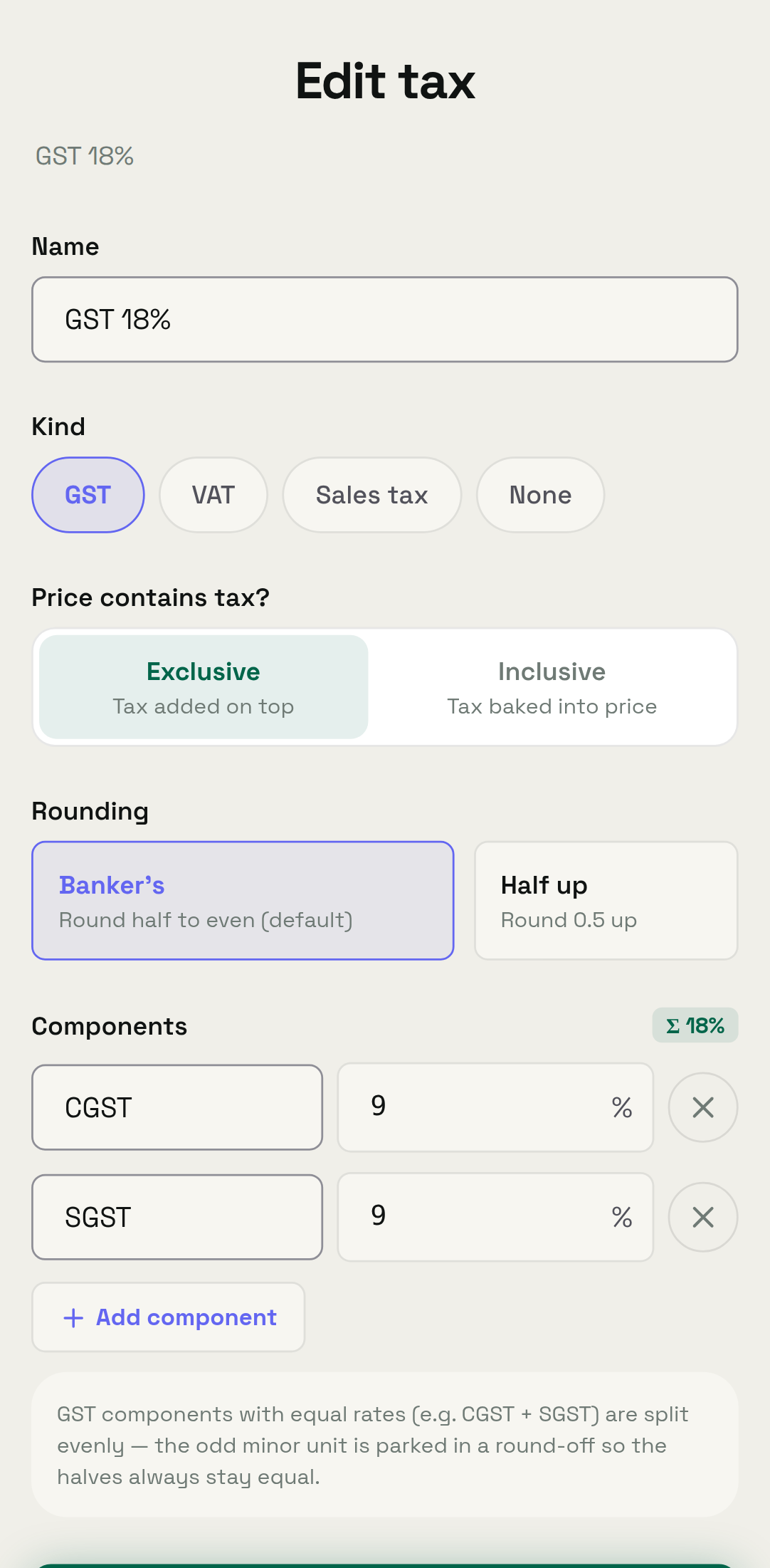
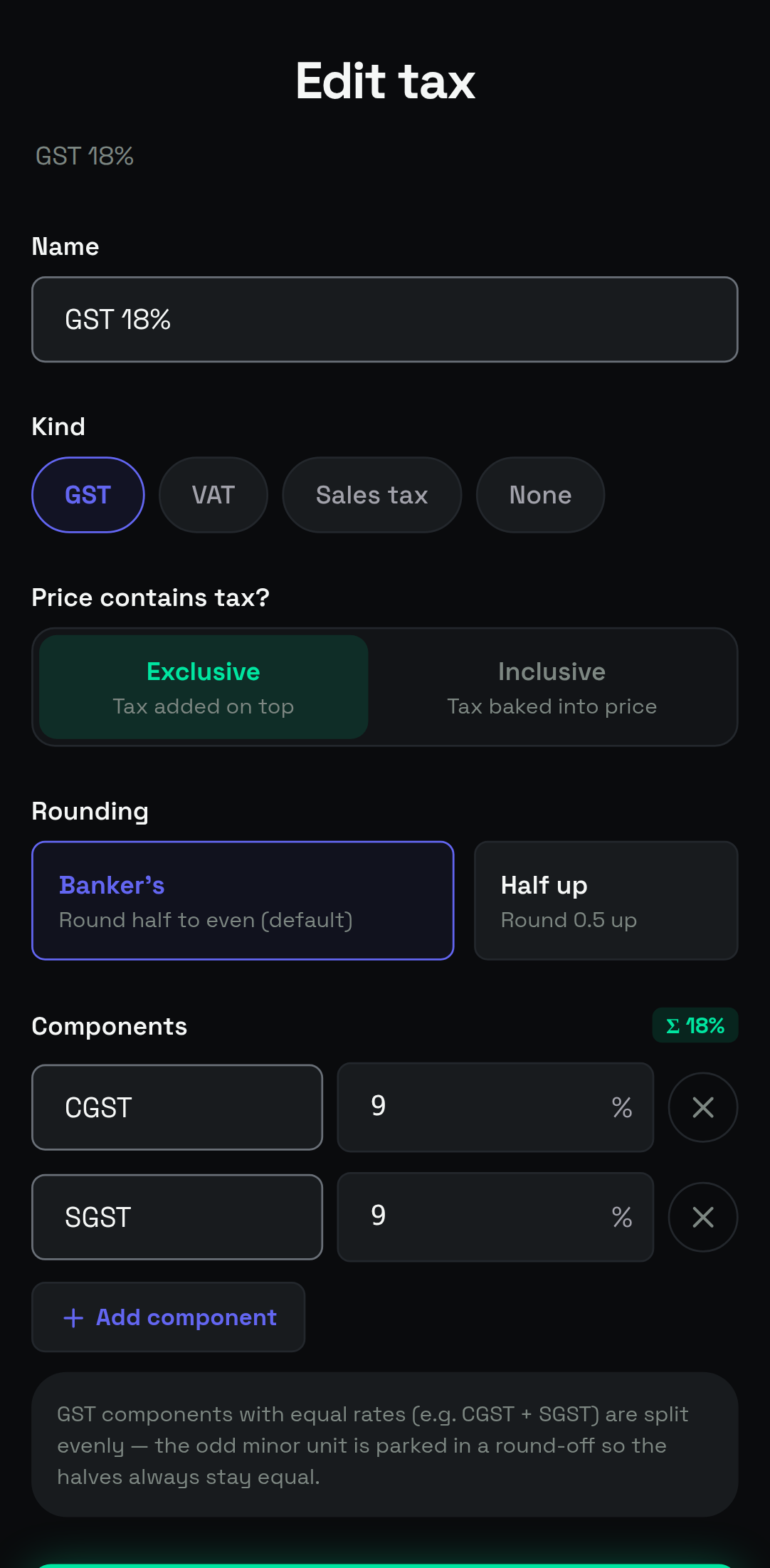
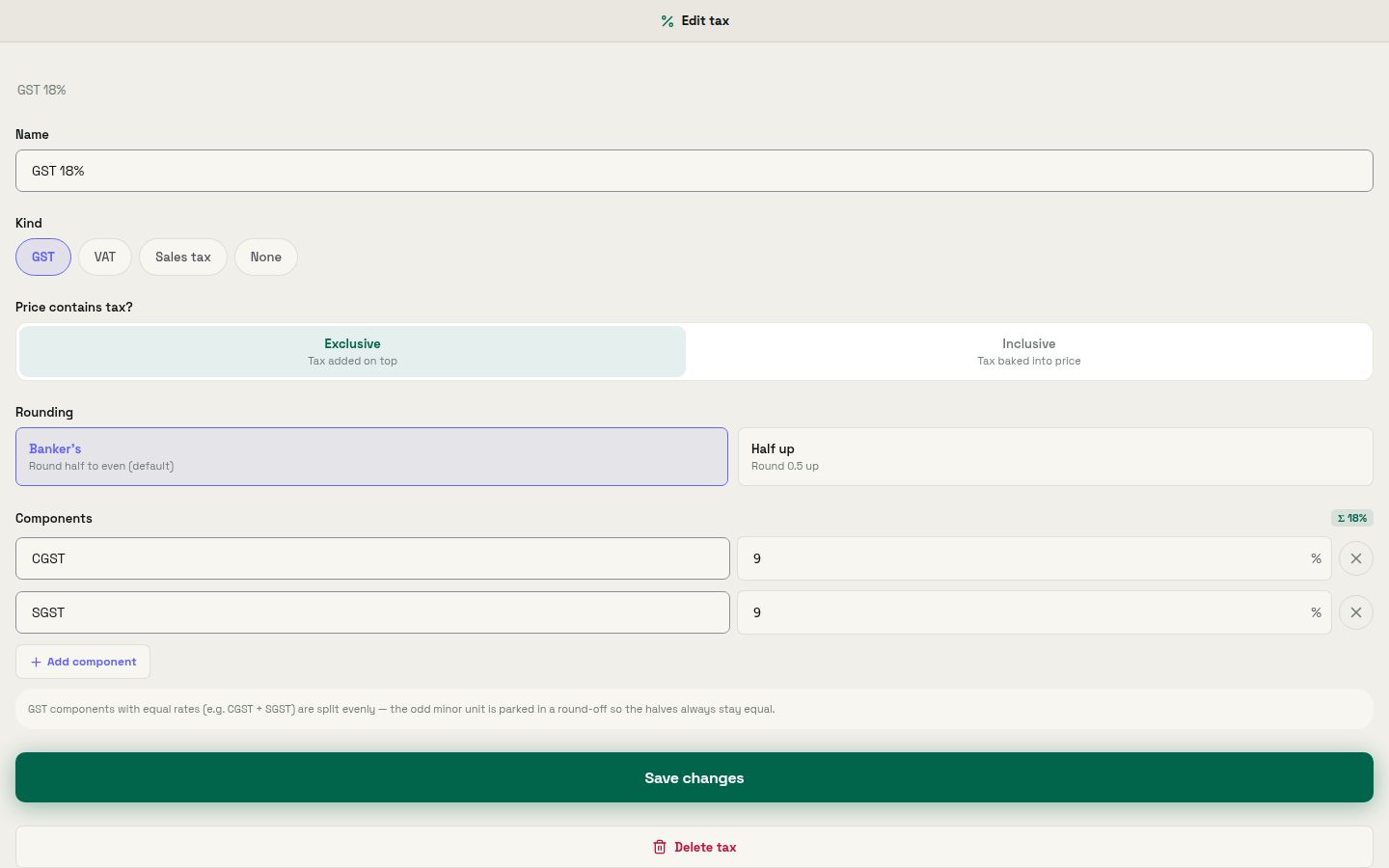
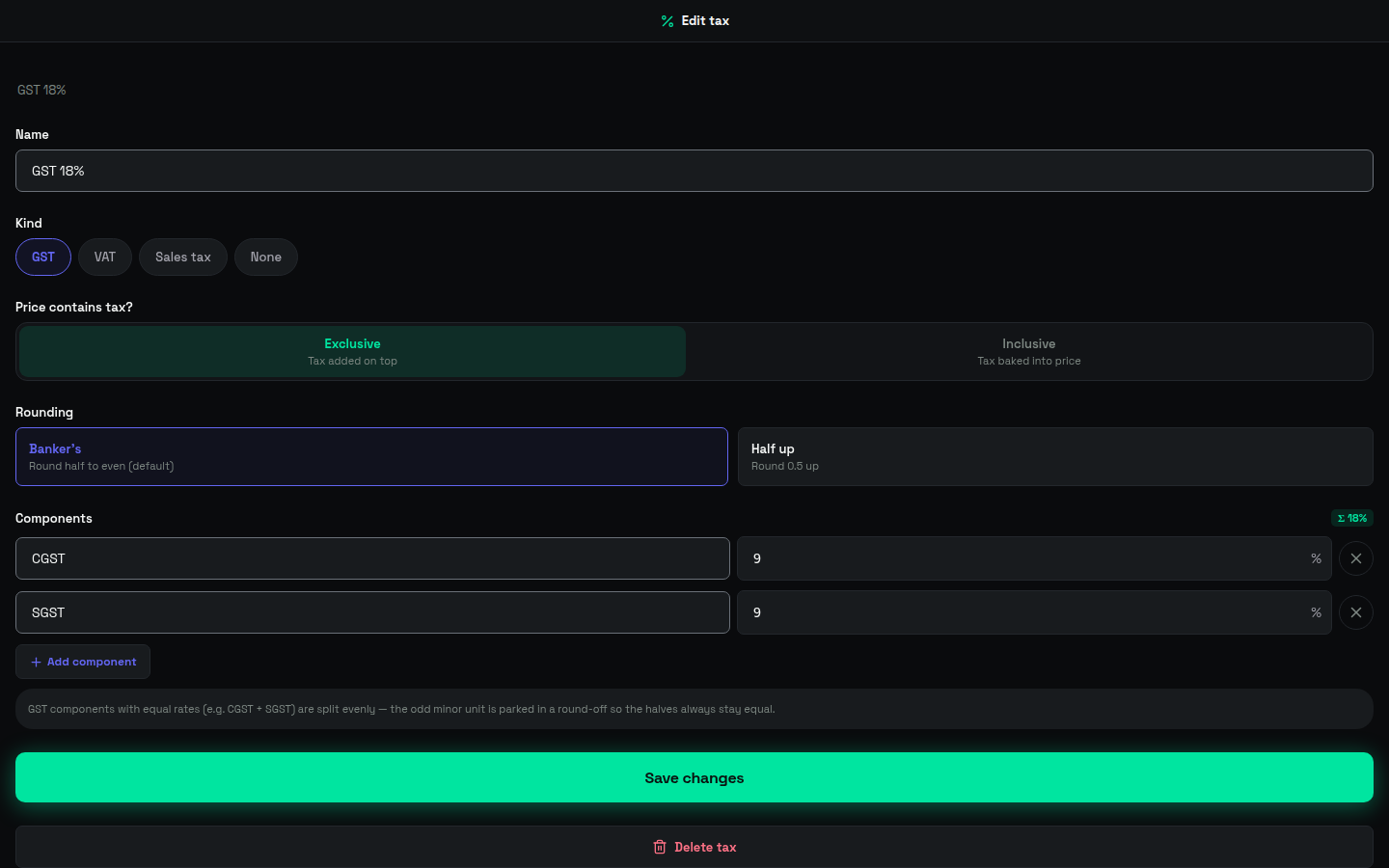
Tax gets set up beside the products, rather than rebuilt from receipts at quarter end. Business models GST with parallel CGST and SGST components, and each tax is either inclusive or exclusive.
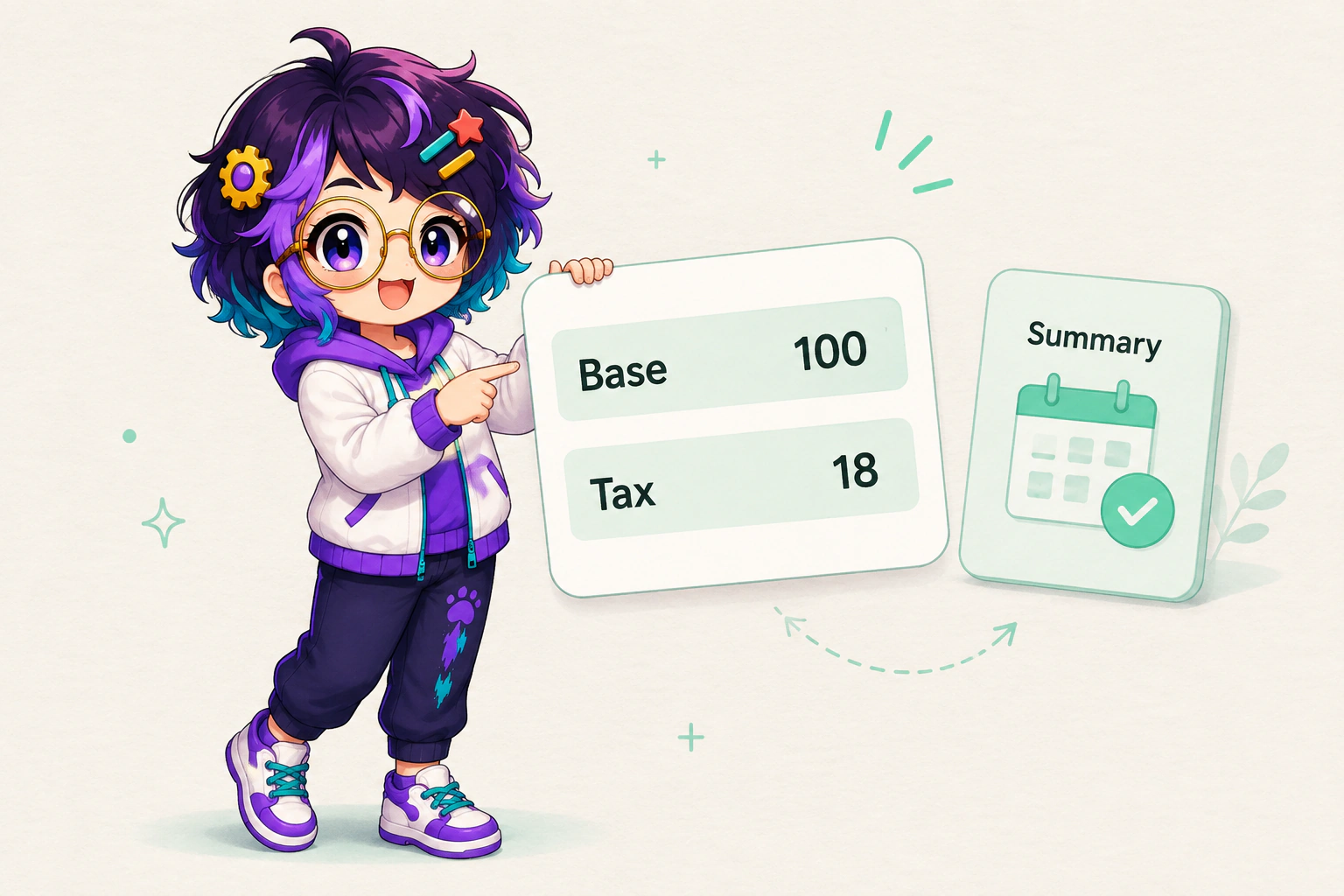
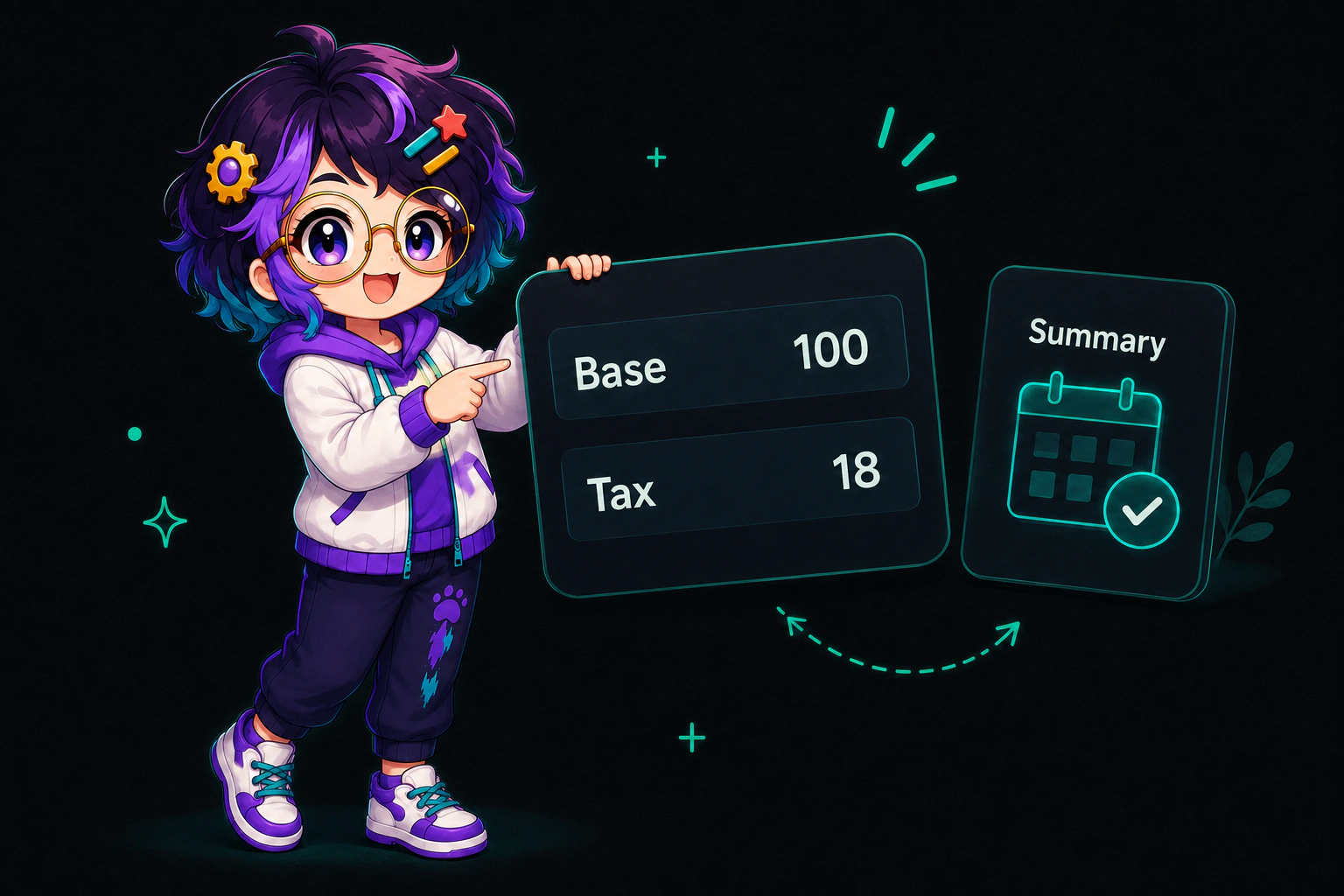
Inclusive tax means the displayed price already contains the tax. Exclusive tax means the tax is added to the base price. One sale can be a shelf label of 118 rupees inclusive or a base price of 100 rupees exclusive, and what changes is the number you print rather than the money you take. That is arithmetic on an example rate, not a statement about what your own goods carry.
The catalogue ships a starter for the setup: "Set up an 18% GST tax (CGST 9% + SGST 9%) for my catalog." India's Central Board of Indirect Taxes and Customs explains why two components run side by side. It defines SGST as "State Goods and Services Tax, one of the three categories under Goods and Services Tax (CGST, IGST and SGST)". The same page says the "Centre will levy and administer CGST & IGST while respective states will levy and administer SGST".
That starter is an example command in the app. It is not tax advice, and it does not claim that everything on your shelf carries one rate. You set the rates your goods actually attract, and the app keeps the components apart the way the tax is levied.
05 / Chapter
Tax quoted on any amount, and summaries you can file
Once the rates are in, tax stops being a separate calculation at the counter. You can ask for tax on any amount you name, and the answer comes back split the way your setup describes. A customer at the counter asking what something costs with tax is answered from the catalogue.
Tax summaries are the fourth card on the app page, and the line there is deliberately short: the numbers you file, ready when you are. Reading a summary changes nothing in the record, so it is ordinary work for an agent to fetch on request.
Two more reads sit in the same family. Asking what is low reads stock levels and their low-stock flags. Asking what your stock is worth totals the value you are holding now, rather than the value you held at the last stocktake.
06 / Chapter
An agent can restock, and inventory deletes stay with the owner
The Business skill lists the everyday asks in its own words. Add a product, restock an item, find what's low, or value your stock on hand. Those are reads and small writes. An agent does them when you ask, in the conversation you were already having.
Container deletes belong to a different class of action, and the skill page states the boundary in one line.
| Action | What it does | Who does it |
|---|---|---|
| Create an inventory | Opens a container that runs on one currency | Your agent, when you ask |
| Add a product | Puts an item into the shared pool | Your agent, when you ask |
| List a product for sale | Sets cost, MRP, sale price and stock in one inventory | Your agent, when you ask |
| Restock an item | Sets the stock level on a listing | Your agent, when you ask |
| Set up a GST tax | Adds parallel CGST and SGST components | Your agent, when you ask |
| Quote tax on an amount | Returns the split for a figure you name | Your agent, when you ask |
| Find what is low | Reads stock levels and low-stock flags | Your agent, when you ask |
| Value stock on hand | Totals what you are holding now | Your agent, when you ask |
| Delete a whole inventory | Removes the container and its listings | Owner only: your agent, when you ask |
Create an inventory
- What it does
- Opens a container that runs on one currency
- Who does it
- Your agent, when you ask
Add a product
- What it does
- Puts an item into the shared pool
- Who does it
- Your agent, when you ask
List a product for sale
- What it does
- Sets cost, MRP, sale price and stock in one inventory
- Who does it
- Your agent, when you ask
Restock an item
- What it does
- Sets the stock level on a listing
- Who does it
- Your agent, when you ask
Set up a GST tax
- What it does
- Adds parallel CGST and SGST components
- Who does it
- Your agent, when you ask
Quote tax on an amount
- What it does
- Returns the split for a figure you name
- Who does it
- Your agent, when you ask
Find what is low
- What it does
- Reads stock levels and low-stock flags
- Who does it
- Your agent, when you ask
Value stock on hand
- What it does
- Totals what you are holding now
- Who does it
- Your agent, when you ask
Delete a whole inventory
- What it does
- Removes the container and its listings
- Who does it
- Owner only: your agent, when you ask
Money has its own guard in a different app. Capture and refund are owner-only, and Razorpay is the first provider rather than the only one there will ever be. The article on payment links and owner-only refunds covers that half of the counter.


07 / Chapter
Shop shelf and household cupboard, same product tools
The product tools do not ask what kind of building you are standing in. A household can hold nappies or washing powder in Business, count them, and ask what is low, and that is the same shipped catalogue rather than a second system with a friendlier name.
The workspace guide covers the wider arrangement, where household tools sit beside shop ones in a single account.
08 / Chapter
The phone in the aisle and the Mac for the long list
Stock gets counted where the stock is, which is rarely at a desk. Android comes from Google Play. The Mac page carries the Mac build, and the download page covers the rest. The catalogue lists Business for Android, iPhone and Mac, and that listing is a platform badge rather than an App Store launch.
A phone suits a shelf walk. A Mac earns its place when you read a whole inventory at once, check a long list of listings against what the shelves say, or set rates across a catalogue in one sitting. The account, the agents and the conversation carry over between them.


09 / Owner control
What the owner still does
- Choose the currency when you create an inventory. Once it holds listings, changing it is an owner-only step.
- Decide which agents get the Business skill, such as the one that runs the shop.
- Set the tax rates your goods actually attract.
- Delete a whole inventory, if it ever comes to that.
- Walk the shelves now and then, because a count is only as good as the last person who looked.
10 / Method
How this was checked
The methodology is a catalogue read. Every product line above comes from the OpenAlly catalogue entries for the Business app and the Business skill, read on 4 September 2026. Where this page and the catalogue disagree, the catalogue is right. Those product claims are published as structured data on the catalogue pages themselves, because the blog compiler does not accept it inside an article's Markdown. Both quotations from the Central Board of Indirect Taxes and Customs were checked against the linked page on the same day.
- The action table was built for this page by lining the Business skill's own starters up against its container-delete boundary. No single catalogue card shows that grid.
- Treating the shared product pool and the per-inventory listing as two separate records is a reading of the catalogue description rather than a quote from it.
About the author: Matterward Labs makes OpenAlly. It builds AI, hardware and software for the edge, and the platform around both. This article was reviewed by Matterward Labs on 4 September 2026. For press, a correction, or other contact, use the inbox on that site.
11 / Next
What to read next
The Business app page lists what the app does and which skills drive it. The Business skill page shows the access it asks for before you grant it, together with its starters. The full catalogue lists every app and skill with the platforms each one supports.
Sources and references
These public pages support the product facts, technical specifications, background, and reference measurements in this article. Details were checked on the review date shown above.
Read us on your terms
Google lets you name the sites you want to hear from. Add OpenAlly and these articles surface more often in your own Search results — your preference, revocable from the same screen, and it changes nothing for anyone else.