
 OpenAlly
A shop and a household run on the same small errands. Something is low and needs ordering, a price needs checking, a bill needs sending, and somebody wants an answer before the day is out.
OpenAlly keeps both sets in one workspace. The tools that price a product, take a payment and issue an invoice sit beside the ones that settle what is for dinner and keep the medicines organised. Start on your phone or at the Mac, and the same account picks the work up on the other.
01 / Decision
Short answer
In brief: one OpenAlly workspace covers a small shop and a household, because the same assistant can reach both sets of tools. On the shop side that means a product catalogue, stock levels, tax, payment links, orders and invoices. At home it means everyday administration, group choices, health records and a private knowledge base. The Android app is on Google Play, and the Mac app continues the same work.
You decide which agent gets which of those tools. An assistant that runs the shop has no reason to hold your medicine list, and the one that helps at home has no reason to read your orders.


An agent is an assistant you configure and point at the work you assign it. Keep a single one for everything, or hand focused work to specialists, such as separate agents for the shop and for the household. You control what each one may use, and delegated work comes back to the same conversation.
Knowledge bases work the same way. Add PDFs, web pages and text, such as a supplier's terms or a tenancy agreement, and an agent answers from that material rather than from its own general knowledge. Knowledge stays organised on the device, and reaches an outside model only when you choose a request that needs it.
| What you ask for | What it uses | Who has to approve it |
|---|---|---|
| Show me what is low on stock | The Business catalogue and its stock levels | Nobody. Reading changes nothing |
| Create a payment link for that order | Payments, through the provider you connected | You, when you connected the provider |
| Refund that payment | Payments | Only you. Money leaving is a separate permission from money arriving |
| Put dinner to a vote for the four of us | Group Decisions, on the device | Everyone votes, then you review the plan |
| What medicines are due tonight | The health records you allowed | Nobody. It is a read |
Show me what is low on stock
- What it uses
- The Business catalogue and its stock levels
- Who has to approve it
- Nobody. Reading changes nothing
Create a payment link for that order
- What it uses
- Payments, through the provider you connected
- Who has to approve it
- You, when you connected the provider
Refund that payment
- What it uses
- Payments
- Who has to approve it
- Only you. Money leaving is a separate permission from money arriving
Put dinner to a vote for the four of us
- What it uses
- Group Decisions, on the device
- Who has to approve it
- Everyone votes, then you review the plan
What medicines are due tonight
- What it uses
- The health records you allowed
- Who has to approve it
- Nobody. It is a read
02 / Shop
The shop side: stock and prices


Business is the OpenAlly app that holds what you sell: a product catalogue and its stock, kept in your OpenAlly account. You create inventories, each with one currency, add products to a shared pool, and list them per inventory with cost, MRP, sale price and stock. Categories keep the listing usable once it grows past a screen.
Once the catalogue is in, you can stop opening the app for ordinary jobs. Ask your AI instead to:
- add a product, or restock one that has run down;
- find what is running low, before a customer finds it for you;
- value the stock you are holding right now.
Deleting an entire inventory is yours alone: an assistant does it only when you ask, and refuses when anyone else does. The Business entry in the catalogue shows what the app does and which skills your AI uses to drive it.
03 / Tax
Tax belongs with the catalogue
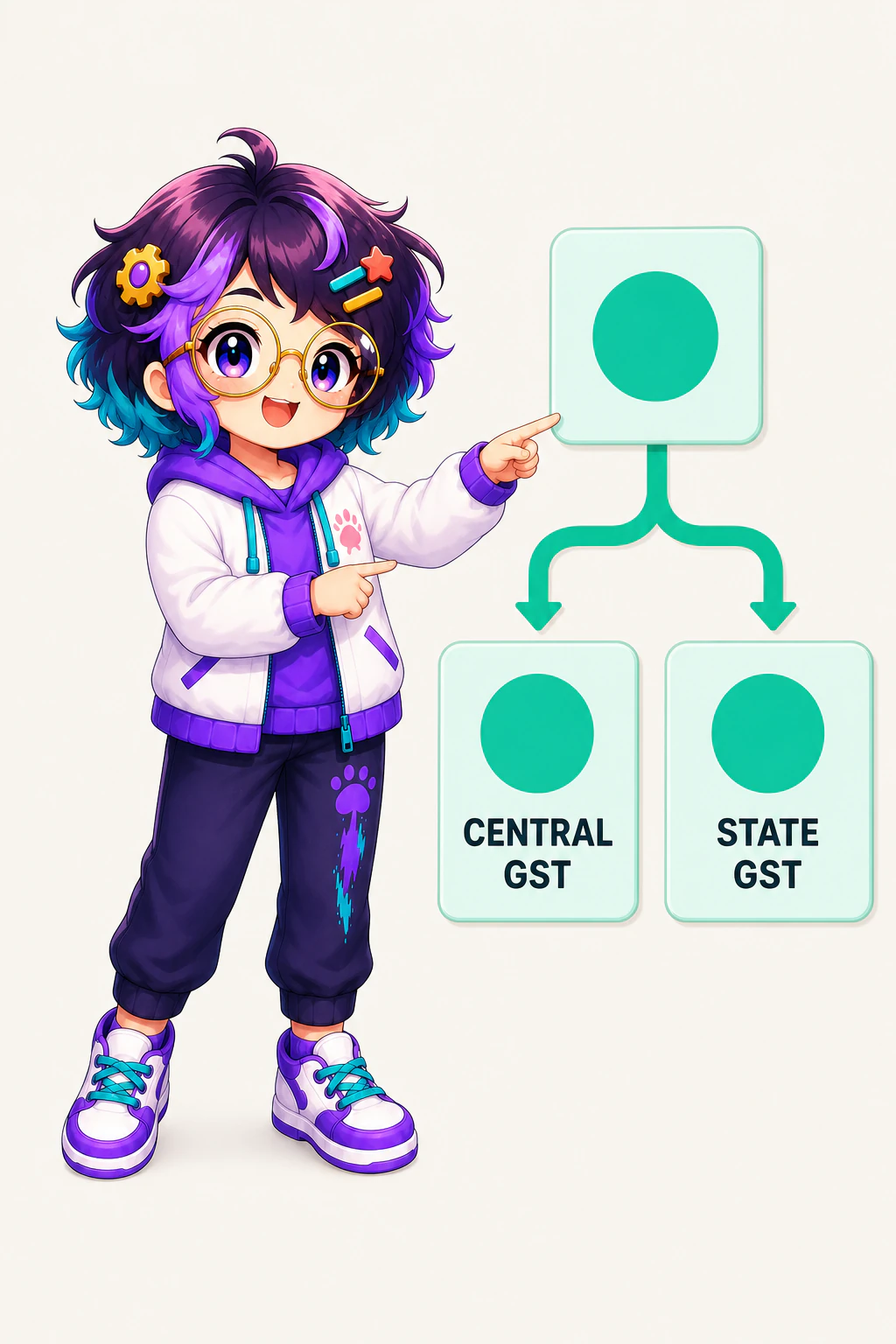
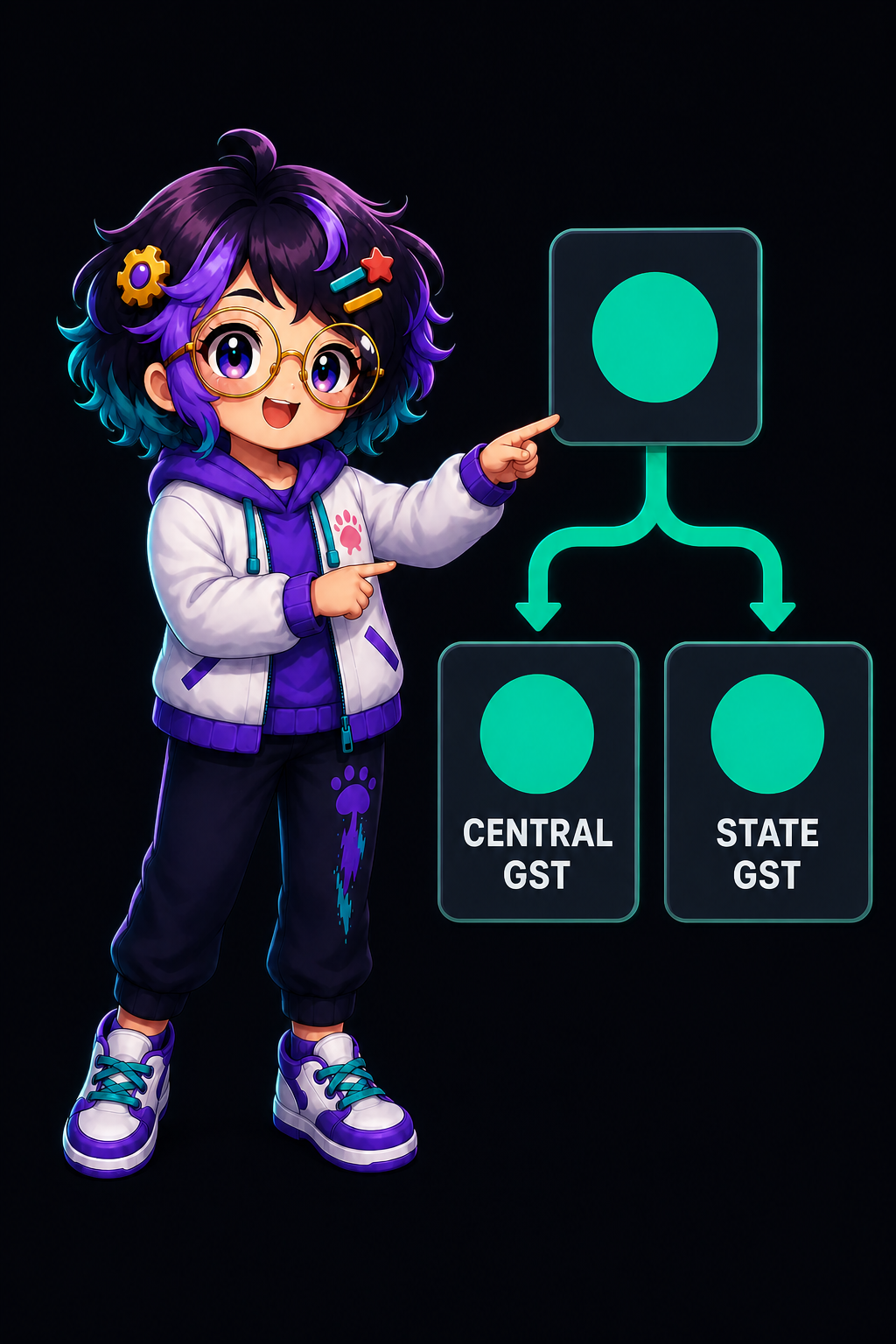
You set GST up alongside the products: parallel CGST and SGST components, inclusive or exclusive, and tax quoted on any amount you name. India's Central Board of Indirect Taxes and Customs defines SGST as "State Goods and Services Tax, one of the three categories under Goods and Services Tax (CGST, IGST and SGST)".
The same CBIC page sets out who administers each part: the "Centre will levy and administer CGST & IGST while respective states will levy and administer SGST". Match your rates to that split once, and a customer asking what something costs with tax is answered from the catalogue instead of from arithmetic at the counter.
04 / Payments
Getting paid, and who is allowed to move money


Payments is the app that connects a payment provider and then lets your assistant work with it. Razorpay is the first provider it supports. You add your provider keys in Payments, then ask for a link or an order in ordinary language. Razorpay's own documentation puts the idea plainly: payment links "let you accept payments without a website or app".
From there your assistant can create shareable payment links and orders, list payments, and reconcile them against the orders you were expecting.
Invoicing closes the loop. An order's invoice arrives as a card in the chat that you can print, share, save or send. You can restyle it with a built-in template, classic, modern, minimal, bold or elegant, and a curated theme colour, then deliver it to the buyer on their own channel. Reads carry no customer details. Invoicing is a per-agent skill you hand to the agents that should have it, and the Executive Assistant always has it.
05 / Household
The household side: daily admin, choices and records


At home the same agents and the same conversation do the work, and only the tools they may reach change.
Group Decisions is the skill for questions that need more than one opinion, such as dinner tonight, which film to watch, or where to meet. Your AI writes the options down, records each person's answer as they reply, and tells you where the vote stands. One person, one vote, and changing your mind replaces your earlier answer. A tie does not get broken for you. Closing a decision writes a plan for you to review, and closing it can never order anything, change a cart or spend money, however the vote went. Decisions stay on the device and expire after six hours. Read the closed plan yourself before anything is bought or booked; the Group Decisions entry sets out the rest.
Health keeps records and medicines on the device, so you can ask what is due tonight or look up how a measurement has moved since the spring. It never diagnoses or treats, and it is not a medical device. For anything clinical, contact a clinician.
A household can use the shop tools too. The Business catalogue will hold nappies and washing powder as happily as it holds saleable stock.
06 / Mac continuity
From the phone to the Mac


OpenAlly is for people and for businesses, on a phone and on a Mac. A stock check fits in a pocket, and a month of invoices is easier on a desk. The Mac app carries the same account, agents and chat history.
Business, Payments, Invoicing, Sales, Group Decisions and Health are all catalogued for Android, iPhone and Mac. The Mac page has the current build, the download page covers the rest, and the Android app sits on Google Play.
Selling through a conversation has a skill of its own. Sales quotes a cart from your catalogue, takes an order, and sends a payment link and QR or takes cash on delivery. It then issues a numbered invoice and reconciles when the money lands. You set which shop and which channel it may use before any of that runs.
The feature catalogue shows the access each skill asks for before you grant it, and the small-business guide is the longer version of this story, following one customer from a search through a booking to a paid invoice.
About the author: Matterward Labs makes OpenAlly. Product claims here come from OpenAlly's own catalogue, and this guide was reviewed by Matterward Labs before publication. The Razorpay and CBIC wording is quoted from the pages linked above (both checked on 31 August 2026).
Sources and references
These public pages support the product facts, technical specifications, background, and reference measurements in this article. Details were checked on the review date shown above.
Read us on your terms
Google lets you name the sites you want to hear from. Add OpenAlly and these articles surface more often in your own Search results — your preference, revocable from the same screen, and it changes nothing for anyone else.