
 OpenAlly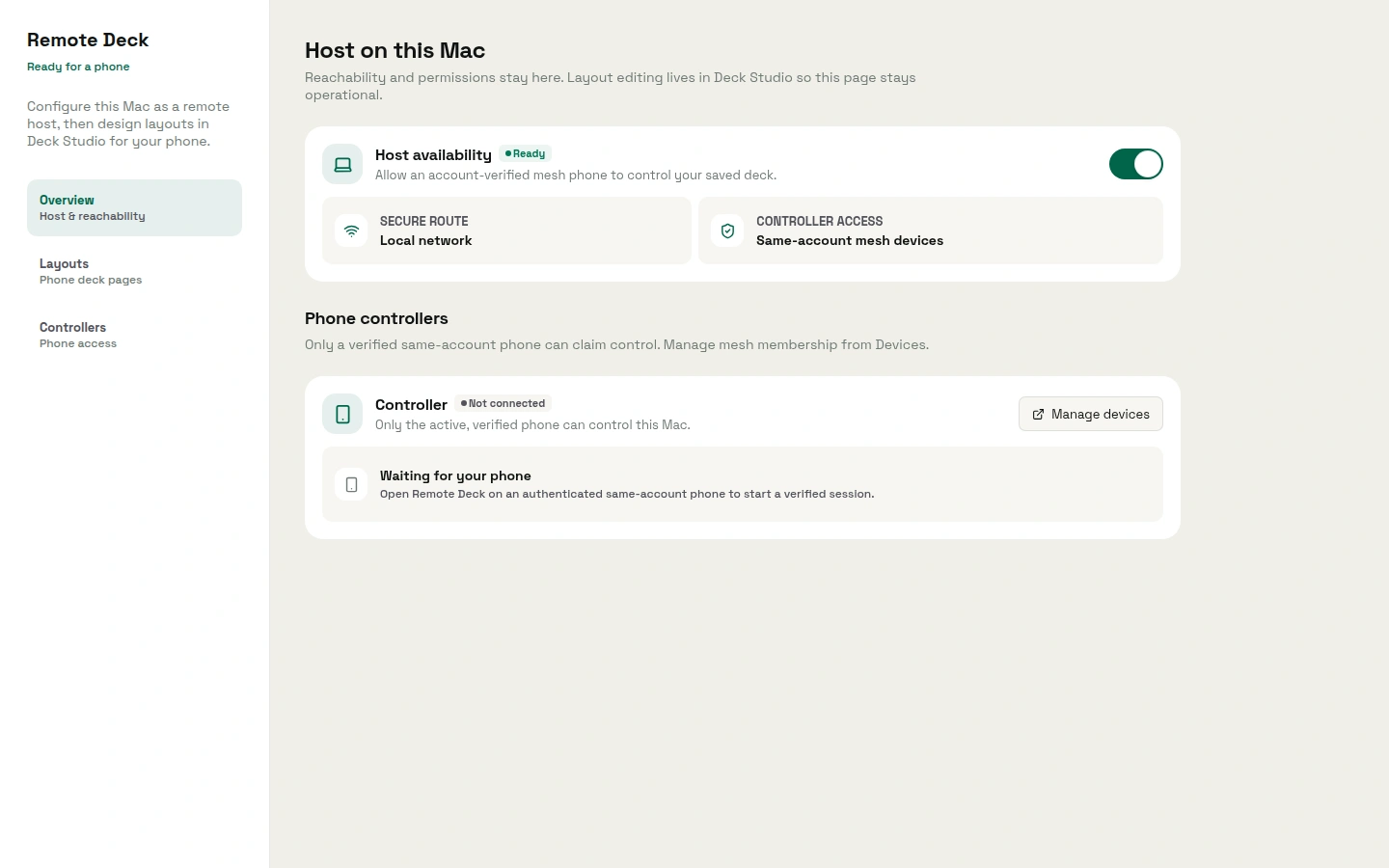
The catalogue gives Remote Deck a single line: "Control your Mac from your phone over a private, verified link." The job underneath it is narrow and easy to picture. You are away from the desk, something on the Mac still needs doing, and the phone already in your hand becomes the surface you do it from.
01 / Decision
Short answer


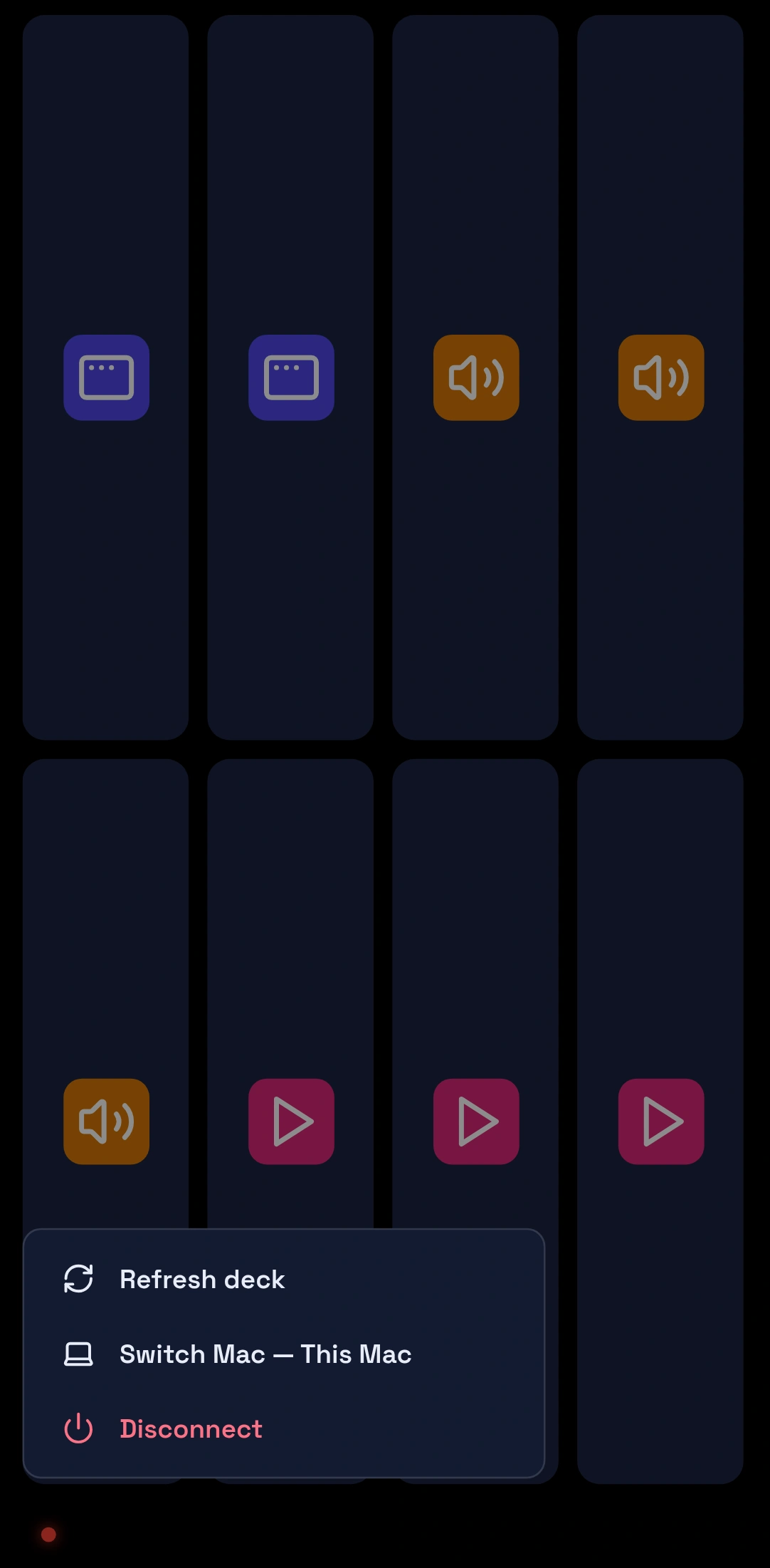
In brief: Remote Deck is an OpenAlly app that turns your phone into a control deck for a Mac you have approved. You design the deck on the Mac, placing app launchers and controls such as media, volume, slides, windows and a screenshot, then run them from the phone. Pairing goes through your own account, and only devices you approve can connect. The public catalogue lists Remote Deck for Android, iPhone and Mac. The Android app comes from Google Play, and the Mac app is a direct download from the Mac download page rather than a Mac App Store listing.
02 / Controls
What Remote Deck actually controls
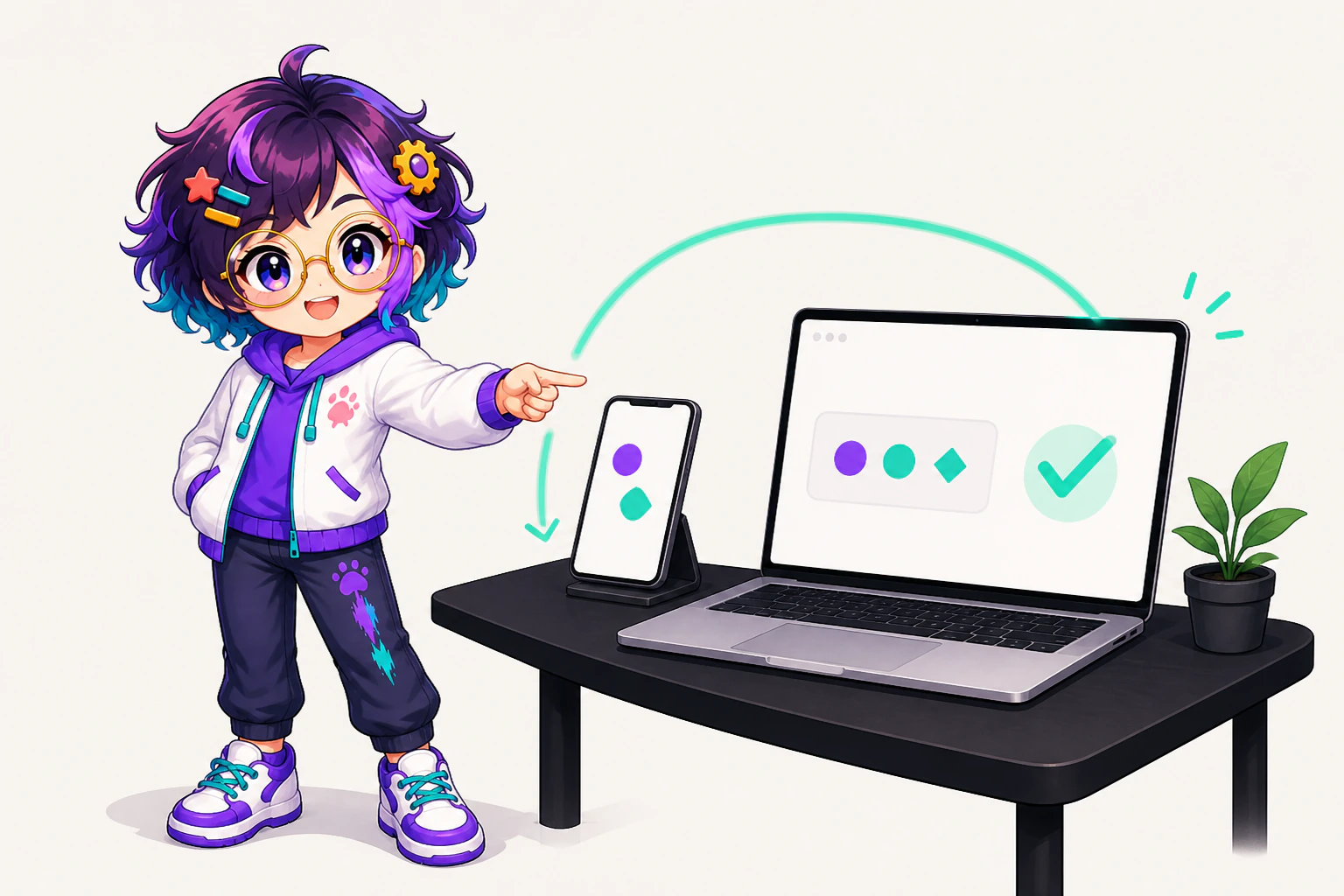

The catalogue copy is deliberately narrow: run the launchers and controls you set up on your approved Mac, from your phone. Approval is the word carrying the weight. Remote Deck reaches the Mac you linked and the actions that Mac has approved. It is a control deck for that machine, not a general remote-access product: it does not show the Mac's screen, and it does not pass your typing through.
The Remote Deck feature page puts what you get in three lines:
- Your Mac, from your phone. Run the app launchers and controls you set up on your Mac from a deck on your phone, over a private, verified link.
- Verified pairing. Only devices you approve can connect through your account.
- A deck you design. Place launchers and controls in Deck Studio on the Mac. Each layout is one page you swipe on the phone, and a layout can follow the app in front.
The Mac is where the deck is made. The app's own controls include play or pause, the next and previous track, volume and mute, the next and previous slide, minimising, closing or fullscreening the focused window, and a screenshot saved to the folder set on the Mac. An app launcher opens a Mac app or brings it to the front. The phone runs what the Mac offers and cannot create or change an action. For example, a presentation can move on from the other side of the room, with the laptop still on the lectern.
| What you do | What Remote Deck does |
|---|---|
| Open the app on the phone | The phone becomes the deck while it stays in the foreground |
| Pair through your account | Only a Mac you approve can connect |
| Tap a control on the phone | The approved Mac carries out that one action |
| Leave the app | The deck stops, rather than driving the Mac behind other apps |
Open the app on the phone
- What Remote Deck does
- The phone becomes the deck while it stays in the foreground
Pair through your account
- What Remote Deck does
- Only a Mac you approve can connect
Tap a control on the phone
- What Remote Deck does
- The approved Mac carries out that one action
Leave the app
- What Remote Deck does
- The deck stops, rather than driving the Mac behind other apps
03 / Pairing
Pairing through a private, verified link

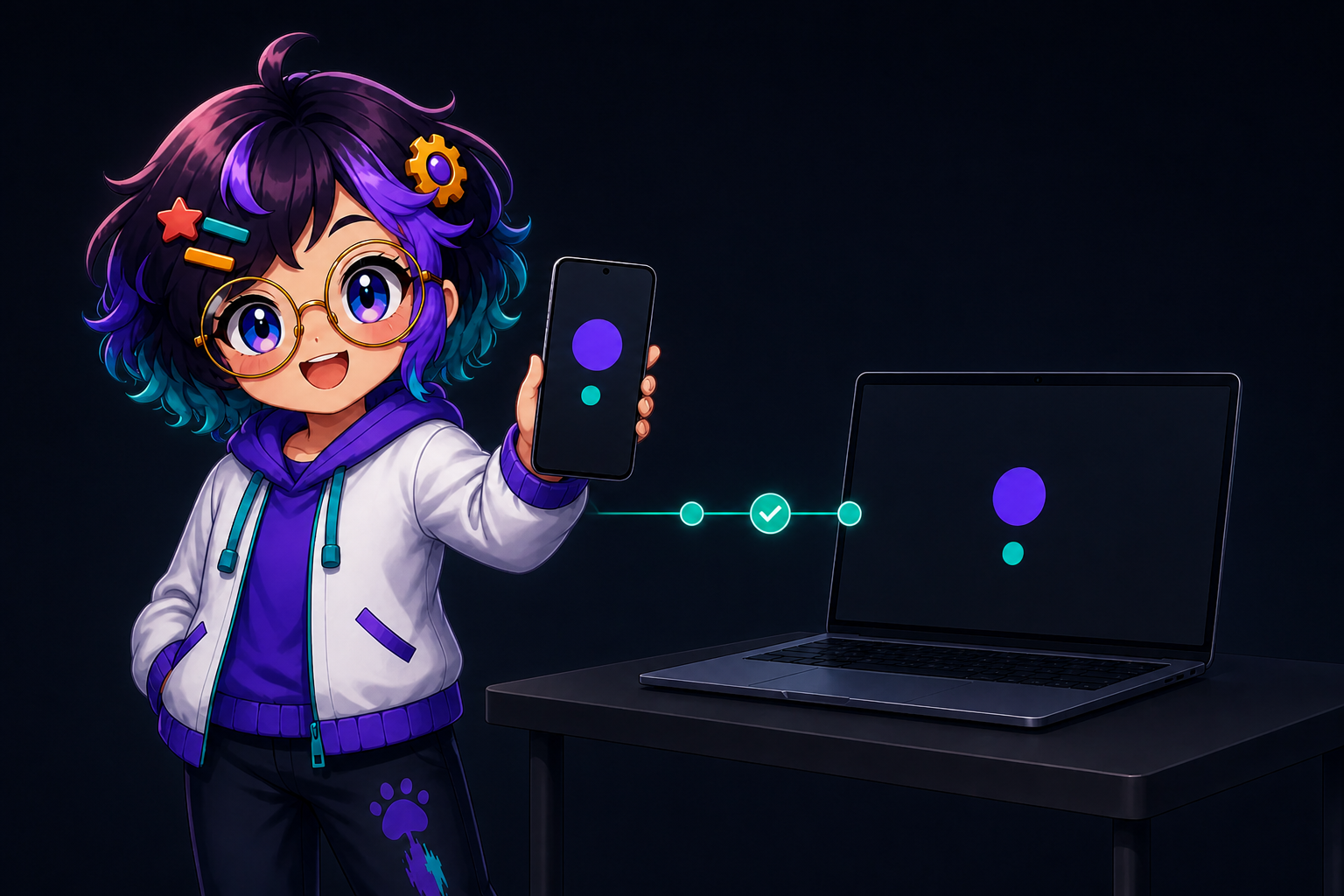
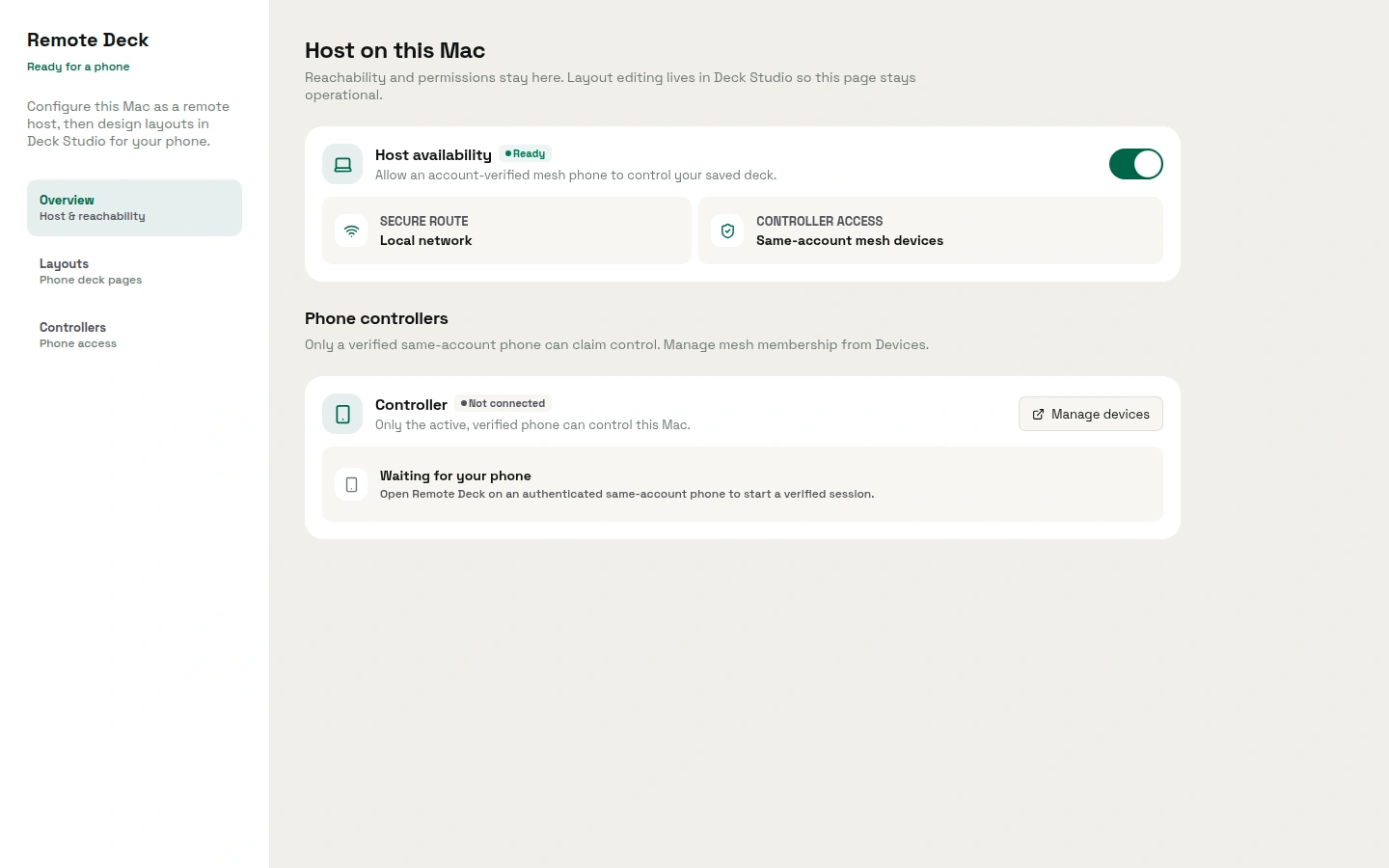
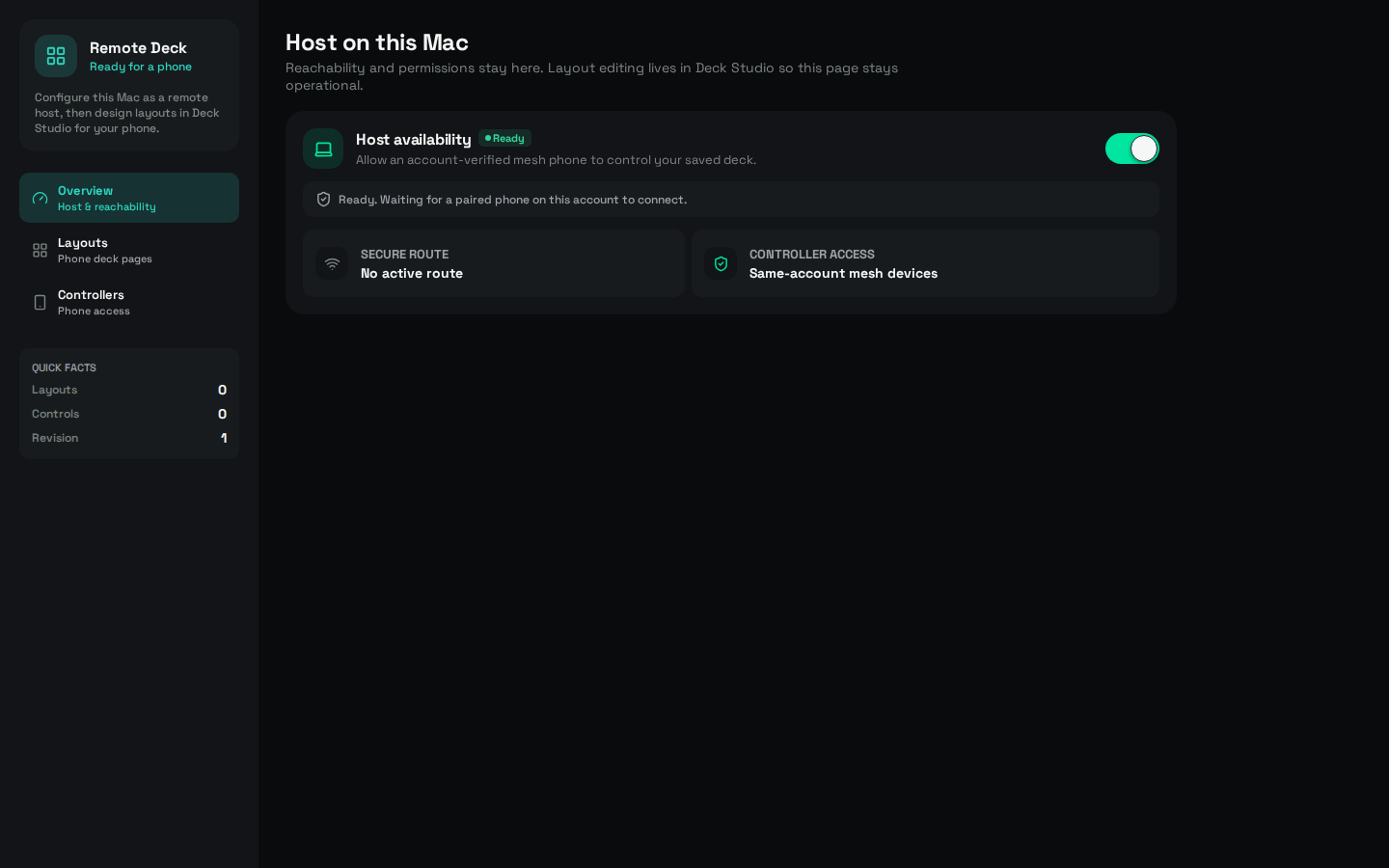
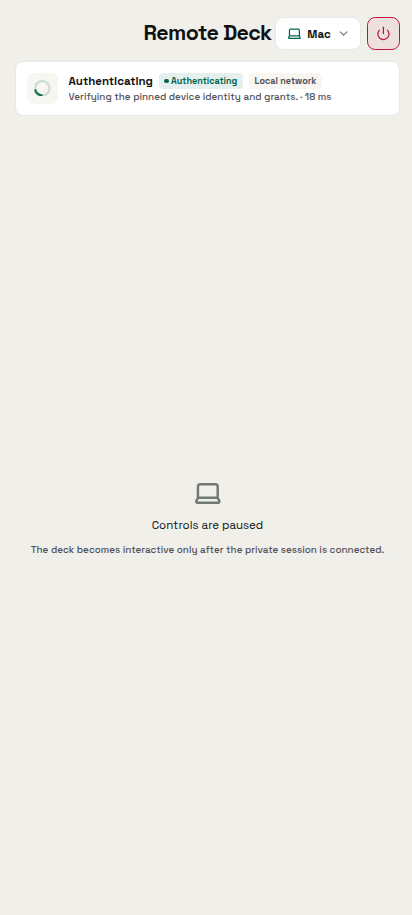
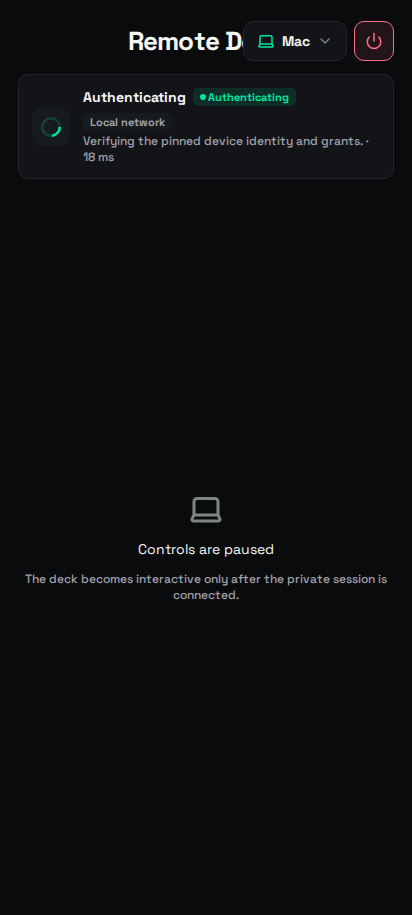
You pair once, through the account you already sign in to. The Mac you approve becomes a linked device; a Mac you have not approved is simply not reachable from the phone. The phone lists only verified Macs on your local network or your Tailscale network, and controls one of them at a time. That is the practical meaning of the tagline: the link is private between your own devices, and it is verified because approval is an act you perform rather than a default you inherit.
The Remote Deck feature page states the rule in one line: "Only devices you approve can connect through your account." The app keeps the other half too: a Mac you withdraw shows as Revoked, and it has to be enrolled again before the phone can drive it.
Approval also stays yours to withdraw. A device you approved is a device you can stop approving, and the phone loses the deck the moment the Mac stops being a linked device.
04 / Foreground
The phone stays a foreground controller


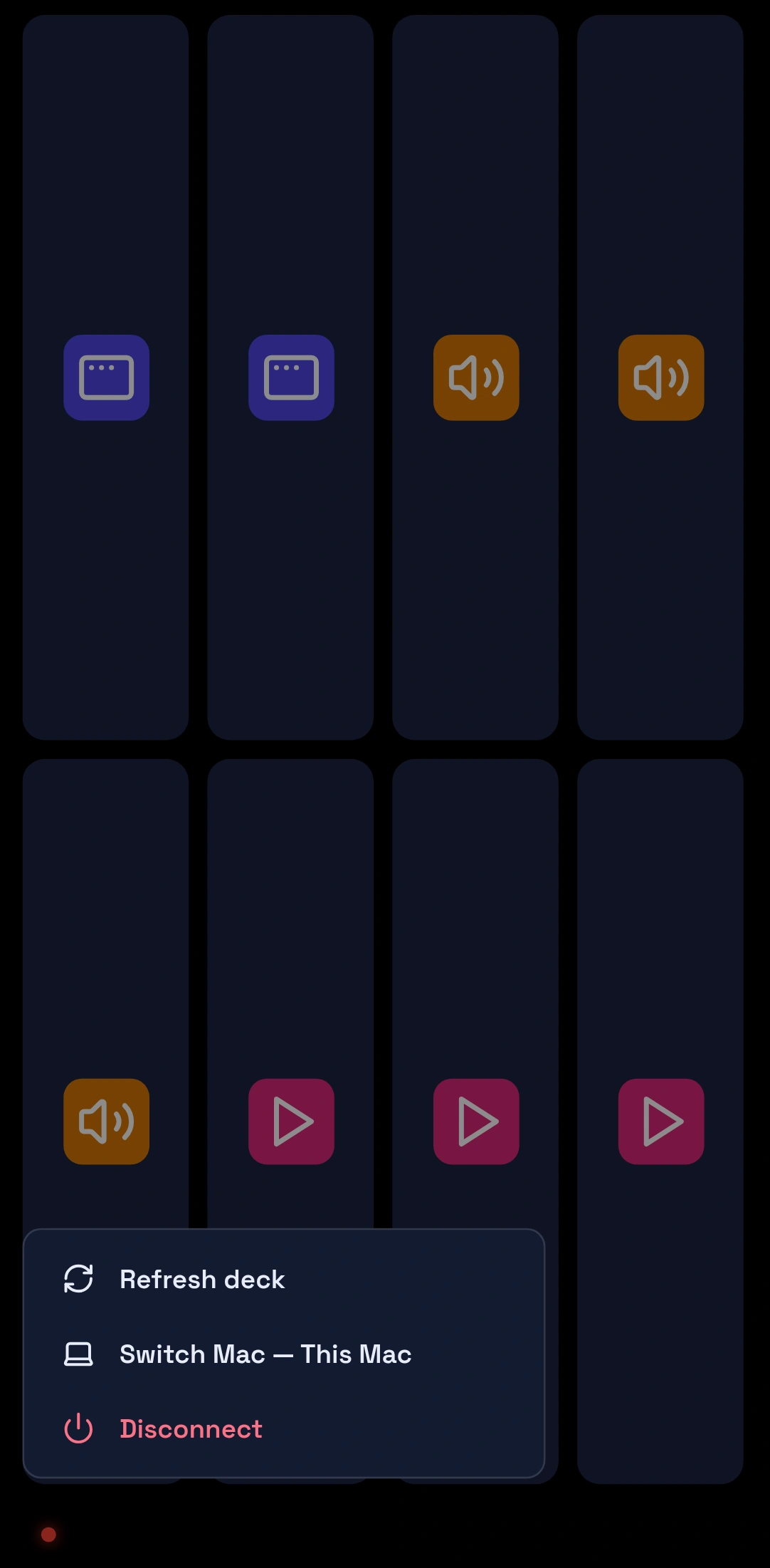
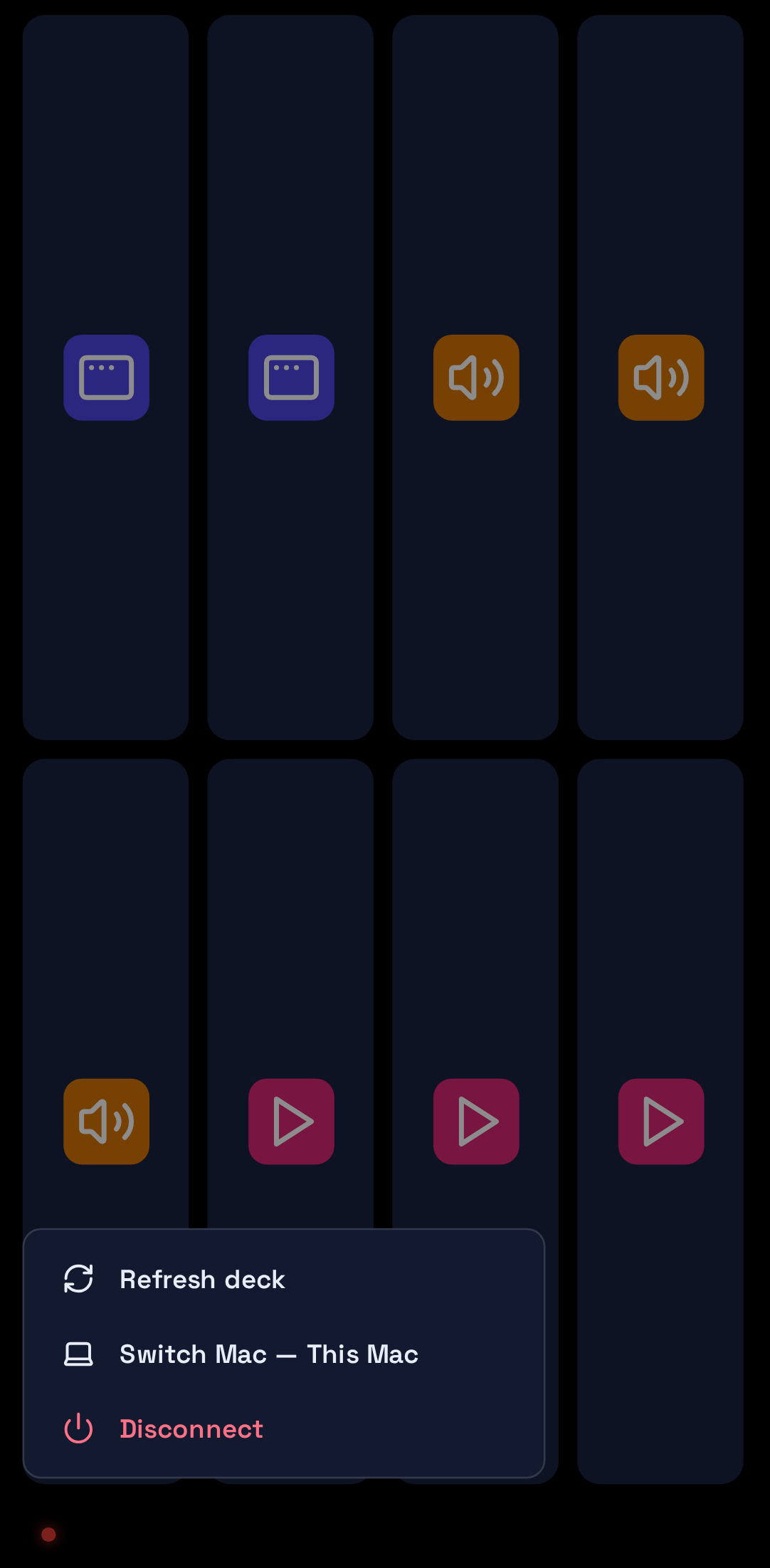
Remote Deck is a foreground controller. You open it, you use it while it is in front of you, and it stops when you leave. The phone is the surface you tap; the Mac is where the work carries on happening. Nothing about the app is arranged to sit behind your other apps and reach the Mac while you are looking elsewhere.
When you leave, the app shows "Controller paused" and says why in its own words: "Return to OpenAlly to reconnect. Commands are never queued in the background."
That shape is why the app is worth having on a phone at all. A controller you hold is one you can watch, and watching it is how you notice that the tap landed on the thing you meant.
05 / Platforms
Remote Deck on Android and Mac


The Android app is the OpenAlly app on Google Play. The Mac app is a direct download from the Mac download page rather than a Mac App Store listing. The public catalogue lists Remote Deck for iPhone as well, alongside Android and Mac.
The Mac side is not a separate account or a separate body of work. Your account, your agents and your chat history continue on the Mac, so the machine you drive from the phone is the same machine that holds the conversation you started earlier on the phone.
06 / Contrast
How it differs from Slap


Slap is the app that turns a desk tap, a device shake or the charger going in into a meme soundbite, while Remote Deck is the one that drives Mac-approved actions. Both open as their own screen rather than living inside a conversation, which is the family they belong to.
07 / Catalogue
Where Remote Deck sits in the catalogue


Remote Deck is one of the focused apps that open as their own screen. The app catalogue lists it for Android, iPhone and Mac; the full catalogue puts it beside the skills, tools and agents it shares a workspace with; and the FoneClaw comparison walks the same collection of focused apps from a different angle. The download page covers each platform in turn.
If you read that comparison first, the phrase you will recognise here is the one it uses for this app: the phone becomes a custom control deck for actions the Mac has approved.
08 / Sources
Who makes it, and where these claims come from


About the author: Matterward Labs makes OpenAlly. We checked OpenAlly's own catalogue and the public Remote Deck feature page on 2 September 2026 (Matterward Labs, 2026). On 11 September 2026 we corrected what the deck does against the app's own screens and labels: the earlier text said the phone shows the Mac's screen and types on it, and it does neither. The tagline, the three feature lines and the platform list are the ones the live pages display. If something here reads wrong, corrections go to the company contact page.
Sources and references
These public pages support the product facts, technical specifications, background, and reference measurements in this article. Details were checked on the review date shown above.
Read us on your terms
Google lets you name the sites you want to hear from. Add OpenAlly and these articles surface more often in your own Search results — your preference, revocable from the same screen, and it changes nothing for anyone else.