 OpenAlly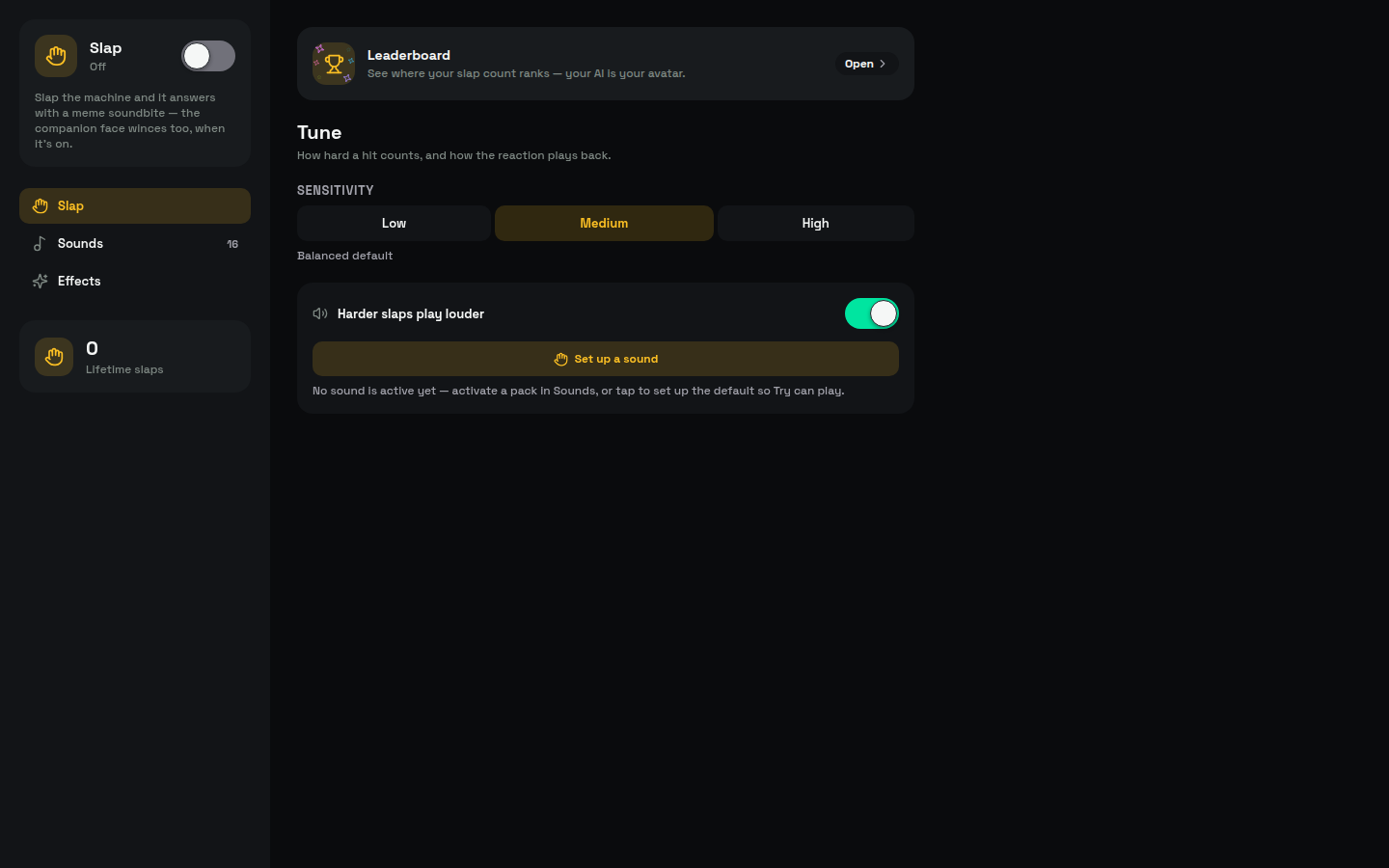
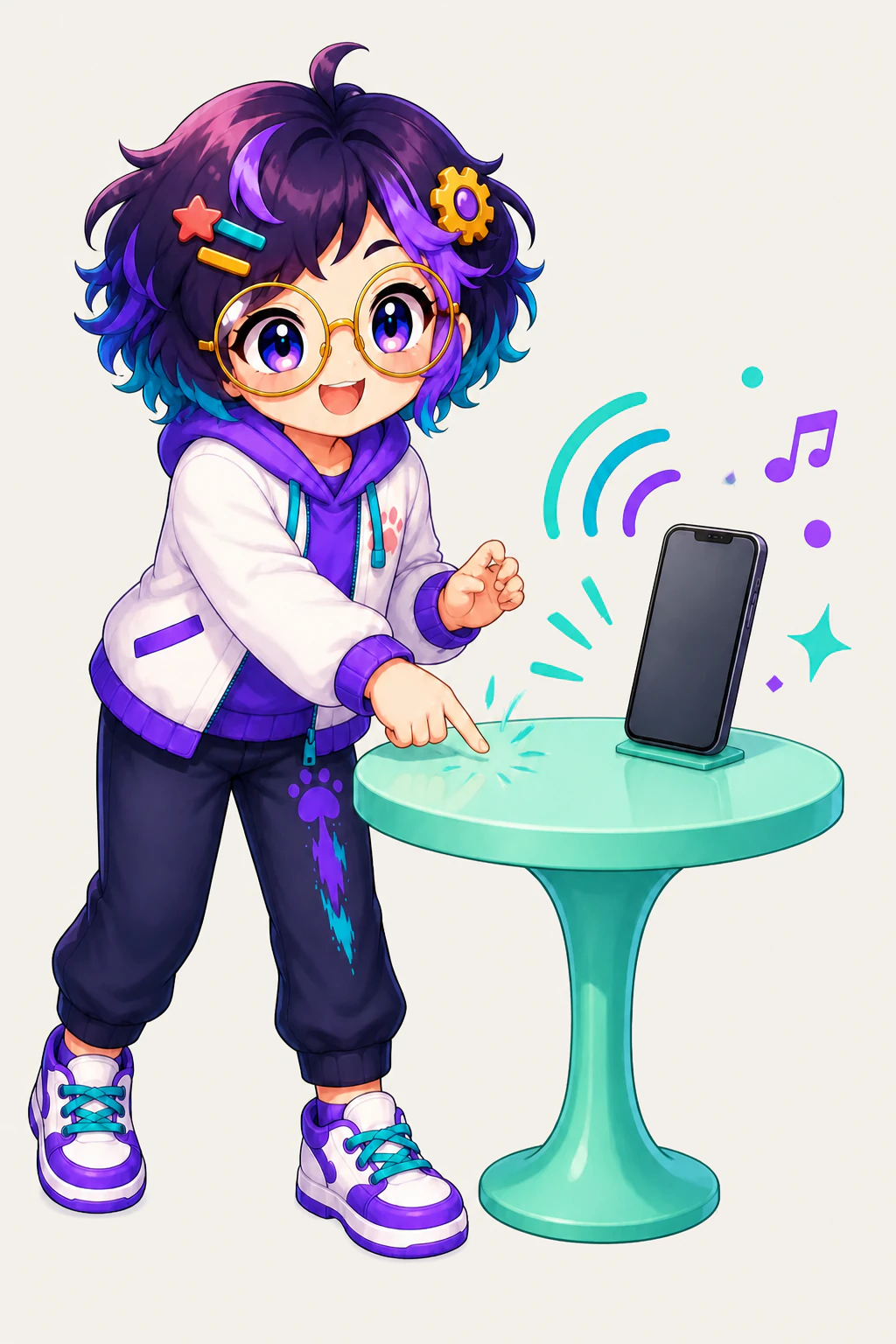
Tap the desk your phone is sitting on, shake the device, or plug in the charger, and a meme soundbite plays straight back at you. The catalogue tagline is "Slap your machine and it barks back a meme soundbite", and none of it is a metaphor.
01 / Decision
Short answer
In brief: Slap is an OpenAlly app that picks up a real desk tap, a device shake, or a charger connection. It is a playful reaction, not a security feature, and it does not guard the device. It makes a noise and keeps a count.
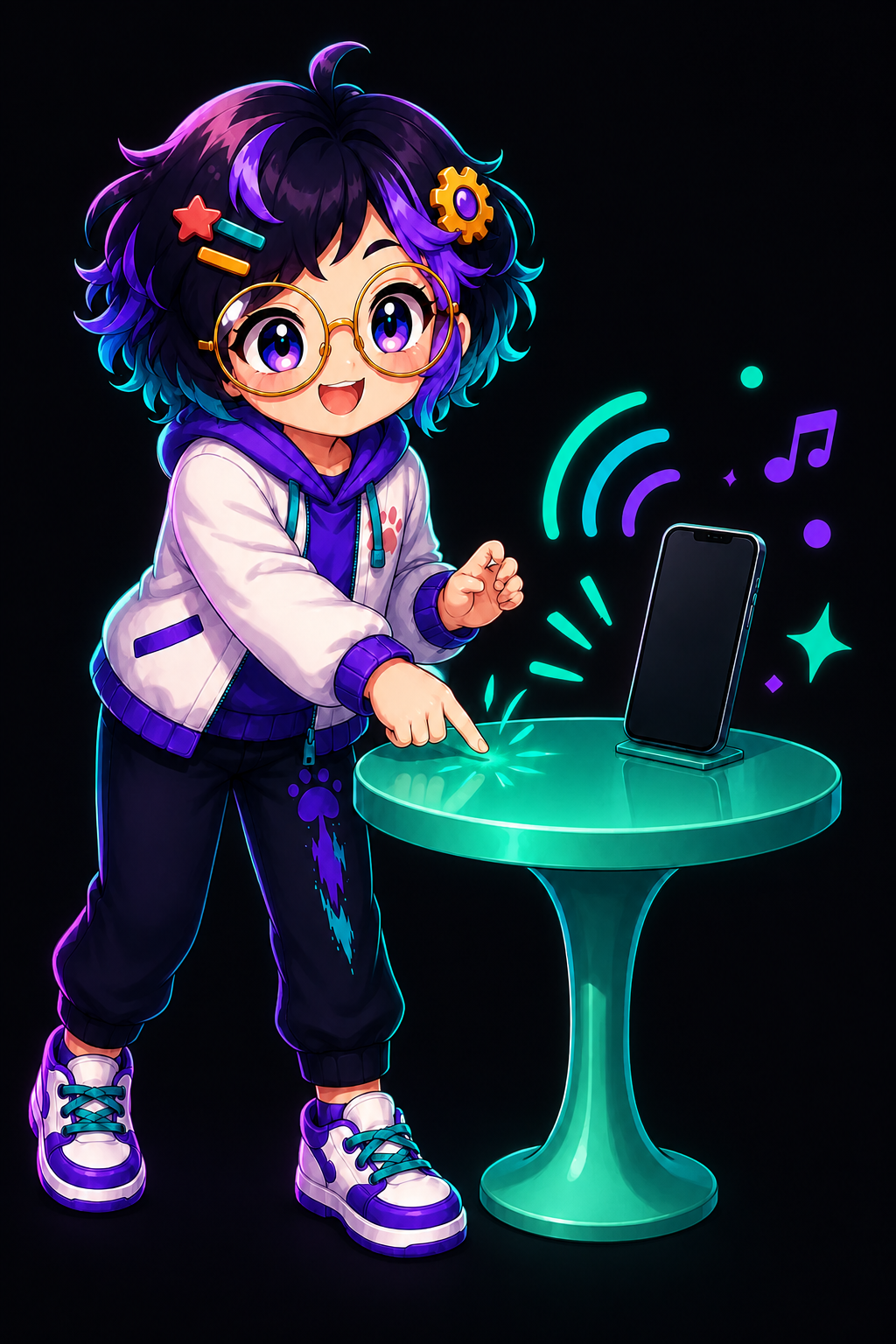
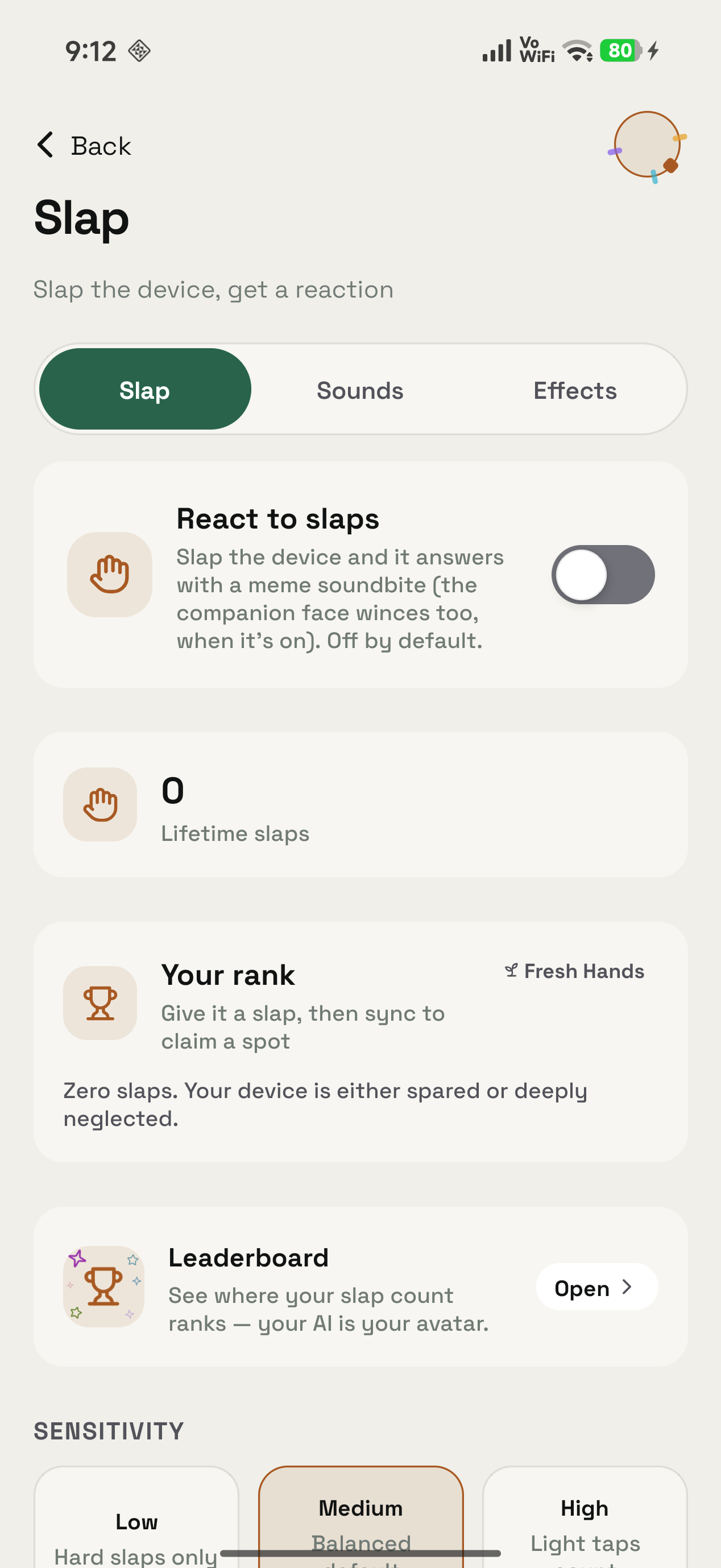
Each impact plays a meme soundbite from the sound pack you turned on. The public app catalogue lists Slap for Android, iPhone and Mac. The screens below are the Android app.
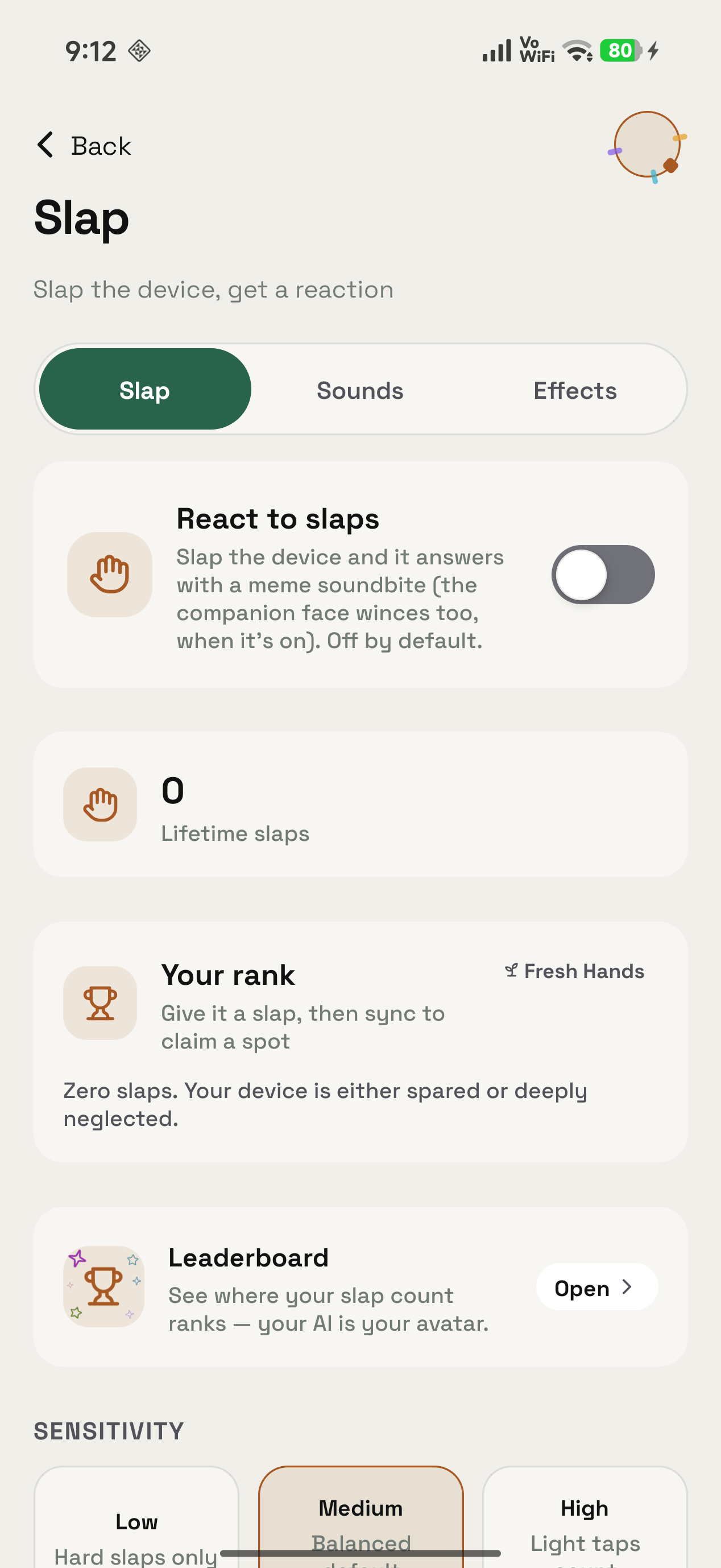
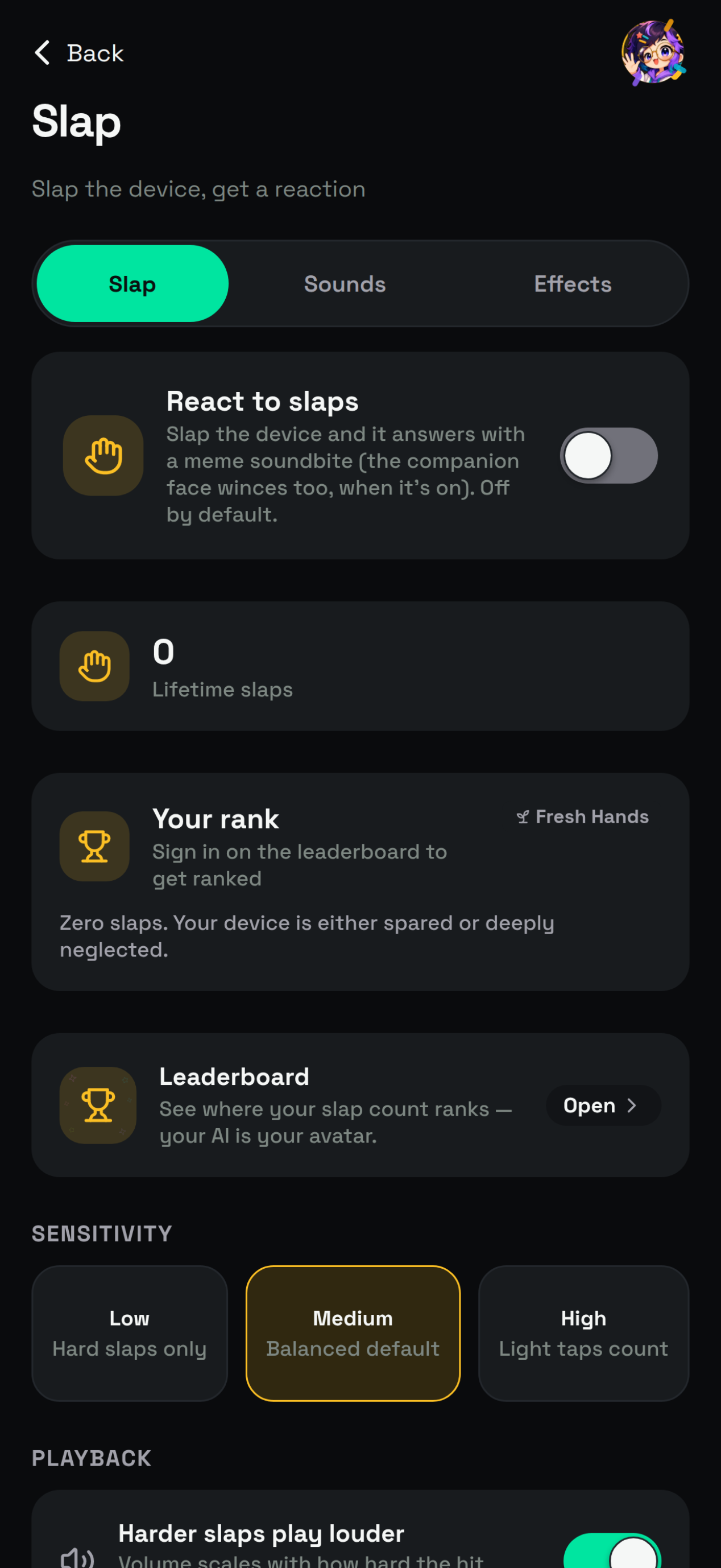
React to slaps is off by default, so nothing happens until you turn it on. Lifetime slaps reads 0 and the rank is Fresh Hands, which the app annotates in its own deadpan: "Zero slaps. Your device is either spared or deeply neglected." The leaderboard opens from here. The rest of the tab is settings.
02 / Triggers
What sets Slap off
Four things set Slap off: a knock on the surface the device is resting on, a shake of the device itself, a charger going in or out, and a USB device connecting on a Mac. A Try it control fires the same reaction on demand. Any of them only counts when the device really feels it, and Sensitivity is where you set how hard that has to be.
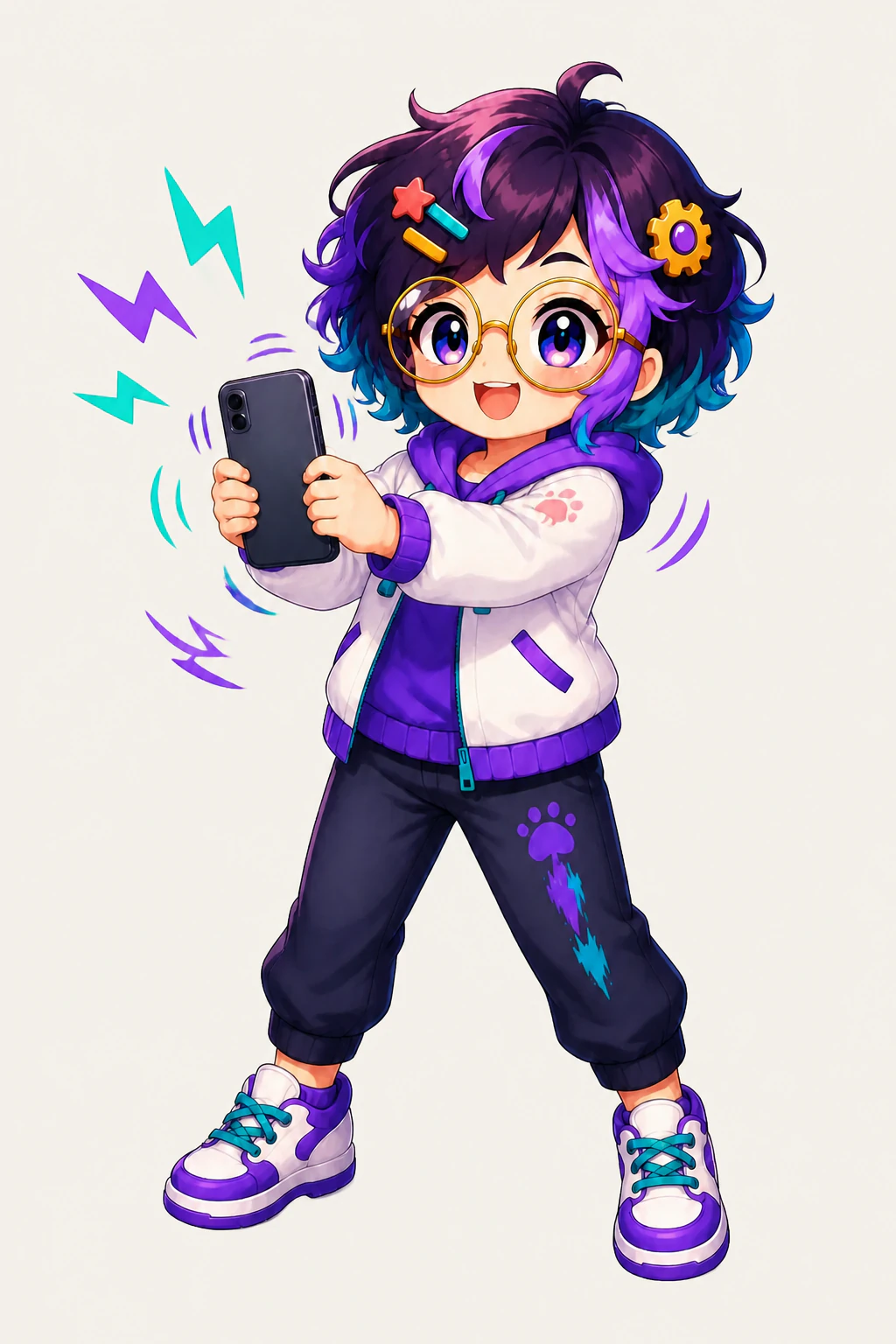
On a Mac the bar is higher. It wants a real hit on the chassis or the desk under it, not a soft trackpad tap.
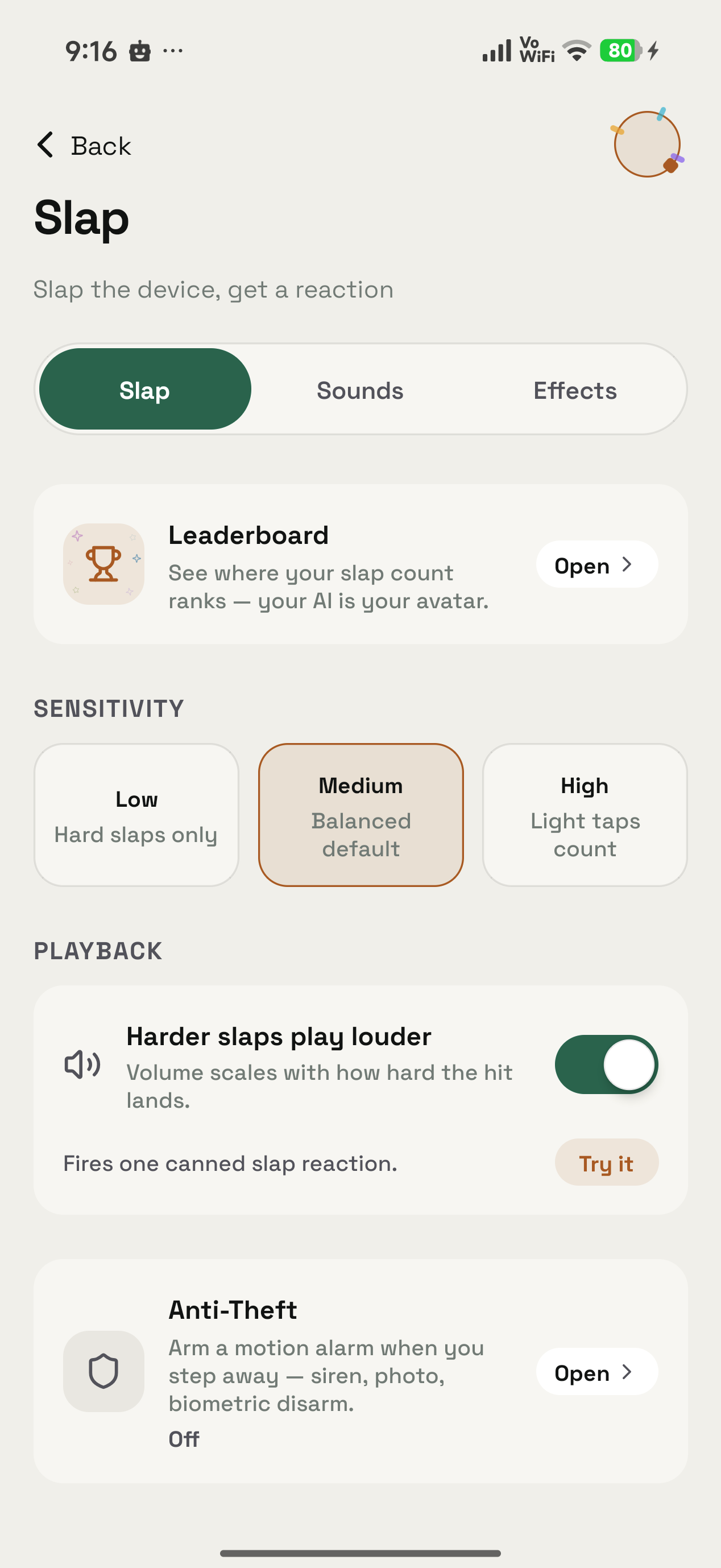
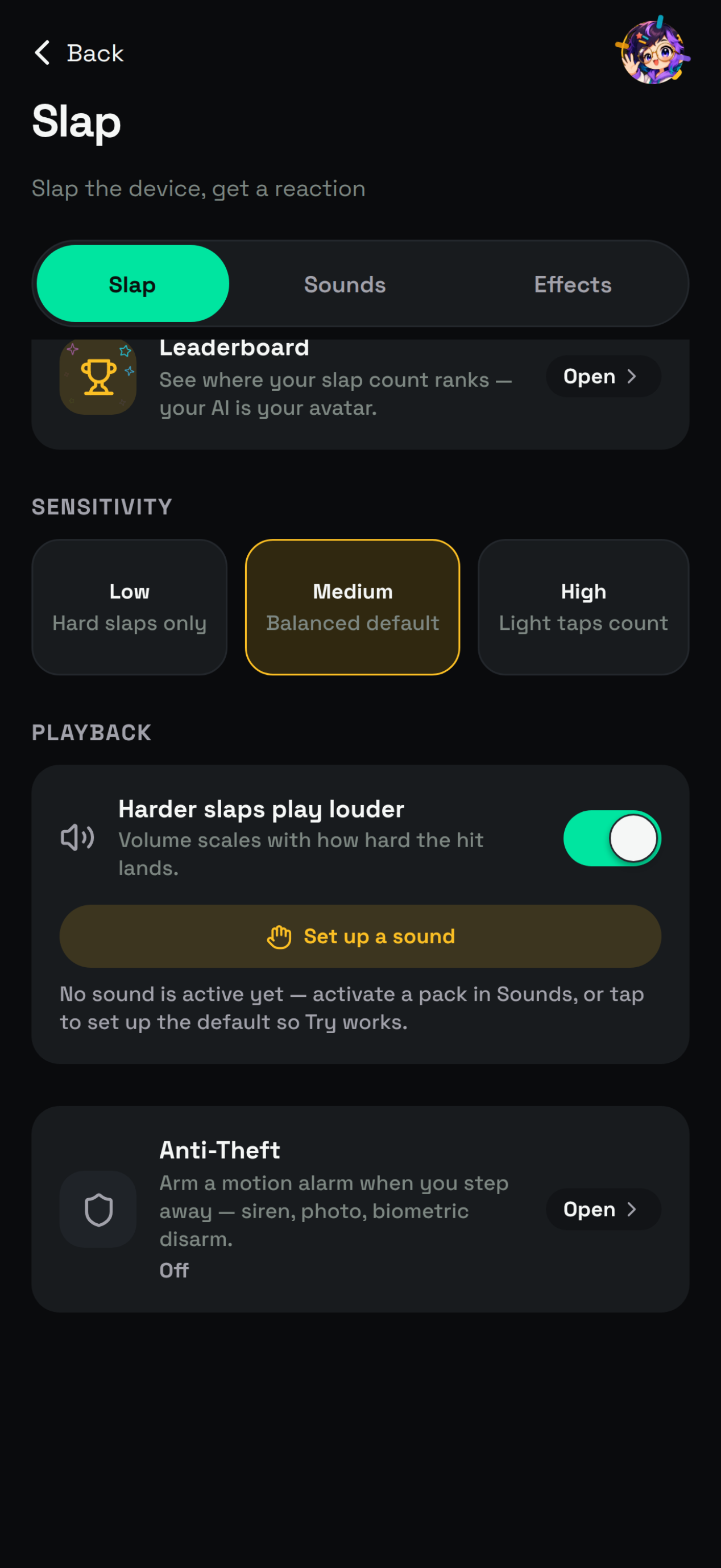
Sensitivity offers Low for hard slaps only, Medium as the balanced default, and High where light taps count. Under Playback, Harder slaps play louder scales the volume with how hard the hit lands, and Try it fires one canned reaction without you touching the device. Anti-Theft sits further down the same tab and does an unrelated job.
That volume scaling is worth a thought if the device lives near your head. The US National Institute on Deafness and Other Communication Disorders puts the safe ceiling at 70 A-weighted decibels. Below that, even long exposure is unlikely to cause hearing loss. At or above 85 dBA, long or repeated exposure can cause it. Consider leaving Harder slaps play louder switched off, or dropping the system volume, before an afternoon of thumping the desk.
| What you do | What Slap does |
|---|---|
| Tap the desk your phone sits on | Plays a clip from your active sound pack and adds one to your count |
| Shake the phone | The same reaction, at the sensitivity you set |
| Knock the Mac chassis, or the desk under it | Plays a clip, the notch face can recoil, and the hit counts for your rank |
| Plug the charger in, or pull it out | Plays a clip from your plug pack, on its own switch |
| Attach or detach a USB device on a Mac | Counts as a plug event, debounced for 1.5 seconds |
| Press Try it in the Android app | Fires one canned reaction without you hitting anything |
Tap the desk your phone sits on
- What Slap does
- Plays a clip from your active sound pack and adds one to your count
Shake the phone
- What Slap does
- The same reaction, at the sensitivity you set
Knock the Mac chassis, or the desk under it
- What Slap does
- Plays a clip, the notch face can recoil, and the hit counts for your rank
Plug the charger in, or pull it out
- What Slap does
- Plays a clip from your plug pack, on its own switch
Attach or detach a USB device on a Mac
- What Slap does
- Counts as a plug event, debounced for 1.5 seconds
Press Try it in the Android app
- What Slap does
- Fires one canned reaction without you hitting anything
Everything wrapped around the sound is optional. Turn the extras off and you still get the clip.
03 / Sounds
The sound packs
Sound packs are the themed clip libraries Slap plays from. You download whichever ones interest you.
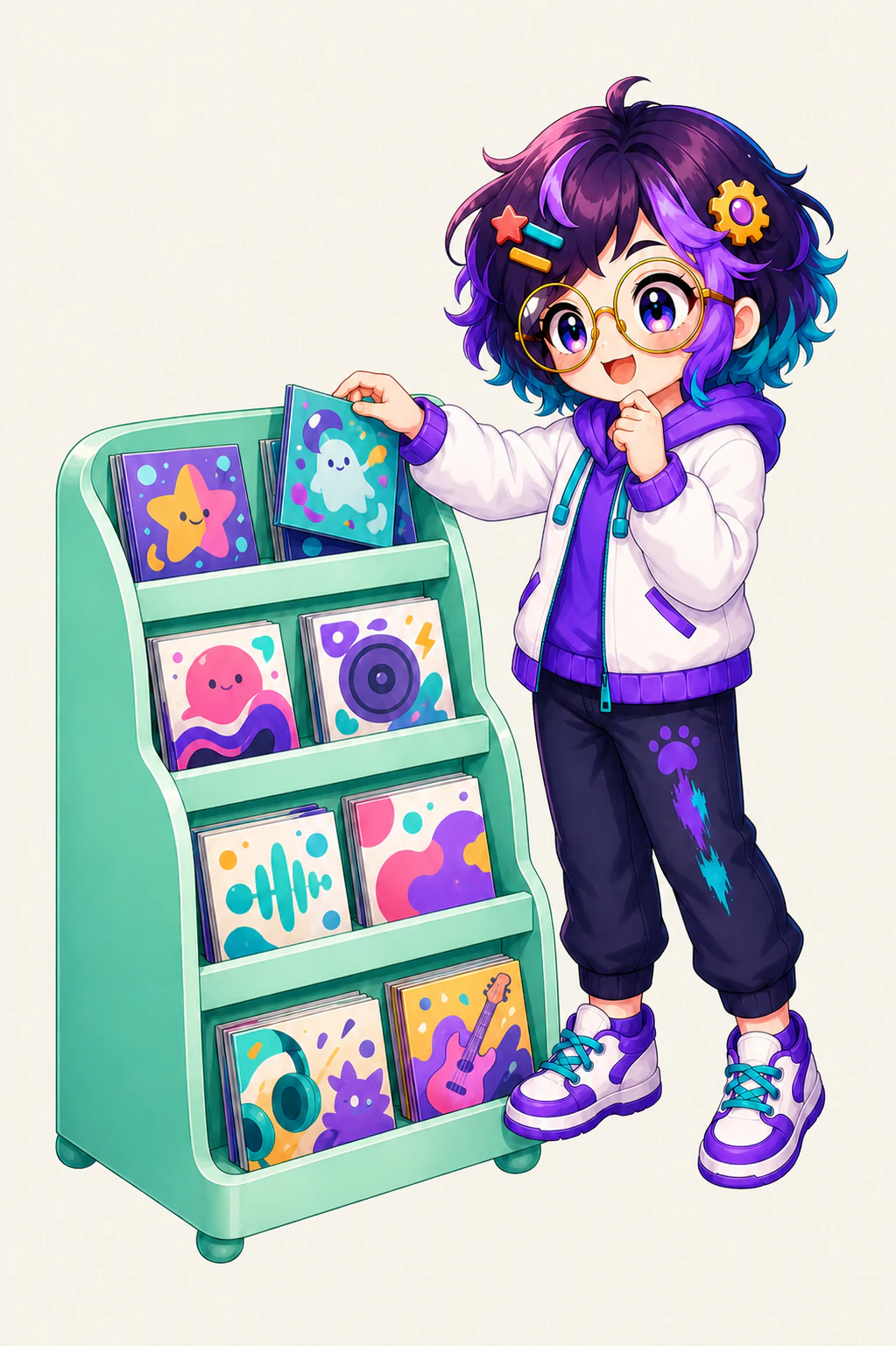
The library is split into India, International, Games and Adult sections. A random pack picks a different clip on every impact. Escalating packs are ordered instead, so the reaction gets worse the more you hit. Desi Pain, for example, runs mild to wild.
- India. Desi Pain is the flagship escalation pack, described as ordered mild to wild desi protest. Moye Moye and Just Looking Like a Wow play at random.
- International. Ow! Classic escalates through its ows. Vine Boom, Bruh, Emotional Damage, Metal Pipe, Oof, Augh, Bonk, Airhorn, Fart with Reverb and Sad Violin all fire at random.
- Games. Halo Deaths, which is exactly what it sounds like.
- Adult. Its own category chip, filtered out of the other three, and nothing from it reaches your device unless you go and download it.
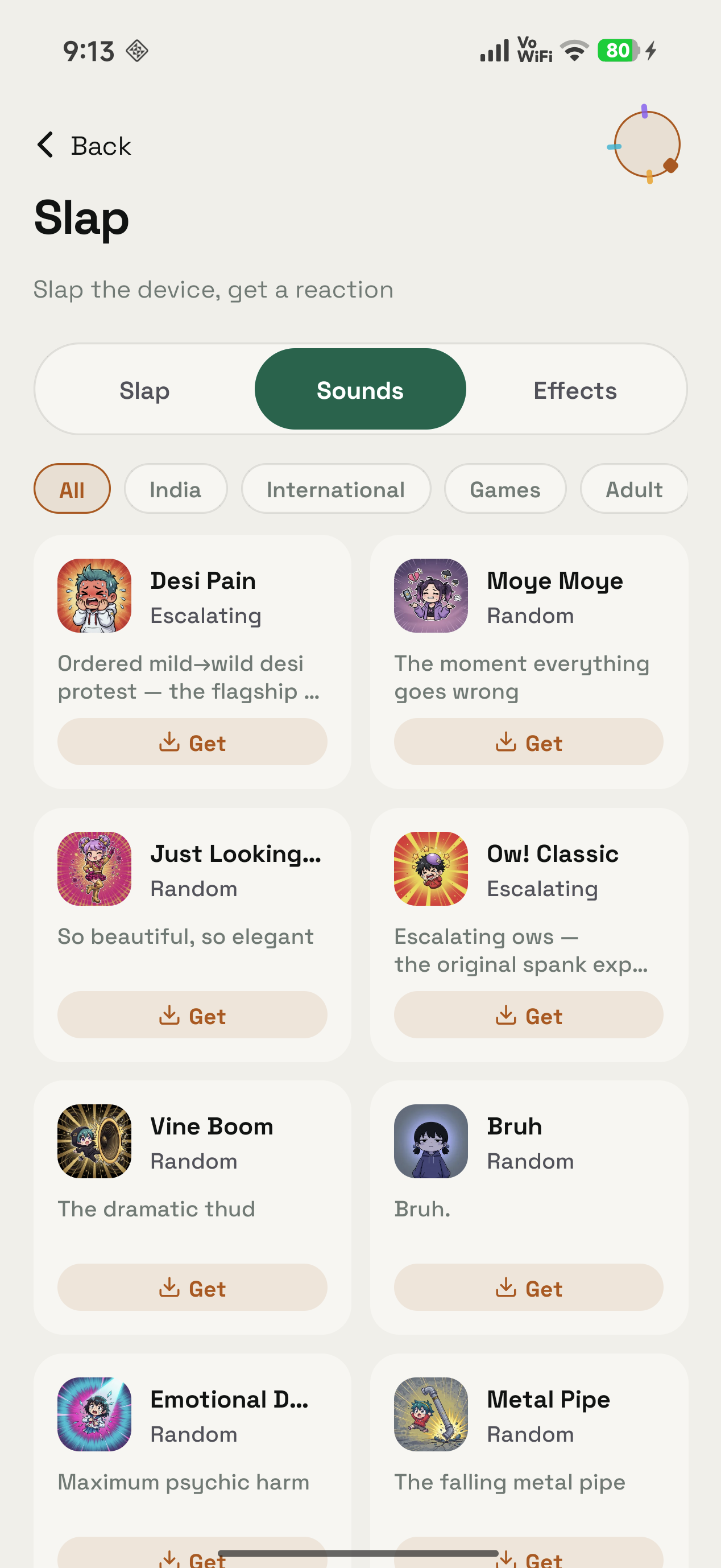
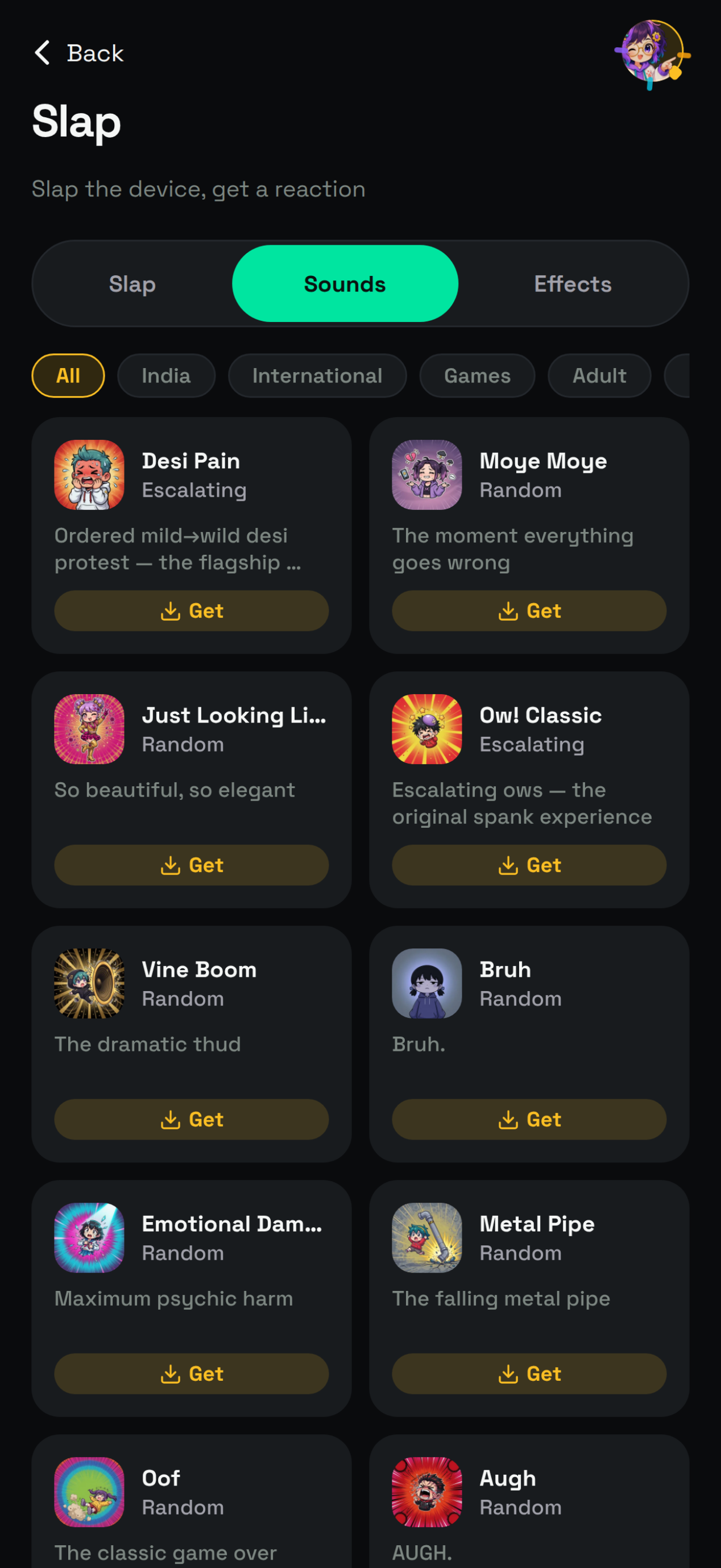
The Slap feature page shows the live catalogue. Every cover, regional tab and pack mode is visible there.
04 / Plug sounds
Plug sounds and extras
Plug sounds are the trigger that needs no impact at all. A charger going in or coming out plays a clip from your assigned plug pack, and on a Mac a USB device attaching or detaching counts as well.
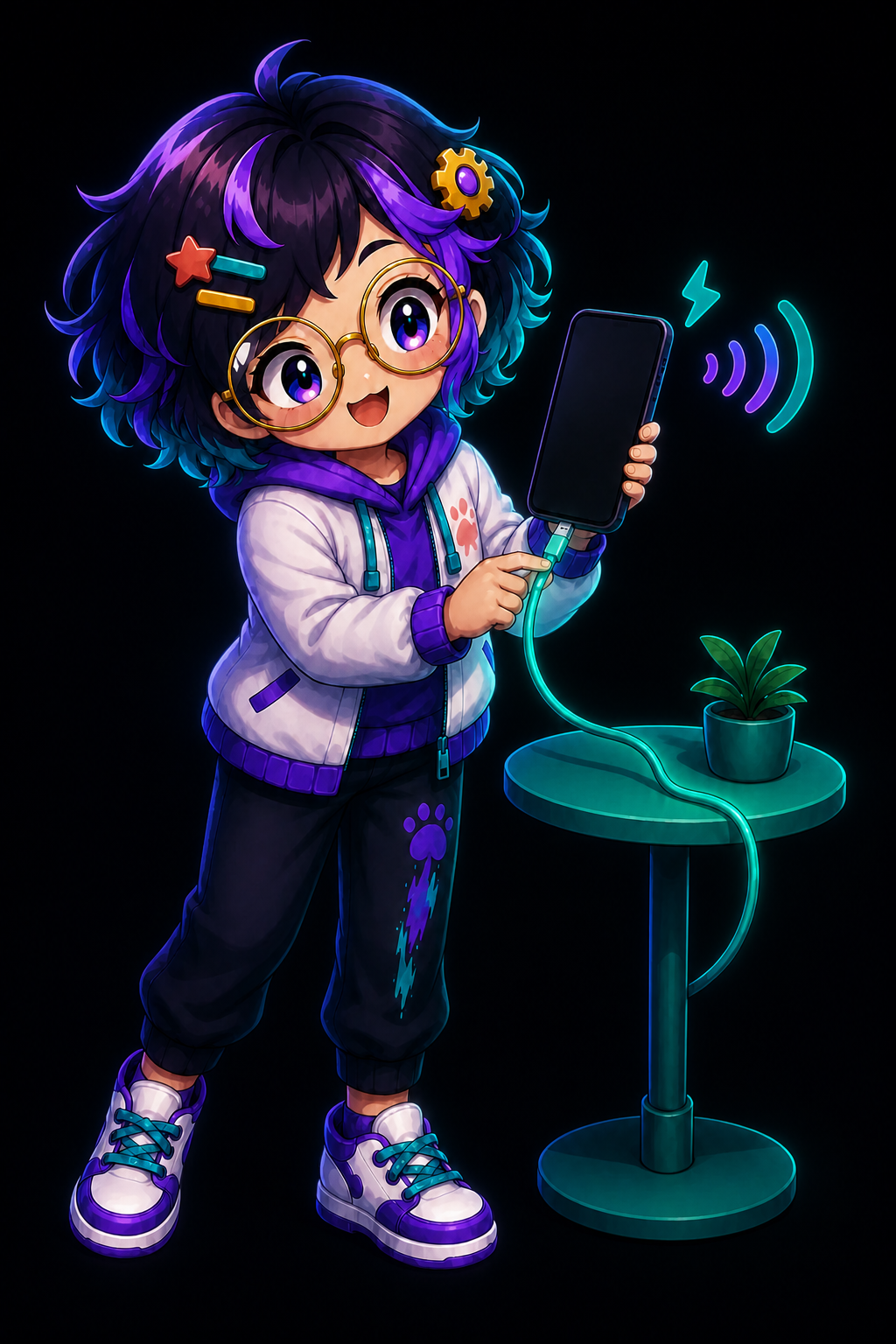
The switch is separate. Plug reactions keep working whether or not slap detection is enabled. Every event is debounced for 1.5 seconds, which stops a fumbled cable turning your desk into a soundboard. The demonstration on the feature page uses Ow! Classic.
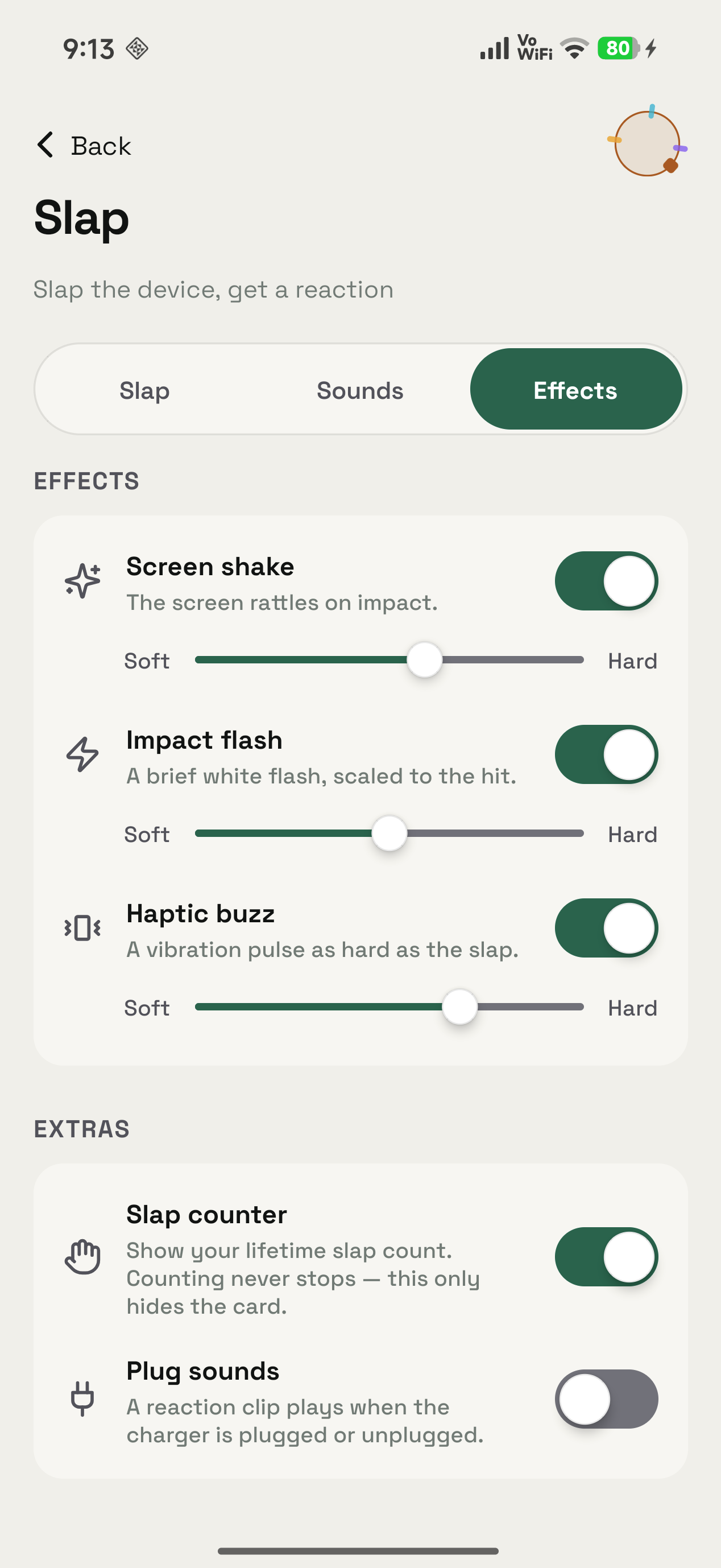
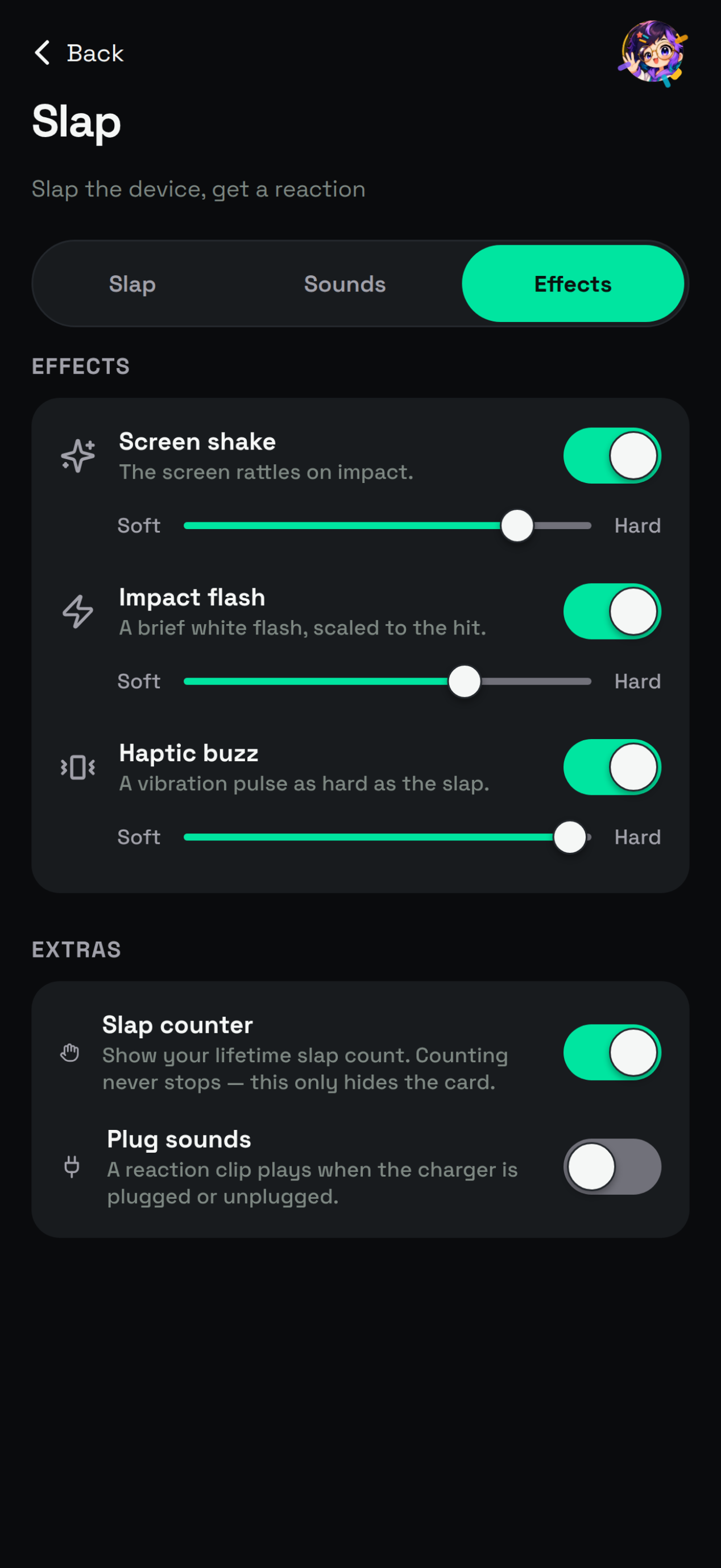
That Effects tab is also where the optional theatre lives: screen shake, impact flash and haptic buzz, each with its own strength. Slap counter can hide the card without stopping the count. Plug sounds sits under Extras on the same surface.
05 / Mac
Slap on Mac
Slap on a Mac wants a real hit on the chassis, or on the desk the Mac sits on, and answers it with a clip from the active pack. The notch face can recoil, and the hit counts towards your rank under the Mac filter.
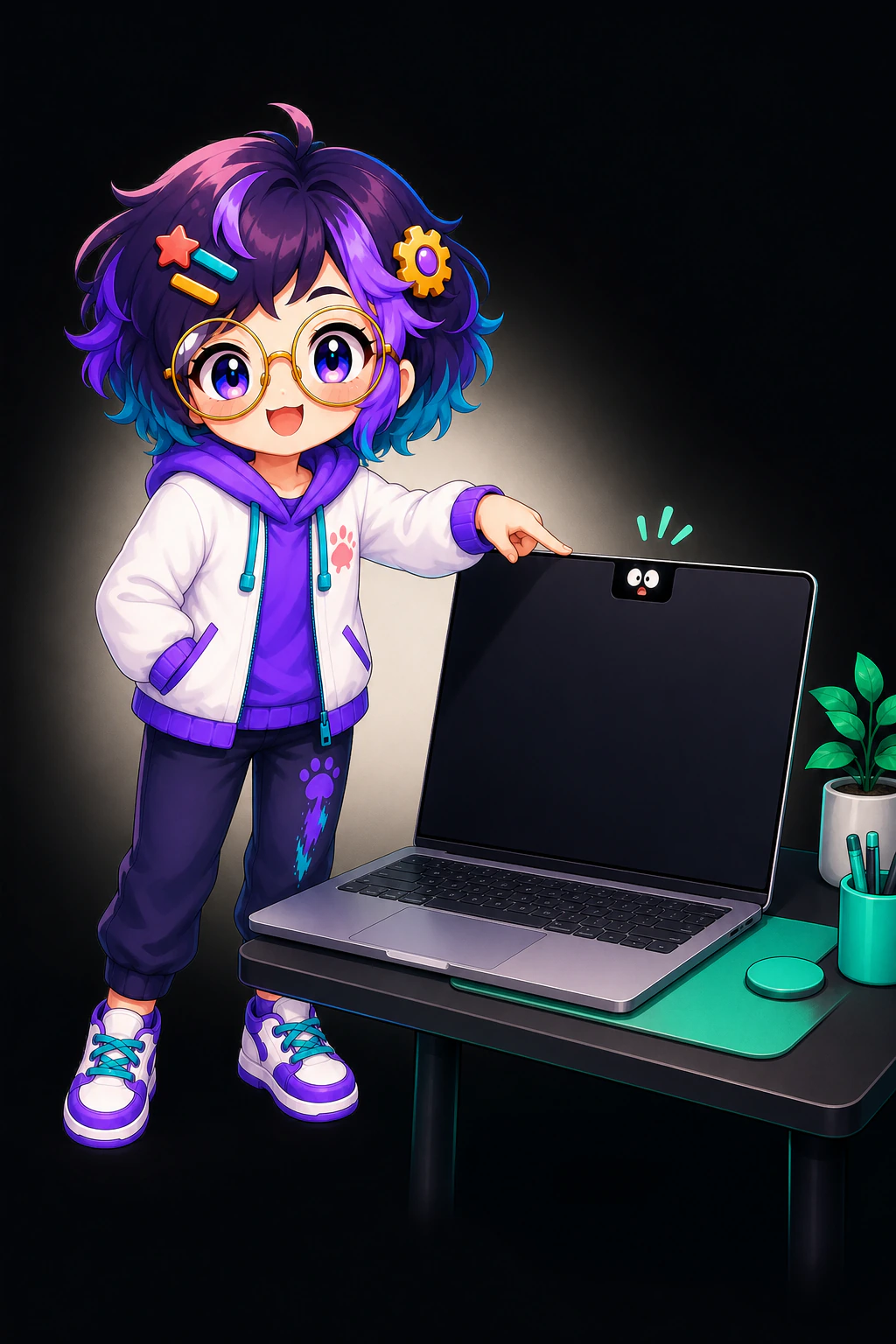
A Try Now control fires the reaction without you touching the machine. Whether you hit a laptop you paid for is between you and the laptop. The extras land a little differently on desktop, where a lid creak joins the optional screen shake and confetti on MacBooks.
The companion face is optional on every platform that has it. Slap runs perfectly well with the face never activated, and switching it on adds a recoil while the meme clip takes over the mouth.
The Android build is on Google Play. The Mac build is a disk image from the Mac download page, which asks for Apple silicon and macOS 14 or later.
06 / Leaderboard
The leaderboard
The leaderboard is login-gated, so you sign in to appear on it. Ranks are filtered by All, Android, iOS and Mac.


Your AI is the avatar beside your name, and every row carries a streak tag. Phone and Mac report to the same board. Signing in on both leaves you with a single rank rather than two separate ones.
Slap opens as its own screen rather than living inside a chat, which is how the focused apps in the catalogue work. The FoneClaw comparison covers that collection, and the download page has every platform.
About the author: Matterward Labs makes OpenAlly. The pack names, modes and section titles come from OpenAlly's own catalogue and the public Slap feature page. The screen labels quoted here, such as React to slaps, Fresh Hands and Harder slaps play louder, are read off the app's own Slap, Sounds and Effects tabs in the captures above. All three surfaces were checked the same day (31 August 2026, reviewed by Matterward Labs on that date). The listening levels are the NIDCD's, not ours. If something here reads wrong, send a note to the company contact page.
Sources and references
These public pages support the product facts, technical specifications, background, and reference measurements in this article. Details were checked on the review date shown above.
Read us on your terms
Google lets you name the sites you want to hear from. Add OpenAlly and these articles surface more often in your own Search results — your preference, revocable from the same screen, and it changes nothing for anyone else.