 OpenAlly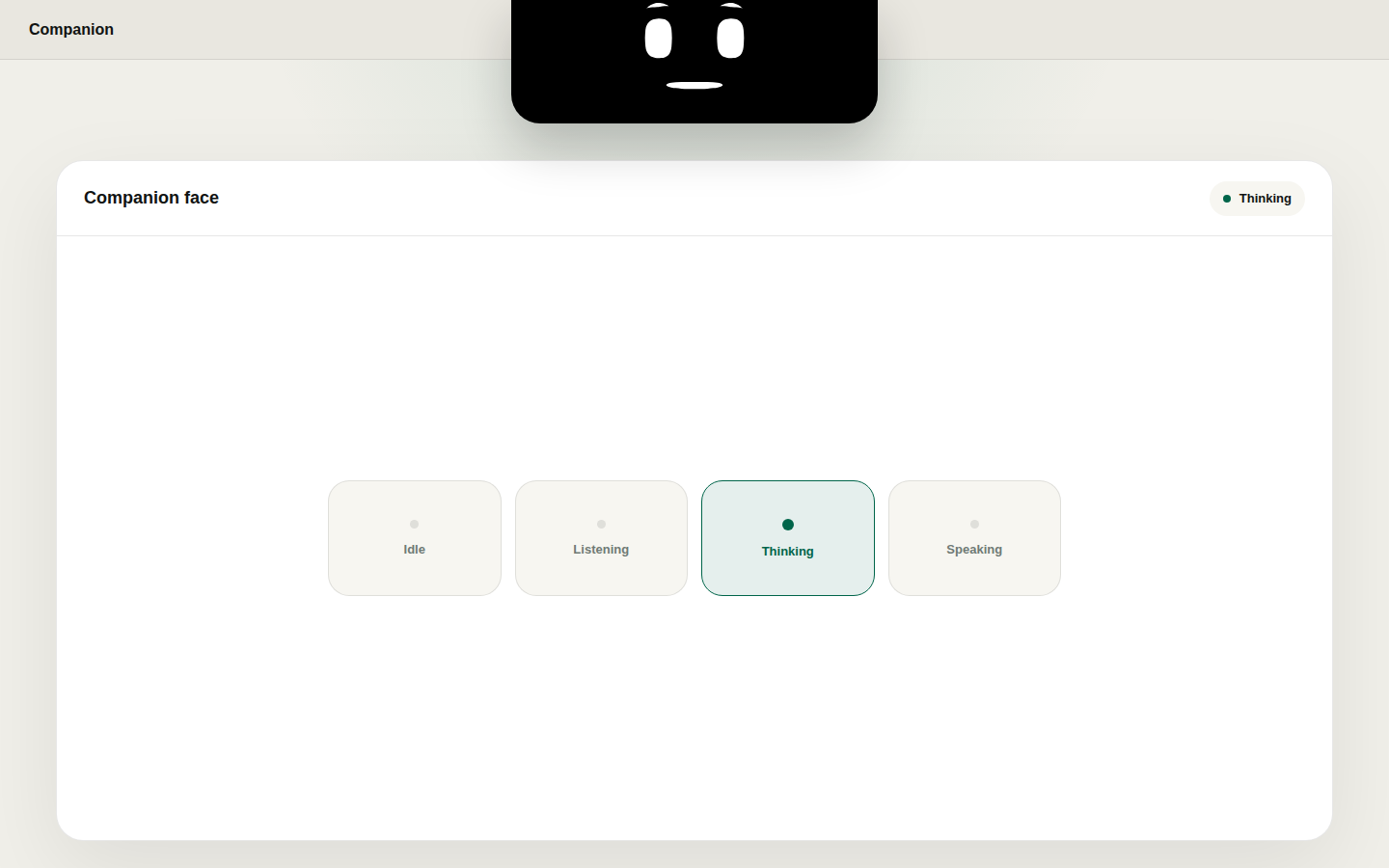
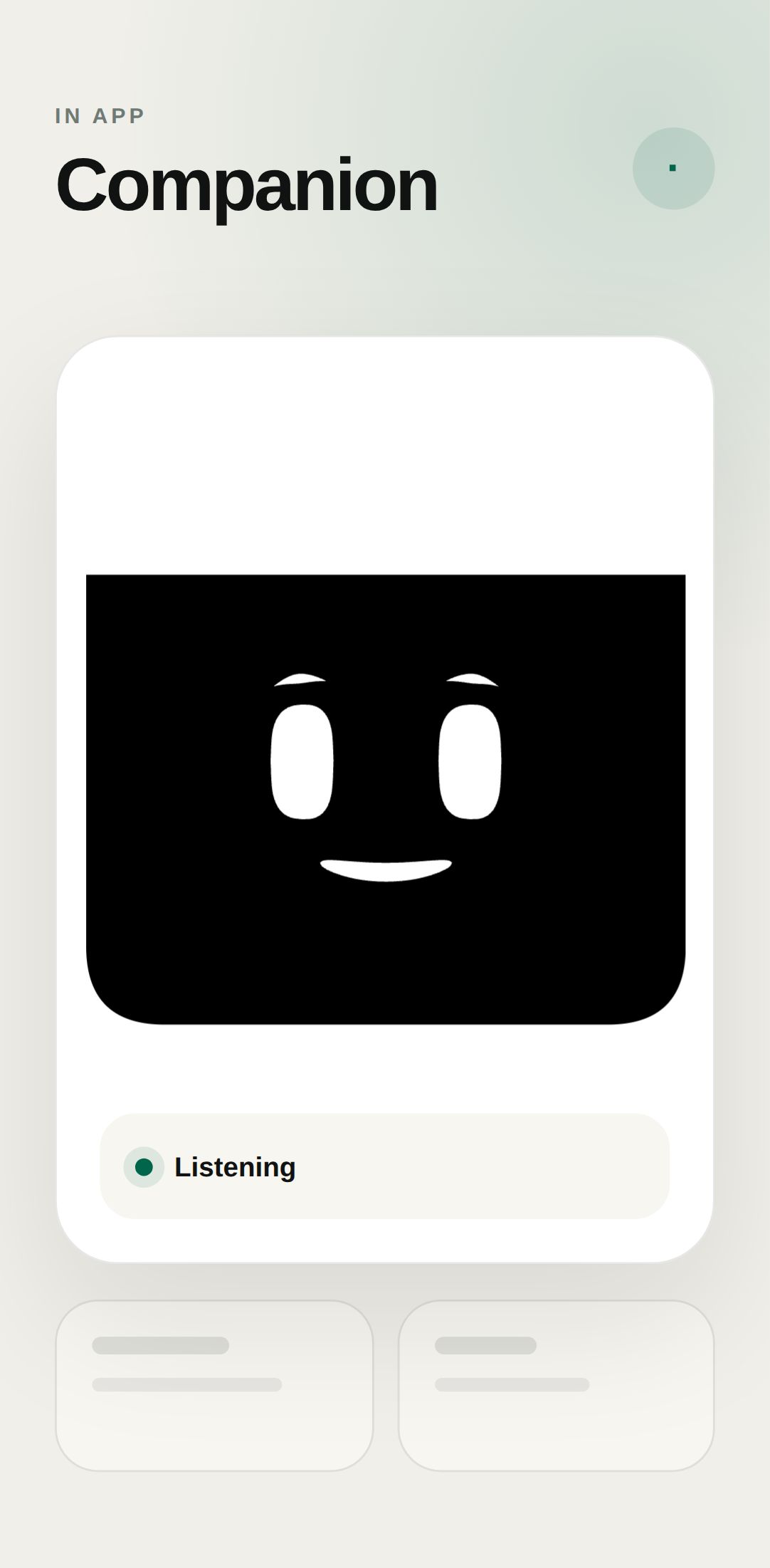
The catalogue gives Companion Face one line: "A companion face that reacts to your assistant and helpful system moments." The job under that line is optional and easy to picture. You grant an approved agent a face. The face waves, changes mood, lip-syncs a short line, and idles when the day is quiet.
01 / Decision
Short answer


In brief: Companion Face is an OpenAlly app that gives an approved agent an expressive face. The face does gestures, moods, lip-sync and idle cycles. The public catalogue lists it for Android and Mac. There is no iPhone listing for this app. You can leave the face off. Slap still works without it.
Matterward Labs publishes Companion Face as part of OpenAlly. The Companion Face feature page is the public receipt for every claim below.
02 / Chapter
What the face actually does
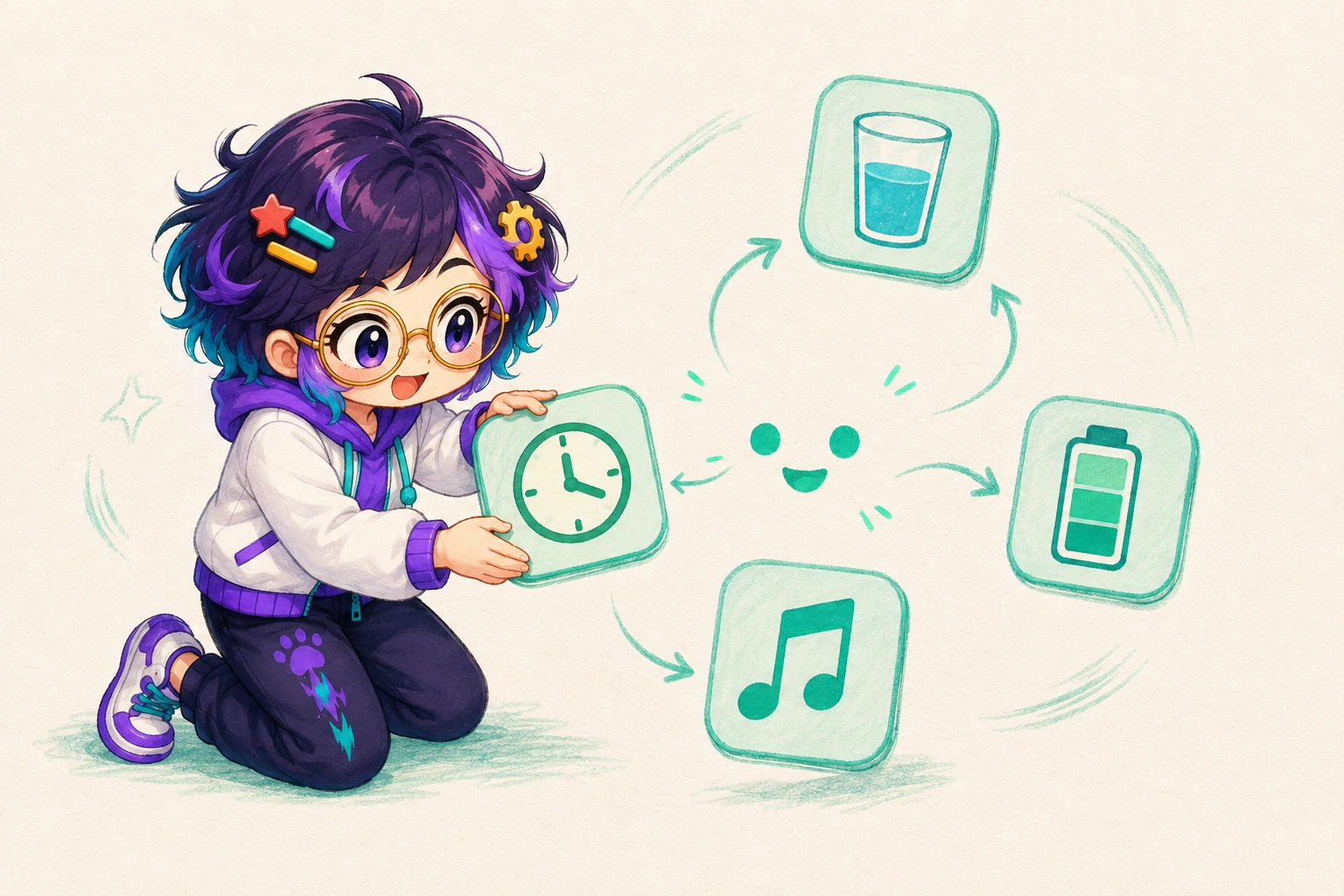

Powers are the jobs you can give the face. They are not generic app utilities. The feature page groups them as focus, wellness, now playing, system pulse, an optional Slap hook, and idle cycles with Studio.
| What you switch on | What the face does |
|---|---|
| Focus timer | Shows a countdown at a glance and a small celebration when the session ends |
| Wellness nudges | Reminds you to stretch, drink water, or look away, with quiet hours you set |
| Now playing | Reacts when a track starts or changes, on Mac and Android |
| System pulse | Turns volume, charging, headphones, unlock, appearance, heat, network, and low power into short face reactions |
| Slap hook | Adds desk-tap reactions if you connect Slap. You still control Slap from the Slap app |
| Idle cycles and Studio | Plays playlists and expression sets when the day is quiet |
Focus timer
- What the face does
- Shows a countdown at a glance and a small celebration when the session ends
Wellness nudges
- What the face does
- Reminds you to stretch, drink water, or look away, with quiet hours you set
Now playing
- What the face does
- Reacts when a track starts or changes, on Mac and Android
System pulse
- What the face does
- Turns volume, charging, headphones, unlock, appearance, heat, network, and low power into short face reactions
Slap hook
- What the face does
- Adds desk-tap reactions if you connect Slap. You still control Slap from the Slap app
Idle cycles and Studio
- What the face does
- Plays playlists and expression sets when the day is quiet
For example, a focus session is a work block, a short break, or a long break. The face is a glanceable clock, not a second calendar.
Wellness nudges can remind you to look away from a screen. The National Eye Institute puts that rest in plain terms: take a break every 20 minutes and look at something about 20 feet away for 20 seconds (National Eye Institute, 2025). Companion Face does not claim that rule as a medical feature. It is a reminder you schedule. Quiet hours stay respected.
Now playing follows a live media session. System pulse is the rest of the day: mute, a full battery, headphones that put their own pair on the face, a lid lift on a supported MacBook, heat, network, unlock, and a change of appearance.
03 / Chapter
Sensors, not a camera
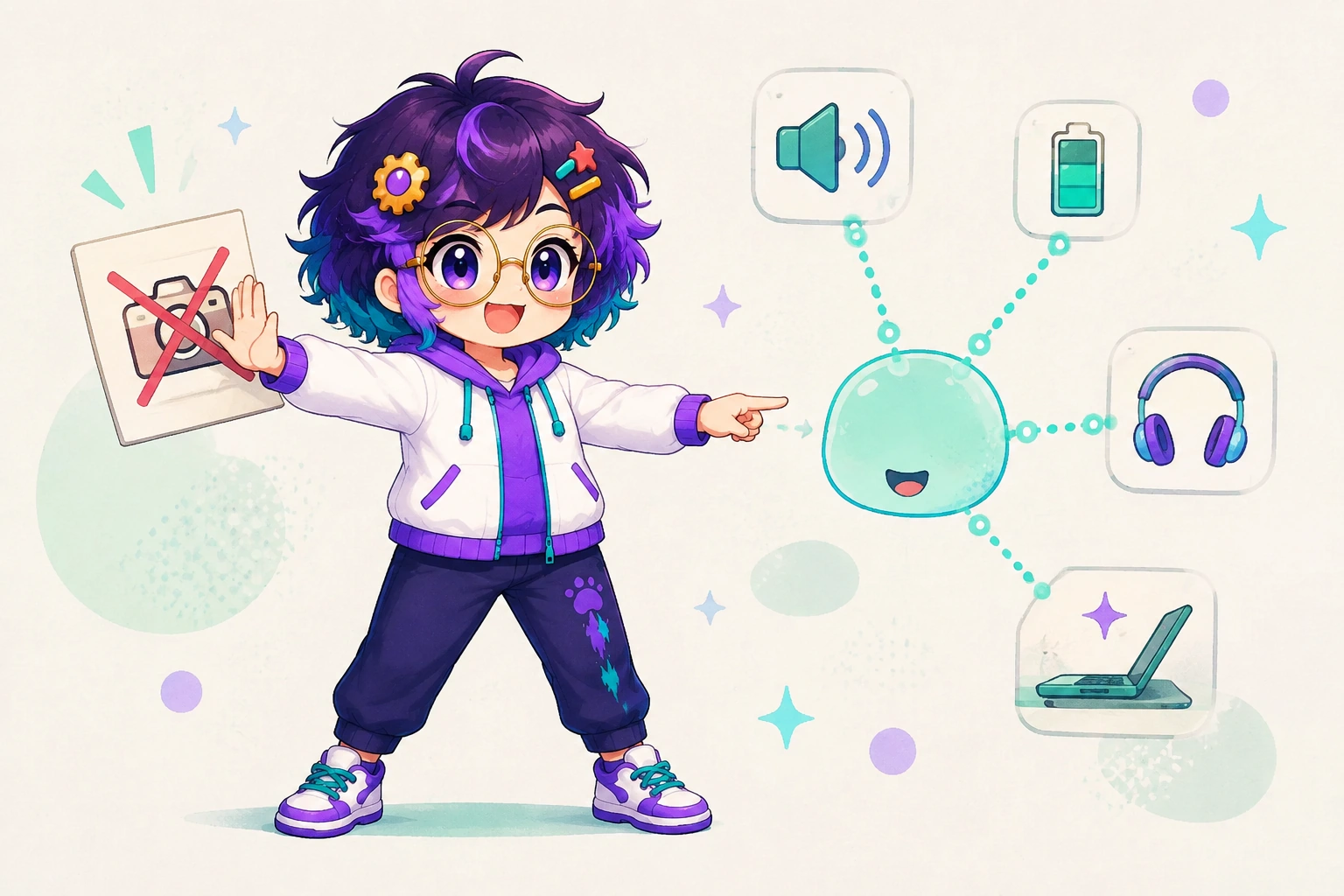
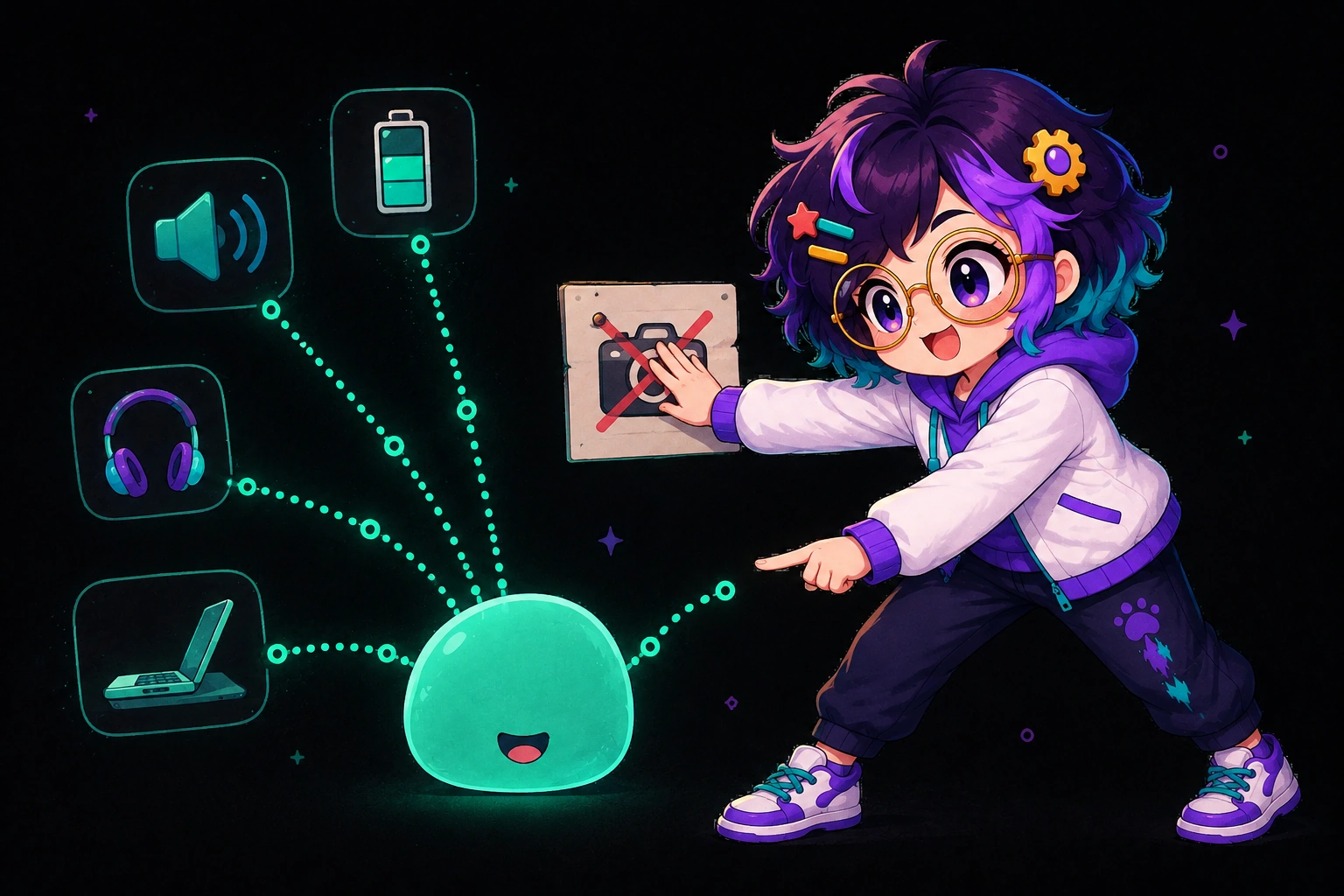
A sensor moment is an operating-system event the face can react to. Volume and mute. Charging, unplugging, low power, and a full battery. Headphones that connect, with the device name. Lid angle and lift on a supported MacBook. Heat, network, unlock, and appearance. On Android, motion, pocket, light, and selected accessibility moments.
The companion does not keep raw sensor readings or typed text. It is deliberately without a camera. The feature page says that in one line: no camera. Voice features are opt-in.
On Mac, the face lives by the notch. On Android, you use it in OpenAlly, or you choose the optional camera-edge view. That camera-edge view is a placement, not the whole product. It is not an overlay story for every platform, and it is not Aster. Aster is a separate, sideloaded Android companion for screen control. Companion Face is a face.
04 / Chapter
Voice with lip-sync


On-device voice is a voice already on your device. The face lip-syncs. No speech request is sent away.
You can also bring your own ElevenLabs key. The feature page lists that path for lifelike voices, Scribe, sound effects, music, and voice design. Generated audio is saved for playback. The companion can still lip-sync what you play. Short conversational lines are the fit. Longer text belongs in text.
For instance, "Wave at me from your companion face and say hello out loud" is a starter on the Companion Face skill. The skill is how an approved agent controls expressions, speech, and idle moments. Grant it only to the agents that should have a face.
Claude Code, Codex, and your own automations can also drive reactions. Progress, a permission request, attention, and done can show on the face. You choose whether that also notifies, speaks, or summarises. Those hooks are optional. They are not the definition of the app.
05 / Chapter
Slap is an optional hook
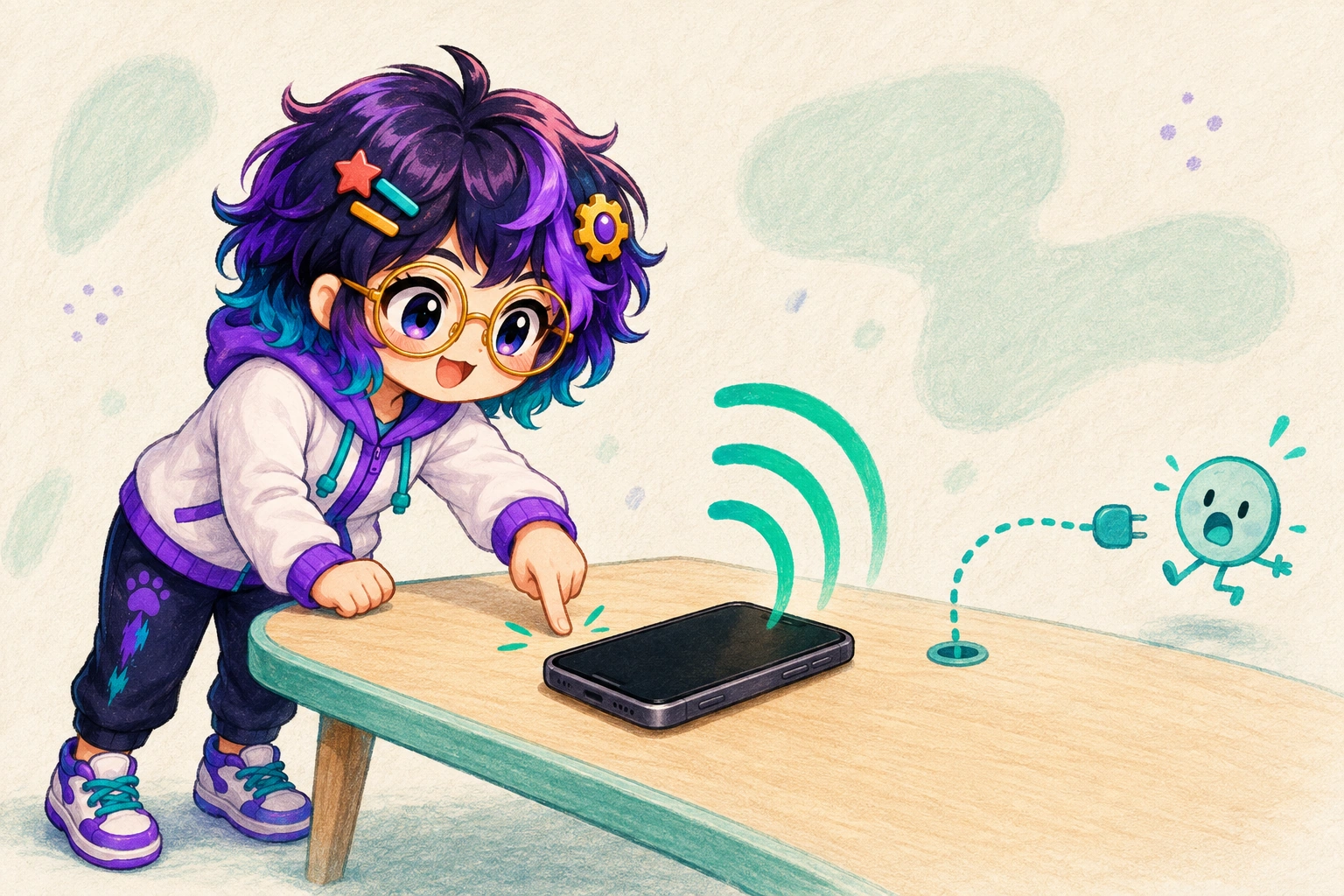
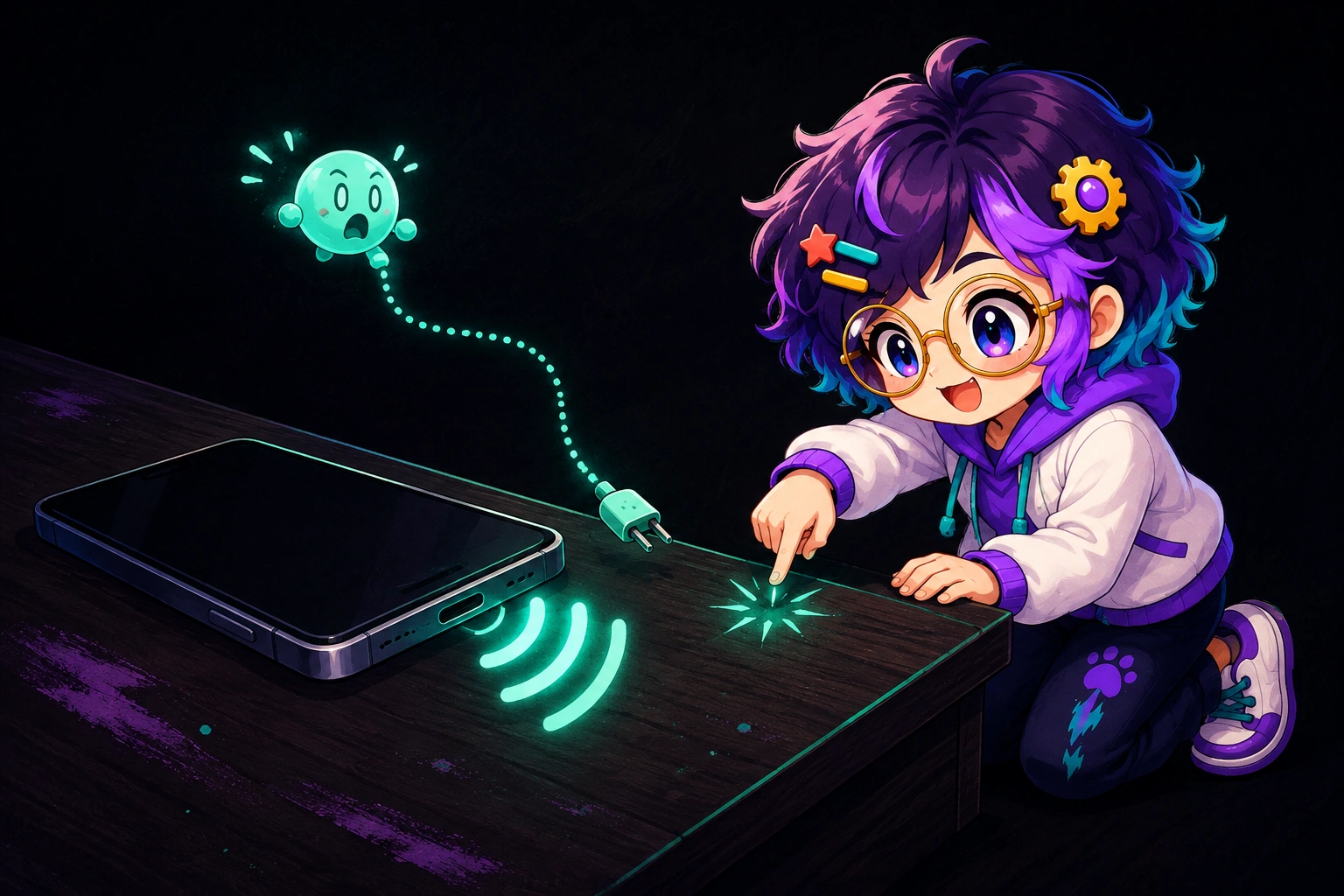
Slap is the app that turns a desk tap, a device shake, or the charger going in into a meme soundbite. It has its own feature page and its own explainer. Slap is listed for Android, iPhone and Mac. Companion Face is listed for Android and Mac.
Connect Slap and the face can recoil while the meme clip owns the mouth. Leave the hook off and Slap still barks. The face is an optional power hook. You control it from the Slap app, not from a buried switch on the face.
06 / Chapter
Studio and agent authoring


Studio is where idle cycles and expression sets live. Playlists run when the day is quiet. Agents can suggest new expressions. Those suggestions are labelled so you can inspect them, reuse them, or delete them.
The skill starters on the catalogue card are the same idea in chat form. Wave hello. Invent a playful expression and add it. Create a calm morning idle cycle and switch to it. None of that is a hidden animation pack. You can see what was added.
07 / Chapter
Companion Face on Android and Mac
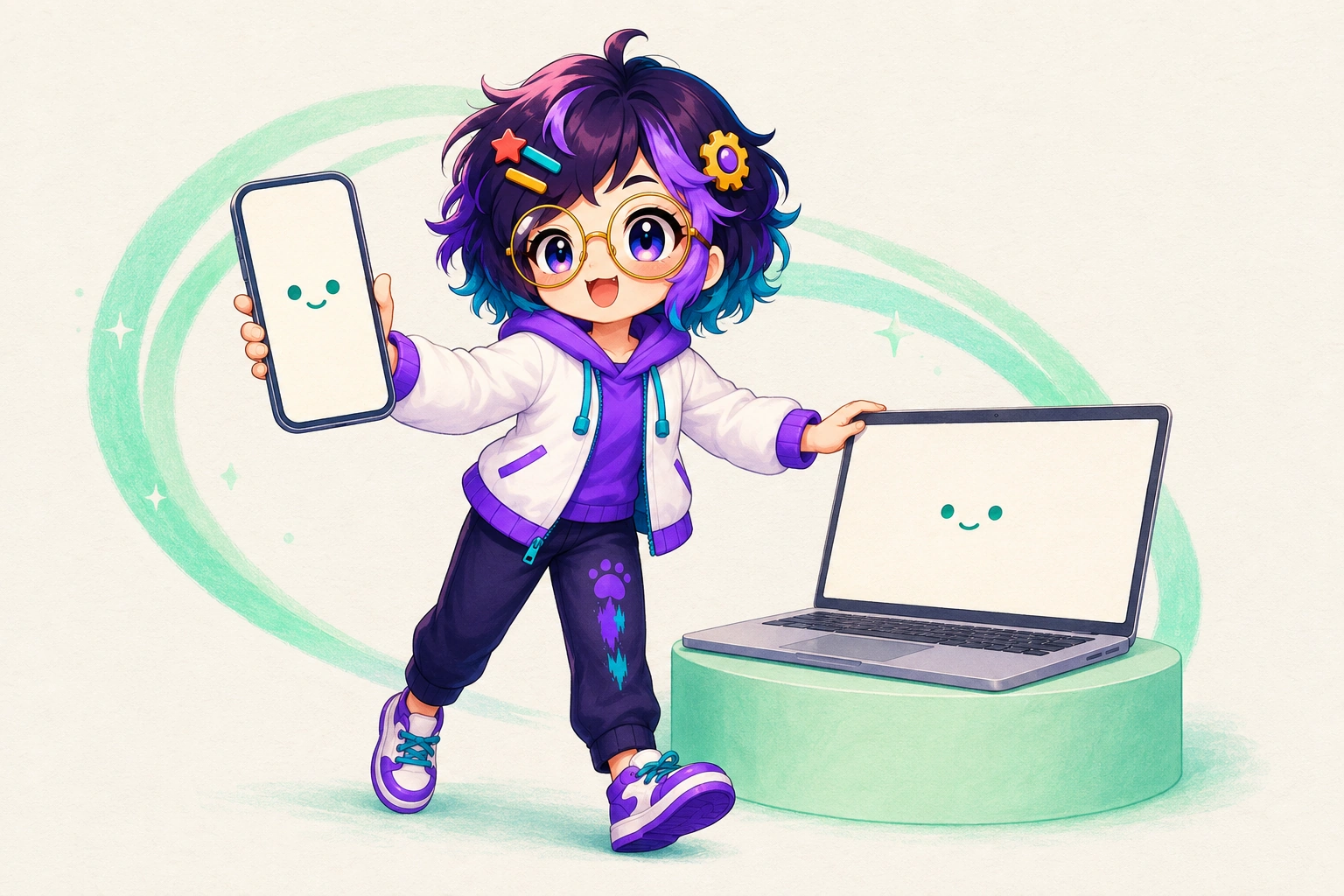

The public catalogue lists Companion Face for Android and Mac. OpenAlly itself remains a cross-platform product. This app is one of the focused apps whose platform list is narrower than the whole suite.
Android is the OpenAlly app from the download page. Mac is a direct download from the Mac download page rather than a Mac App Store listing. The Mac side is not a separate account. Your agents and your chat history continue there.
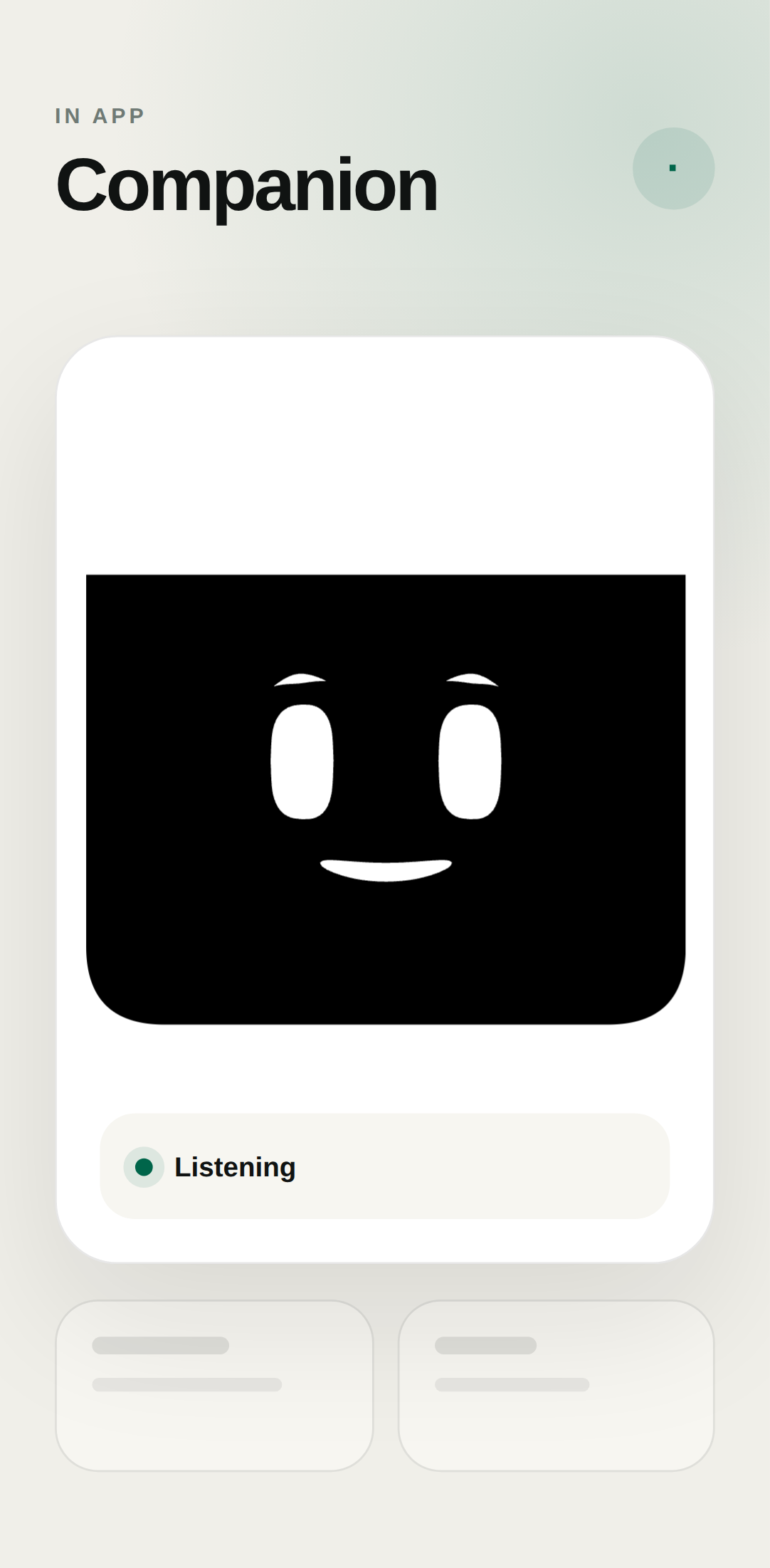
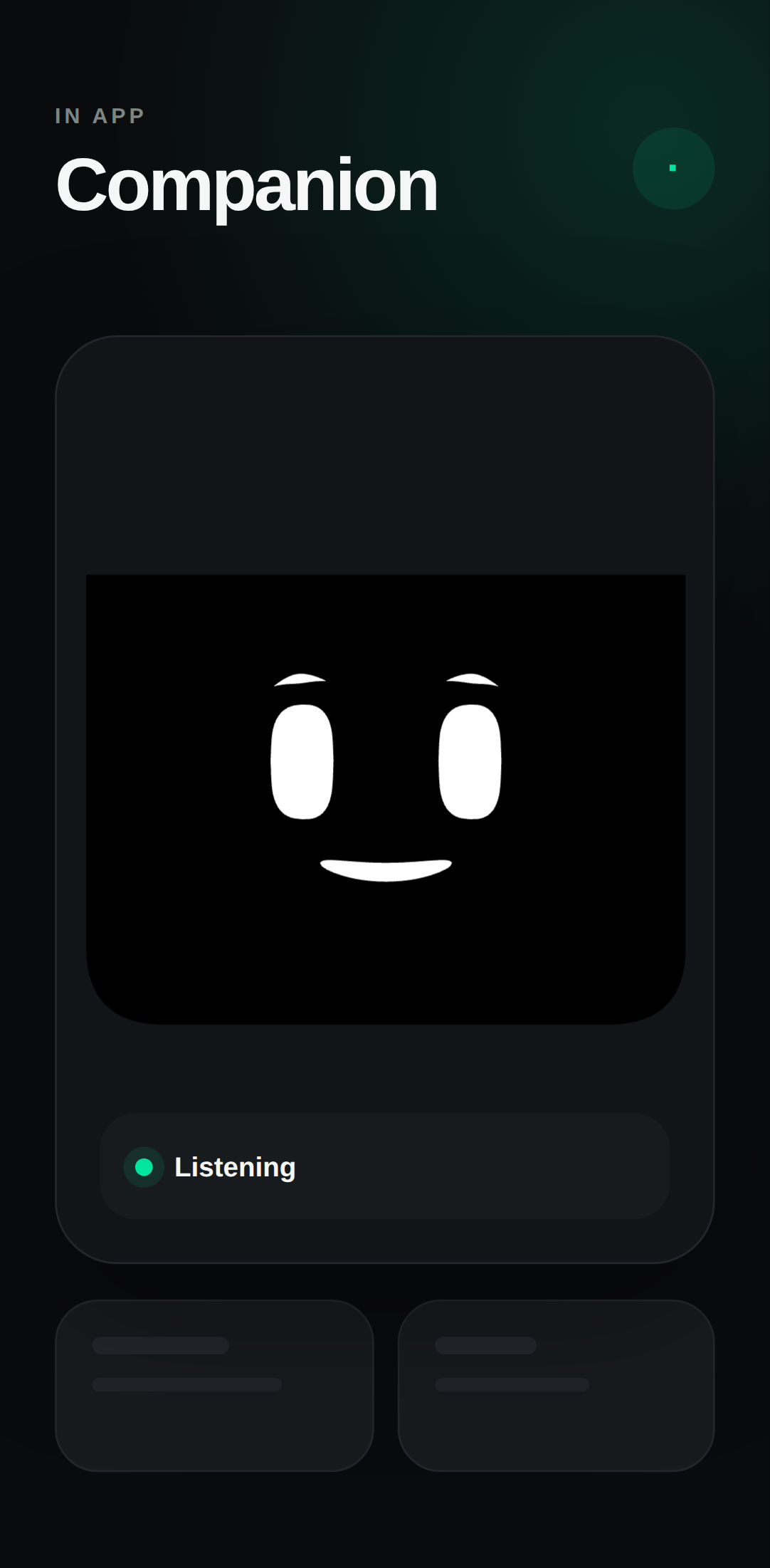
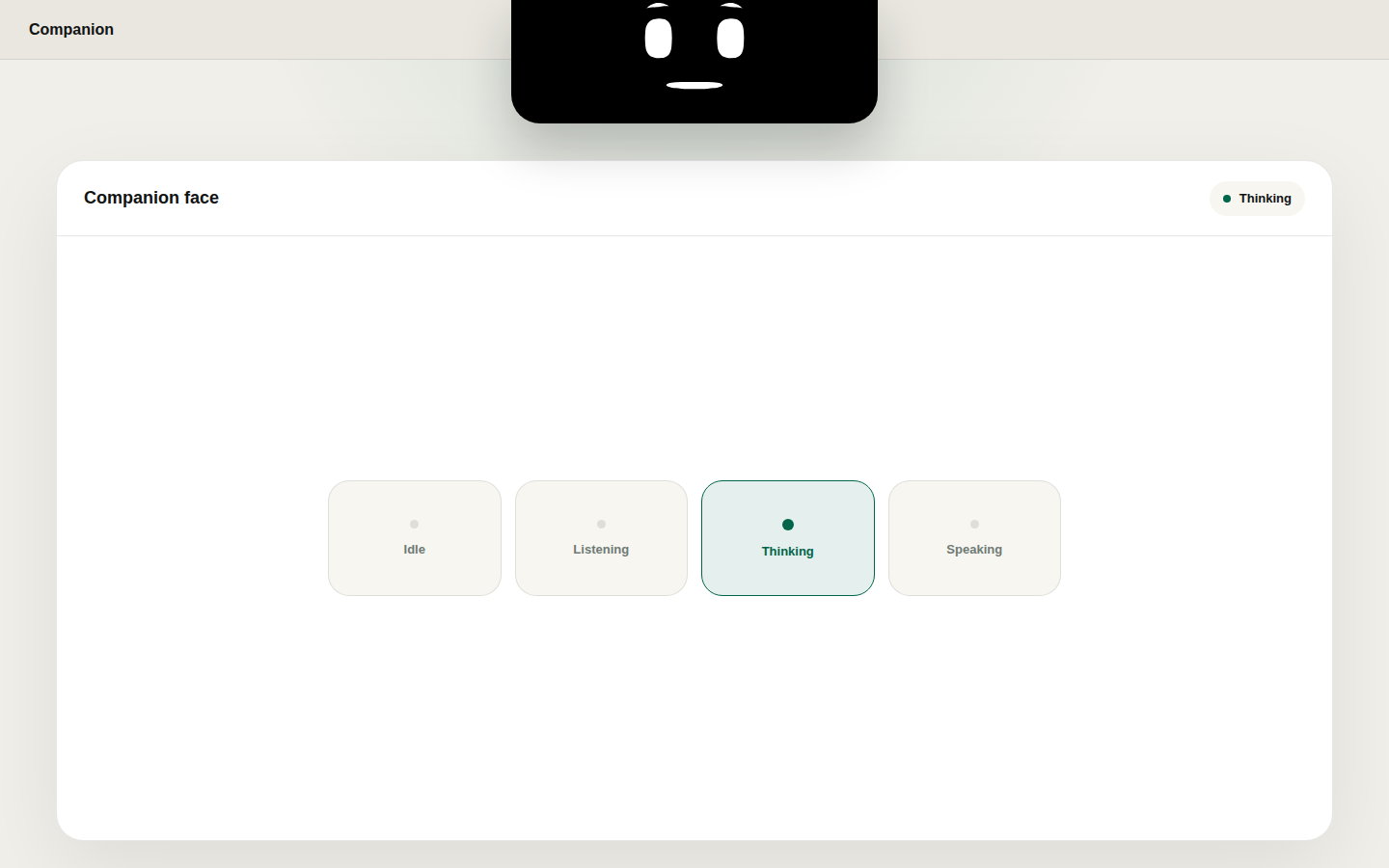
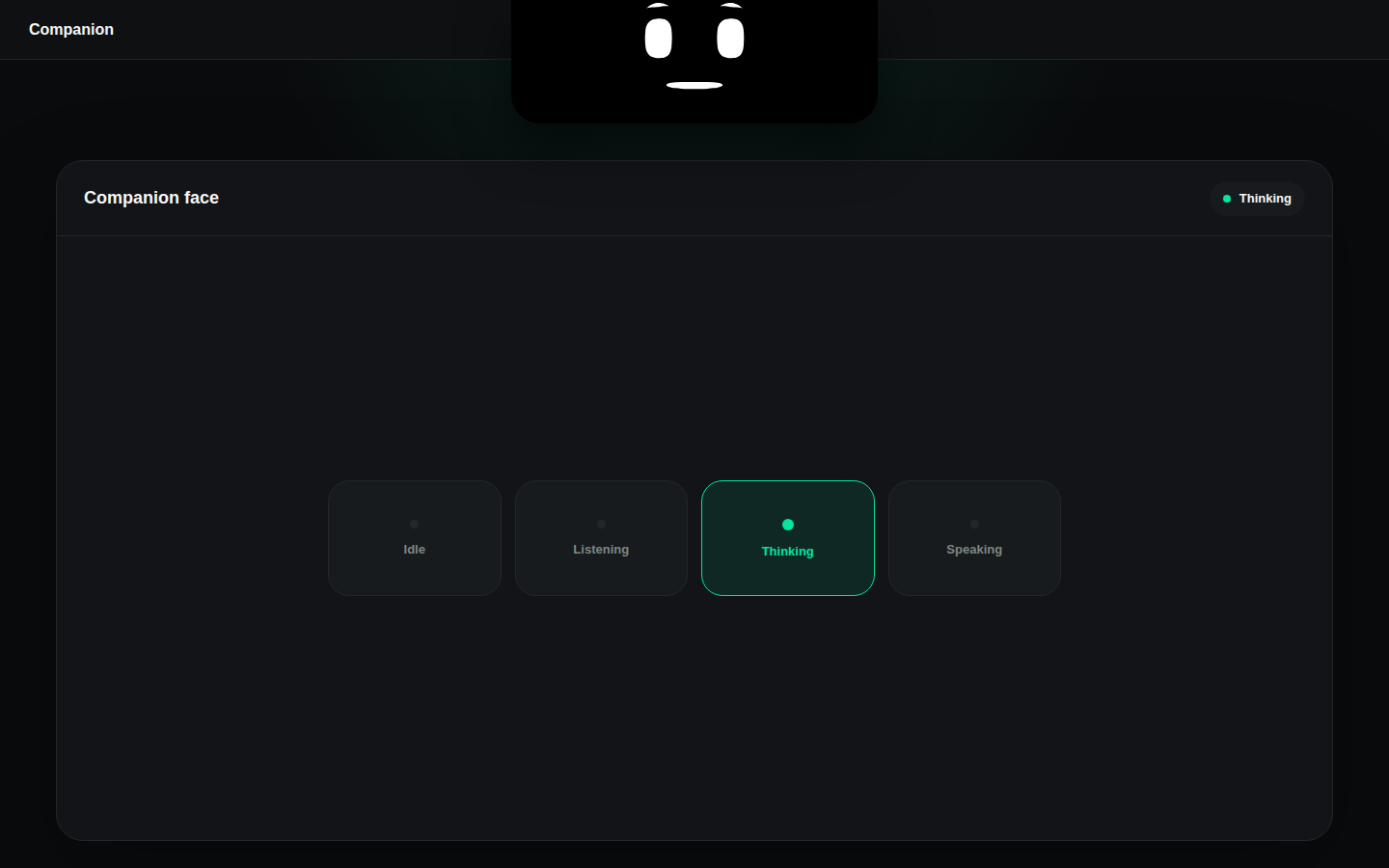
On Mac, the face lives by the notch. On Android, use it in OpenAlly or choose the optional camera-edge view. Approved agents can control expressions and speech. That is the placement copy on the live feature page. It is not a claim that Companion Face sits over every other app on every device.
08 / Chapter
Where Companion Face sits in the catalogue
The app catalogue lists Companion Face beside the other focused apps. The full catalogue puts it next to the skills, tools and agents that share a workspace. The matching skill uses the same name and the same two platforms.
If you already read the Slap explainer, the line you will recognise is the optional one. The face can recoil. Slap does not need it.
09 / Method
How this was checked

The methodology is a catalogue read. Every product line above comes from OpenAlly's own catalogue and the public Companion Face feature page, read on 3 September 2026 (Matterward Labs, 2026). Where this page and the catalogue disagree, trust the catalogue. The look-away rest is the National Eye Institute's wording, not a Companion Face clinical claim. ElevenLabs is named because the feature page names that bring-your-own path.
Powers, sensors, hooks and voice paths on that feature page are structured data. They are the receipt this article is checked against.
- Every product claim was opened against the live catalogue and the public Companion Face page on 3 September 2026. Each of those pages is linked at the point of use.
- The public catalogue lists Companion Face on exactly two platforms, Android and Mac. That count is a first-party catalogue read for this article, not a market survey.
- Reading Slap as an optional hook, rather than as a requirement of the face, is an editorial framing of the feature-page line "optional power hook". Slap's own page already says the face is optional.
About the author: Matterward Labs makes OpenAlly. It builds AI software, the apps around it, and the systems that run them. This article was reviewed by Matterward Labs on 3 September 2026. Corrections go to the company contact page.
Sources and references
These public pages support the product facts, technical specifications, background, and reference measurements in this article. Details were checked on the review date shown above.
Read us on your terms
Google lets you name the sites you want to hear from. Add OpenAlly and these articles surface more often in your own Search results — your preference, revocable from the same screen, and it changes nothing for anyone else.