SSH
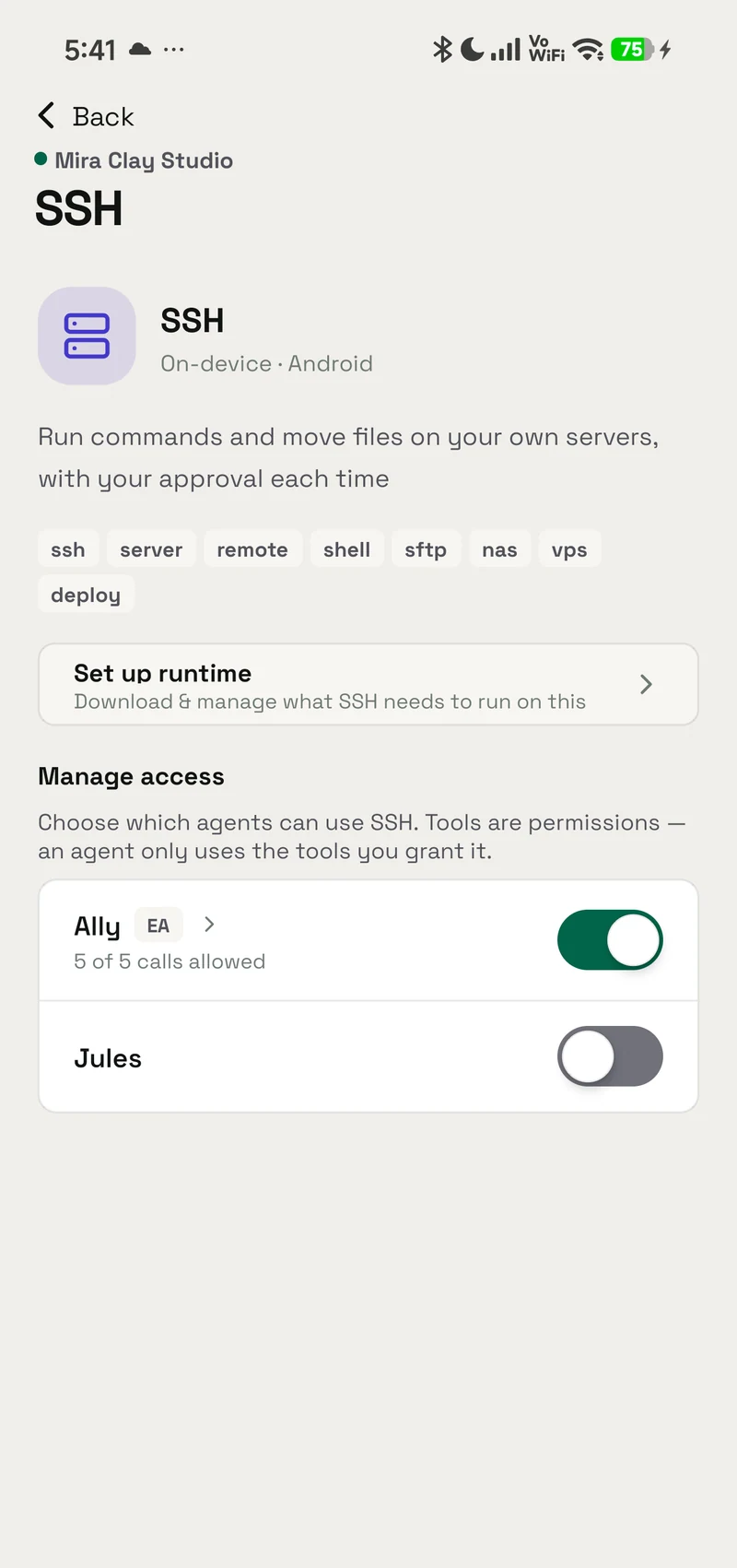
Built inRun commands and transfer files on servers you connect, with access and approvals under your control.
- Android — supported
- iPhone — not available
- Mac — supported
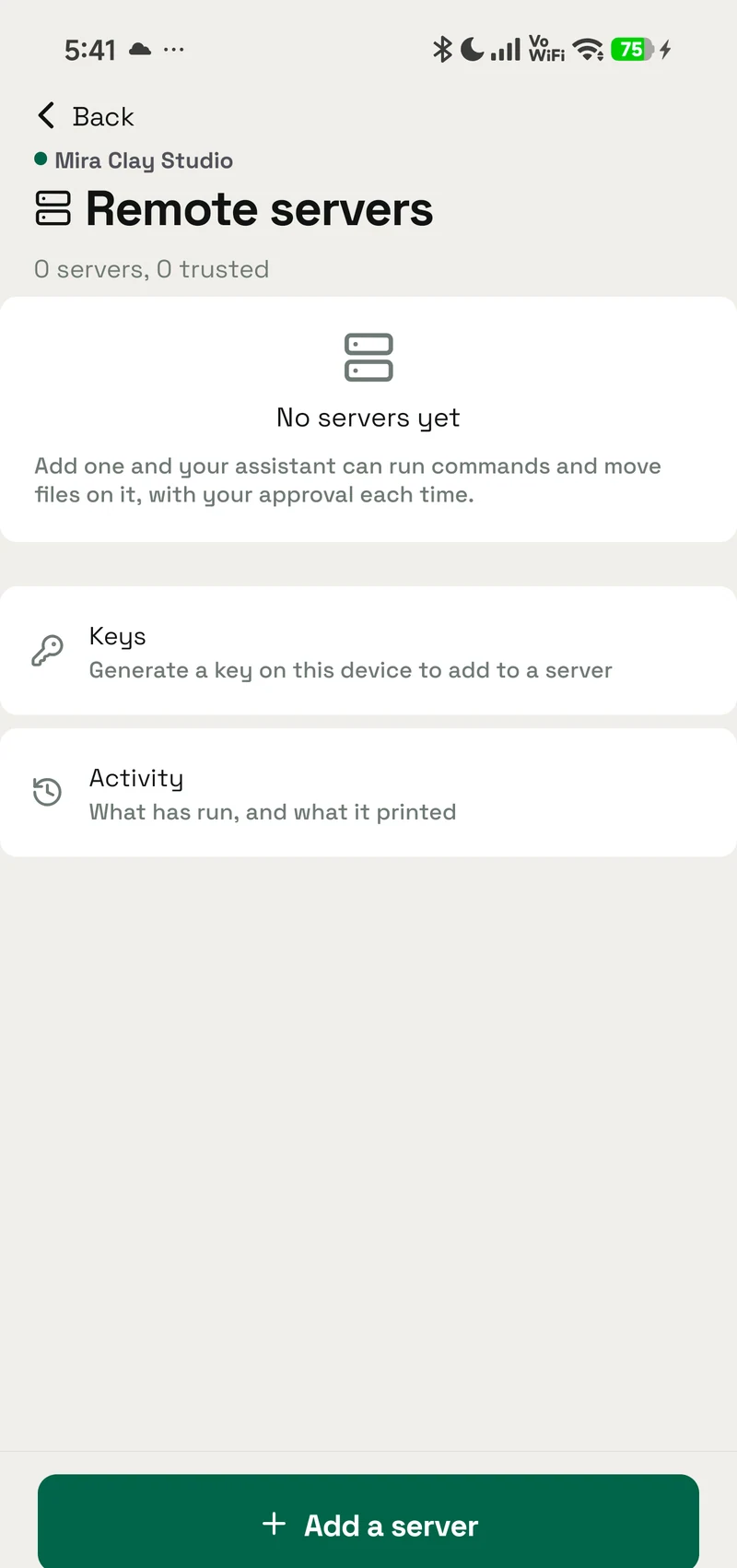
Inside the real app
Explore the screens in a demonstration workspace.
An object for the idea
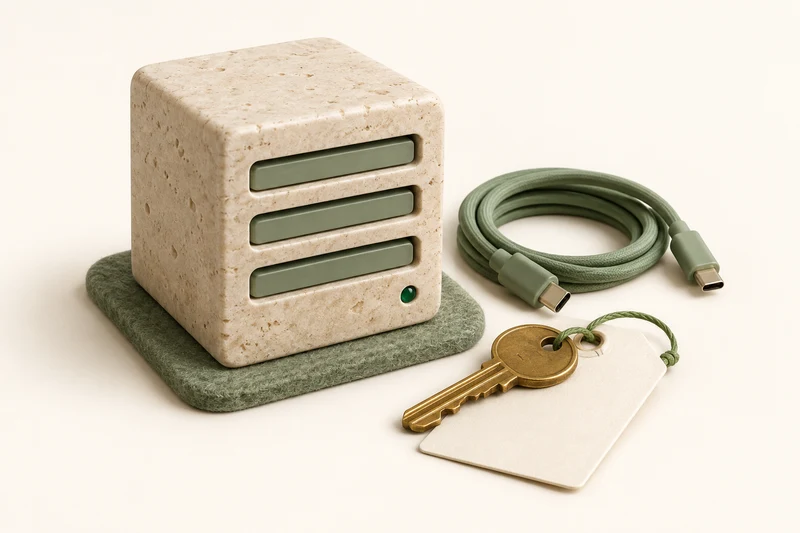
Artwork, not app screenshots. Each one carries where it came from.
A miniature limestone server block with sage slots, a brass key on a paper tag and a coiled cable.
How an agent uses it
- It ships built in SSH is part of OpenAlly on supported devices, so you do not have to wire it into every request.
- Choose who can use it Give it only to the agents that need the job, and take it back whenever you want.
- Ask in ordinary language The agent uses the tool when it helps, then brings the result back into your conversation.
Keeps the job focused
SSH is already available on supported devices. You choose which agents can use it, without repeating setup instructions in every conversation.
What it's for
Check a service on your server, fetch a log file, or upload an updated file from OpenAlly on Android or Mac.
What it can help with
Run a command on a server you have connected, subject to your approval settings.
Download files from your server or upload files to it.
Needs setting up first
On Android, OpenAlly asks before downloading the SSH support. Then add your server in SSH Servers and trust its host fingerprint. Each command is shown to you to approve unless you say otherwise.
Where it stops
Available on Android and Mac. The server must be reachable, and your server account determines which commands and files it can access.
Get SSH
It is part of OpenAlly on supported clients; the platform row above is the exact scope.
More tools
Ask the owner
Let an agent answering customers hand a question back to you when it needs a human answer, and mark the conversation as waiting.
- Android — supported
- iPhone — supported
- Mac — supported
Python
Work through data, maths, uploaded files, and quick scripts directly on supported devices. Add it only when you need it.
- Android — supported
- iPhone — supported
- Mac — not available
Local LLM
Handle summaries, classification, and drafting privately on the device, including when you are offline.
- Android — supported
- iPhone — supported
- Mac — supported
Whisper
Turn recordings into text on the device so the audio does not need to leave your phone.
- Android — supported
- iPhone — not available
- Mac — not available
PDF Reader
Read PDF documents and answer questions about contracts, reports, statements, and forms on your device.
- Android — supported
- iPhone — supported
- Mac — supported
PDF Maker
Create polished reports, letters, summaries, and one-pagers you can preview, print, or save as PDF.
- Android — supported
- iPhone — supported
- Mac — supported
Notes
Let an agent you trust read and write your notes — jot something down, draft a list, edit one, or find it again later.
- Android — supported
- iPhone — supported
- Mac — supported