Mini-app
WhatsApp Business
AppsAn OpenAlly AI agent on your WhatsApp Business number, for sales, bookings and support
- Android — supported
- iPhone — supported
- Mac — supported
See how WhatsApp Business works
Setup through Meta, approvals, takeover, what is free and what Premium adds, and how it differs from the WhatsApp channel and OpenAlly Miro.
Inside the real app
Explore the screens in a demonstration workspace.
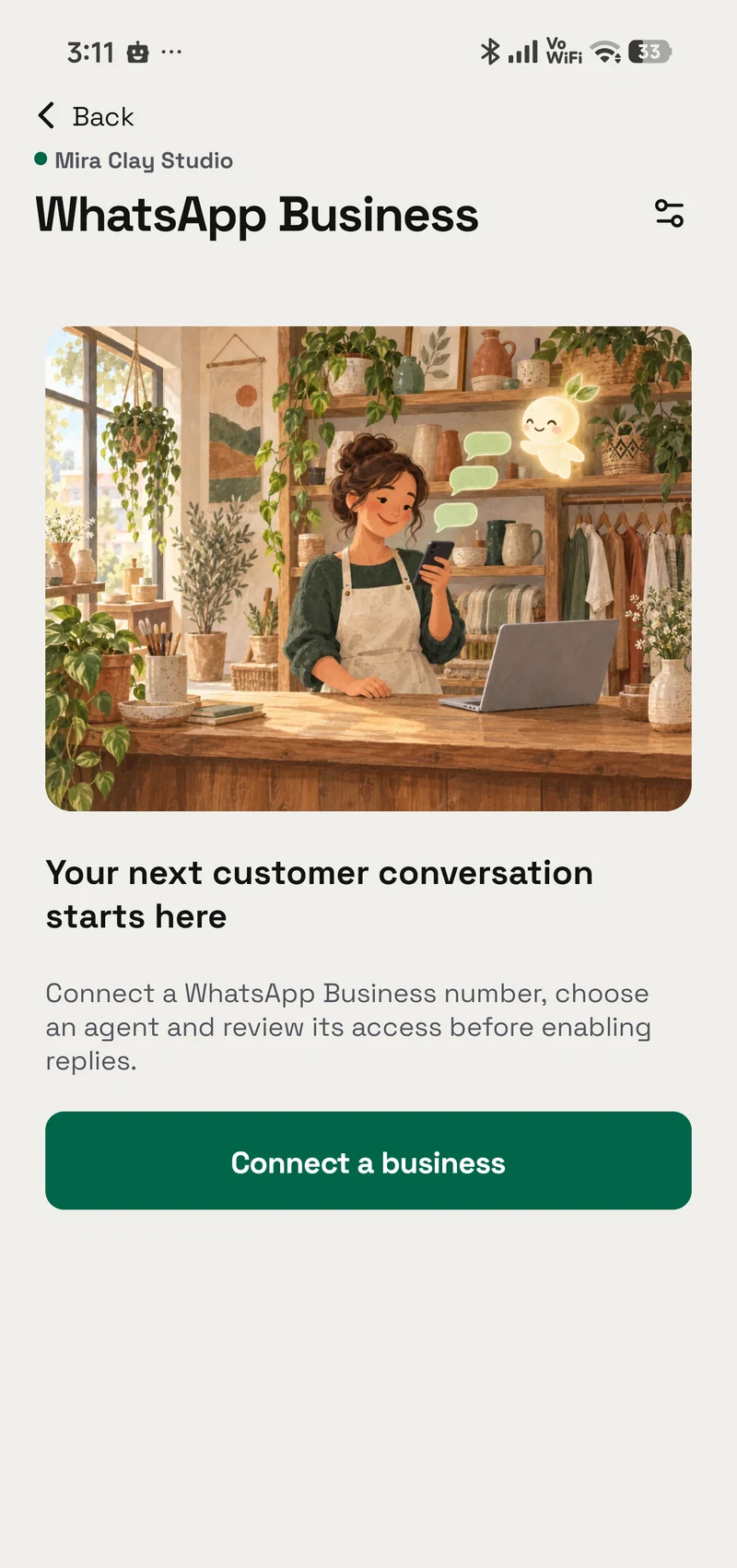
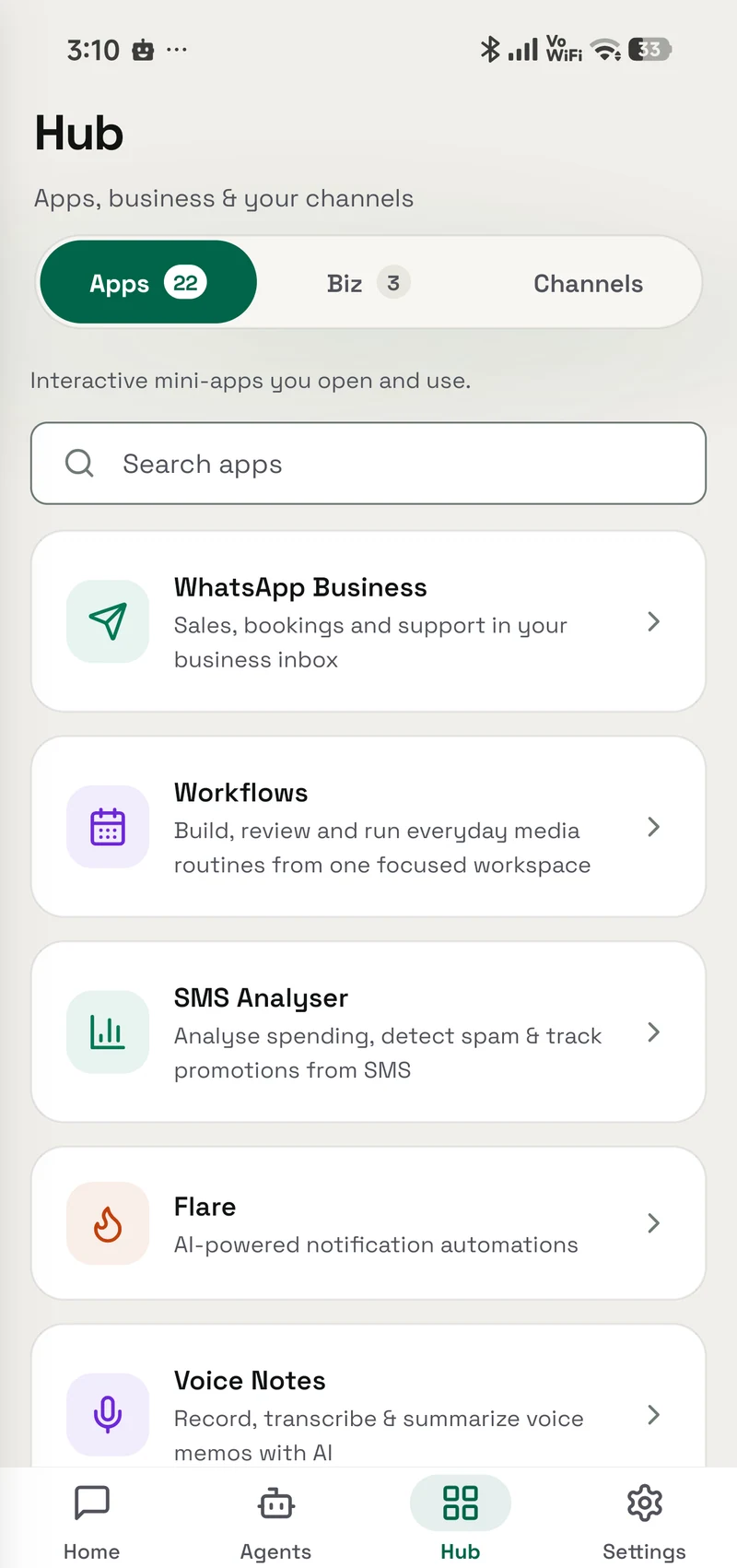
The shop it is built for
Artwork, not app screenshots. Each one carries where it came from.
A shop owner at her counter with a phone and a laptop, packages and folded stock beside her. A customer being handed a tote across a shop counter, shelves of pottery behind. A shop owner reading her phone while packing a box at a workbench. A salon owner checking her phone by an empty chair as a customer arrives.




Capabilities
What it does
Connect your WhatsApp Business number through Meta, assign an agent, and let it answer customers from your OpenAlly device, with your approval for billable messages and Take over on every conversation.
- Your number, through Meta Connect a new business number, a Cloud API account you already manage, or keep using the WhatsApp Business app on a number Meta finds eligible. Meta bills your business directly for its message charges.
- The agent runs on your device Your assigned agent answers from the OpenAlly phone or Mac you designate, so keep it online for timely replies. AI replies stay paused until you enable them.
- Reply window and templates While a customer's reply window is open, your agent answers in the conversation. Once it closes, only an approved template can go out.
- Approvals and budgets Billable AI messages wait for your approval, which covers one exact recipient, message and charge. A budget you set can cover them instead, for the templates and customers you choose.
- Take over any time Tap Take over and AI replies pause for that conversation. Return to AI hands it back, with your replies included.
- Every number, one view Keep a shop, a booking line and a support number separate, each with its own agent, history and controls. Free to connect; AI replies with Premium.
Walkthrough
The actual flow
Every screen below is rebuilt from WhatsApp Business in OpenAlly, with the app's own strings. Step through it.
Do you have a small travel mug in green?
These two are in stock. Which one would you like?
Hi Sam, a reminder of your appointment tomorrow at 2:00 PM.
Meta’s invoice is authoritative.
Where is order #1042?
Your order was dispatched today. Delivery is expected tomorrow.
Could I change the delivery address?
I have taken over. Let me check the address with you.
Three ways to connect
Create or select a business portfolio, WhatsApp account and number through Meta.
Connect the WhatsApp Business account and numbers you already manage.
For accounts Meta finds eligible. Keep using the Business App.
Use your own Meta business account. Meta bills your business directly for applicable message charges.
AI replies start paused
Assignment leaves AI paused. Test the inbox and explicitly enable AI when you are ready.
Every number, one view
Keep your shop, booking line and support number separate. Each inbox has its own agent, history and controls.
What happened and why
Every reply comes with the record behind it, so you can see what the agent looked at before it answered.
Review proposed messages
Hi Sam, a reminder of your appointment tomorrow at 2:00 PM.
Estimated Meta messaging charge, separate from Premium and model usage. Meta’s invoice is authoritative.
Approval applies to this exact recipient, message, template version and permitted cost. A change requires a new approval.
Take over
Return to AI hands the conversation back to the assigned agent, including the replies you wrote.
01Your own Meta business account, three ways in
Step 1 of 6: Connect. Your own Meta business account, three ways in
WhatsApp and Meta names belong to their respective owners.
Prompts
Try asking
Quick actions WhatsApp Business puts in front of you, tap one in the app, or type your own.
- Prepare a business agent Help me prepare an agent to answer customer questions and escalate when I am needed.
- Connect my business Help me connect my business number to WhatsApp Business in OpenAlly.
- Check my inboxes Check my WhatsApp Business inboxes and explain anything that needs attention.
Where it lives
Opens as its own screen in the app. Your AI can drive it too, so you can either tap through it yourself or just ask.
What it needs
Needs a Premium plan, a business number you connect through Meta, and a payment method in Meta for message charges. Your agent runs on a phone or Mac you keep online.
What your AI uses
These skills teach your agent how to drive WhatsApp Business.
Business messaging
Answer a business's customers from the inbox you assign it, honouring your approvals, opt-outs, service windows, and takeovers, and handing you anything it should not settle alone.
- Android — supported
- iPhone — supported
- Mac — supported
WhatsApp Business setup
Connect your WhatsApp Business number through Meta, check that the device and the agent are ready, and work out why a message did not arrive.
- Android — supported
- iPhone — supported
- Mac — supported
Continue with OpenAlly
The badges above are the source for WhatsApp Business platform support and availability.
More like this
Workflows
Prepare a daily reel, story, or audio and approve it before it goes anywhere
- Android — supported
- iPhone — supported
- Mac — supported
Beam
Send and receive files over your own Wi-Fi — the other device just needs a browser
- Android — supported
- iPhone — supported
- Mac — supported
SMS Analyser
Understand spending, bills, promotions, and risky messages privately on your phone
- Android — supported
- iPhone — not available
- Mac — not available