Built-in skill
Workflows
CreativePrepare the same thing at the same time each day — a reel, a narrated story, a bedtime audio — and hold it for you. A new workflow stays switched off until you arm it, and each run waits for your review before anything is saved or posted.
- Android — supported
- iPhone — supported
- Mac — supported
Inside the real app
Explore the screens in a demonstration workspace.
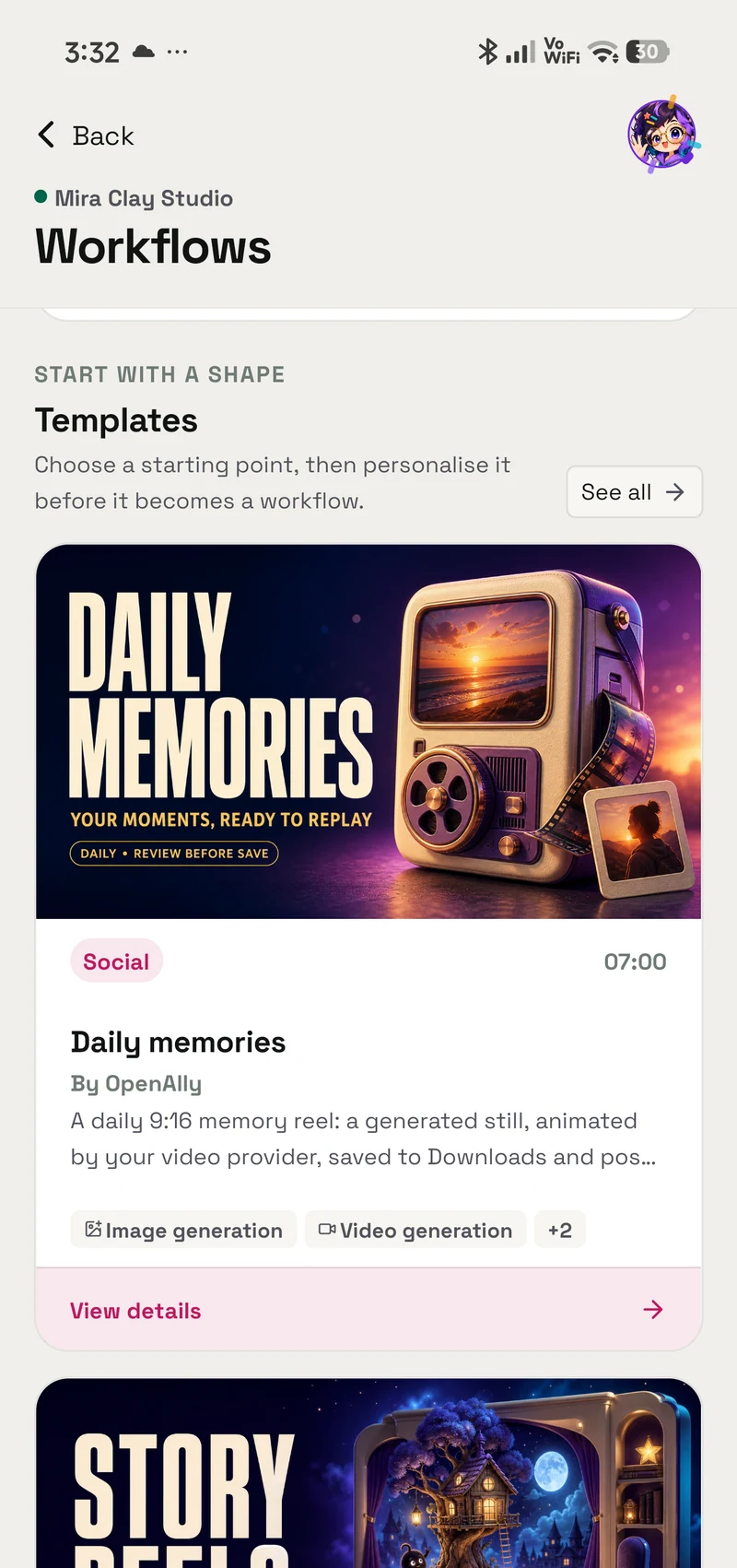
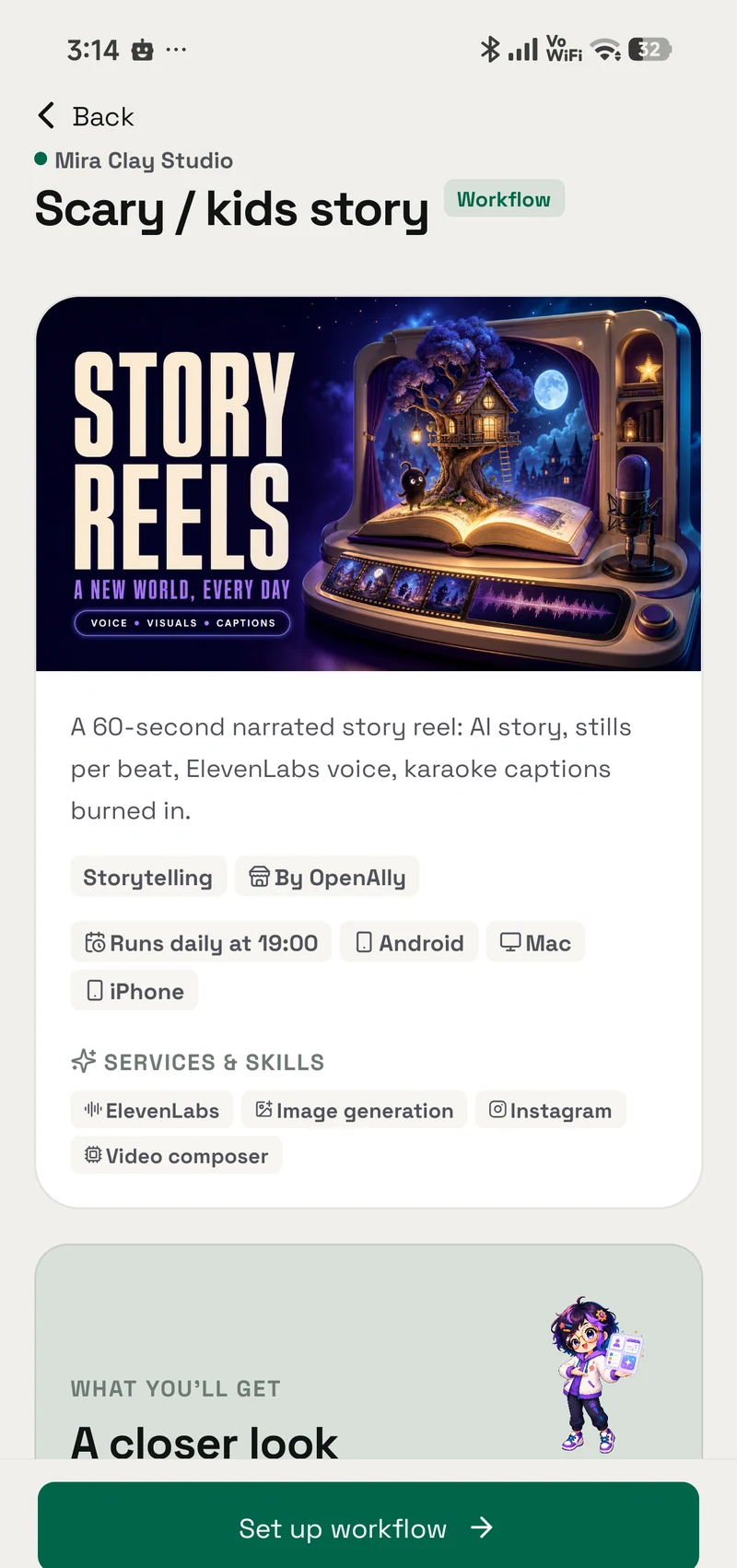
Everything it builds arrives switched off. A new workflow is saved disabled until you arm it, and each day's result waits for your review before anything is saved or posted.
Grant model
How granting works
A skill is a permission you hand to an agent, not a silent preload.
- Find it in Skills Workflows is built in, so there is nothing separate to install.
- Choose who can use it Give the skill only to the agents that need this job, and change that choice whenever you want.
- Review its access This skill does not ask for additional access.
Prompts
Try it with
The quick actions this skill puts in front of you in the app.
- What are Workflows? Explain OpenAlly Workflows: what runs daily, and what waits for my approval?
- Daily memory reel I want a daily memory reel from my photos. What does the Daily memories workflow do, and what do I need to set up?
- Bedtime story Set me up with the nightly bedtime audio story — what will happen each evening?
- Check requirements Which of my workflows are missing a key or a connection right now?
- Build a custom workflow I want a custom daily workflow. Ask me what it should prepare each day, show me the steps, and give me the file to import.
Access summary
What it may use
This skill does not ask for additional access.
- Network
- No network access
- Files
- No file access
- Memory
- No saved-memory access
- Credentials
- No connected-account access
- Media
- No media access
- Browser
- No browser access
Set up in Workflows
This skill doesn’t have its own settings screen. Everything it uses is configured in Workflows.
Related
Works with
The apps, skills and tools Workflows sits next to.
Workflows
Prepare a daily reel, story, or audio and approve it before it goes anywhere
- Android — supported
- iPhone — supported
- Mac — supported
Video Studio
Turn images, clips, and a voiceover you already have into a vertical video with motion, captions, and mixed audio — composed and rendered on your own device, with no video provider and no per-render cost.
- Android — supported
- iPhone — supported
- Mac — supported
Background Tasks
Keep long jobs moving after a chat reply and see progress, results, or cancellation from one place.
- Android — supported
- iPhone — supported
- Mac — supported
More Creative
Companion Face
Give an approved agent an expressive companion face for gestures, moods, speech, and helpful daily moments.
- Android — supported
- iPhone — not available
- Mac — supported
Image Generation
Create or edit images with the provider you choose, then return the finished picture to the conversation.
- Android — supported
- iPhone — supported
- Mac — supported
Motifling
Turn a product, project, or idea into a small character mark: three directions to choose from, then four square variants of the one you pick. It renders with an image model you have connected, so it can cost money.
- Android — supported
- iPhone — supported
- Mac — supported
Motion Studio
Ask for a launch film, a product reel or a kinetic-type promo. Your agent writes it, checks its own frames, then renders an MP4 on your Android phone, up to 4K at 60 fps.
- Android — supported
- iPhone — not available
- Mac — not available
Get Workflows
It is built into OpenAlly on the clients shown above, no separate skill download.