Built-in skill
Swiggy
LifestyleExplore food, groceries, tables, carts, and orders in your Swiggy account while keeping checkout under your tap.
- Android — supported
- iPhone — supported
- Mac — supported
Inside the real app
Explore the screens in a demonstration workspace.
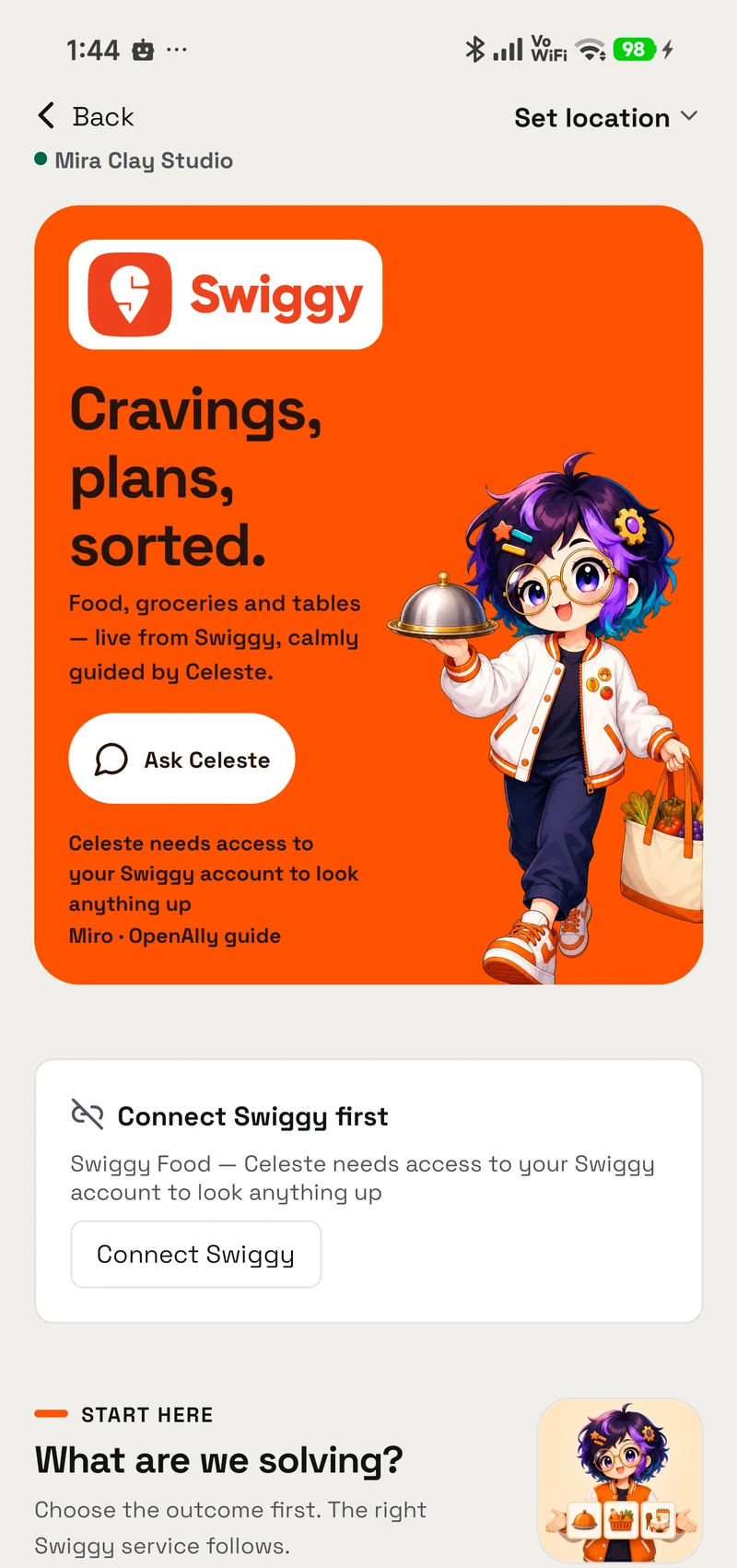
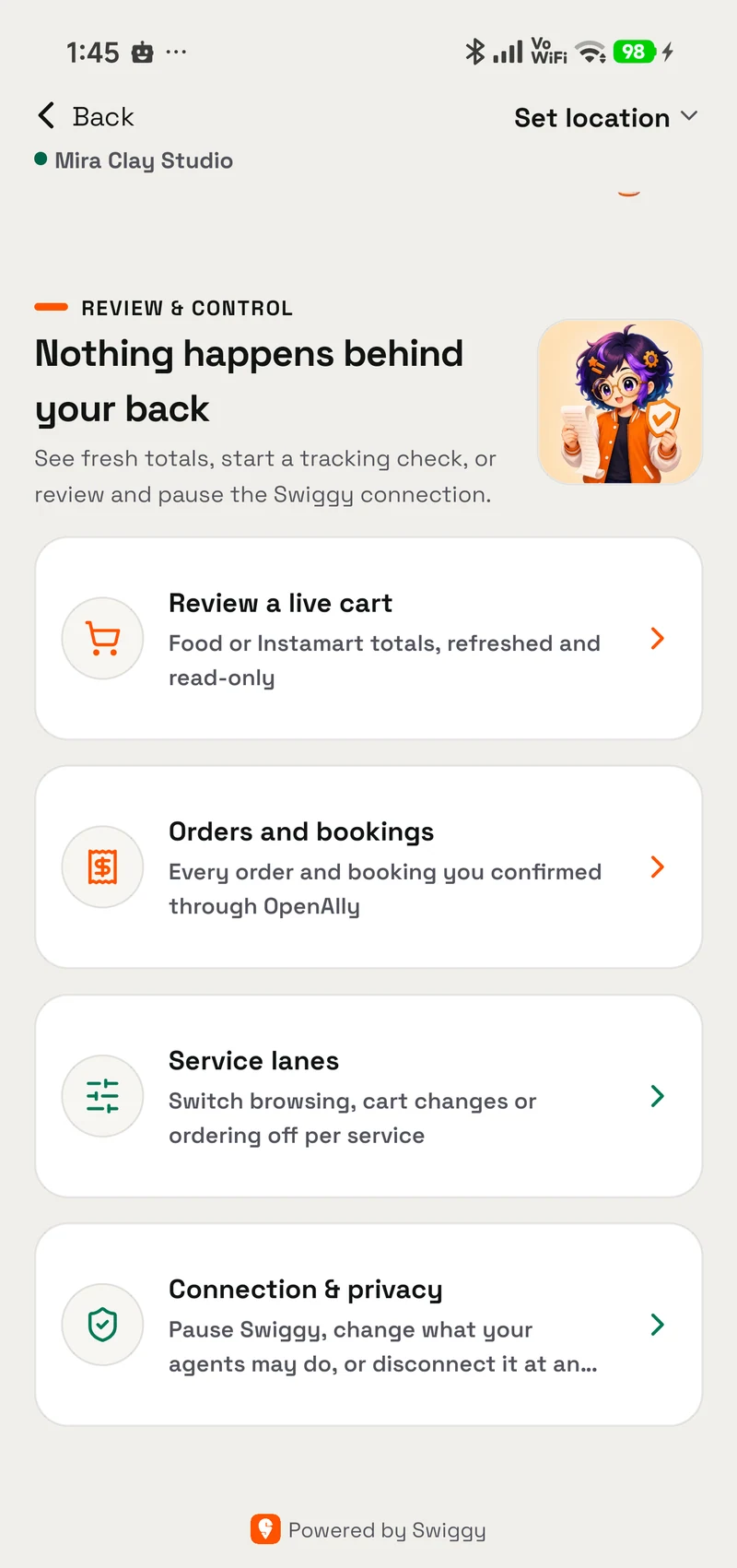
An object for the idea
Artwork, not app screenshots. Each one carries where it came from.
A miniature limestone dining table with two sage chairs and place settings.

Works inside your own Swiggy account. Reading is free-flowing, cart writes need cart mode the agent has to ask you for, and the only real price is the one a prepared quote returns.
Grant model
How granting works
A skill is a permission you hand to an agent, not a silent preload.
- Find it in Skills Swiggy is built in, so there is nothing separate to install.
- Choose who can use it Give the skill only to the agents that need this job, and change that choice whenever you want.
- Review its access This skill does not ask for additional access.
Prompts
Try it with
The quick actions this skill puts in front of you in the app.
- Find dinner Find me good biryani on Swiggy Food delivery nearby, open now.
- Price a basket What would milk, bread and eggs cost me on Instamart right now?
- Where's my order Where is my Swiggy order?
- Table for two Any Dineout tables for two around 8pm tonight?
- What's in my cart What's currently in my Swiggy cart?
Access summary
What it may use
Nothing is ordered without a confirmation you tap, and a dropped connection stops the flow rather than retrying, a second attempt could give you two orders.
- Network
- No network access
- Files
- No file access
- Memory
- No saved-memory access
- Credentials
- No connected-account access
- Media
- No media access
- Browser
- No browser access
Set up in Swiggy
This skill doesn’t have its own settings screen. Everything it uses is configured in Swiggy.
Related
Works with
The apps, skills and tools Swiggy sits next to.
Swiggy
Explore food, groceries, and tables while you keep control of checkout
- Android — supported
- iPhone — supported
- Mac — supported
Group Decisions
Help a group collect choices, track one vote per person, and turn agreement into a plan for review.
- Android — supported
- iPhone — supported
- Mac — supported
Payments
Create payment links and orders, track incoming payments, and keep capture or refunds under owner control.
- Android — supported
- iPhone — supported
- Mac — supported
Get Swiggy
It is built into OpenAlly on the clients shown above, no separate skill download.