Built-in skill
Web to App
DeveloperTurn a website you run, or an app from the App Builder, into an Android app packaged and signed on your device. Your AI checks the site, picks up its name, colour and icon, builds a signed APK — plus an AAB for your own Google Play upload once your signing key is backed up — and hands you the files to save or share.
- Android — supported
- iPhone — not available
- Mac — supported
Inside the real app
Explore the screens in a demonstration workspace.
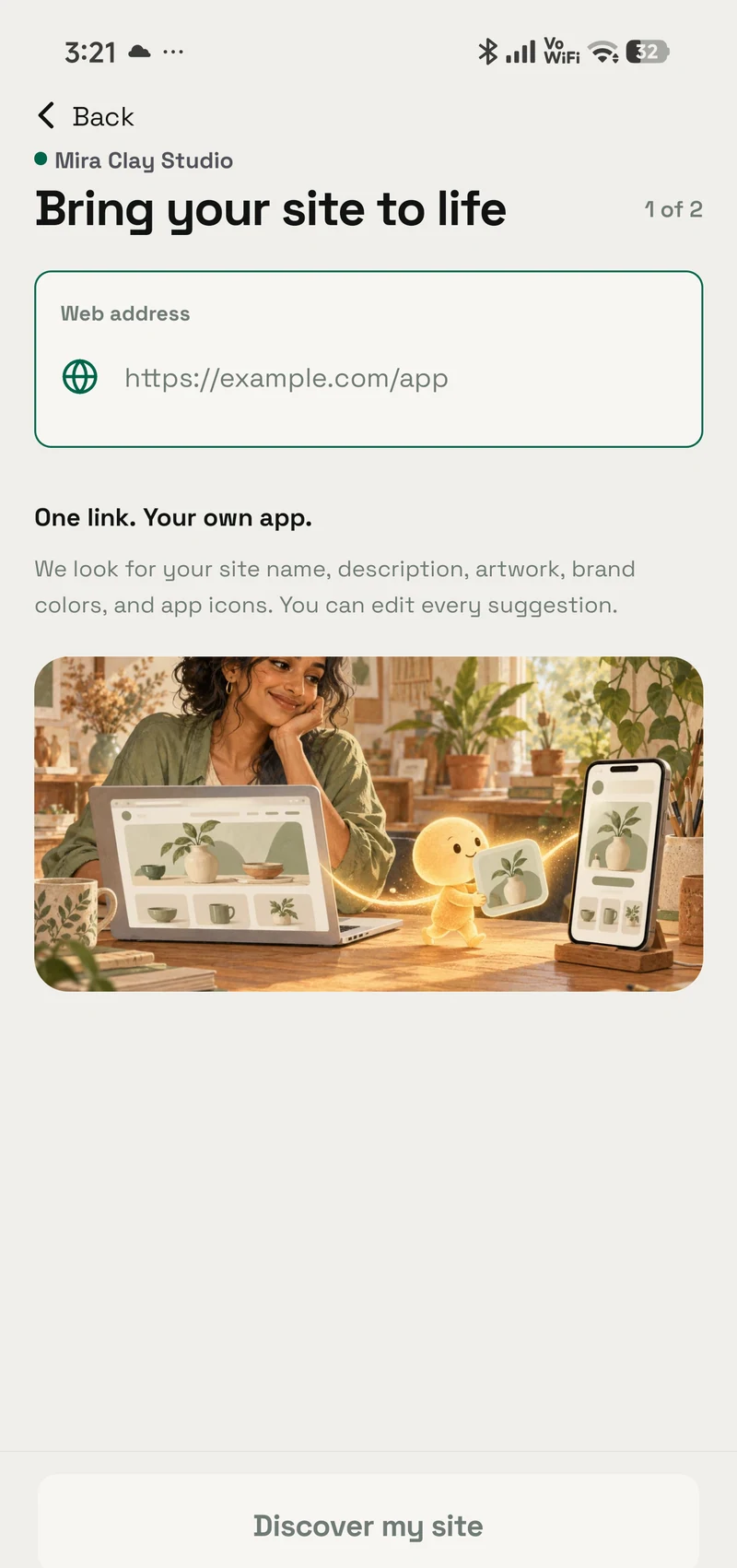
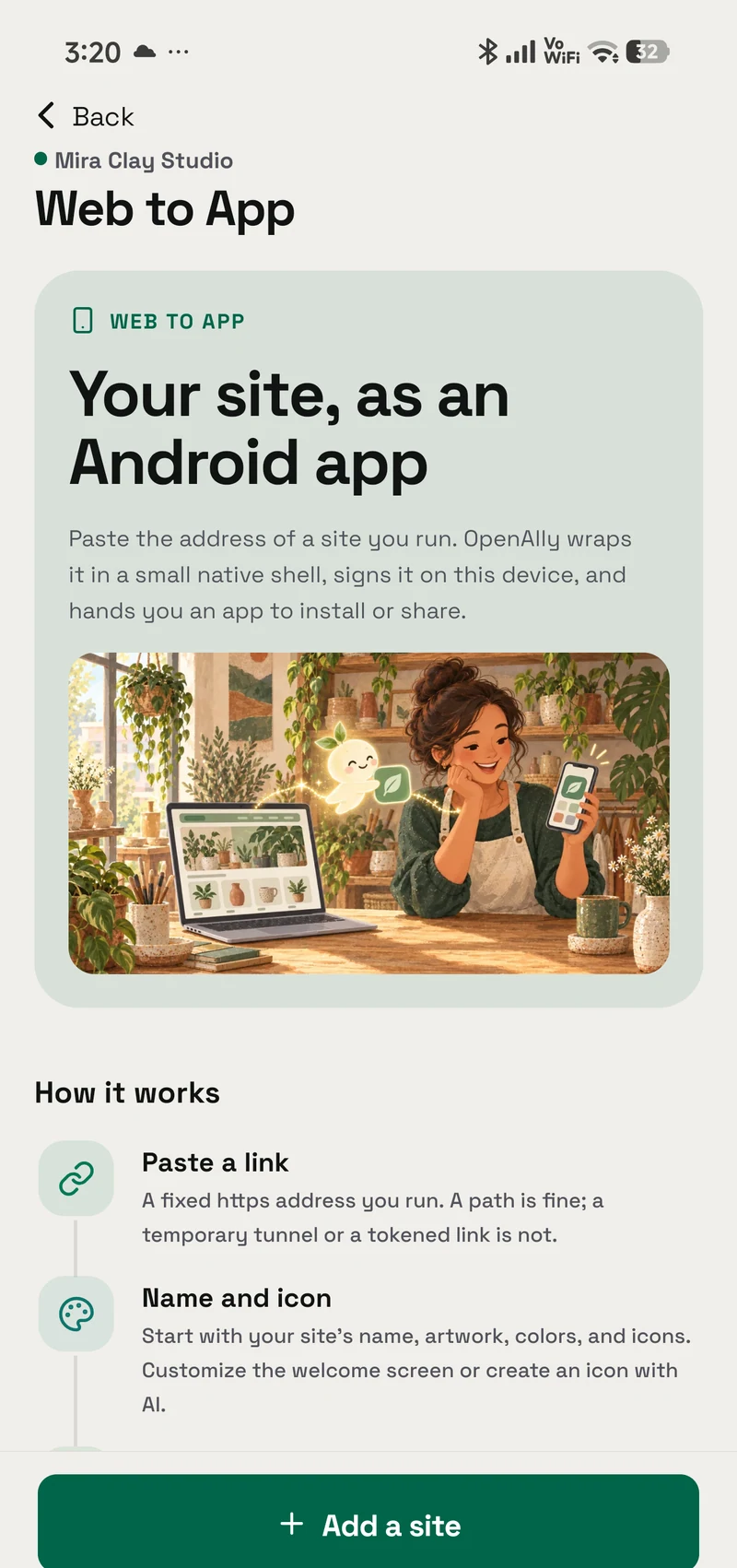
Ends with files you own: a signed APK to install or share, and an AAB for your own Google Play upload. It reads the site's name, colour and icon, then builds on your device.
Grant model
How granting works
A skill is a permission you hand to an agent, not a silent preload.
- Find it in Skills Web to App is built in, so there is nothing separate to install.
- Choose who can use it Give the skill only to the agents that need this job, and change that choice whenever you want.
- Review its access This skill does not ask for additional access.
Prompts
Try it with
The quick actions this skill puts in front of you in the app.
- Website to Android app Turn my website into an Android app
- APK from a link Make an APK for https://
- Package a Builder app Package my Builder app for Android
Access summary
What it may use
It asks for no access of its own. Camera, microphone, location, notifications, clipboard reading and the newer page surface stay off until you switch them on; your AI can switch them off, never on.
- Network
- No network access
- Files
- No file access
- Memory
- No saved-memory access
- Credentials
- No connected-account access
- Media
- No media access
- Browser
- No browser access
Set up in Web to App
This skill doesn’t have its own settings screen. Everything it uses is configured in Web to App.
Related
Works with
The apps, skills and tools Web to App sits next to.
Web to App
Turn a website you run into an Android app, packaged and signed on your device
- Android — supported
- iPhone — not available
- Mac — supported
App Builder
Describe, build, preview, and publish websites and mini-apps
- Android — supported
- iPhone — supported
- Mac — supported
App Builder
Describe a website or mini-app, shape it with guided edits, preview it on your device, and publish when it is ready.
- Android — supported
- iPhone — supported
- Mac — supported
More Developer
App Builder
Describe a website or mini-app, shape it with guided edits, preview it on your device, and publish when it is ready.
- Android — supported
- iPhone — supported
- Mac — supported
GitHub
Review GitHub issues, pull requests, commits, checks, and repository information without giving the agent write access.
- Android — supported
- iPhone — not available
- Mac — not available
Skill Creator
Teach OpenAlly a new skill by describing the job, the guidance it should follow, and the access it may use.
- Android — supported
- iPhone — not available
- Mac — not available
Get Web to App
It is built into OpenAlly on the clients shown above, no separate skill download.