Web to App
Your website. A place on their home screen.
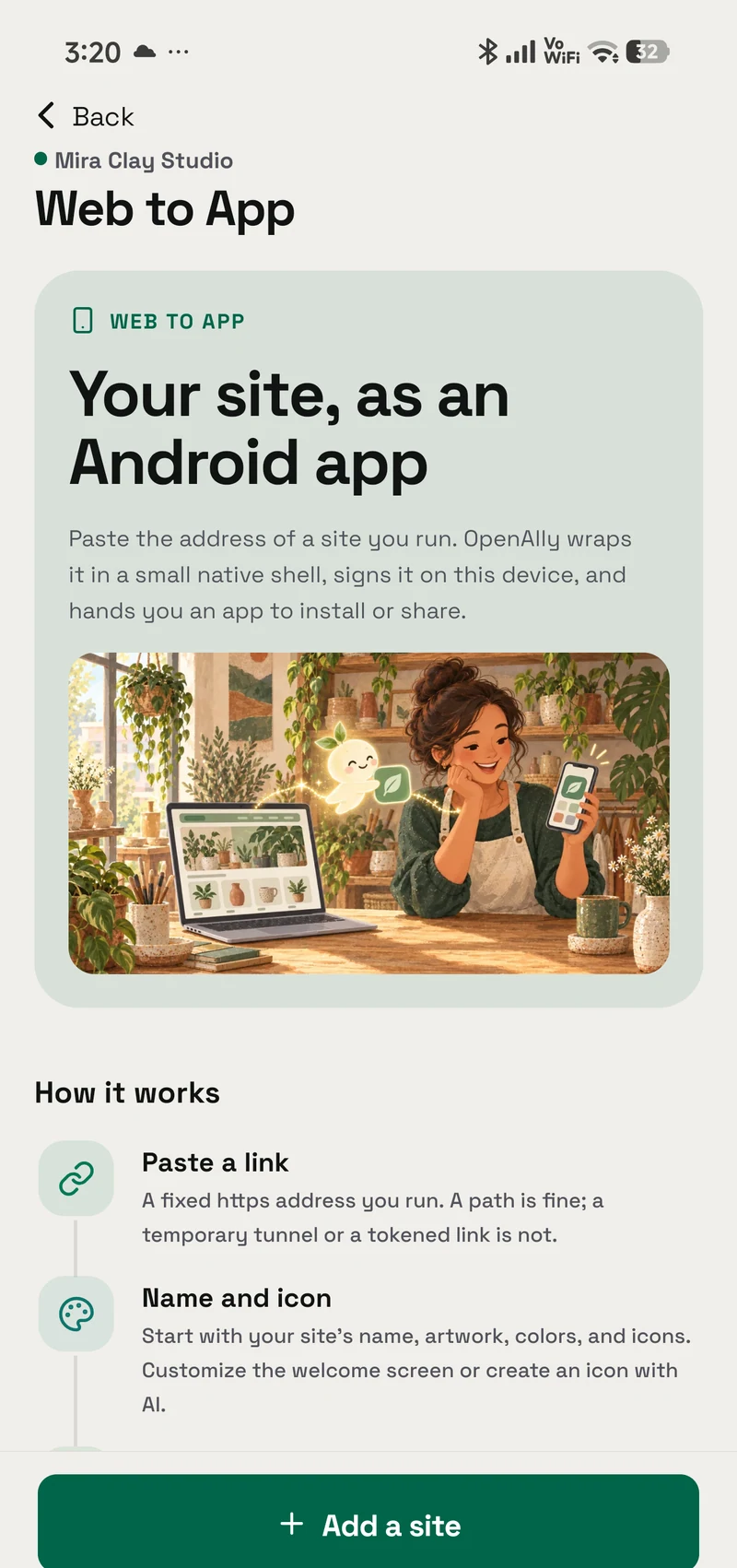
Turn the website you already run into a signed Android app. Bring its name, colours and icon, choose the features it needs, and build from Android or Mac.
- Android — supported
- iPhone — not available
- Mac — supported

Inside the real app
Explore the screens in a demonstration workspace.
What it does
You have the website. Keep going.
A customer should not need to remember a link to come back. Web to App packages your site into an Android app you can save, share, or prepare for your own Google Play listing. It also works with an App Builder project once you publish it at a fixed address.
Start with a real address
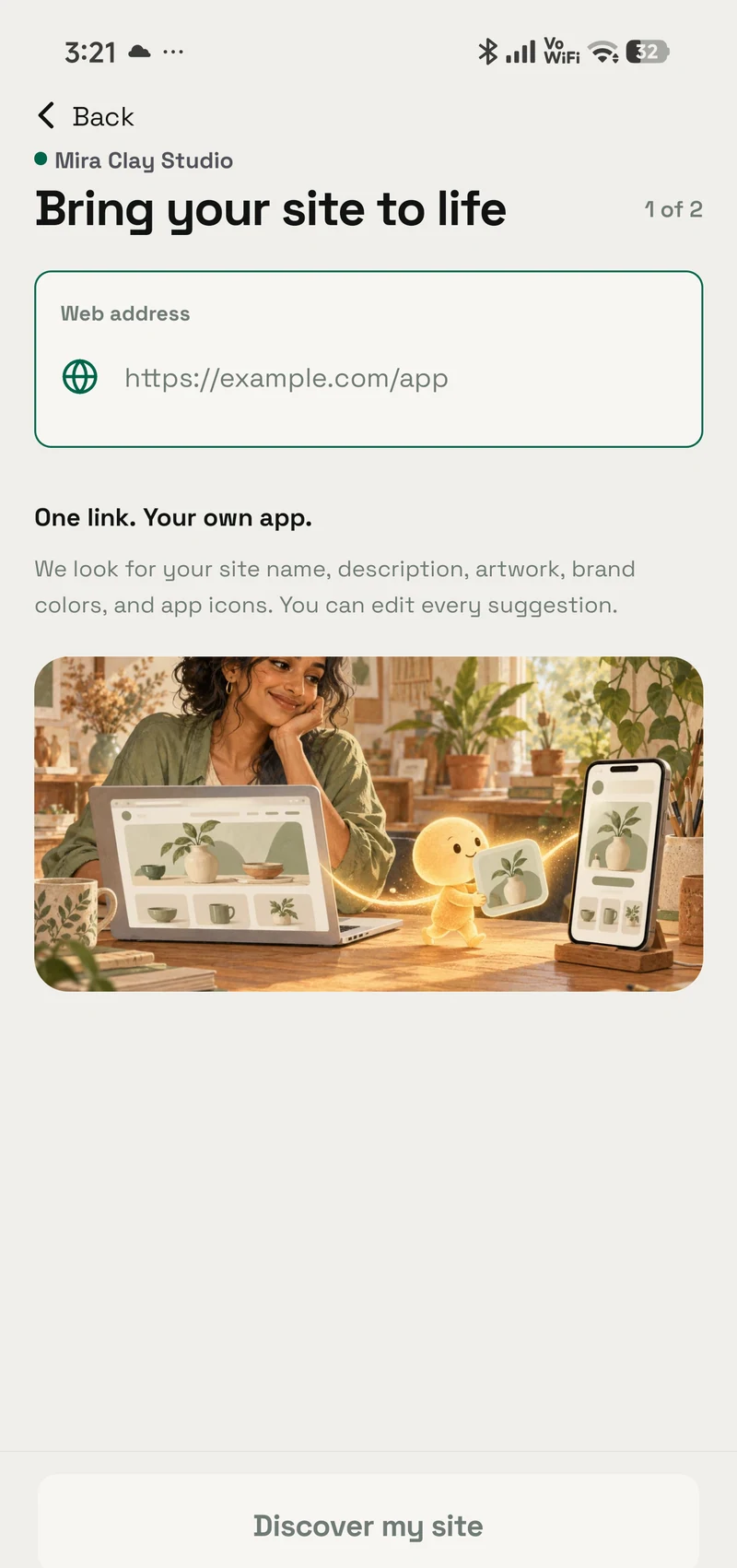
Use a website you control at a stable HTTPS address. OpenAlly checks it and suggests a name, colour and icon from the page.
Make the entrance yours
Review the branding, write a welcome line and choose the launch-screen treatment. Change the suggested icon or make one with your connected image provider.
Choose what the app can do
Set link handling, pull to refresh and downloads. Switch on camera, microphone, location or notifications only when your site needs them.
Keep the key to your app
Your first build creates its signing key on your device. Back it up so you can sign future versions and unlock the AAB for a store submission.
Interactive walkthrough
From a link to something you can install.
Walk through a sample shop app. The choices and files below show the process; this preview does not build or download an app.
Step 1 of 4
Start with Theo’s pottery shop.
Theo already has a site with a product catalogue. He gives OpenAlly its address and reviews the details it finds.
Site checked
Your website
Your website, ready for Android.
- Website
- studio-north.example
- App name
- Studio North
- Brand colour
- Terracotta
The website supplies the starting point. You can edit the suggestions.
Setup
Get started.
Set up the parts you need, then work directly in the app or bring in an agent.
Explore the full Web to App guide- 01
A stable HTTPS website
Use a site you control, including a path such as /app. Temporary tunnels and token-bearing links are refused.
- 02
OpenAlly on Android or Mac
Open Web to App, add the address, and review the branding and features. An agent with the Web to App skill can guide the work.
- 03
Your own release decisions
Keep a signing-key backup. A Play release also needs your own developer account, listing, screenshots and policy review.
Example requests
Ask your agent.
“Turn my website into an Android app.”
“Check this site and suggest an app name and icon.”
“Build the APK, then help me back up the signing key.”
Frequently asked questions
Before you start.
Can I use a site made in App Builder?
Yes. Publish it at a stable HTTPS address first, then use that address in Web to App. Building and packaging are separate steps.
Can I build on a Mac?
Yes. The catalogue supports building on Android and Mac. The APK and AAB it produces are Android packages.
Does this publish to Google Play for me?
You save the signed AAB and submit it through your own Play Console account. OpenAlly does not upload the app or promise that the store will approve it.
What happens when my website changes?
The app loads the site you run. Changes to app packaging, device features or branding can require a new build, signed with the same key.
Android, iPhone and Mac